
Quickdrop Shelf
Temporarily hold files and folders

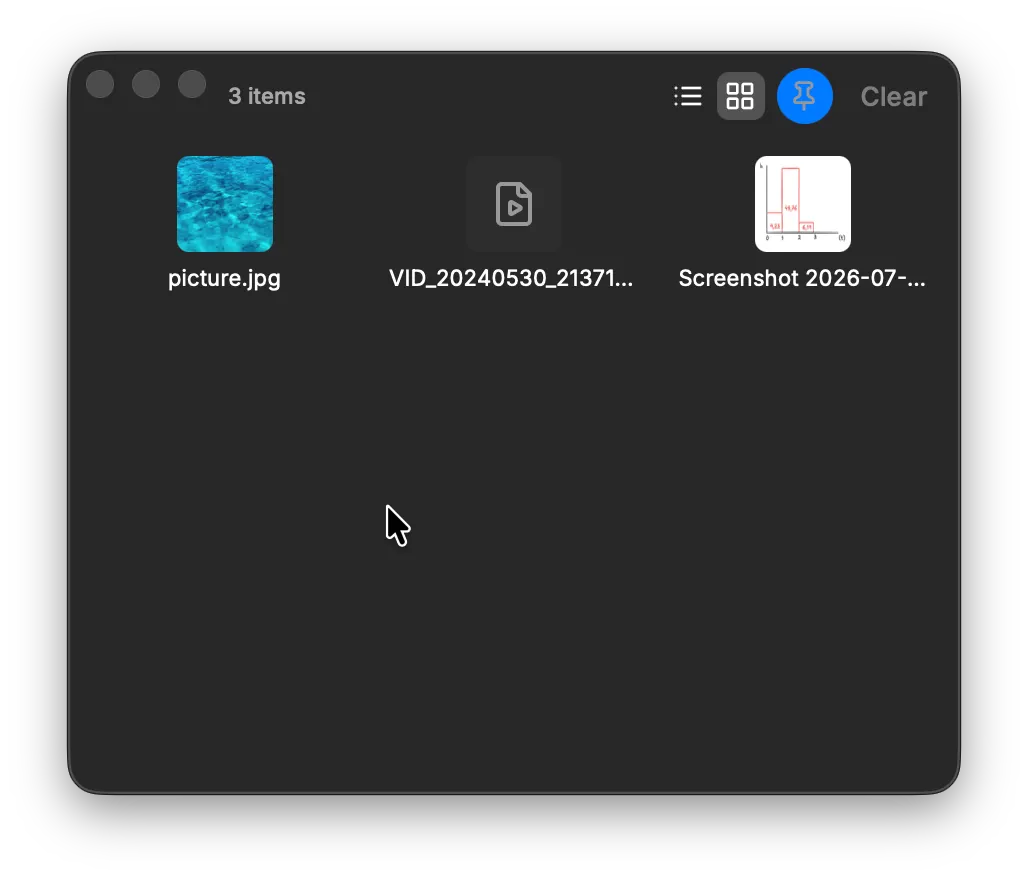
A lightweight desktop shelf for files and folders. QuickDrop Shelf gives you a convenient place to temporarily store files while you work, acting as a holding area between locations, projects, and tasks. Features: • Drag files and folders onto the shelf to keep them within reach, then drag them back out whenever you’re ready to place them somewhere else. • Use it as a temporary workspace for collecting items before organizing, copying, or moving them to their final destination. • Switch between list and icon views to browse your files in the way that suits your workflow. • Enable Always on Top mode to keep your shelf visible while working in other applications. • Access QuickDrop directly from the menu bar with a live item count, or use a global keyboard shortcut to instantly show or hide the window from anywhere. Whether you’re rearranging folders, sorting downloads, gathering attachments, or moving files between Finder windows, QuickDrop provides a simple, persistent shelf where your files can stay until you decide where they belong. If QuickDrop has made your workflow easier and you’d like to support its continued development, donations are always appreciated. PayPal: https://paypal.me/christosbouronikos