AudioRoute Pro
Audio That Follows Your Workflow

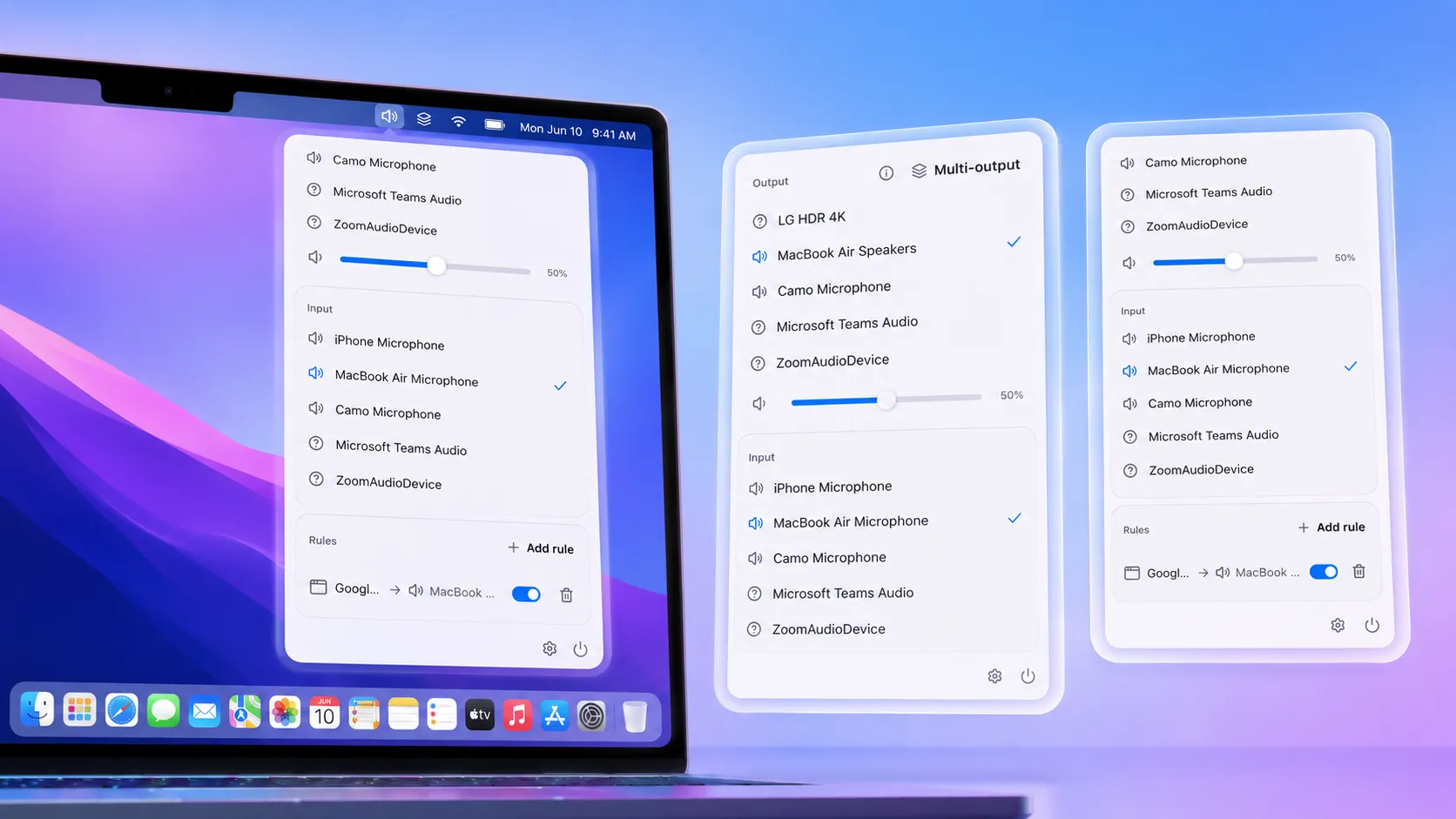
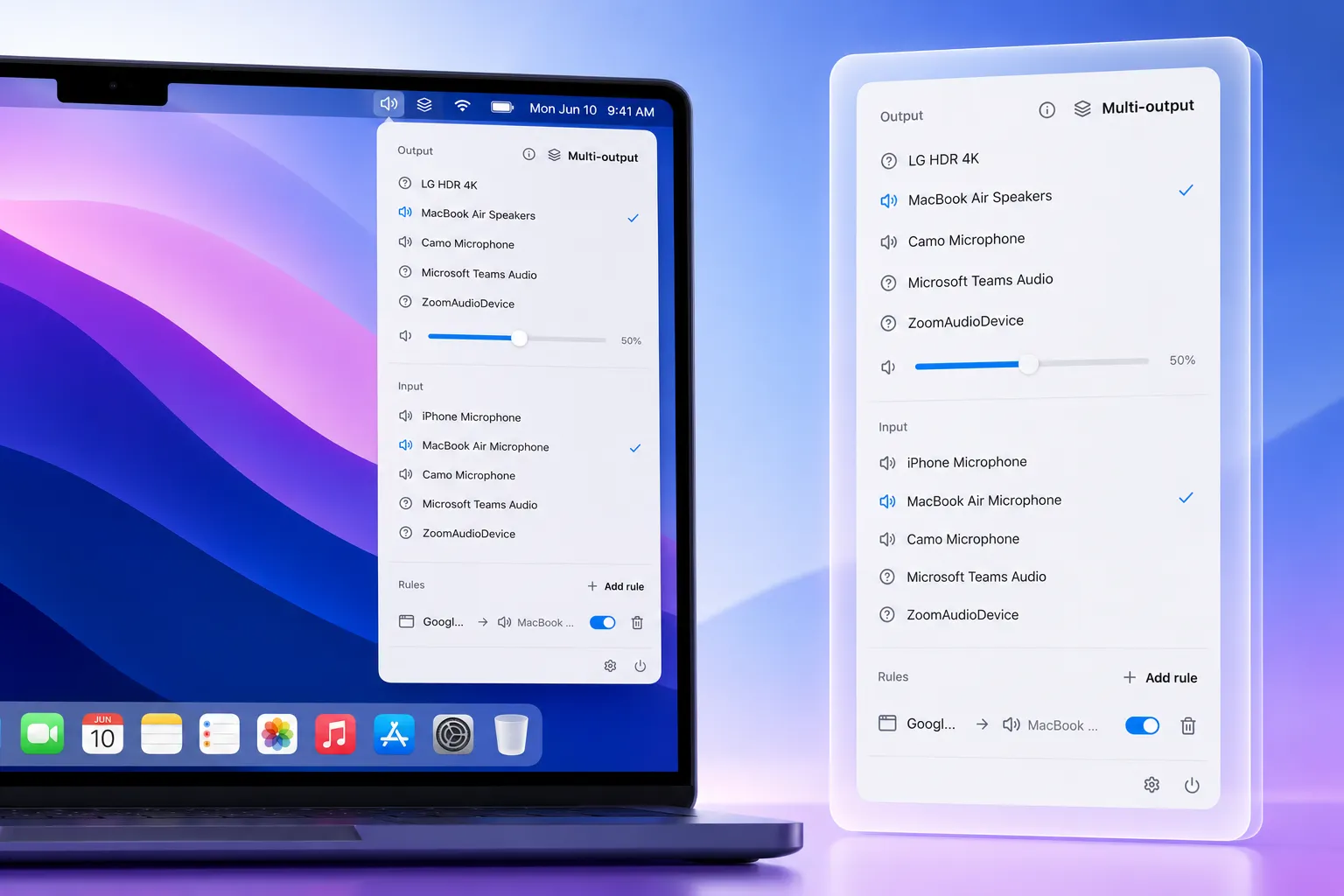
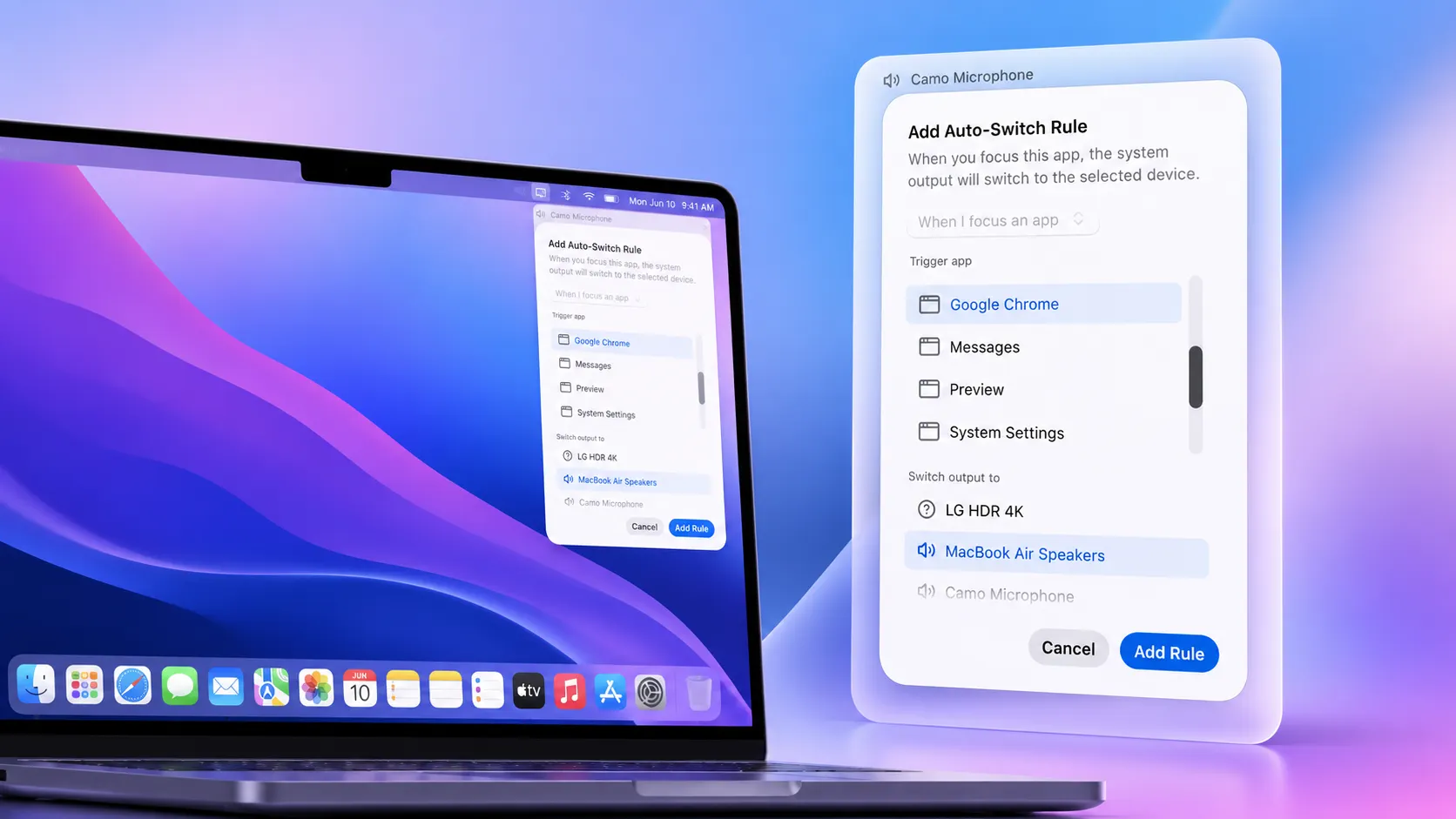
Route audio from your Mac applications to different output devices with a single click. Instantly switch between speakers, headphones, Bluetooth devices, USB audio interfaces, HDMI displays, and more—without opening System Settings. Key Features -One-click audio output switching directly from the menu bar -View all connected audio devices organized by type (Built-in, Bluetooth, USB, HDMI, Displays, and more) -Automatic audio switching when devices connect or when specific apps are launched -Real-time volume and mute status monitoring -Fast, lightweight, and designed for everyday productivity Common Use Cases 🎵 Music & Meetings at the Same Time -Listen to Spotify through external speakers while keeping Zoom, Microsoft Teams, or Google Meet audio on your AirPods or MacBook speakers. 🎧 Work From Home -Automatically switch audio to your headset when joining calls and back to your desk speakers when the call ends. 🎙️ Content Creators & Podcasters -Quickly move audio between studio monitors, USB audio interfaces, headphones, and external devices without interrupting your workflow. 🎮 Gaming & Streaming -Route game audio to speakers while keeping voice chat on a headset for clearer communication. 📺 External Monitor & TV Setups -Automatically switch audio to an HDMI monitor or TV when connected, and revert to your preferred device when disconnected. 💻 Multi-Device Workstations -Manage audio across docking stations, Bluetooth headphones, conference speakers, USB DACs, and multiple displays with ease. 🚶 Seamless Device Transitions -Connect your AirPods and have audio automatically move to them. Disconnect and instantly return audio to your preferred speakers. Why You'll Love It -Stop digging through system menus every time you change devices. Audio Router gives you instant control over your Mac's audio outputs, helping you stay focused, productive, and interruption-free throughout the day.