PromptPocket
Your notes, always at your fingertips

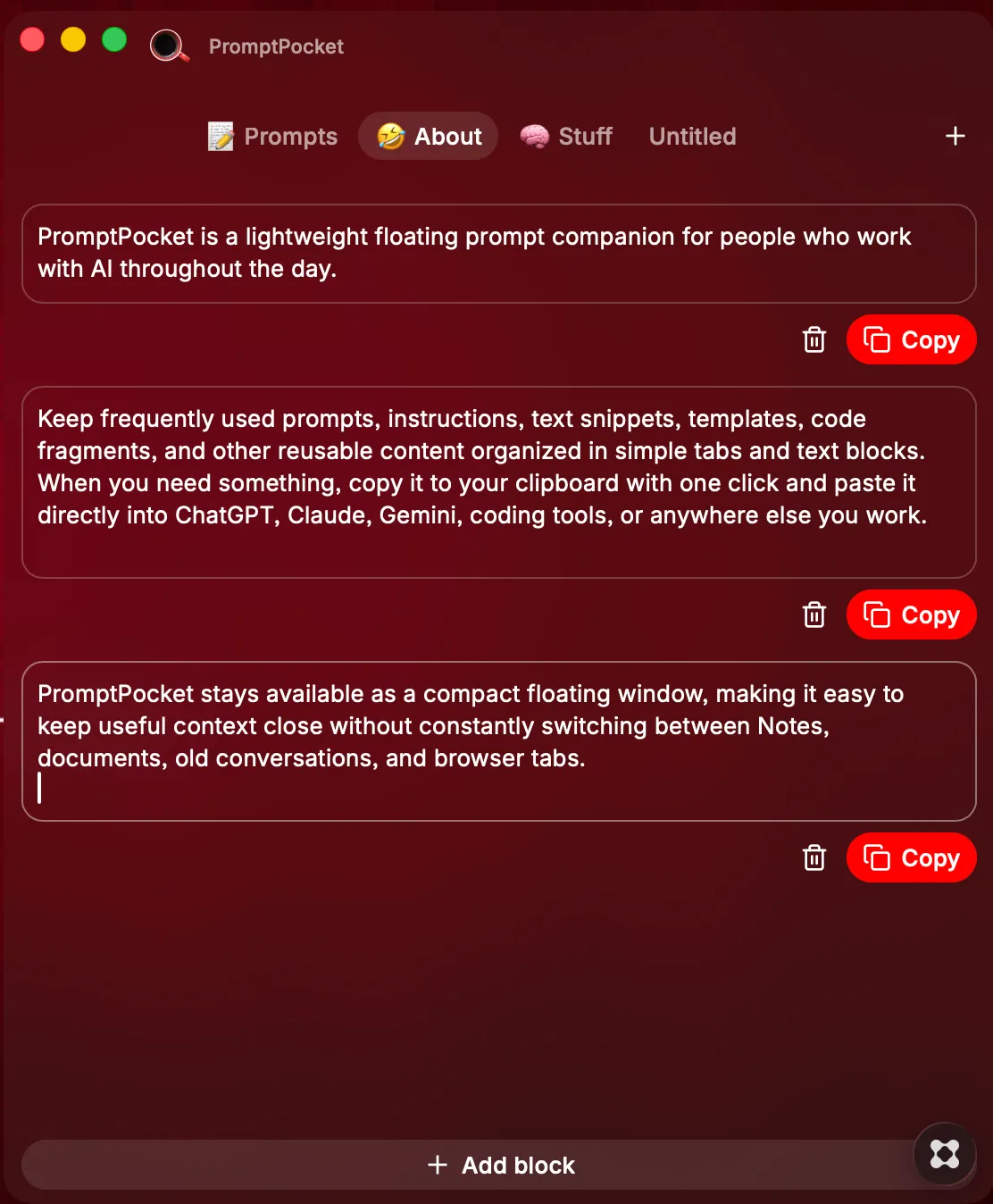
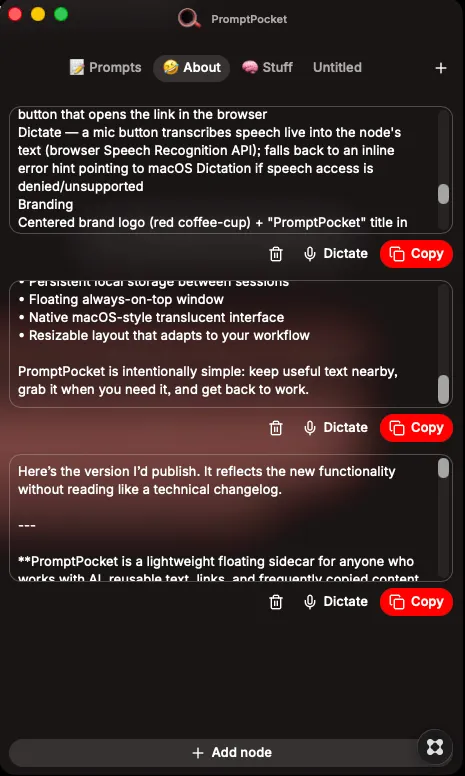
PromptPocket is a lightweight floating sidecar for anyone who works with AI, reusable text, links, and frequently copied content throughout the day. Keep prompts, instructions, notes, templates, code snippets, URLs, and other useful text organized in simple tabs and editable nodes. PromptPocket stays above your other apps, remains available across Spaces, and keeps the content you use most close at hand without constantly switching between Notes, documents, old conversations, and browser tabs. Each node is a flexible little piece of working context. Copy text to your clipboard with one click, paste directly from the clipboard into an empty node, launch saved URLs in your browser, or use speech dictation to capture ideas directly into a node. Features include: • Floating always-on-top window with native macOS-style frosted glass • Visible across Spaces and alongside full-screen apps • Freely movable and resizable layout • Multiple tabs for organizing projects and workflows • Editable text nodes for prompts, notes, snippets, code, instructions, and reusable content • One-click Copy with visual confirmation • Paste directly from the clipboard into empty nodes • Launch button for URL-only nodes • Voice dictation directly into nodes • Add, rename, and delete tabs • Add, edit, and delete nodes • Persistent local storage across relaunches • No external APIs or cloud services required for core functionality PromptPocket is intentionally simple: keep useful context nearby, move information in and out quickly, and stay focused on the work instead of hunting for the same text over and over again. Created by Rich Washburn richwashburn.com