MYO Yoto Card Assistant
Uses Glaze AIRenames converted audio files into short readable titles and generates kid-friendly sticker card art from your descriptions. AI usage is billed to your Glaze credits, with a daily cap.Awards EntryCreate custom Yoto cards from your media

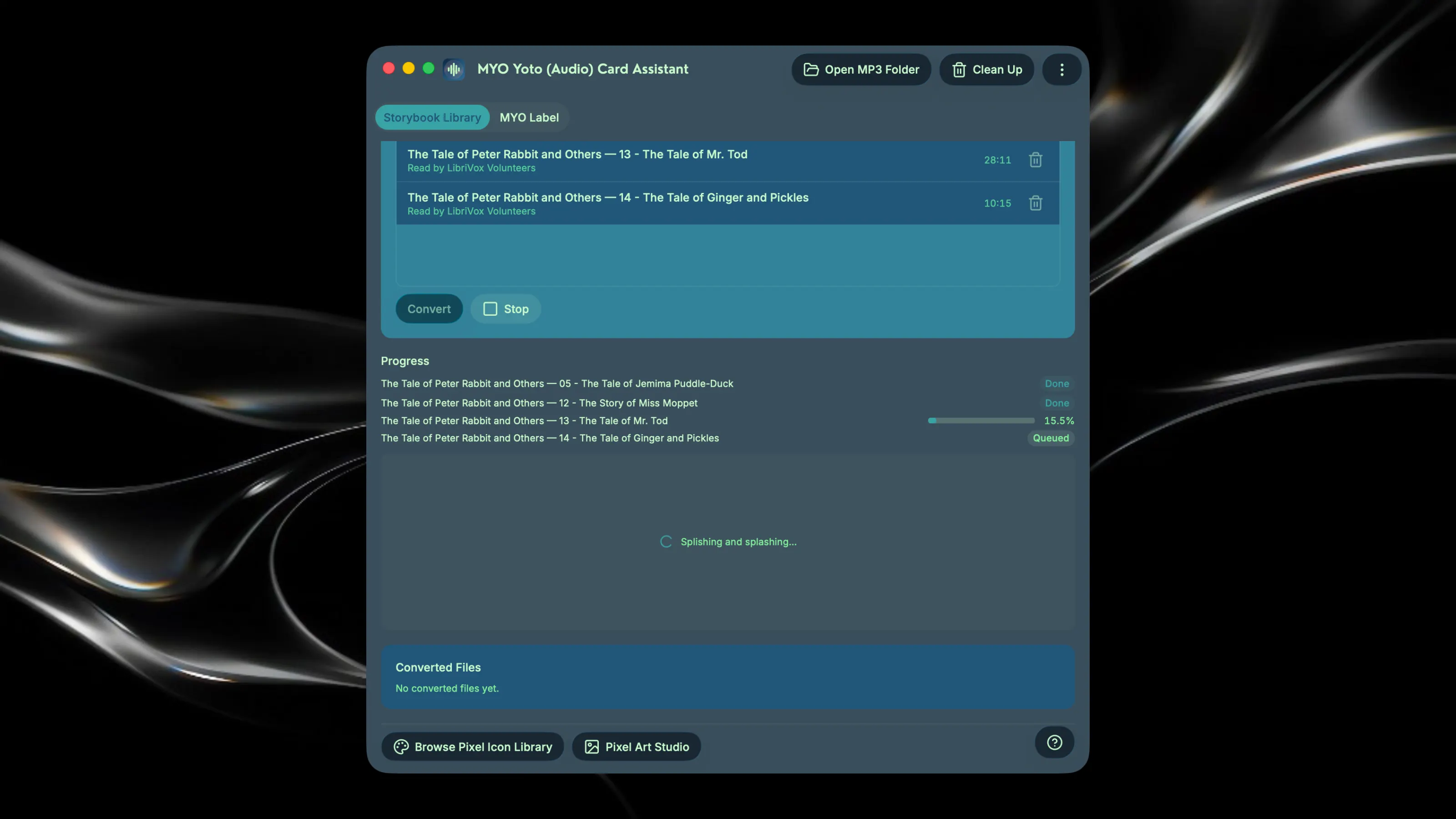
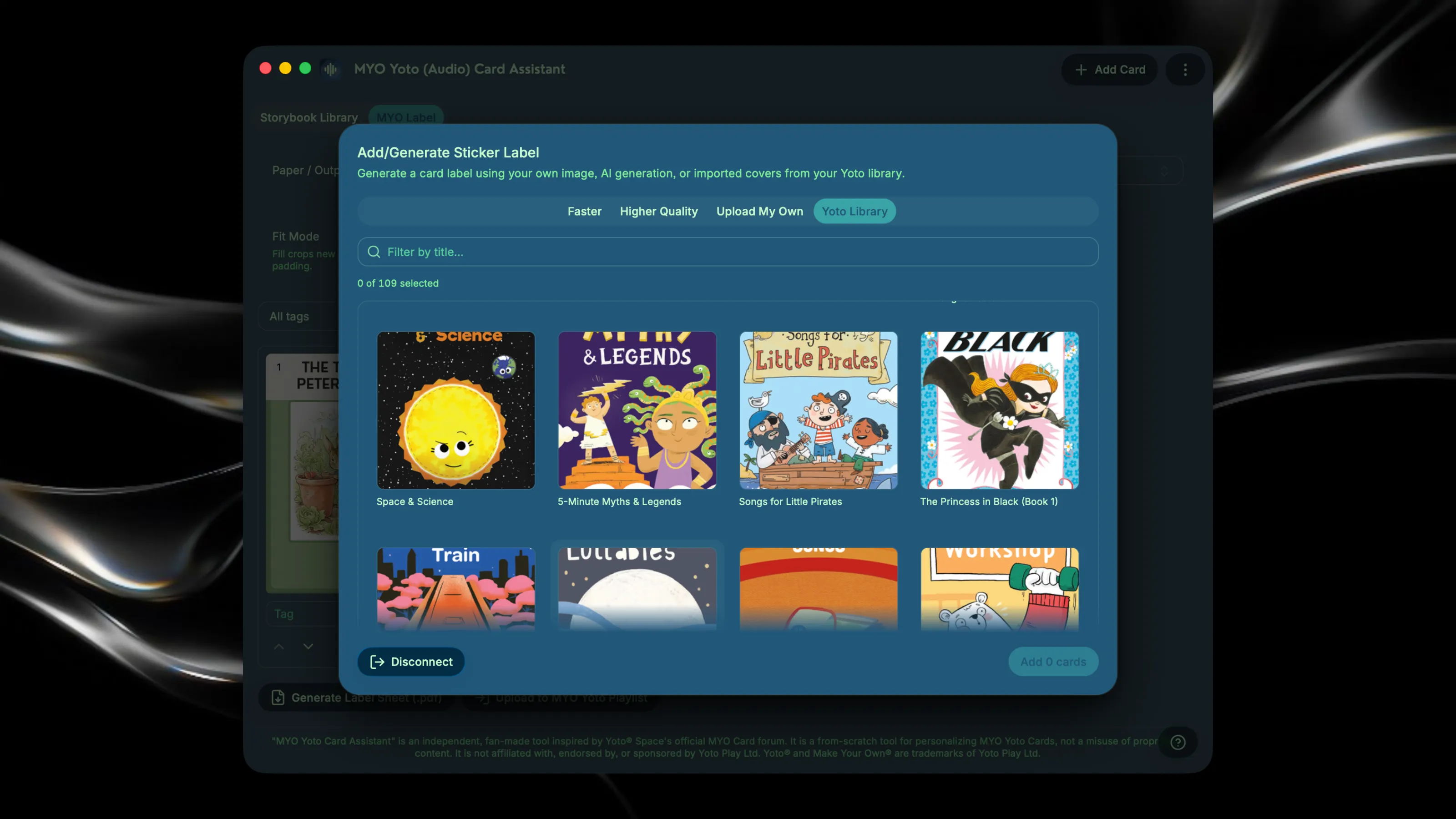
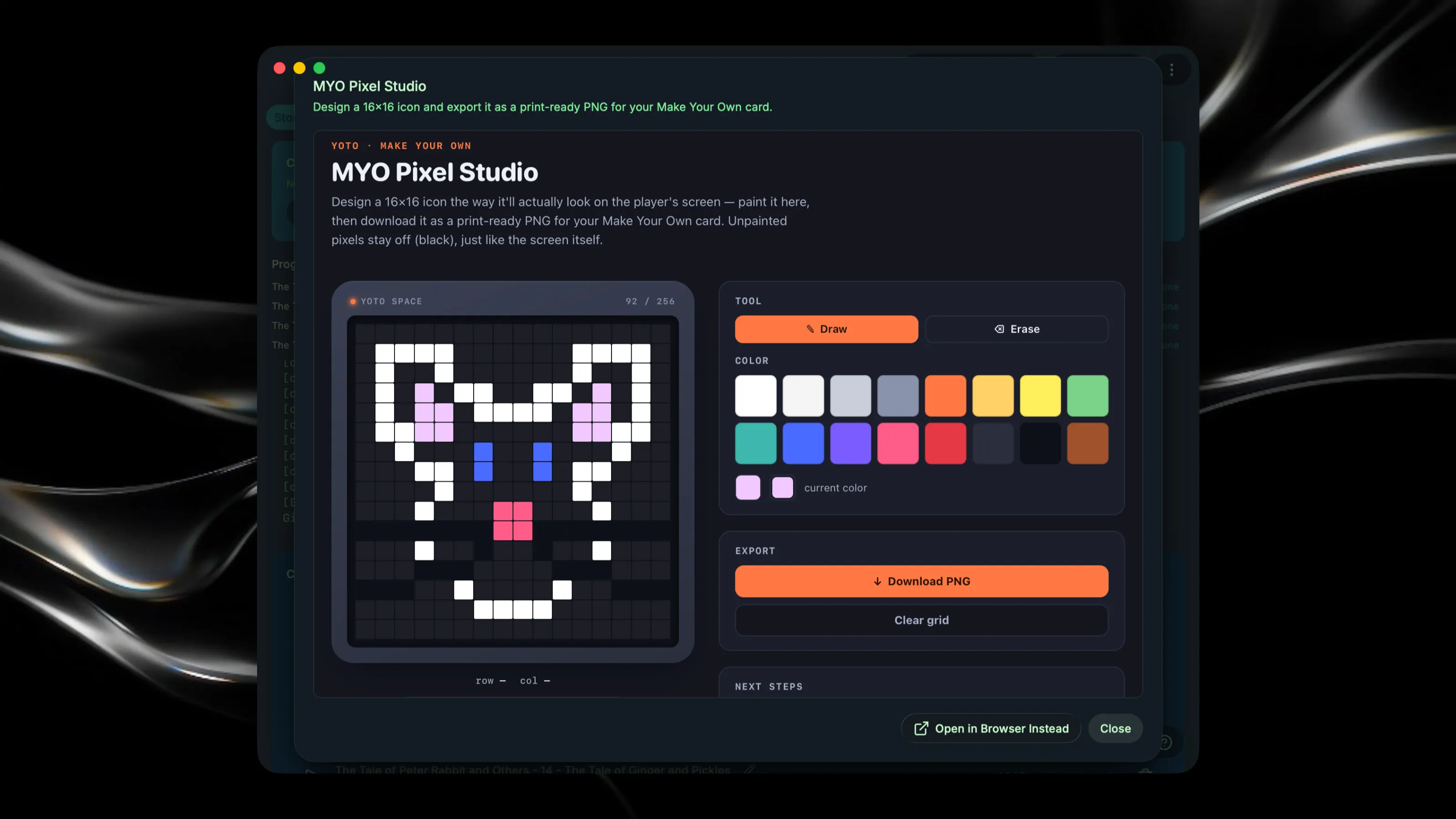
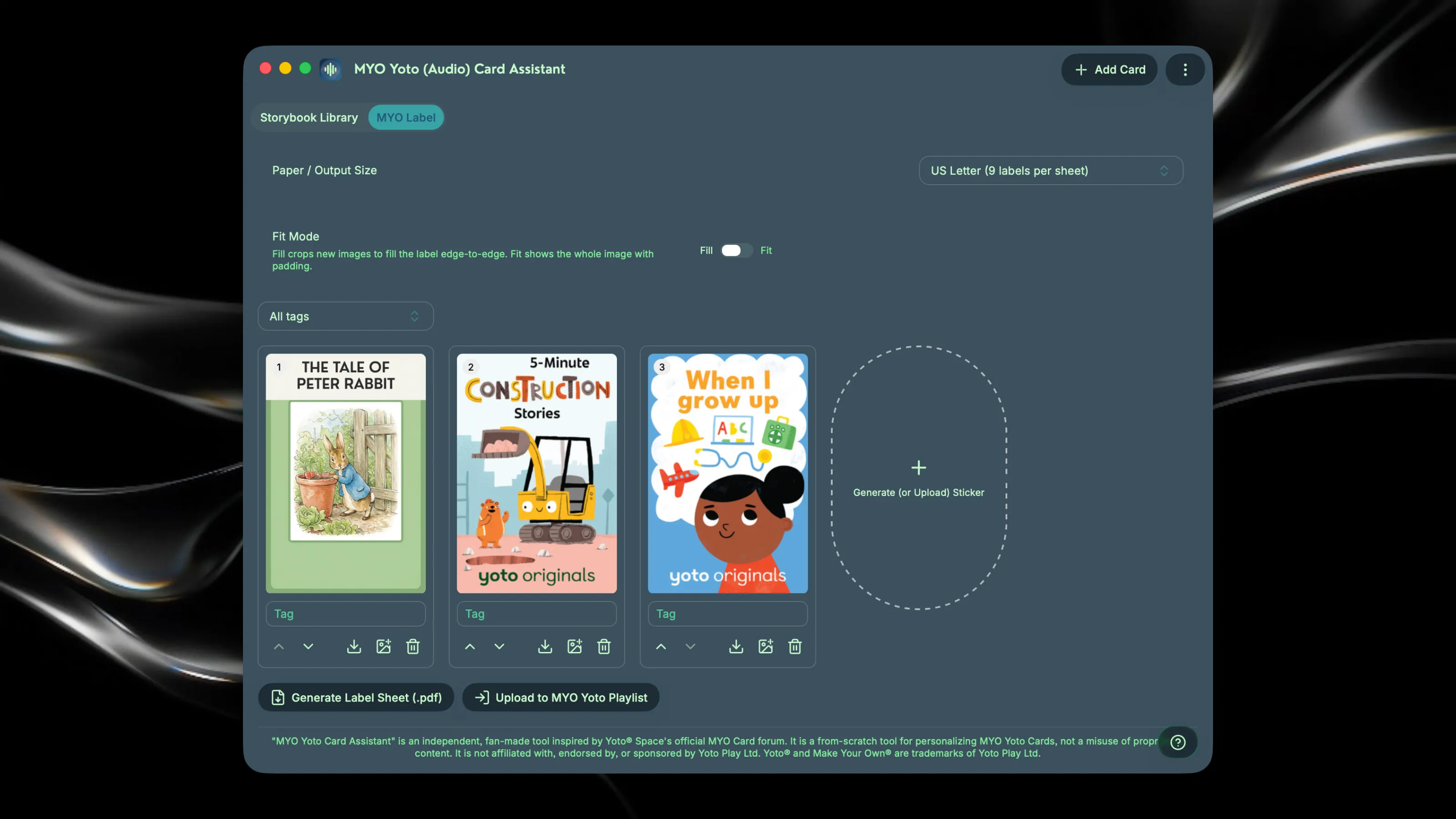
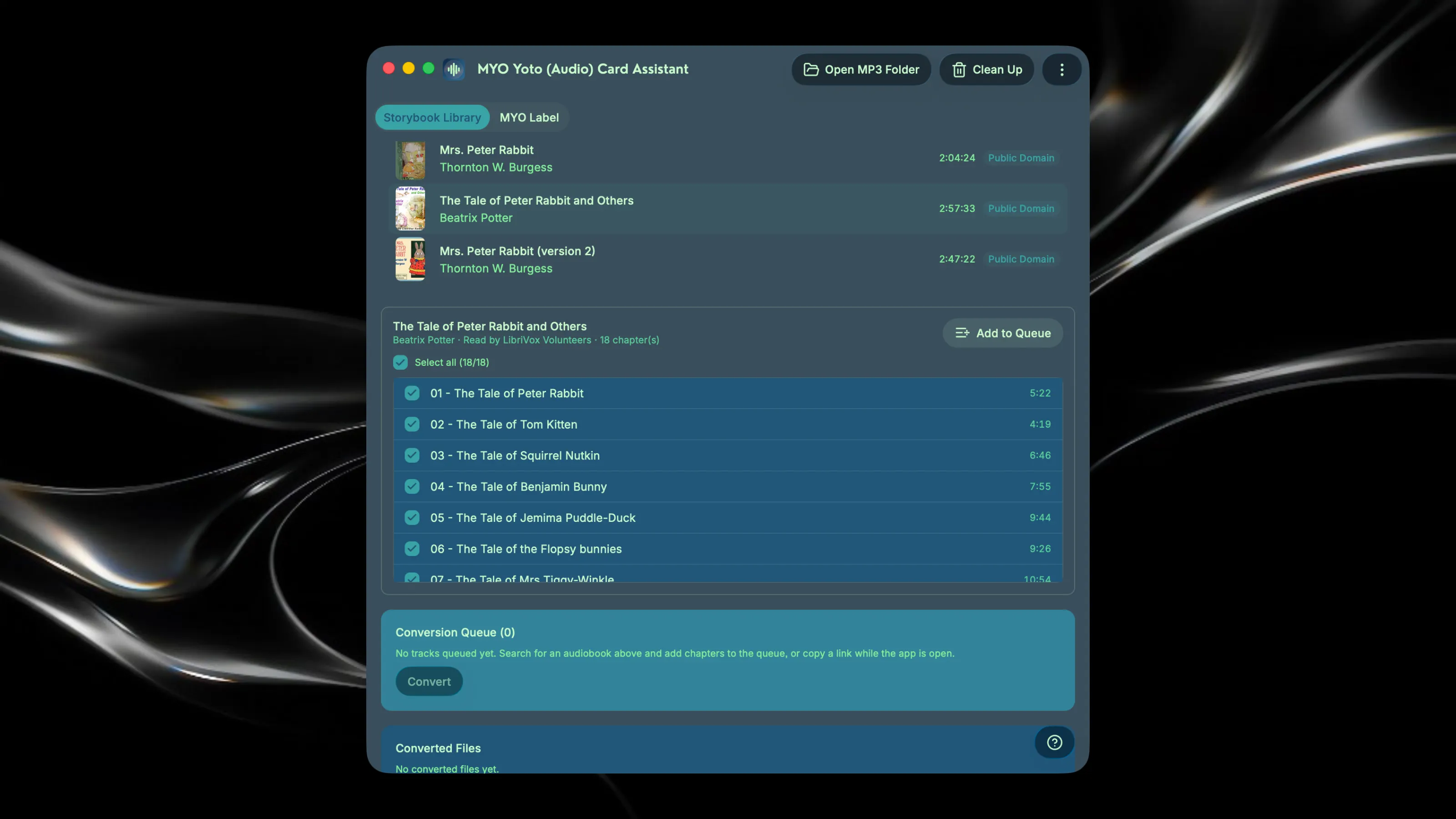
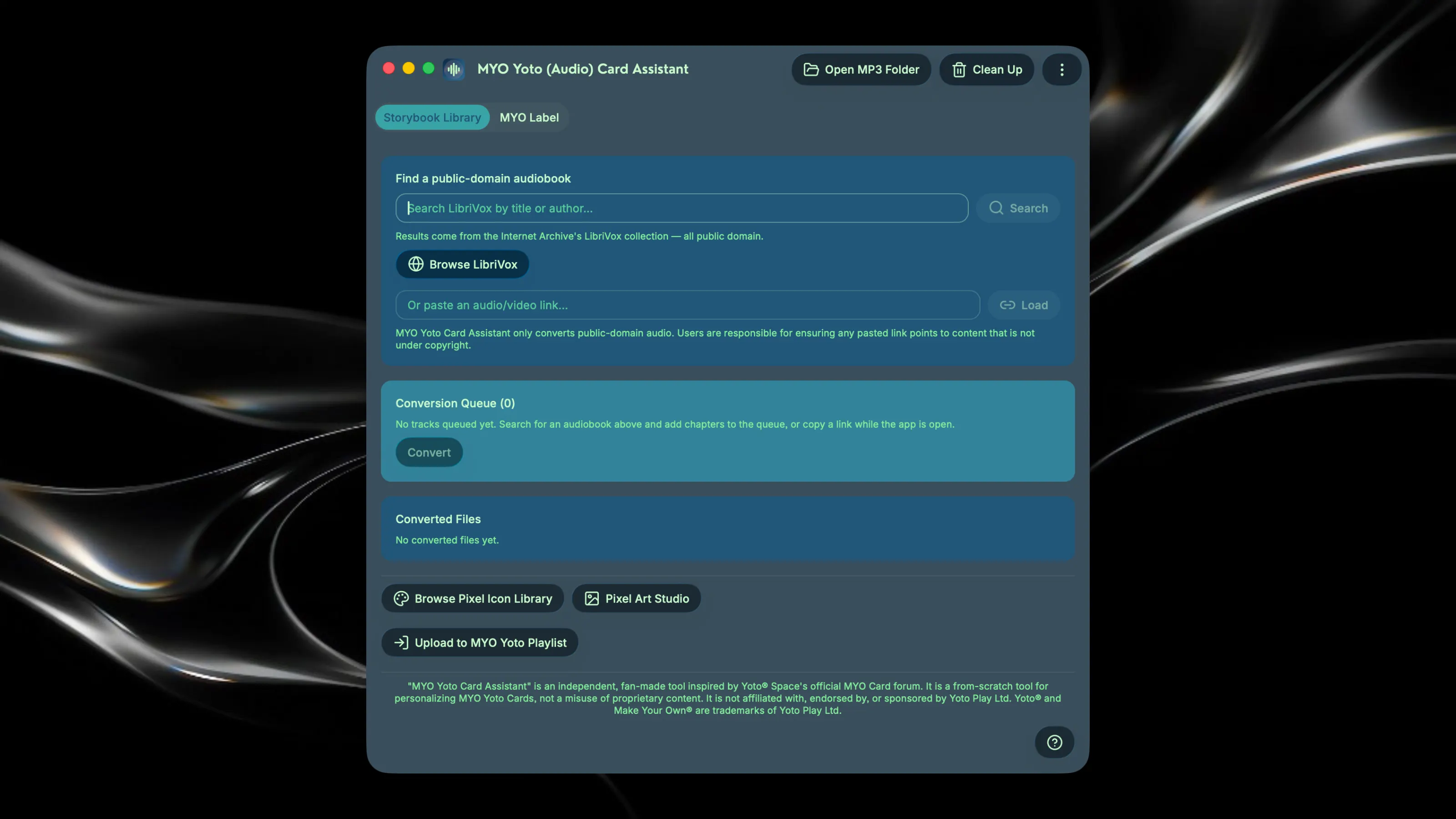
MYO Yoto Card Assistant handles the whole Make Your Own card pipeline in one place — find and convert audio, design track icons, and print ready-to-cut sticker labels for your Yoto card collection. Built by a parent tired of juggling separate tools for every step: hunting down public-domain audiobooks, converting files, locating pixel art, and designing labels for cards so my children can tell them apart. Key Features: - Search LibriVox's public-domain catalog (or paste a link), select chapters, and queue titles for MP3 conversion — duplicate detection log keeps you from converting the same file twice - Convert audio/video files to MP3 for upload to a Yoto MYO playlist - Design custom track icons with the built-in pixel art studio - Design sticker labels sized to real Yoto card dimensions. Upload your own design, use images from your existing Yoto library, or generate label images using the in-app AI tool. - Export print-ready sheets of pre-sized labels for easy printing. Disclaimer: "MYO Yoto Card Assistant" is an independent, fan-made project. It is not affiliated with, endorsed by, or sponsored by Yoto Play Ltd.