Furigana Reader
Read furigana of any on-screen Kanji

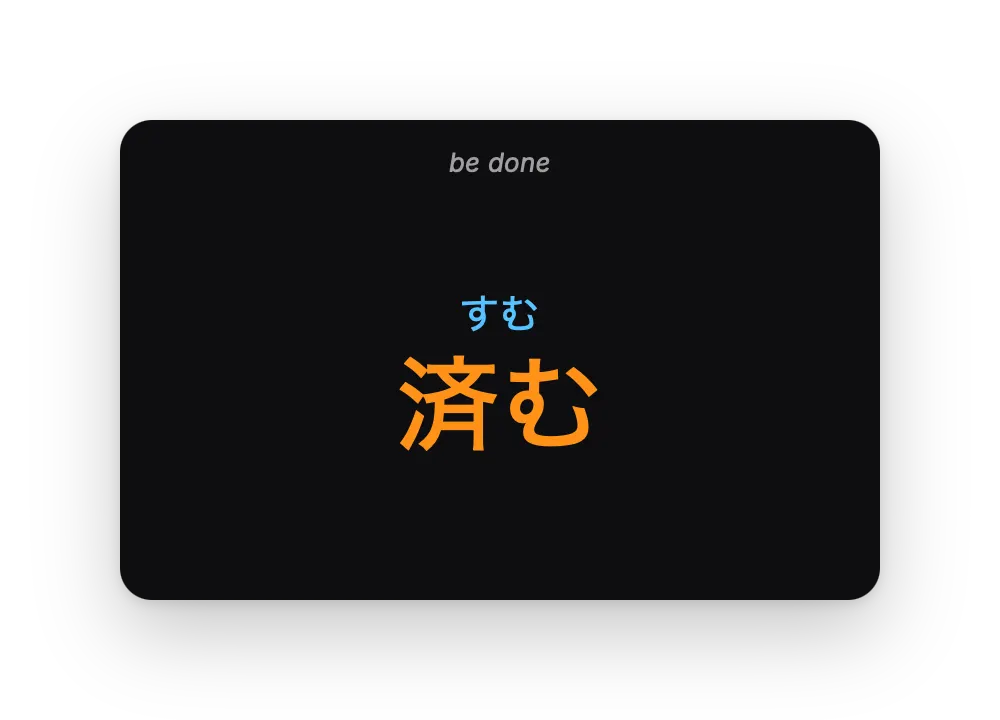
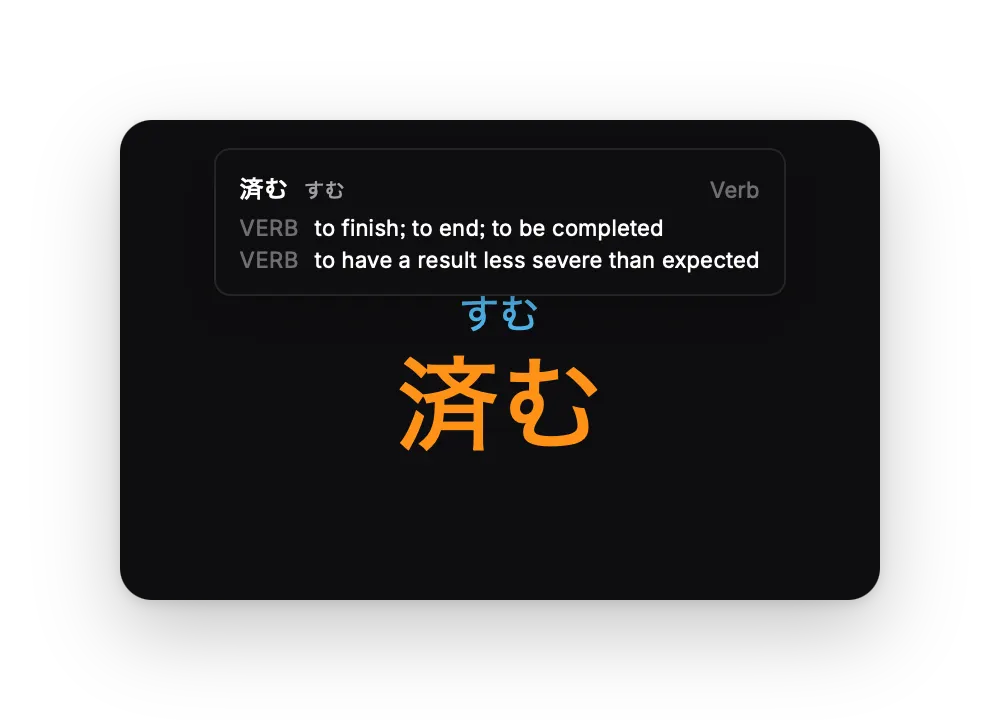
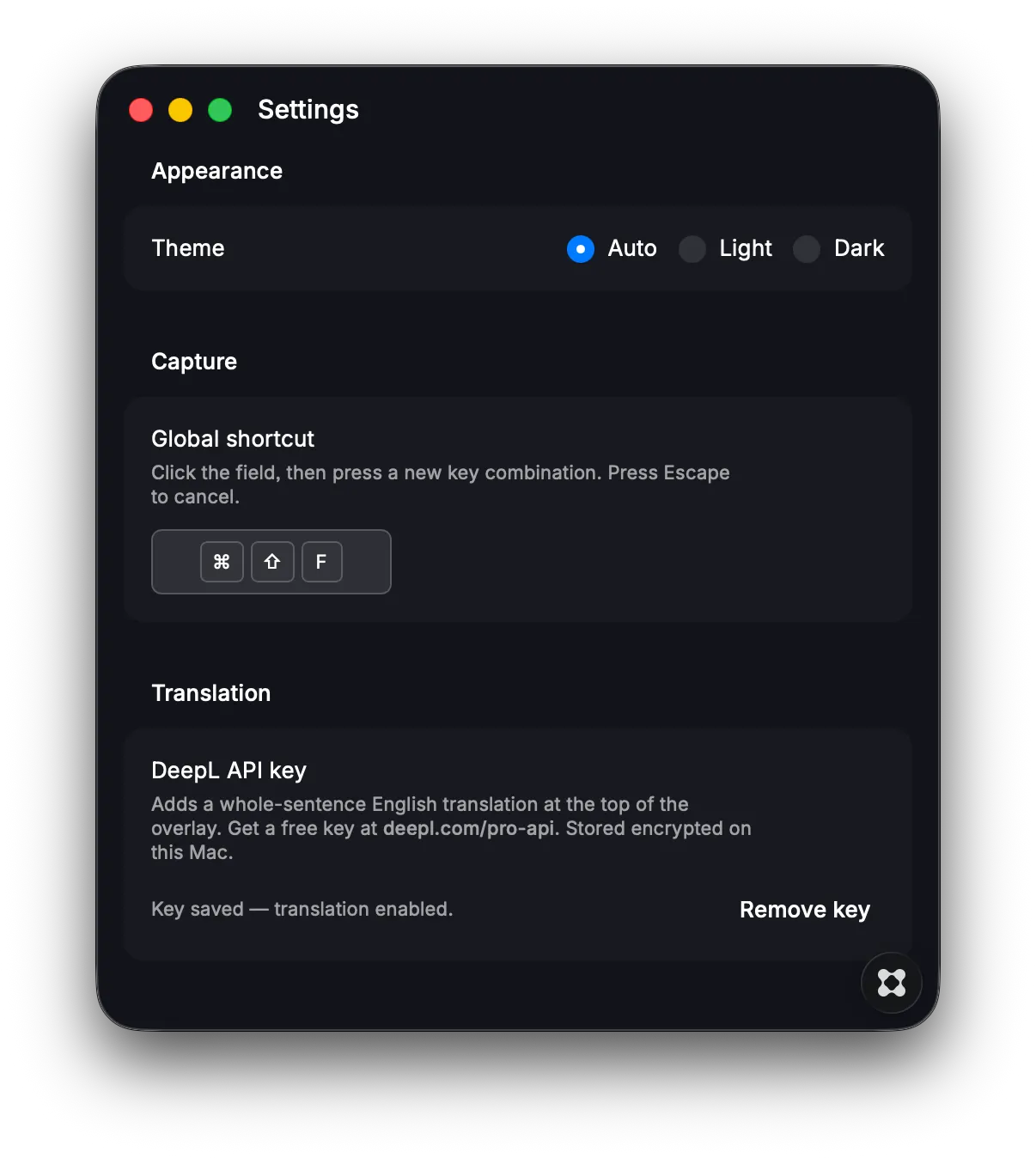
Instantly see furigana readings for any kanji visible on your screen by triggering a (customisable) hot key. There are good browser plugins for web content that do the same, but this app enables you to capture kanji off ANY character you see on-screen, such as videos, system UI and such. Easy to use: - Trigger hot key and drag crosshairs to cover any kanji character to see its hiragana - Floating overlay window displays readings positioned right where you need them - Hover over a word for its defintiion (BYOK) - Simply click anywhere to dismiss Customisable: Access settings from the menu bar to configure - Auto, light or dark mode - Change hot key trigger - DeepL API key Note: This is meant to provide quick hiragana and definitions for words, hence it will not capture blocks of text, thus encouraging you to understand each sentence the best you can instead of relying on a full translation.