Arrival
Connected drives into workflows.

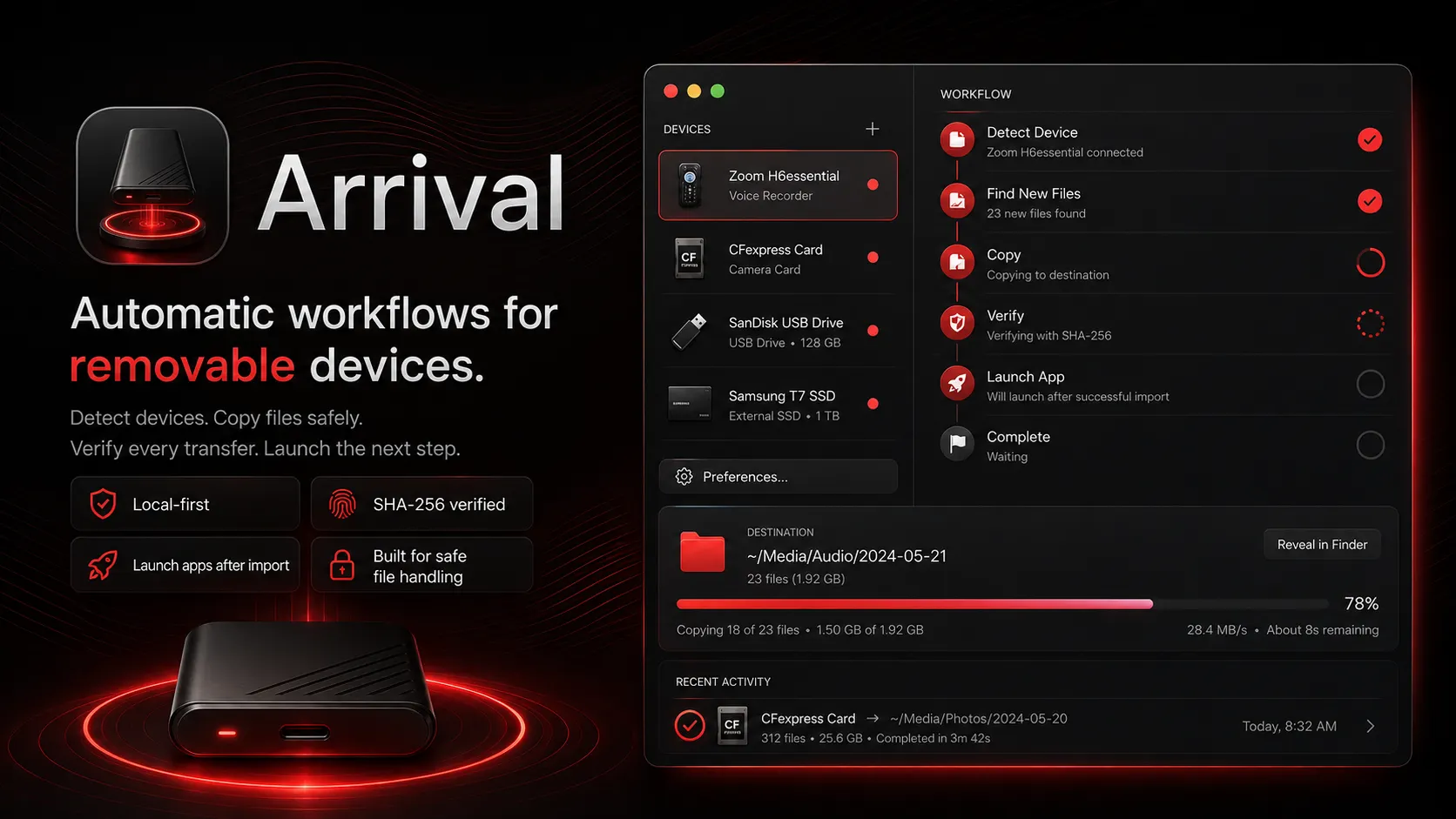
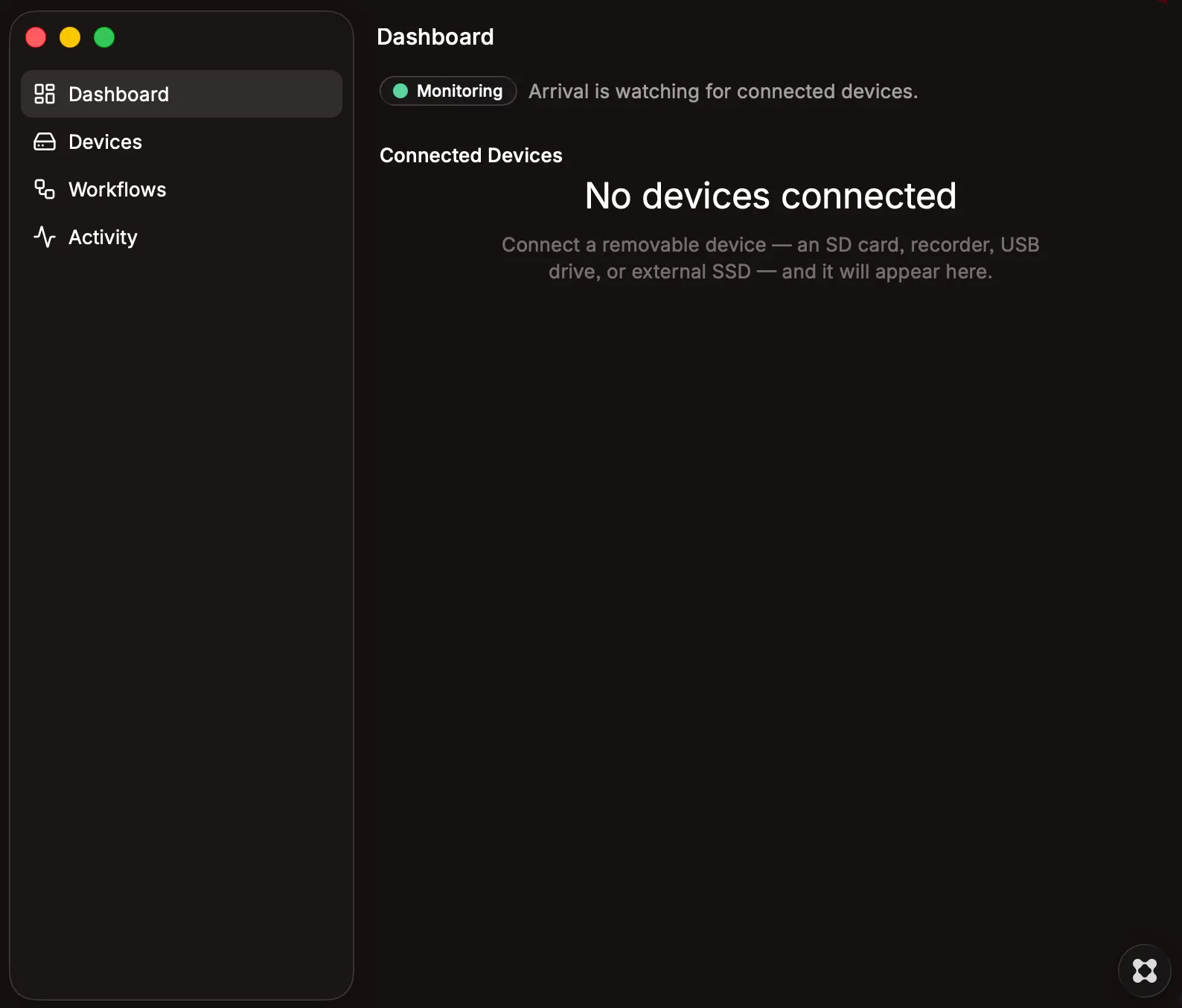
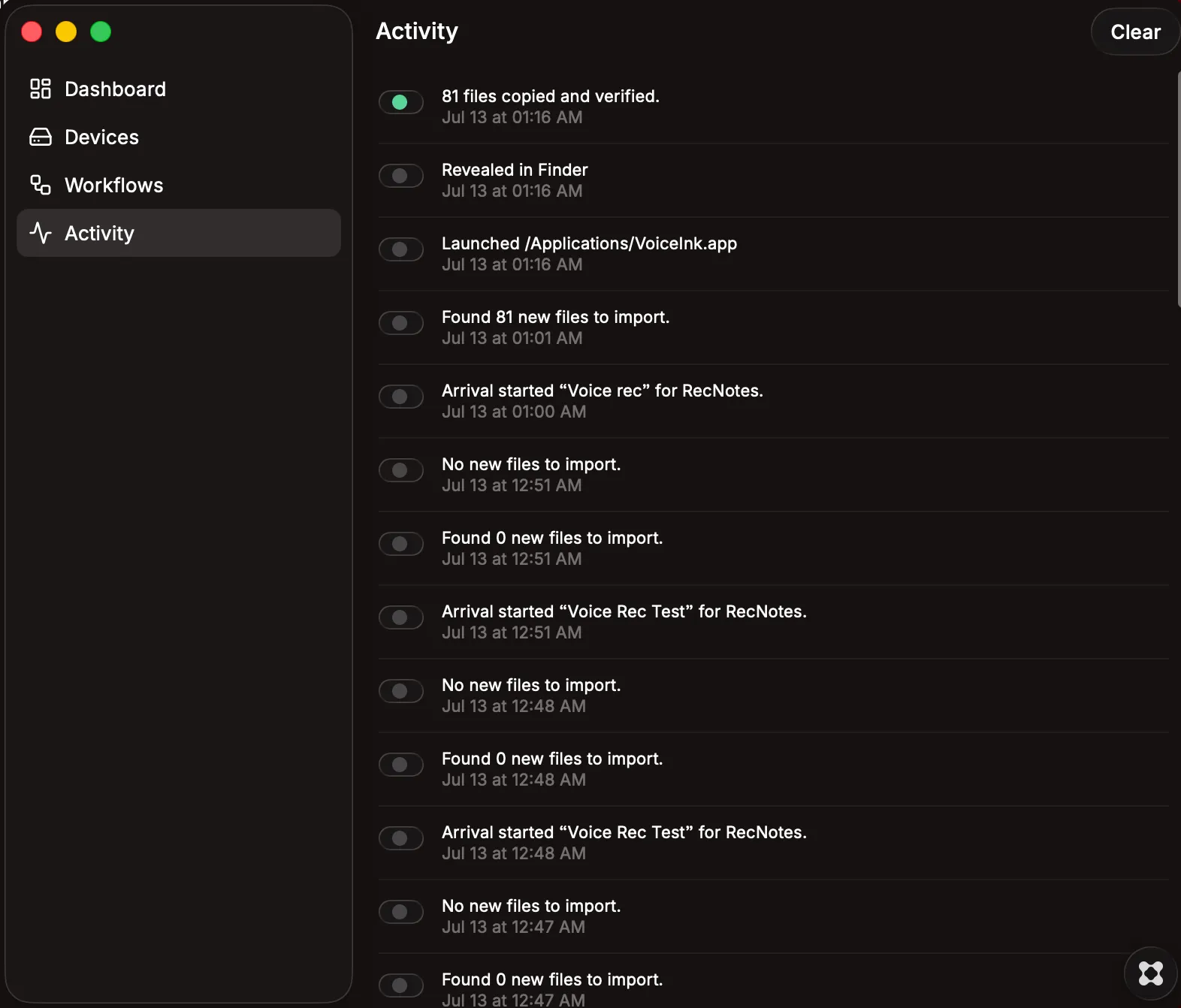
Arrival is a native macOS menu-bar utility that turns removable storage devices into automatic workflows. Register a voice recorder, camera card, USB drive, external SSD, or other removable device, then tell Arrival what should happen whenever it connects. Arrival can recognize the device, find the files you want, copy them to a selected folder, verify the transfer, launch another application, and let you know when the job is complete. Arrival is designed for photographers, videographers, audio professionals, attorneys, consultants, field researchers, and anyone who regularly moves files from removable storage into a repeatable workflow. For example, you can configure Arrival to detect a voice recorder, find its new audio files, copy and verify them, organize them into a dated folder, and then launch your transcription application. A photographer can assign a different workflow to a camera card that imports selected media files and opens the destination in Lightroom, Capture One, Photo Mechanic, or another application. Features in Arrival 1.0 Native macOS menu-bar app Runs in the background while its main window is closed Detects connected removable drives and memory cards Register and name individual devices Writes a secure Arrival identity tag to configured devices Recognizes known devices when they reconnect Create reusable workflows and assign them to multiple devices Browse and select a specific source folder on a connected device Filter files by extension and include subfolders when needed Import all matching files, the newest files, or files not previously processed Copy files using a safe temporary-file process Verify transfers with SHA-256 hashing Track processed files to prevent repeat imports Choose how duplicate files are handled Create dated destination folders Use basic folder and filename templates Show live transfer progress Cancel an active transfer Reveal the destination in Finder Launch a selected application after import Open imported files with another application Optionally eject the device when finished Native macOS notifications Distinct status sounds Optional spoken completion and error announcements Activity history for completed, cancelled, and failed workflows Automatic recovery awareness for interrupted transfers Launch at login Quiet hours and privacy controls Built for safe file handling Arrival does not mark a transfer complete simply because a copy was started. Files are copied to a temporary destination, verified, and then moved into their final location only after the transfer succeeds. If a source device is disconnected, a destination becomes unavailable, or verification fails, Arrival reports the problem without presenting an incomplete file as a successful import. Arrival also keeps executable workflow settings on the Mac rather than trusting instructions stored on removable media. A practical first release Arrival 1.0 is the first public release of an actively developed application. The core workflow is functional and has already been used to import and verify real files from removable storage, including an 81-file voice-recording import followed by launching an external transcription application. This release focuses on the essential workflow: Connect a device → recognize it → find new files → copy and verify them → launch the next step → report the result. Additional workflow actions, templates, interface improvements, notification options, and automation features will continue to be developed. Arrival is local-first and does not require a cloud account to recognize devices, copy files, verify transfers, or maintain its activity history. Created by Rich Washburn richwashburn.com