Agent Dashboard
Visualize and track local agent activity

About Agent Dashboard
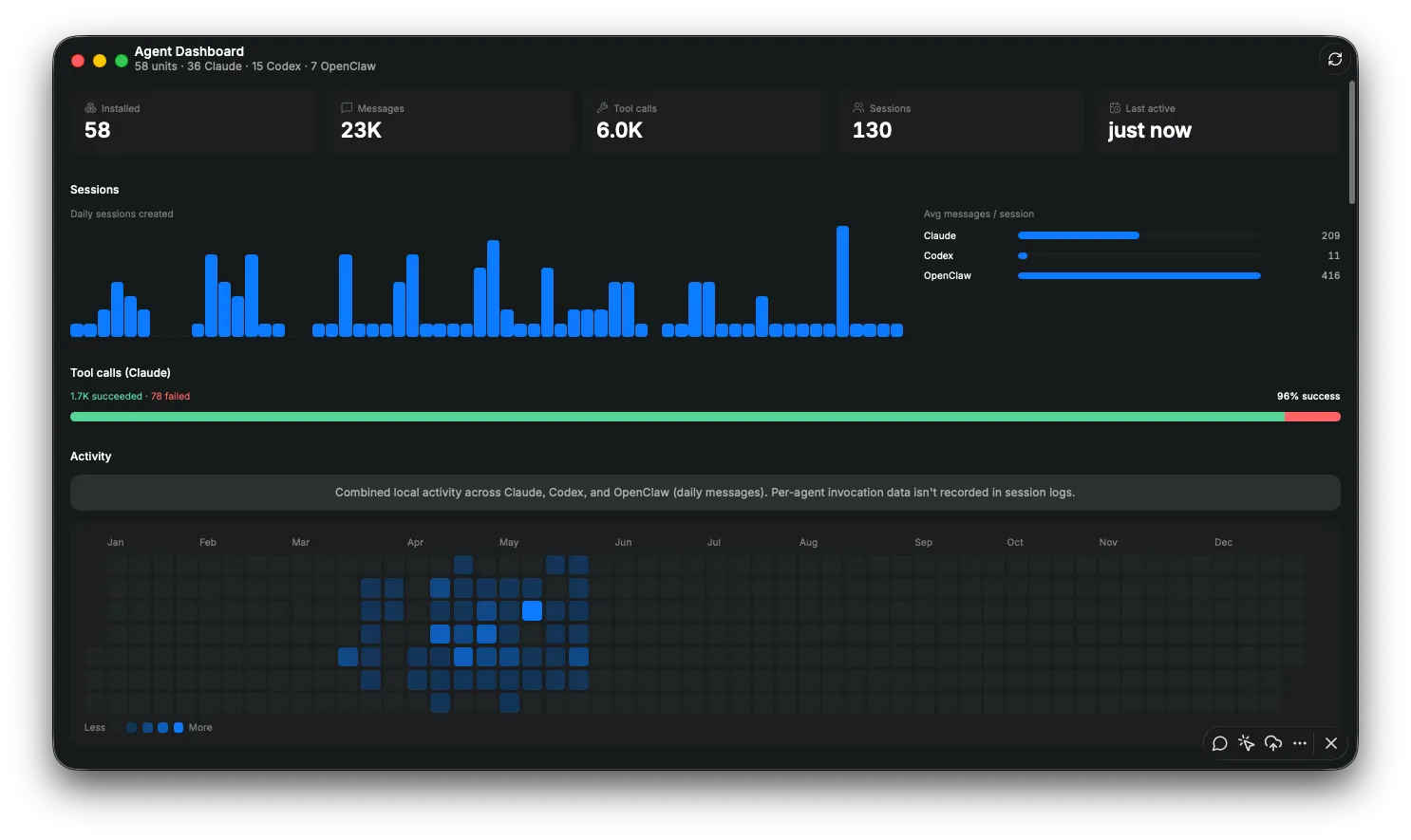
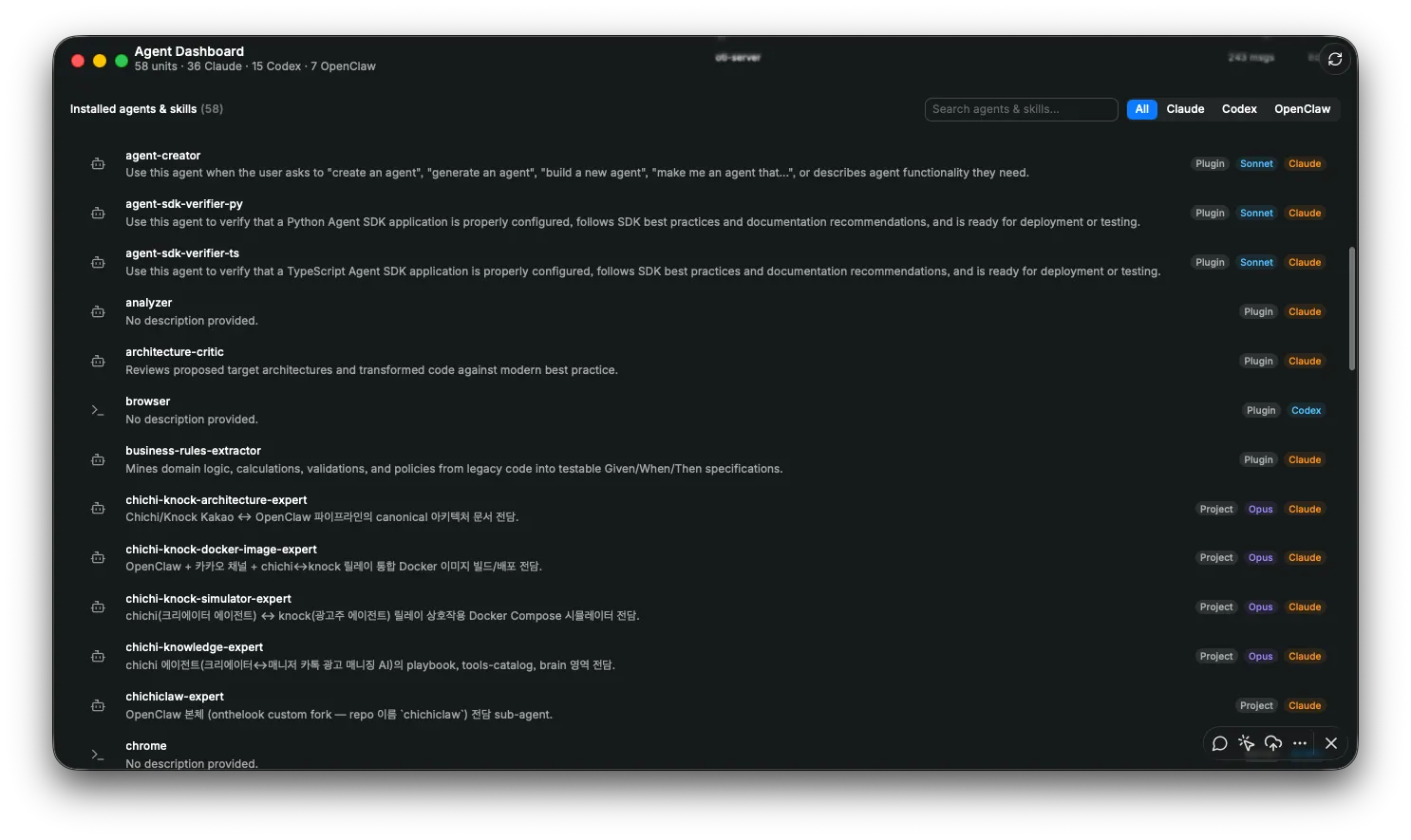
Agent Dashboard is a lightweight macOS app for understanding how you use coding agents across your local workflows. As more developers work with multiple agents across terminal, desktop, and custom setups, it becomes harder to see which tools are actually part of your daily flow. Agent Dashboard gives you a simple way to inspect that activity in one place. See your installed agents and skills, session activity, message volume, tool calls, recent usage, and activity trends through a focused dashboard built for local agent workflows. Features include: • Installed agents and skills overview • Search and filtering by agent type • Daily session and activity charts • Message and session statistics • Tool call success tracking • Activity heatmap • Usage breakdown by tool • Claude model usage insights • Clean macOS-style interface Agent Dashboard is built for developers and AI-heavy workflows where multiple coding agents are used side by side. It helps you answer a simple question: Which agents am I actually relying on? This app is focused on visibility. It does not replace your coding agents or change your workflow. It helps you understand your usage patterns so you can make better decisions about the tools you keep, improve, or retire. Currently, Agent Dashboard focuses on supported local logs and agent metadata available on your Mac.