Snippets
Your snippets, one keystroke away

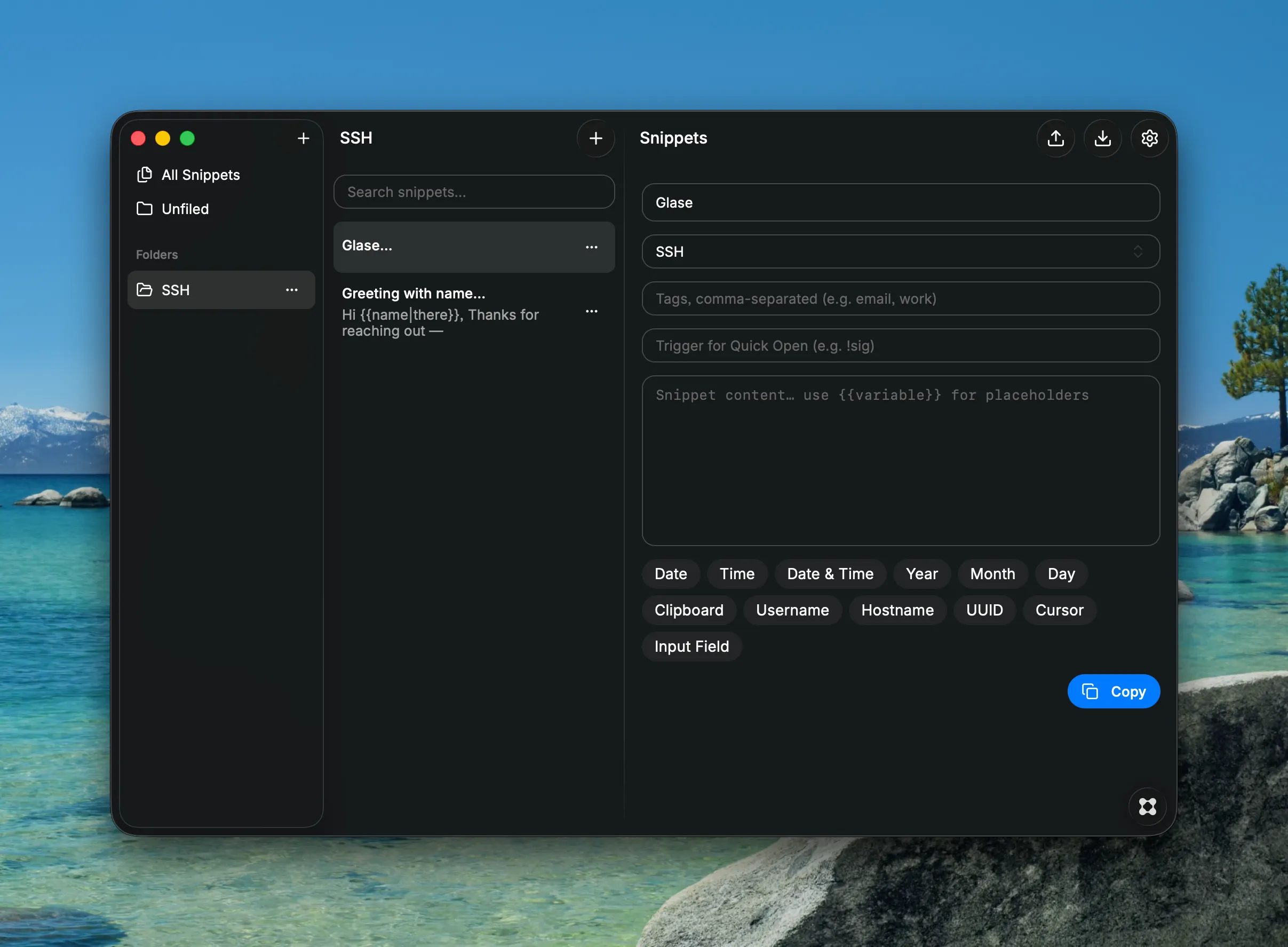
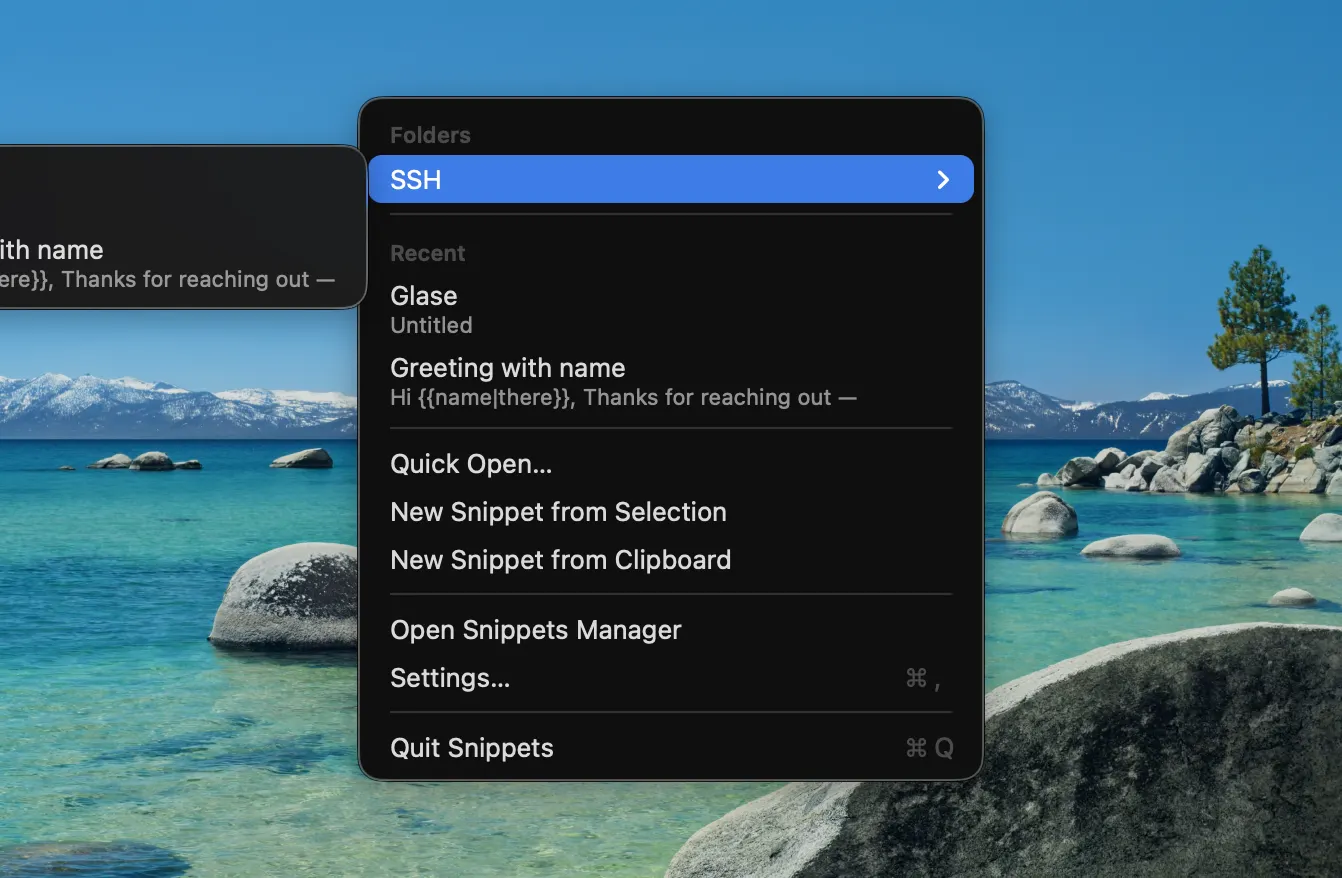
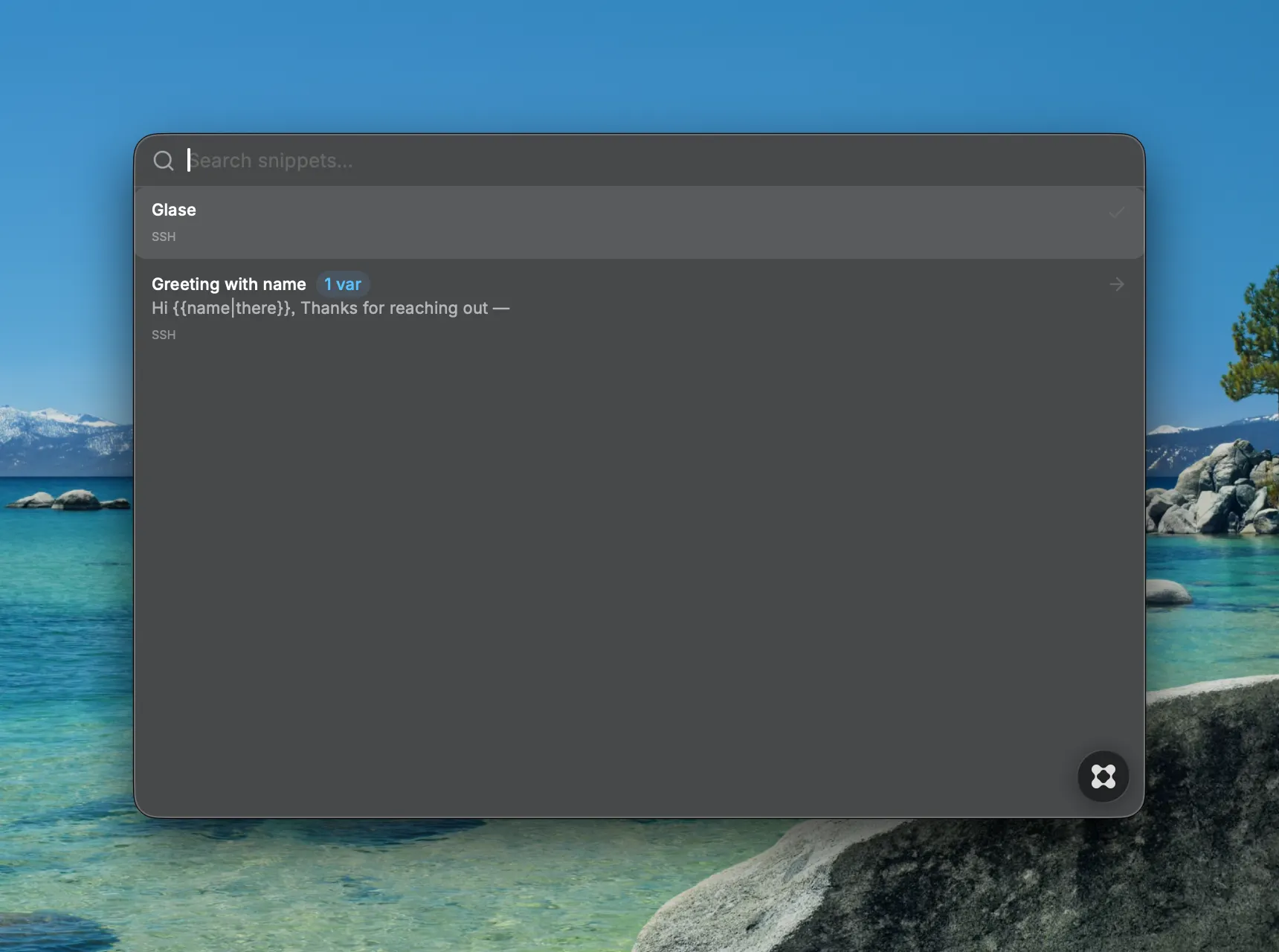
Snippets is a lightweight menu bar app that keeps your reusable text one click away — email replies, code blocks, signatures, addresses, anything you type more than once. Click the menu bar icon to browse Favorites, Folders, and Recent snippets, or hit ⌘⇧Space from any app to search. Pick a snippet and it pastes straight into wherever your cursor is — no switching windows, no manual copy-paste. Smart placeholders. Drop {{date}}, {{time}}, {{clipboard}}, {{username}}, {{uuid}} and more into your snippets — they fill in automatically on insert. Add {{cursor}} to control exactly where the caret lands, or {{field}} to get prompted fo Instant triggers. Give a snippet a trigger like !sig, then type it in rts the moment it matches, no Enter needed. Organized your way. Folders, tags, favorites, and manual ordering keepure new snippets from selected text or the clipboard in one step. Yours to keep. Everything is stored locally as plain JSON. Automatic b any folder — point it at iCloud Drive or Dropbox for effortless sync.Import and export anytime. Launch at login, optional global shortcuts, and a hideable menu bar icon make it as invisible — or as present — as you want. Auto-paste uses macOS Accessibility permission; without it, snippets are copied to the clipboard instead.