
Halo
Awards EntryRaycast for your cursor

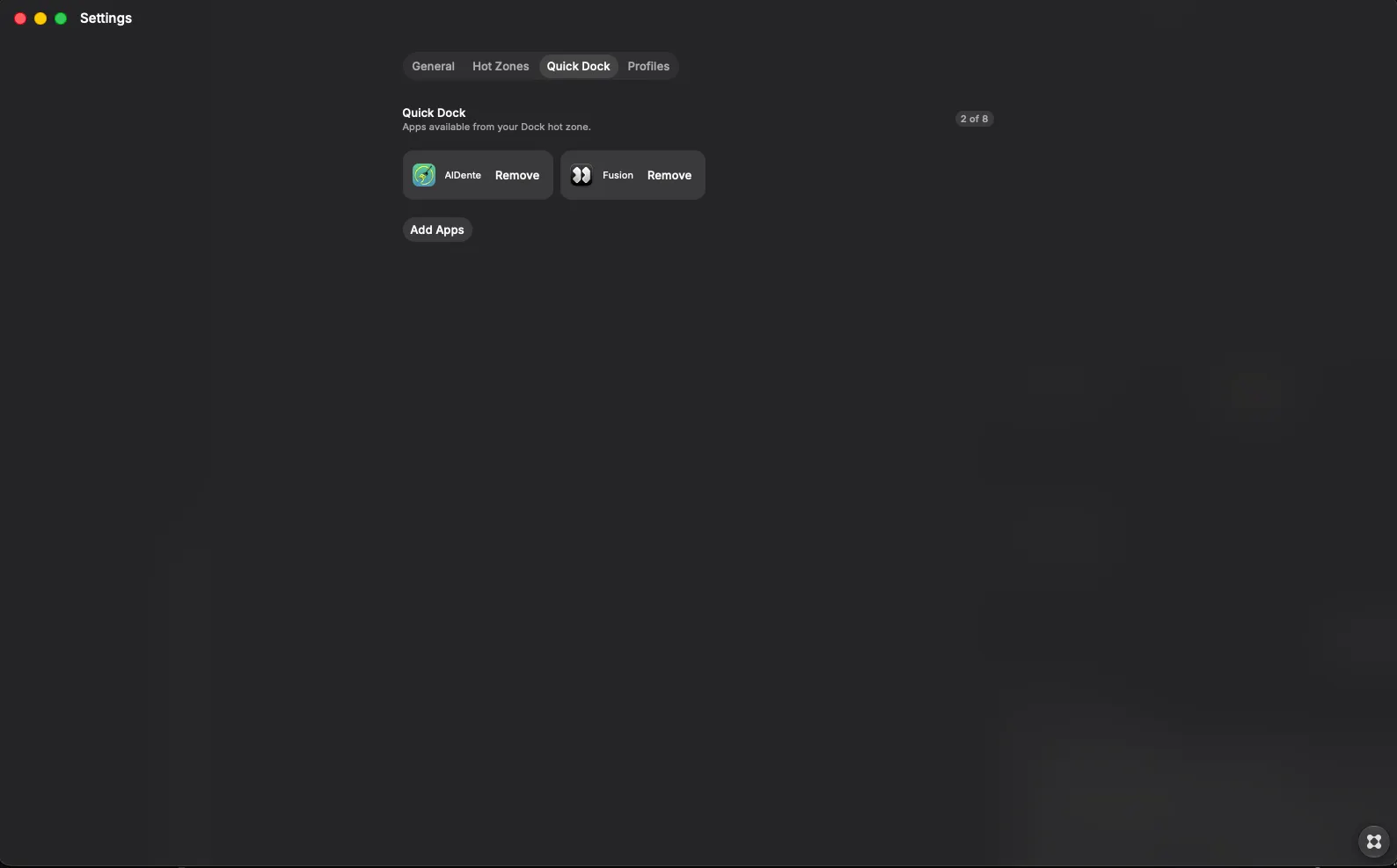
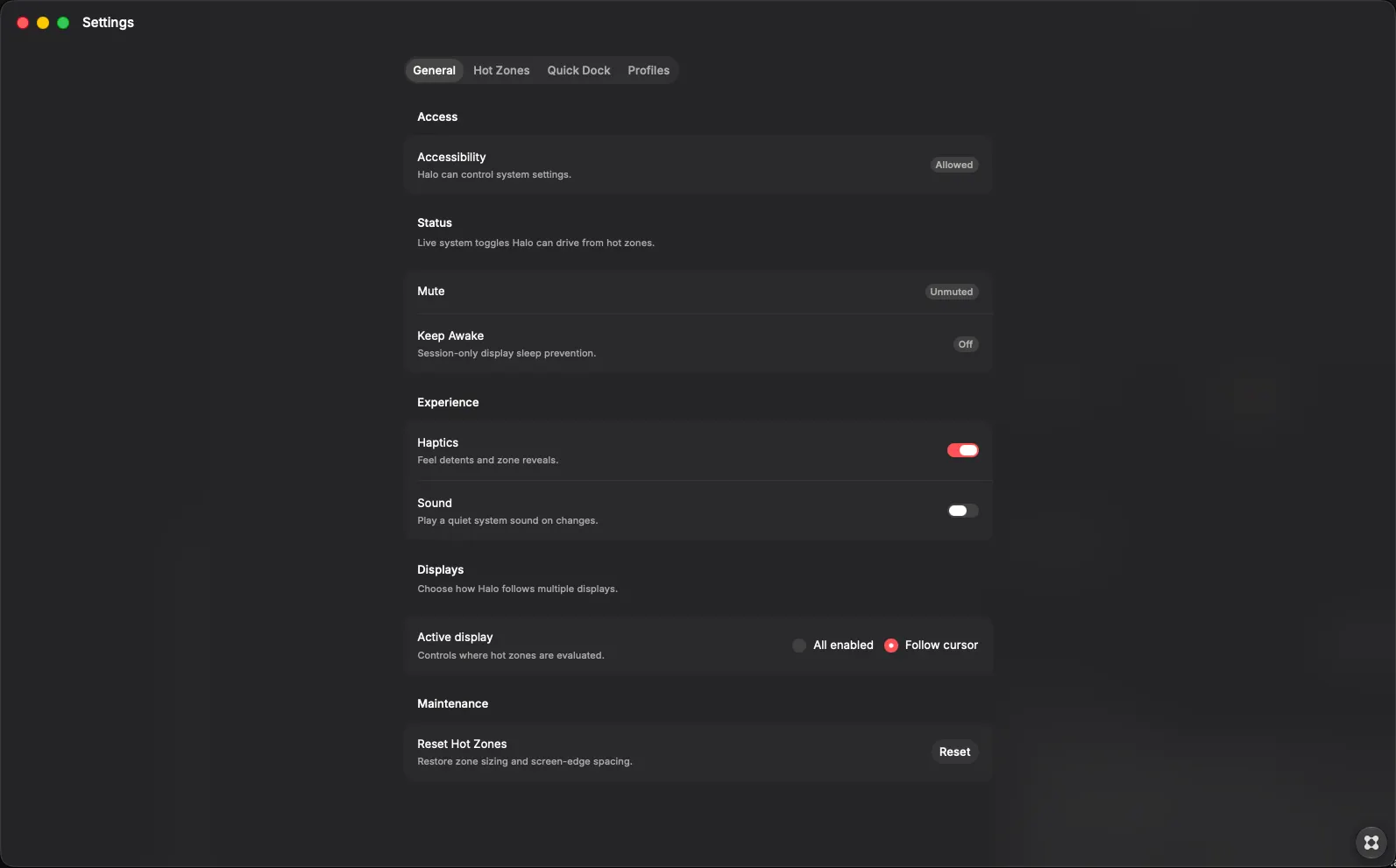
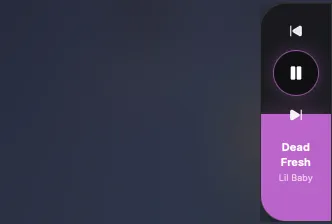
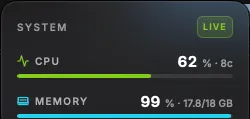
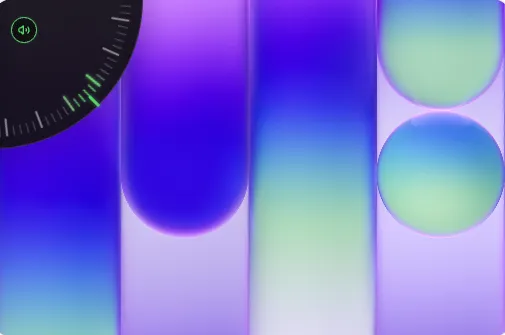
Halo is a menu-bar companion that turns screen corners and edges into system controls. Hover a hot zone and a dial, edge bar, dock, or action HUD appears from that edge — no Control Center, no dock hunting. Hot zones Each display has four corners and four edges. Assign a role to each, or leave it off. Configure per display Run on all displays or only the one under the cursor Tune zone size, leave hysteresis, and insets for menu bar, Dock, and notch Defaults: brightness (top-left), volume (bottom-left), Quick Dock (bottom-right). Roles Continuous — drag a corner dial or edge bar Volume — system volume with live readout Brightness — display brightness (when supported) Keyboard — keyboard backlight (when hardware exposes it) Now Playing — scrub Apple Music / Spotify; play/pause (edges also get previous/next); title and artist hydrate in the background Toggles — tap or Space/Enter Mute · Keep Awake (session display-sleep block) · Appearance (Light/Dark) Launchers Quick Dock — magnifying app strip; click to launch Action — run a Shortcut, app, URL, or home-folder script (optional HUD label) Profiles Match a frontmost app by bundle ID to override zone roles and swap the Quick Dock — different layouts for coding, design, or media without opening Settings. Settings General · Hot Zones · Quick Dock · Profiles Permissions Accessibility is needed for appearance and frontmost-app detection. Volume, mute, brightness, Keep Awake, media, and Actions use native macOS controls and automation. Built for full-screen work and multi-monitor setups — controls at the perimeter of the display, not buried in menus.