Bibliotek
Manage your e-books and comics locally
About Bibliotek
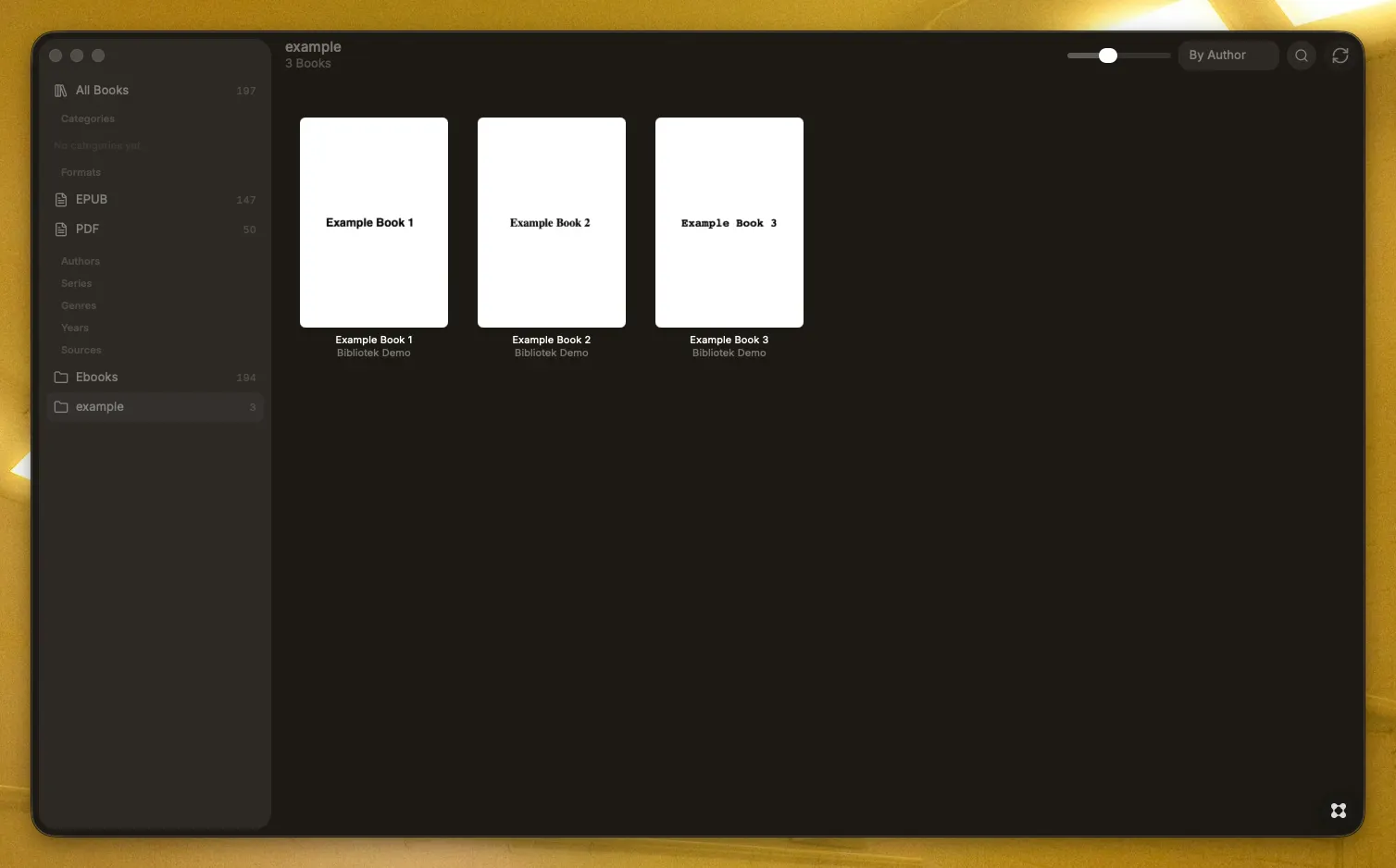
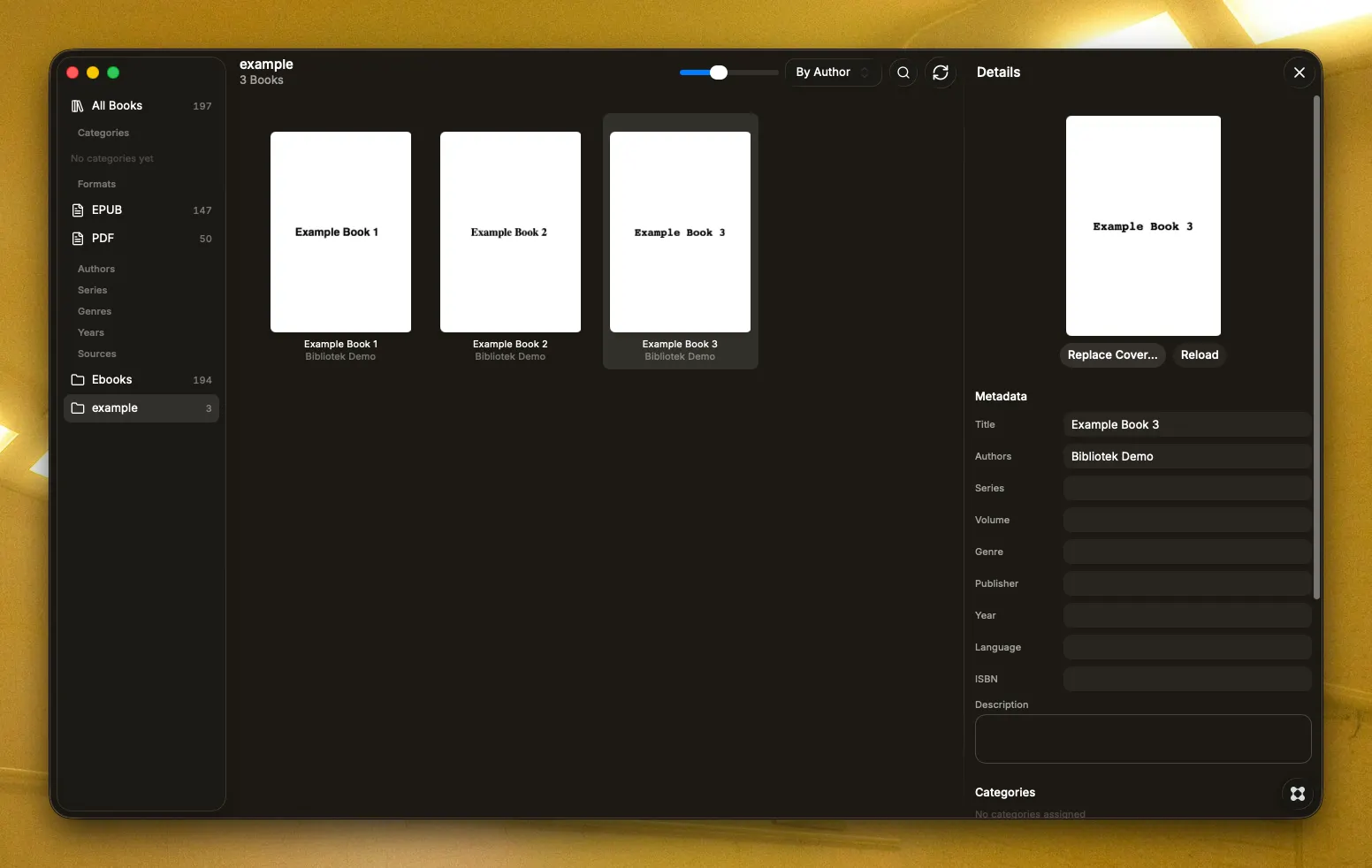
Your books are already on your disk. Bibliotek just makes them look like a library. Most e-book managers want to own your files: import them, rename them, reshuffle them into a folder structure of their choosing. Bibliotek does the opposite. Point it at the folders you already use — local drives, external disks, a NAS share — and it reads them. Nothing is moved. Nothing is copied. Nothing is renamed. Your files stay exactly where you put them, byte for byte. What you get back is the part that was missing: a fast, beautiful cover grid of everything you own, searchable and sortable, with a sidebar that lets you jump to an author, a series, a genre, a year, or a format in a single click. Metadata that fixes itself Downloaded books arrive with a mess of metadata — a title that reads "Cover" or "untitled", an author listed as "Unknown", a Kindle content ID where the title should be. Bibliotek recognizes these patterns and repairs them: it reads the real title and author out of the filename, flips "Lastname, Firstname" the right way around, and merges duplicate author spellings so one writer doesn't appear three times in your sidebar. When local data isn't enough, an optional lookup against Google Books, Open Library, and Comic Vine fills the gaps — and your own covers are always kept, because a scan you made is almost always better than a web thumbnail. You can run it for a single book or for your whole shelf at once. It's off with one switch if you'd rather stay entirely offline. Built for real collections Formats: EPUB, MOBI, AZW, AZW3, PDF, CBZ, CBR, and TXT Categories you define yourself, with drag-and-drop from the grid Duplicate finder that catches both identical files and the same book saved twice under different names Import report after every scan, listing exactly which files came in and why any were skipped Move-aware: rename or relocate a file and Bibliotek recognizes it instead of creating a ghost entry Offline-aware: books on an unmounted network drive are marked, never silently deleted Backup your entire catalog and covers to a single ZIP, and restore it just as easily English and German, following your system language Genuinely local No account. No sign-up. No tracking, no analytics, no telemetry of any kind. Your catalog lives in a single database file on your Mac, your covers in a folder next to it. The only time Bibliotek reaches the internet is when you ask it to look up metadata — and even then it sends nothing but a title, author, or ISBN. API keys, if you add any, are encrypted with the macOS keychain.