Caps Blink
Turn Caps Lock into a Codex status light

About Caps Blink
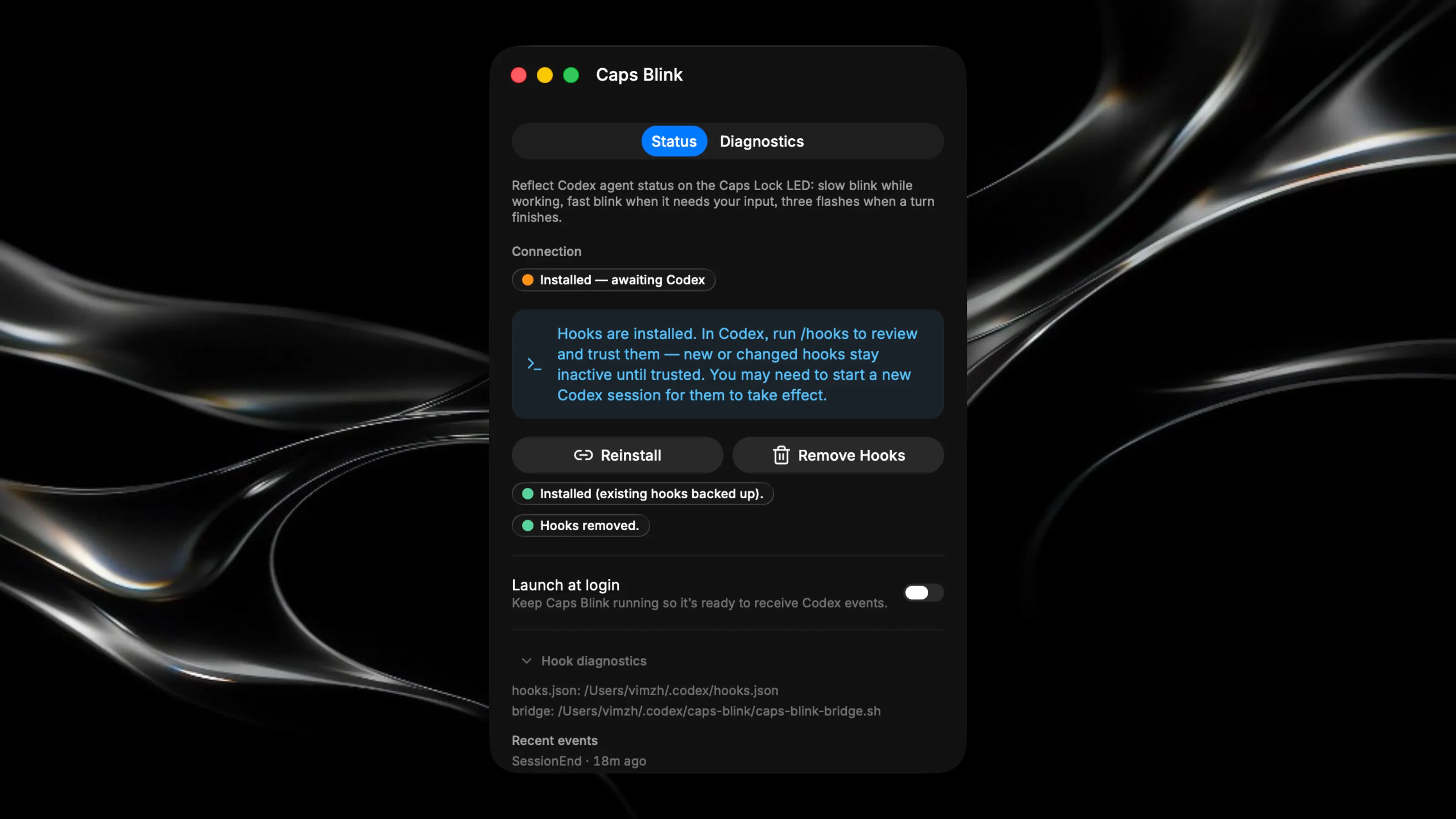
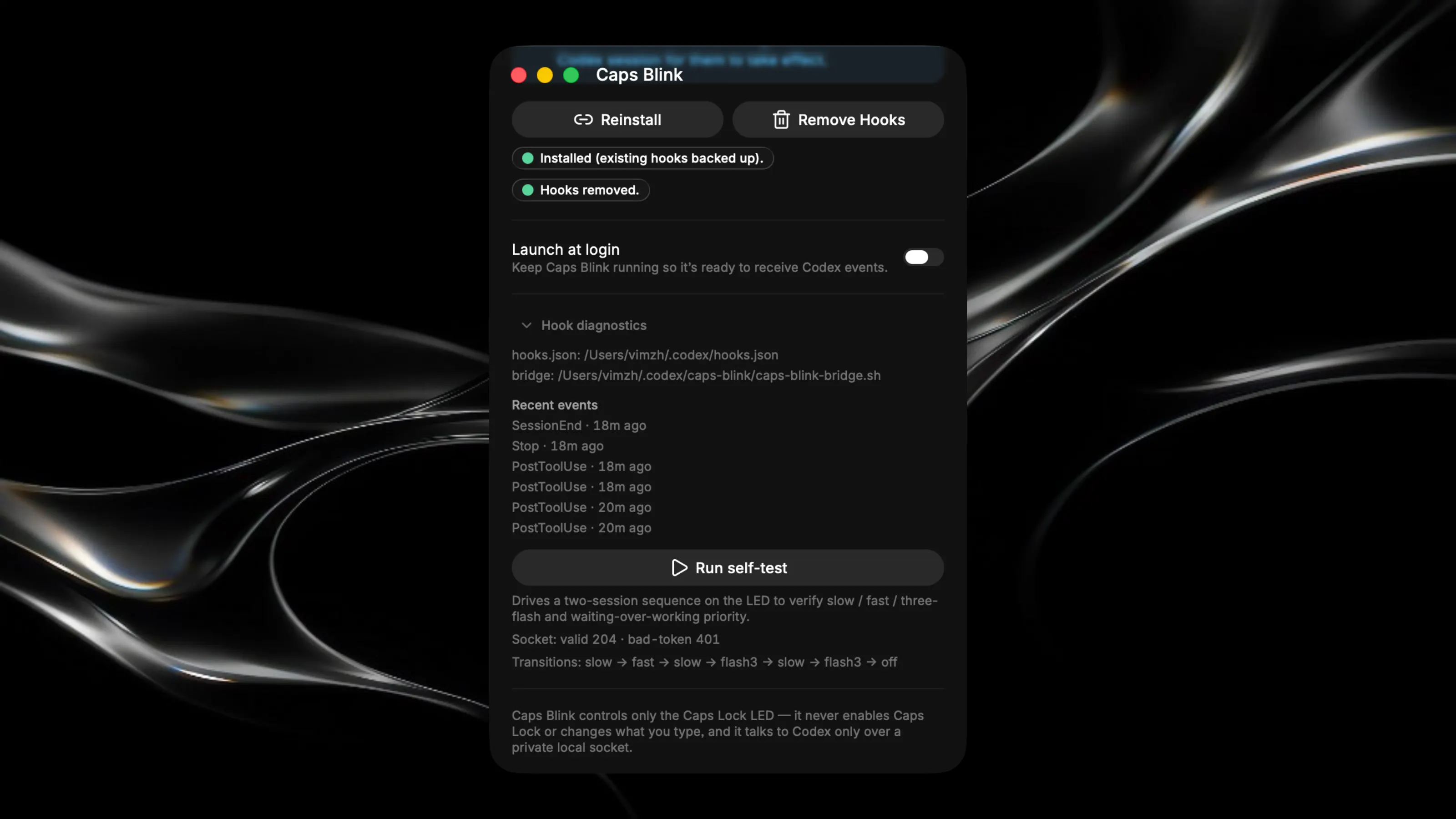
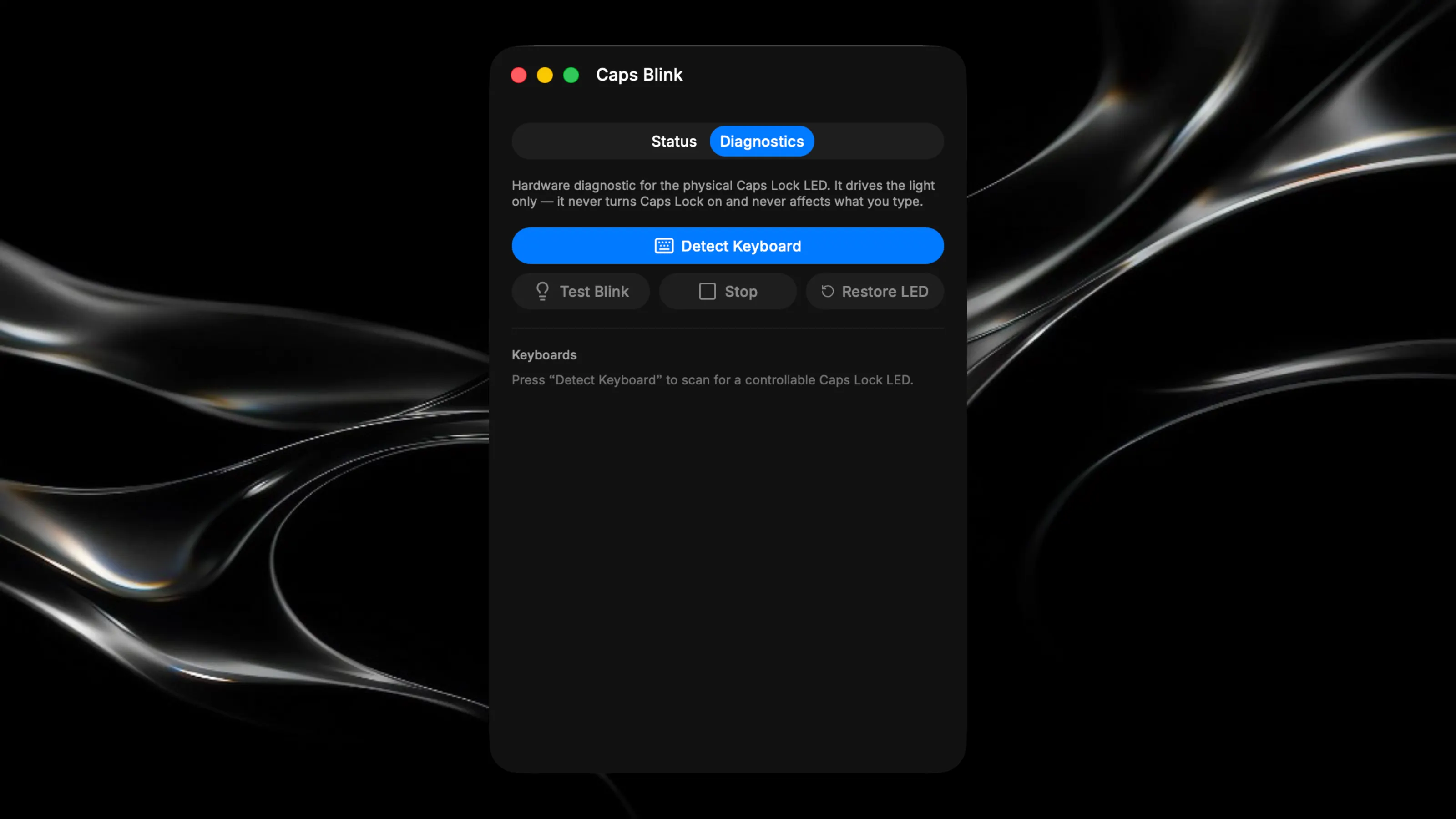
Caps Blink is useful when Codex is working in the background while you’re watching a Movie, playing a game, or using another app on your Mac. Instead of checking the Codex window every few minutes, you can simply glance at the Caps Lock light. A slow pulse means Codex is working. A fast blink means it needs permission. Three flashes mean the task is finished. Caps Blink controls only the LED. It does not turn Caps Lock on, change how typing works, or produce unwanted capital letters. When blinking stops, the light returns to the correct Caps Lock state. The app runs quietly in the menu bar and can follow multiple Codex sessions at once. If one session needs your attention while another is still working, the one waiting for you takes priority. Everything happens locally on your Mac. Caps Blink does not read transcripts, send data to the cloud, or require an API key or another subscription. It gives the small light already sitting on your keyboard a genuinely useful second job.