Charmly
A lucky charm for your Mac.


About Charmly
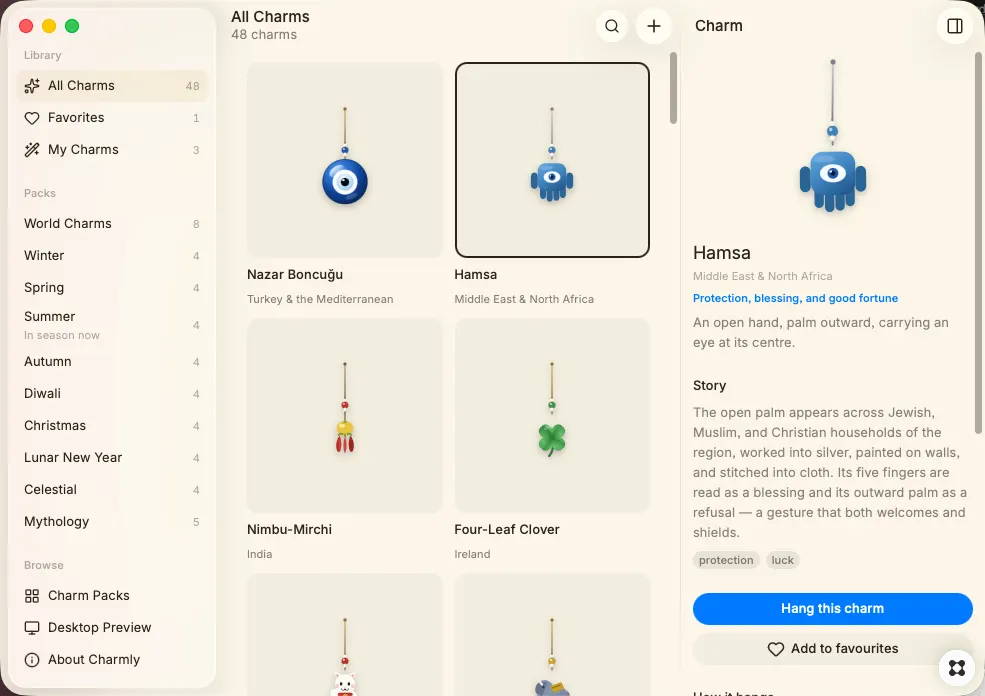
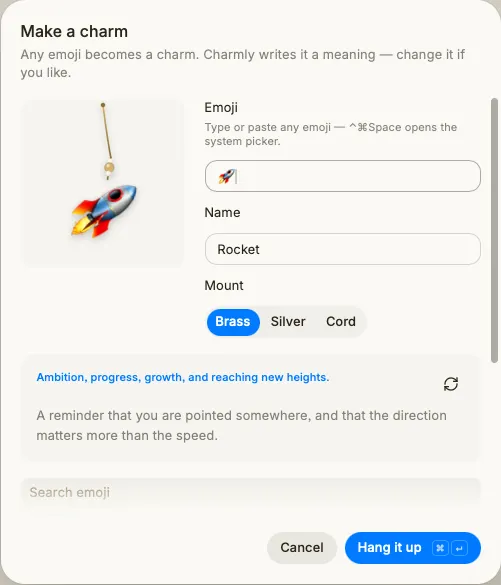
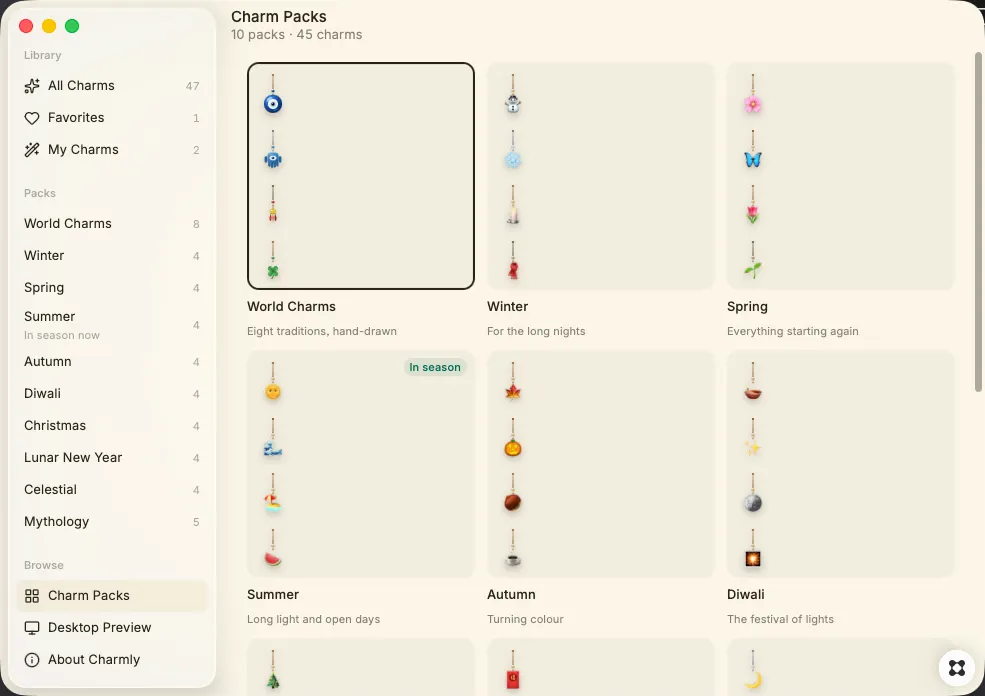
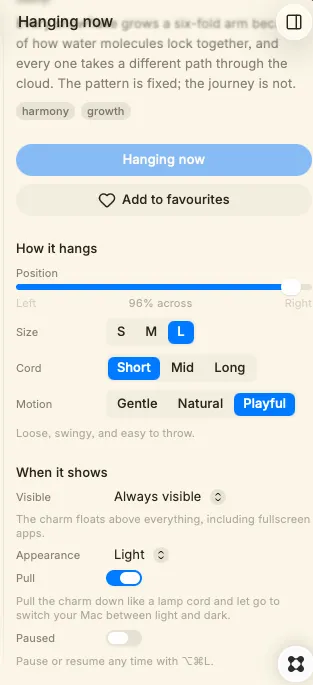
Charmly hangs a good-luck charm from the top of your screen and leaves it there. It sways on its cord all day with real pendulum physics — picking up a little momentum as you work, settling when you're still. Point at it and it notices. Drag it and it follows. Flick it and it swings, then slowly comes to rest. It’s the only thing on your Mac that moves on its own. Pull the cord for dark mode Grab the charm, pull it down like a lamp cord, and let go. Your Mac switches between light and dark. It's the quickest appearance toggle on the machine and the only one that feels like actually flipping a switch — the charm rocks back as the desktop changes behind it. Leave it on, or turn it off and let the charm stay purely decorative. 45 charms across 10 packs Eight World charms are drawn by hand, each from a living tradition: the Turkish nazar, the hamsa, India's nimbu mirchi, Japan's maneki-neko, the four-leaf clover, the elephant, the Chinese fortune knot and the crescent moon. Every one comes with where it's from, what it's held to mean, and the story behind it. The rest arrive by season and occasion — Winter, Spring, Summer, Autumn, Diwali, Christmas, Lunar New Year, Celestial and Mythology — and whatever's in season surfaces on its own. Make your own Any emoji becomes a charm, mounted on the same cord and beads. Name it and it hangs with the rest. Mark the ones you love as favourites and they rise to the top of your collection. Quiet by design The charm ignores your clicks unless you're actually touching it, Pause it from the menu bar whenever you want the screen to yourself. Charmly isn't trying to make you productive. It's a small, well-made thing that sits there and sways — and occasionally turns the lights off.