Clean My Keyboard
Lock your Mac to clean your keyboard!

About Clean My Keyboard
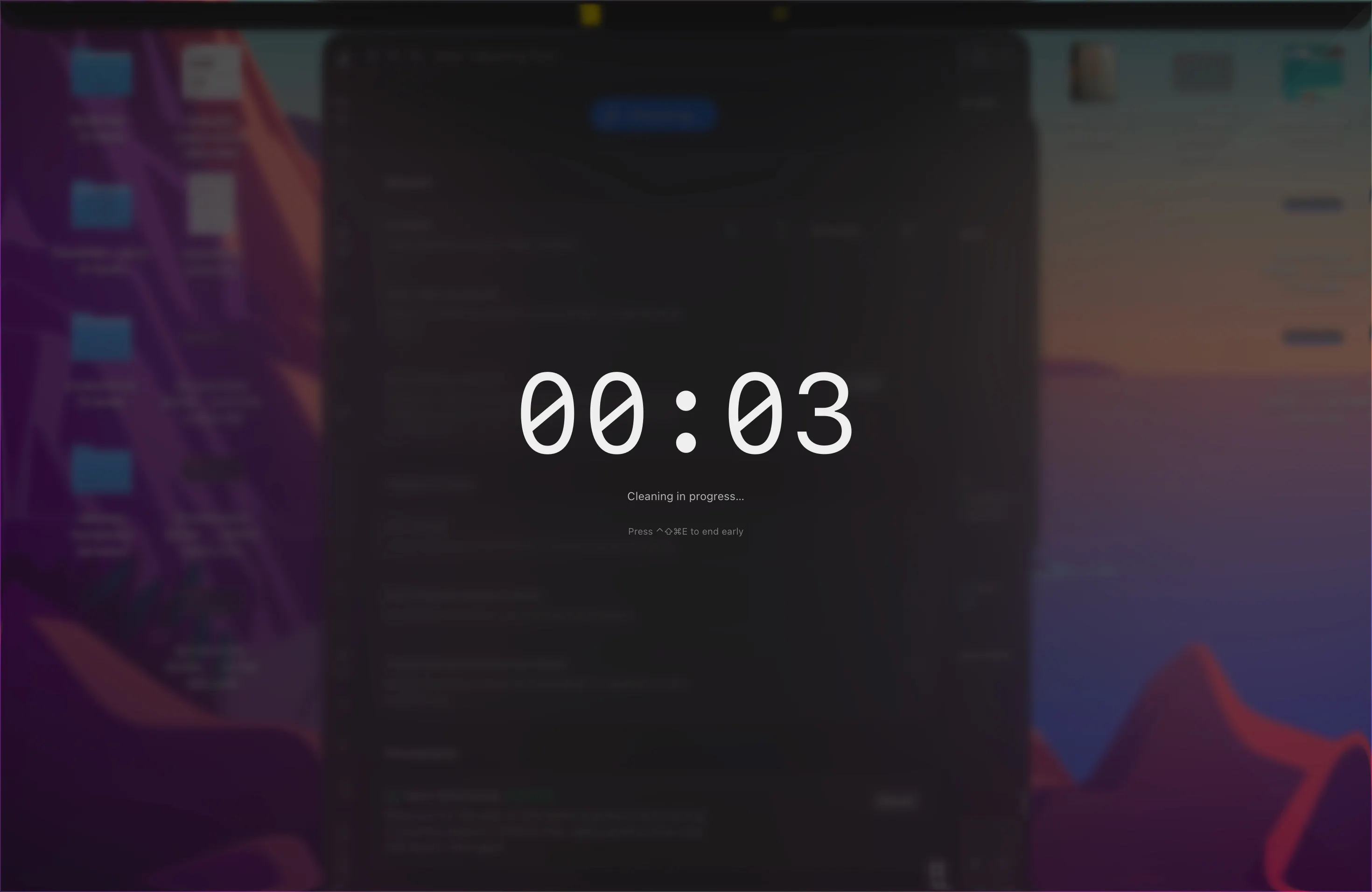
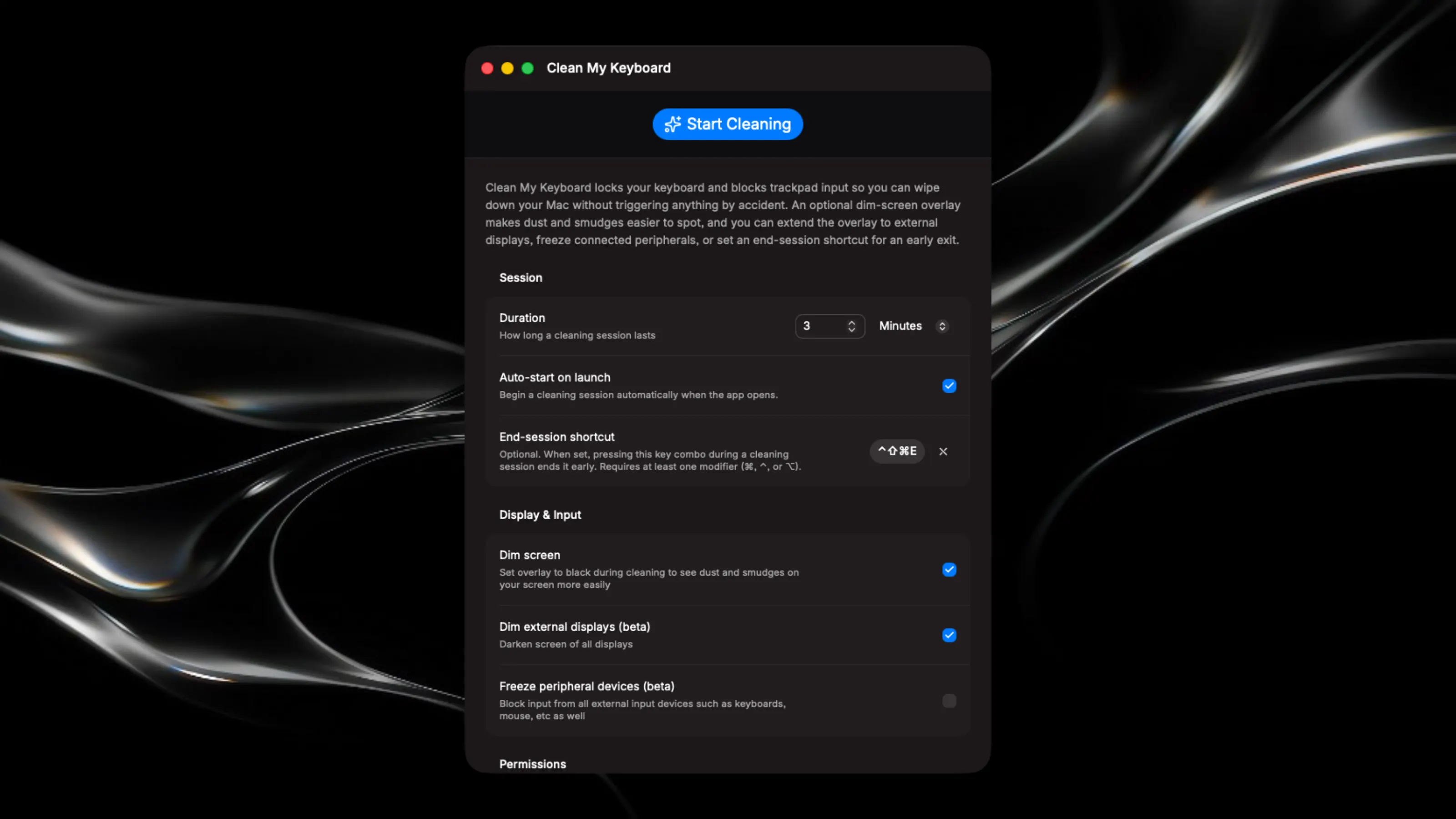
Lock your Mac safely while cleaning the keyboard and screen without unintended inputs. Key Features: - Freeze all keyboard inputs (except touch ID button) during cleaning sessions so accidental touches won't cause unwanted actions - A fullscreen overlay absorbs all cursor clicks - Set a cleaning duration to never accidentally brick your computer - Optionally dim your display to help see dust and smudges for screen cleaning - Use a keyboard shortcut to quickly end a cleaning session before the timer ends whenever you're ready Disclaimers: - The touch ID key is not disabled by this app. Pressing it will bring you to the lockscreen - The app uses input monitoring to intercept and disable keyboad inputs. I tried going no system permissions needed route first, and then accessibility permissions next, but neither worked. - There are options to dim external displays and also block inputs from external peripheral devices (keyboards, mouse, etc), but I have only tested on the built-in screen and keyboard so I’m not sure if they work