Cling
Sticky notes that actually stick
About Cling
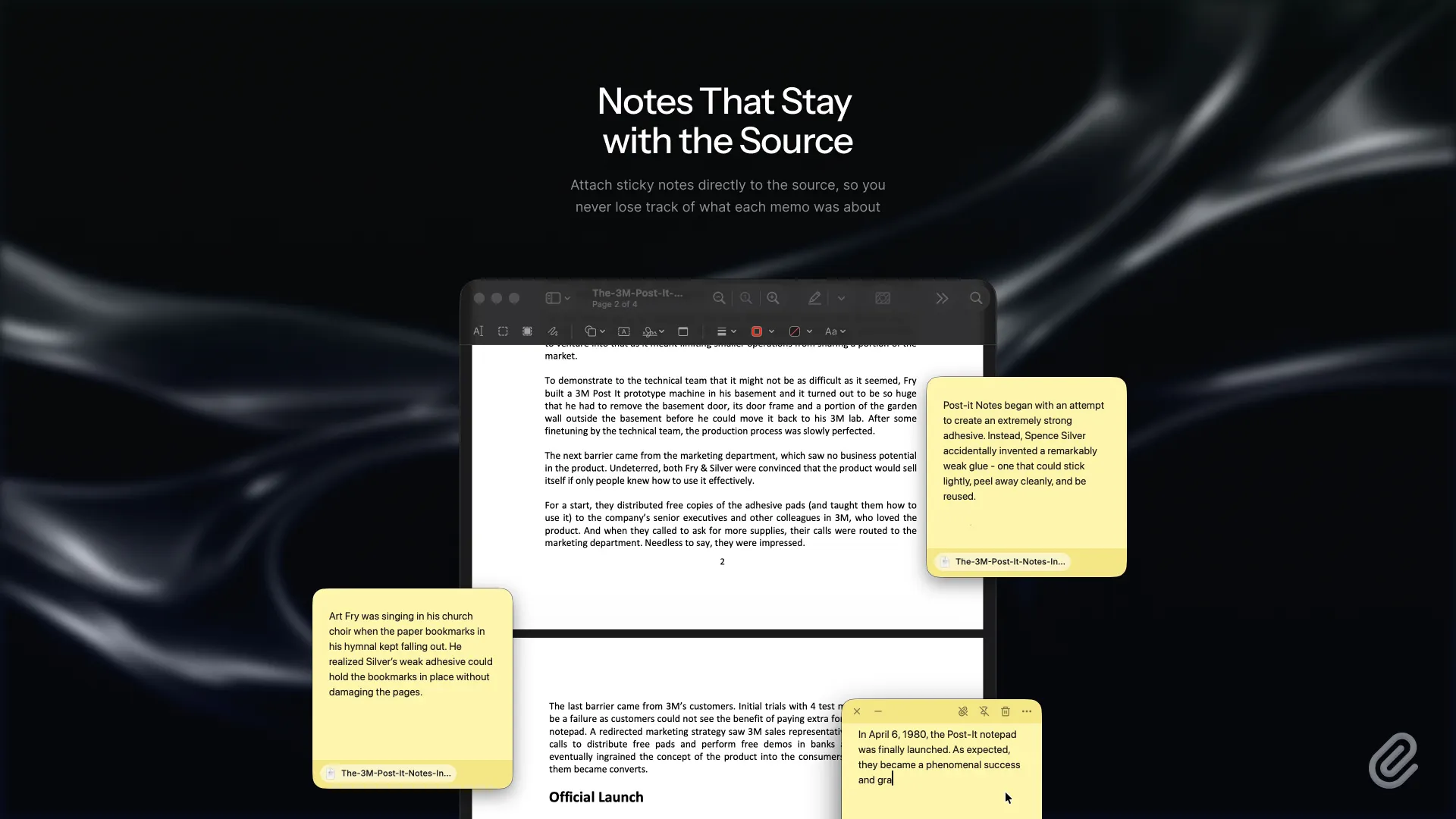
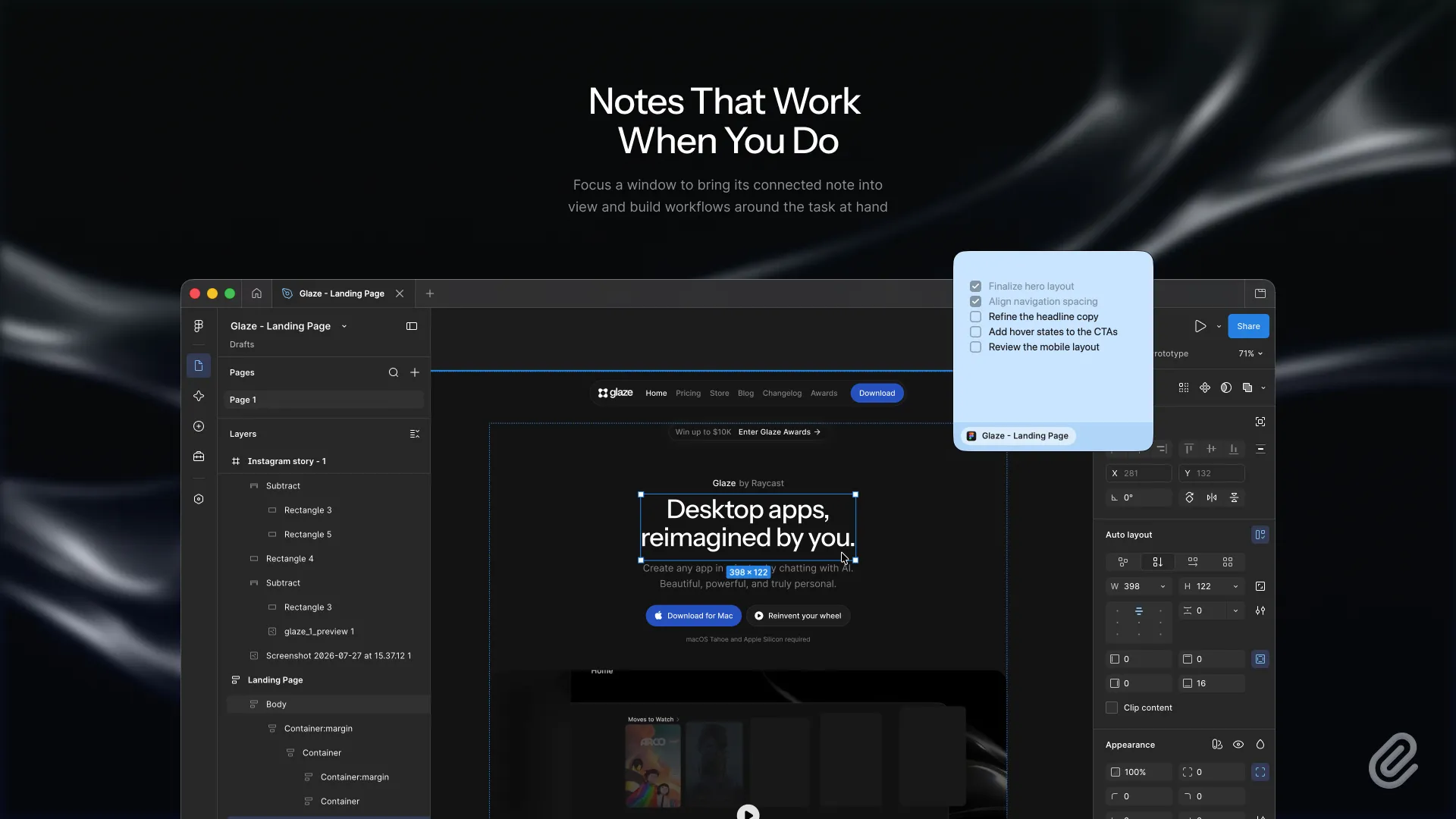
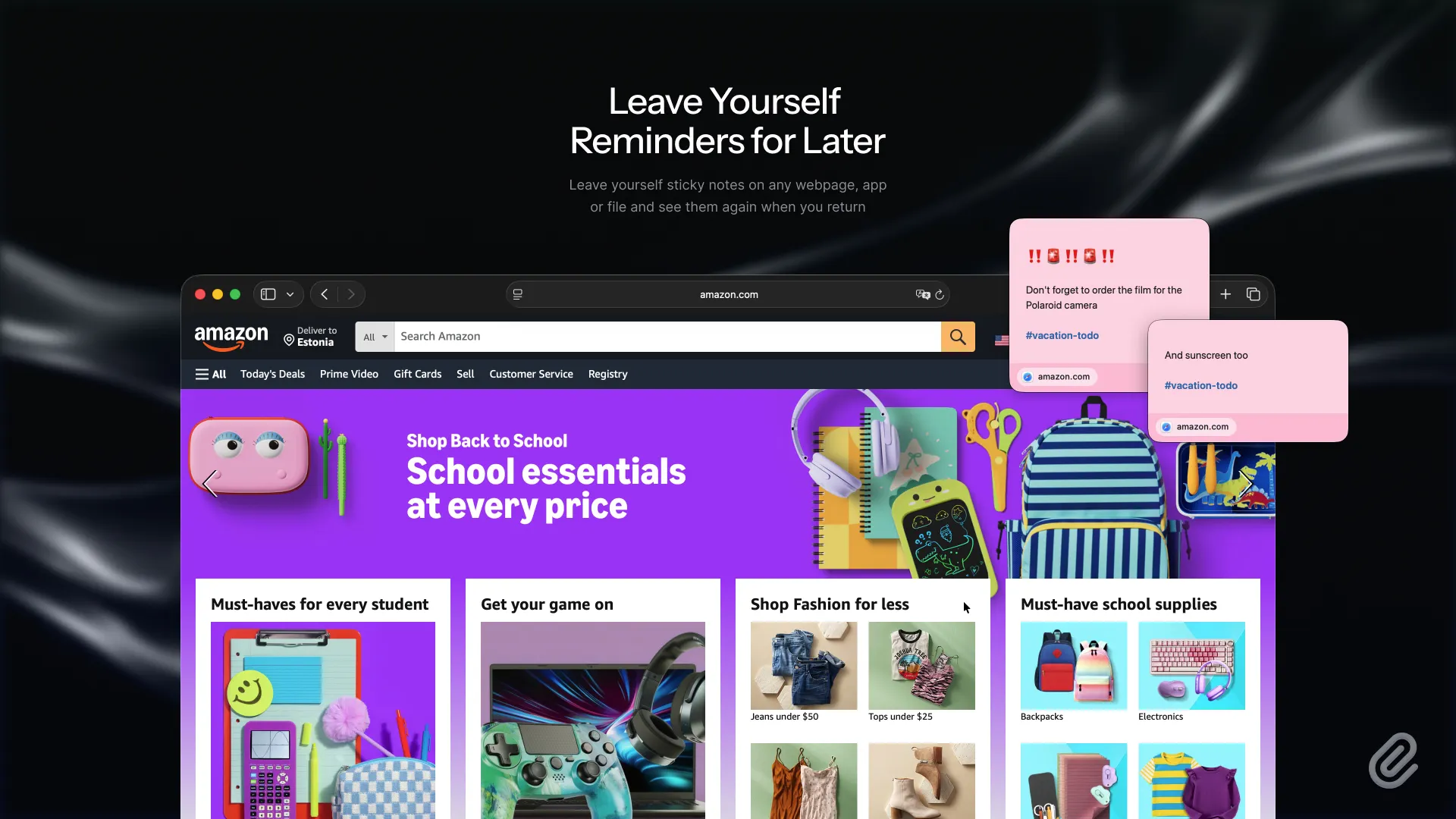
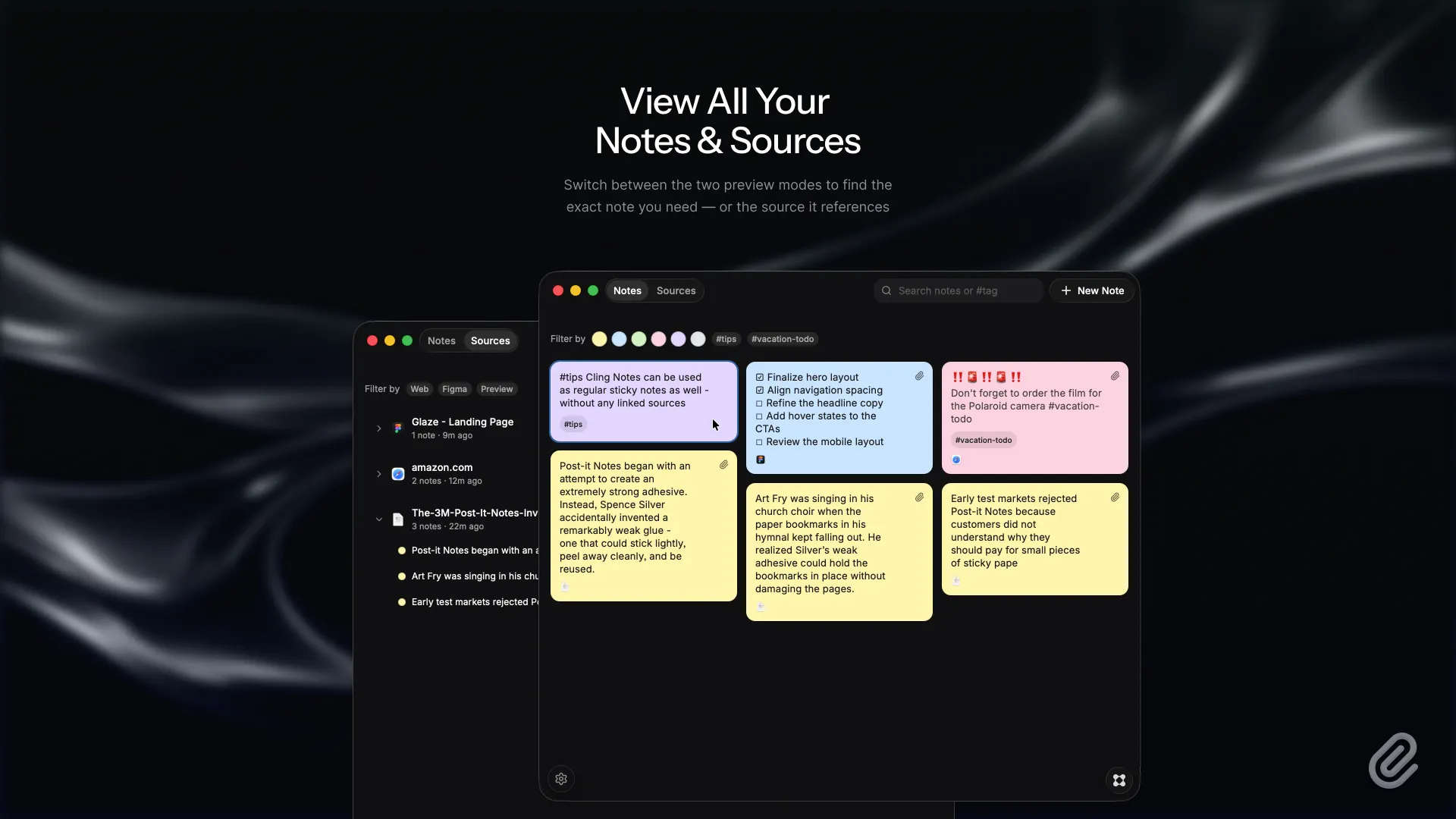
Cling gives digital sticky notes the one thing they have somehow always been missing… The ability to actually stick to things! Attach notes to webpages, apps, files, projects, and documents. Use them as reminders that reappear when you revisit a page, project-specific to-do lists that surface alongside the right file, reference notes that stay linked to the material you were reading — or however else you see fit. Cling helps your notes appear where they matter and remember where they came from. Every note is stored locally as a standard Markdown file. How does it work? Easy! 1. Launch Cling. 2. Open the webpage, document, or file you are working with. 3. Press 'Command + N' to create a new sticky note. 4. Press 'Tab' to link the note to that source. 5. Click the paperclip icon in the note’s top bar to enable contextual display. 6. Switch to another window, then return to the linked source. The note will appear when its source is in focus and disappear when it is not. Supported sources currently include: Safari, Chrome, and other Chromium-based browsers · All local files · Microsoft Office · iWork · Adobe Creative Cloud · Visual Studio Code · Xcode · Figma · Affinity · Final Cut Pro · DaVinci Resolve · Obsidian · Notion More app integrations are coming. Send feedback to let me know which apps you would like Cling to support next.