
Contact Snap
Snap photos, save contacts instantly
About Contact Snap
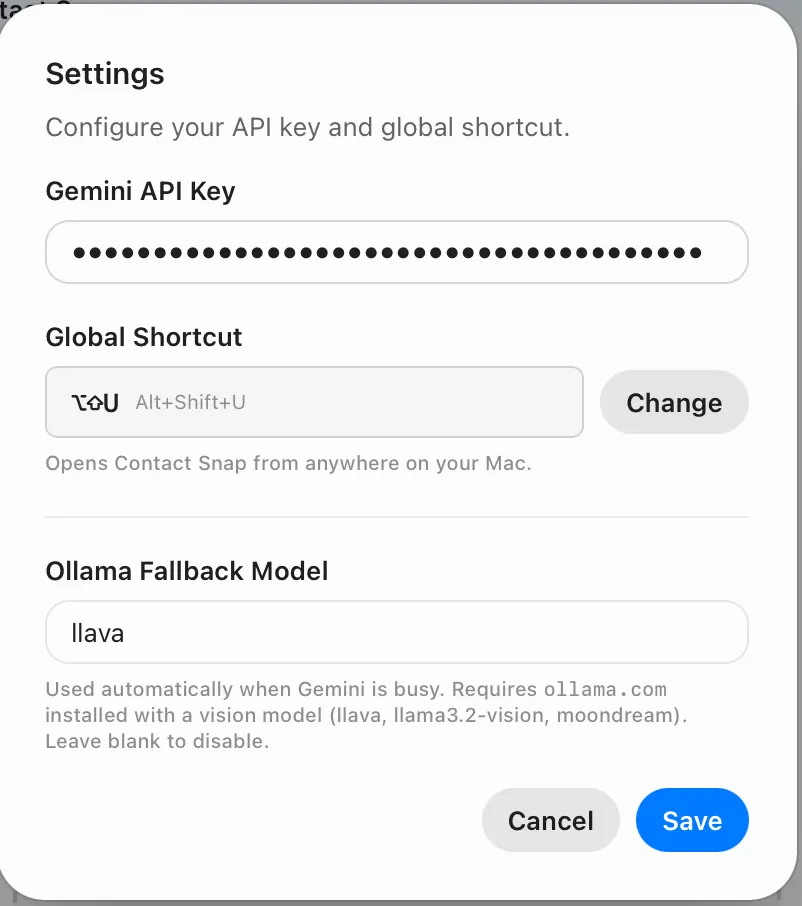
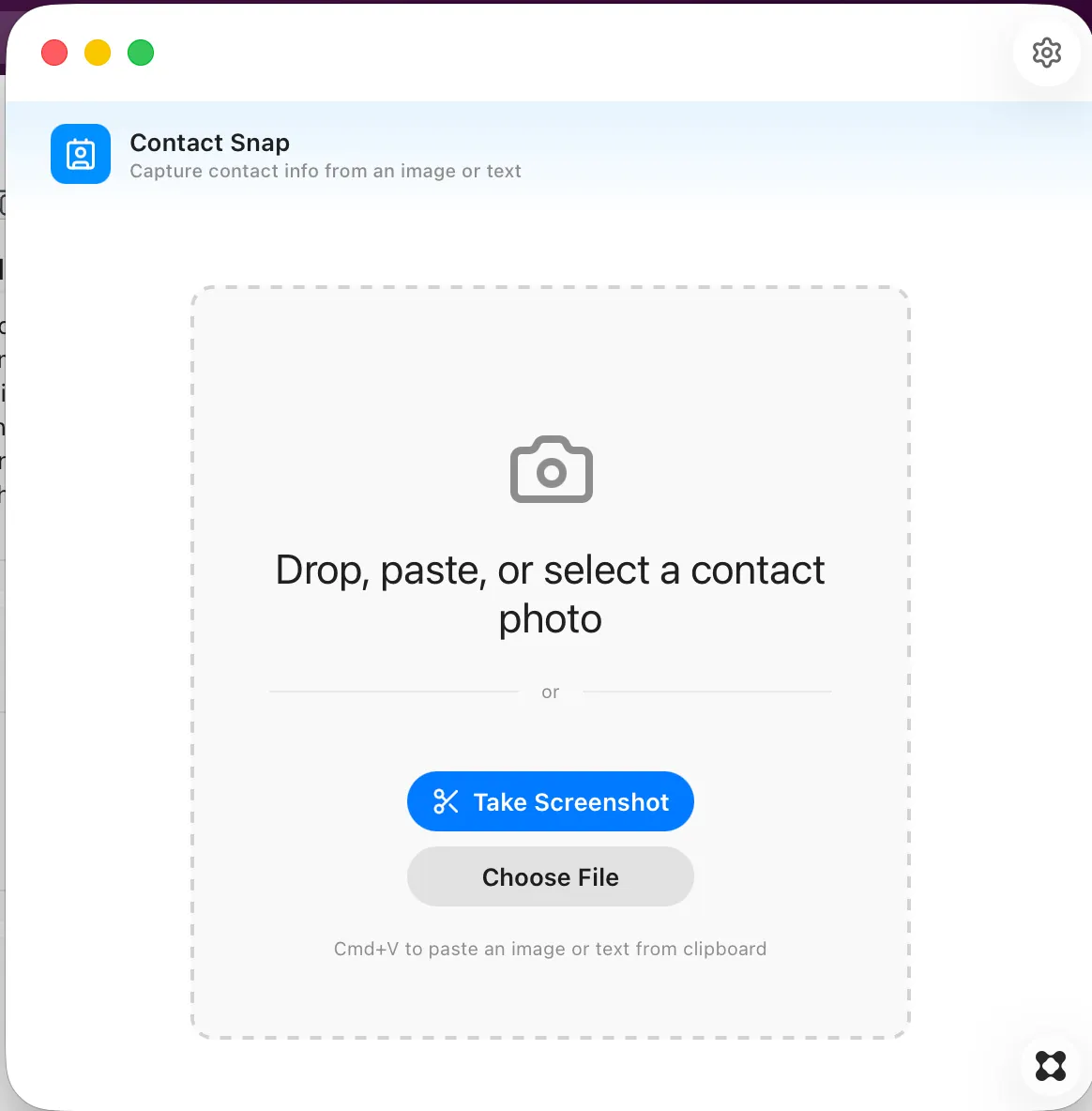
You can take a screenshot of your screen that includes contact info -- name, title, phone, employer, email, etc -- and drop it into the app and it will parse it and put it into your address book. you can also just highlight the text, like an email signature, and paste it into contact snap. It works very quickly, using gemini, but also has the option to fall back to a local LLM if you install one.