Convert
Instantly convert any files, any format

About Convert
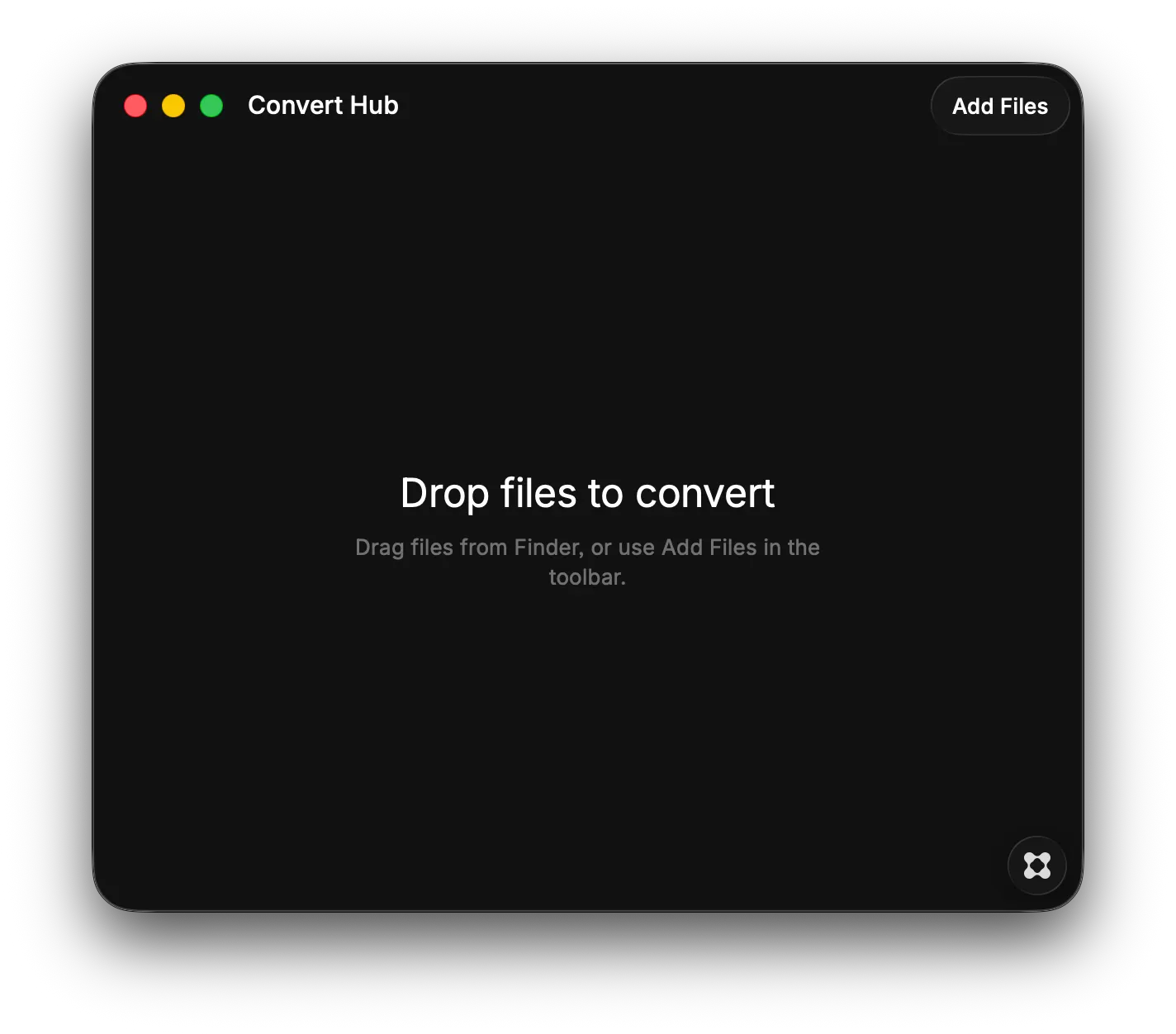
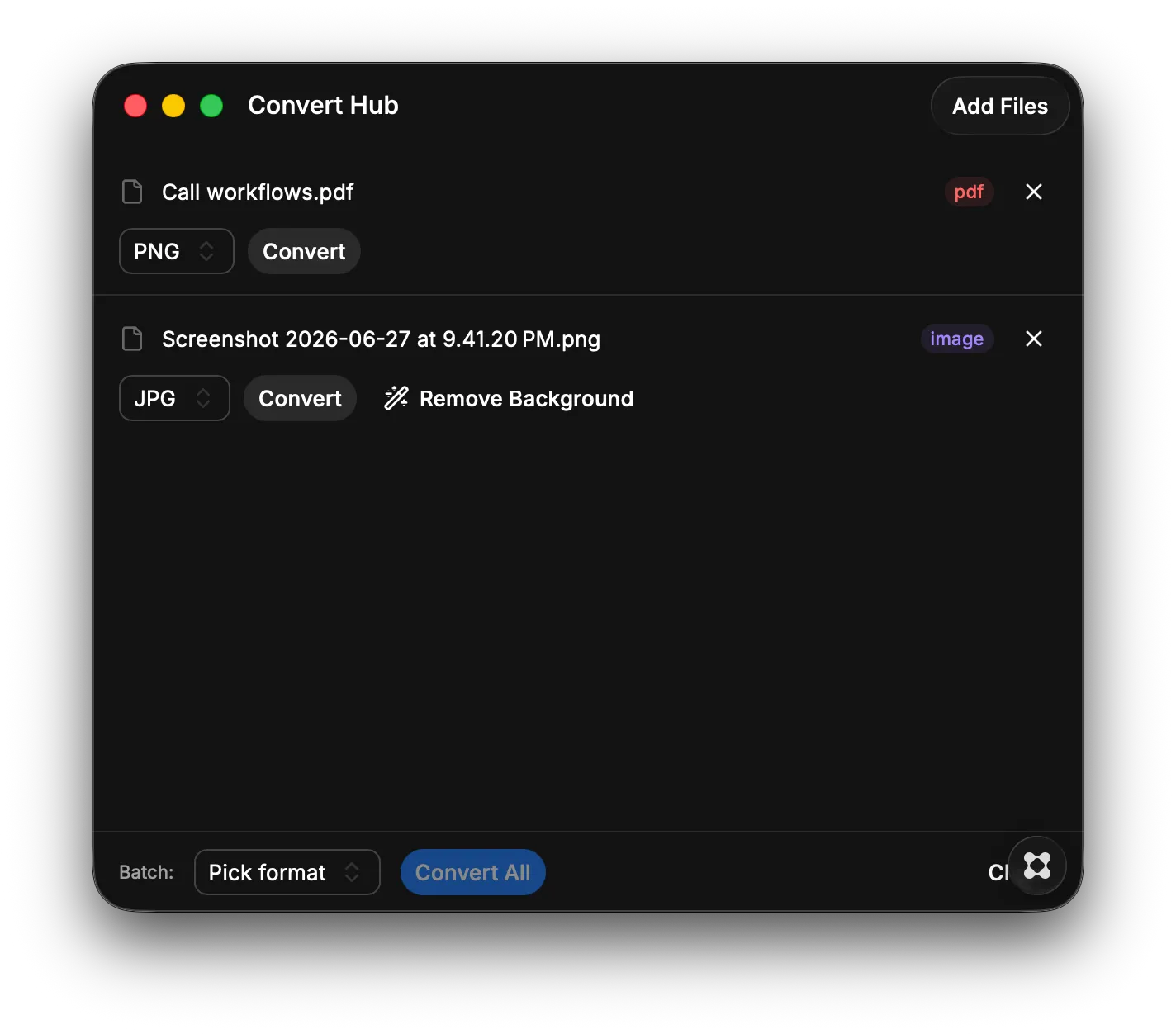
Convert files instantly between any format with a single click. Supports images, documents, and more — perfect for quick conversions without leaving your desktop. Key Features: - Drag and drop files to convert instantly to your chosen format - Remove image backgrounds automatically for cleaner graphics - Access conversion settings and preferences from a dedicated panel - Works offline with no account or sign-ups required Possible conversions: - Images — jpg, png, webp, avif, gif, tiff, heic, svg, bmp → convert between each other, plus offline background removal (→ transparent PNG) - Documents — docx, doc, odt, rtf, txt, md, html, epub, ppt, xls, csv → PDF and between each other - Audio/Video — mp3, wav, m4a, flac, mp4, mov, mkv, webm, avi, etc.; video→GIF; extract audio from video - PDF toolkit — images→PDF, combine images/PDFs into one PDF, split PDF into pages, PDF→images, PDF→text - Icons — image → .ico (multi-size) or a full favicon set Data formats — JSON ↔ CSV ↔ TSV ↔ YAML ↔ XML (CSV also → XLSX/PDF) - Plus: drag-and-drop or file picker, batch convert, Finder "Open With → Convert," and originals are never overwritten (always saved as a new file).