Darkroom Studio
Turn every shoot into your best work

About Darkroom Studio
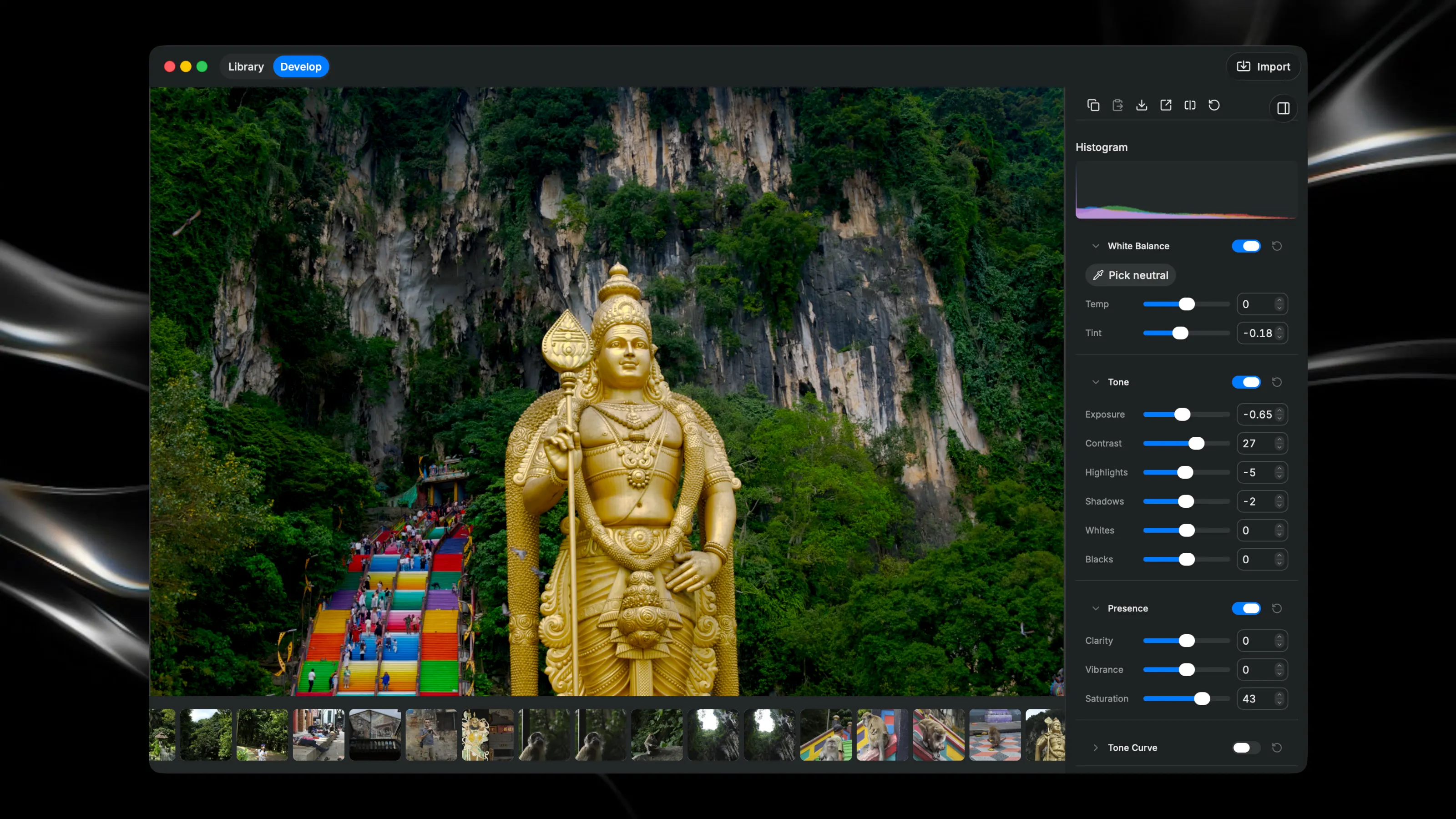
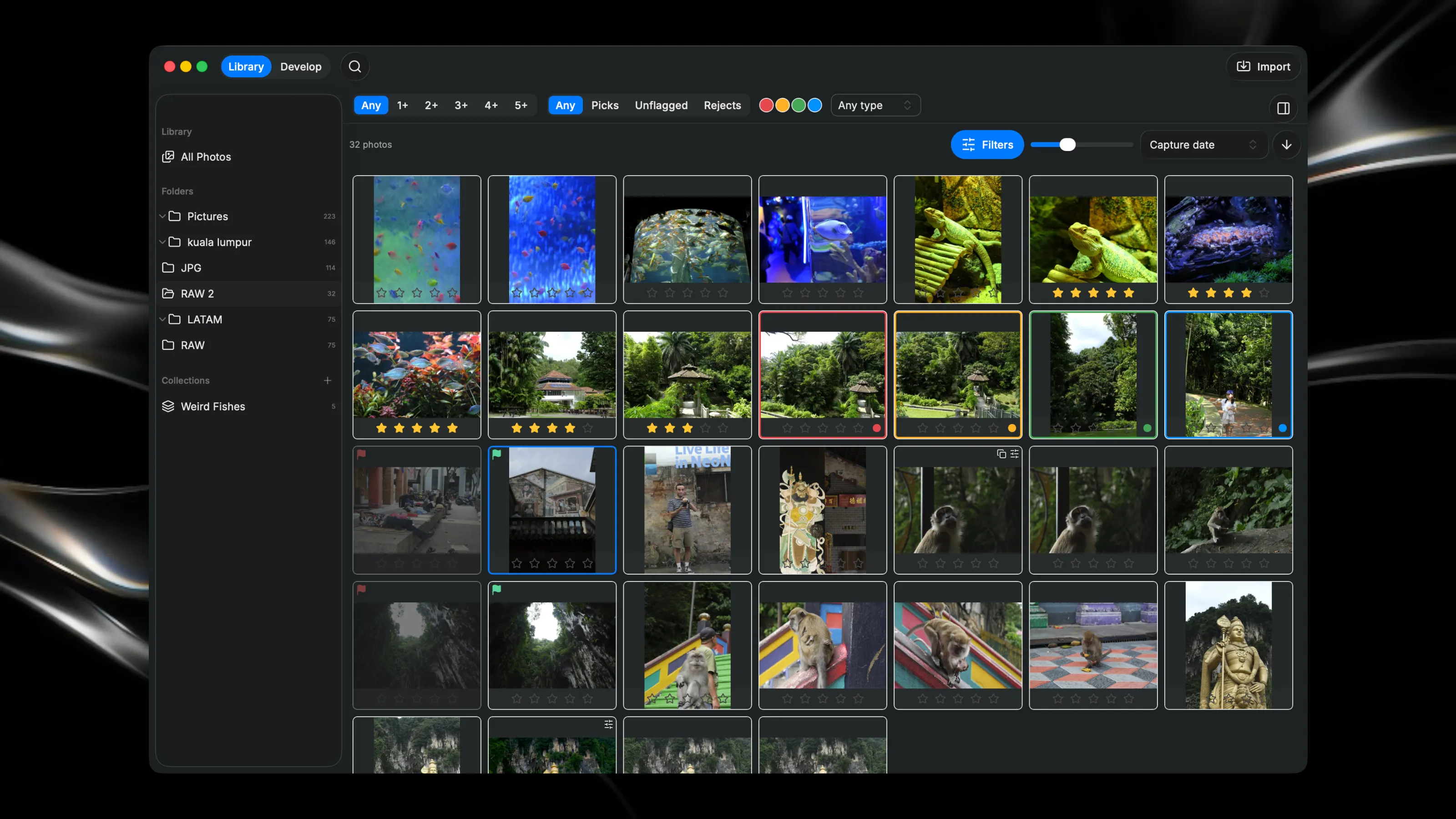
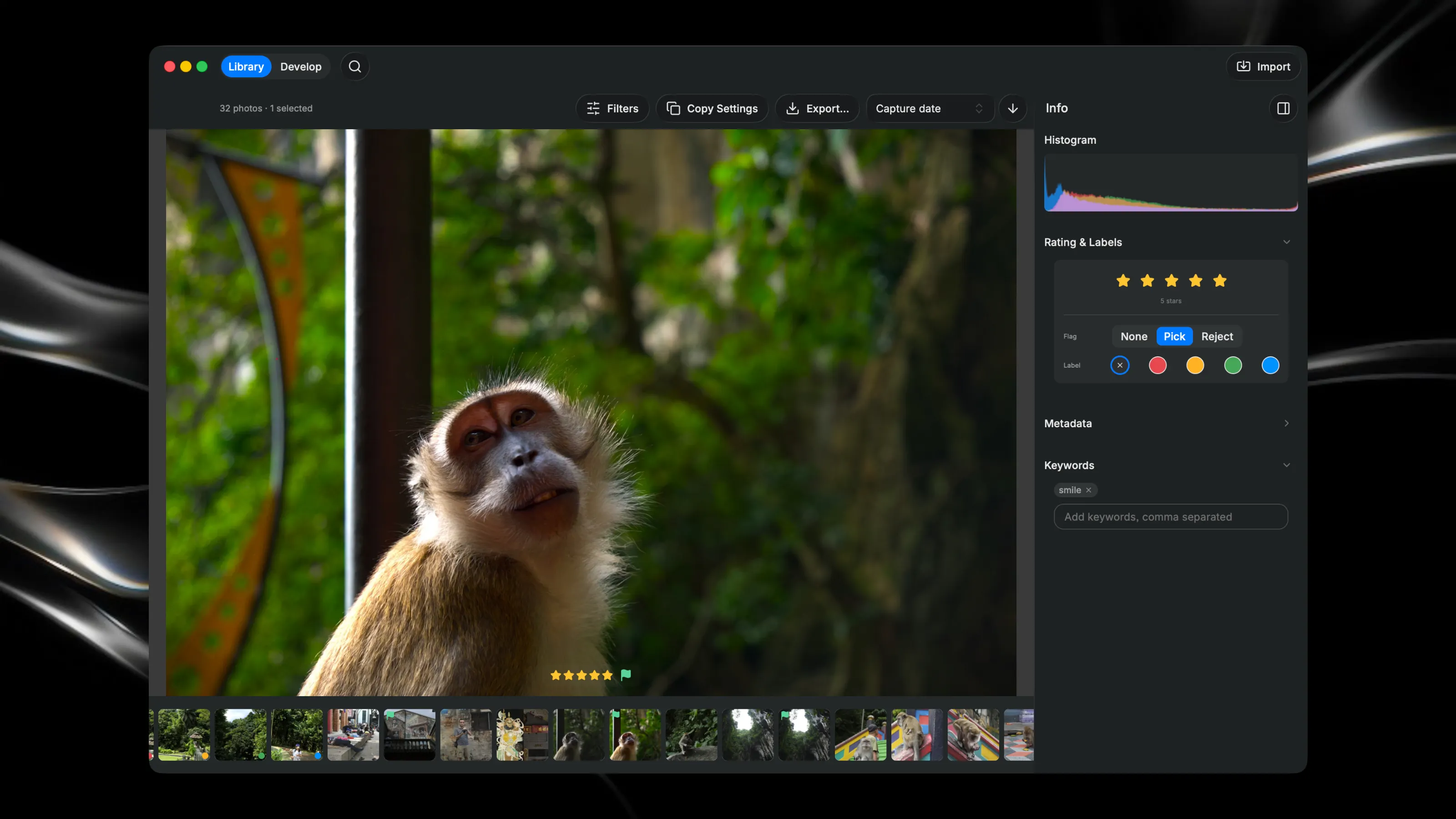
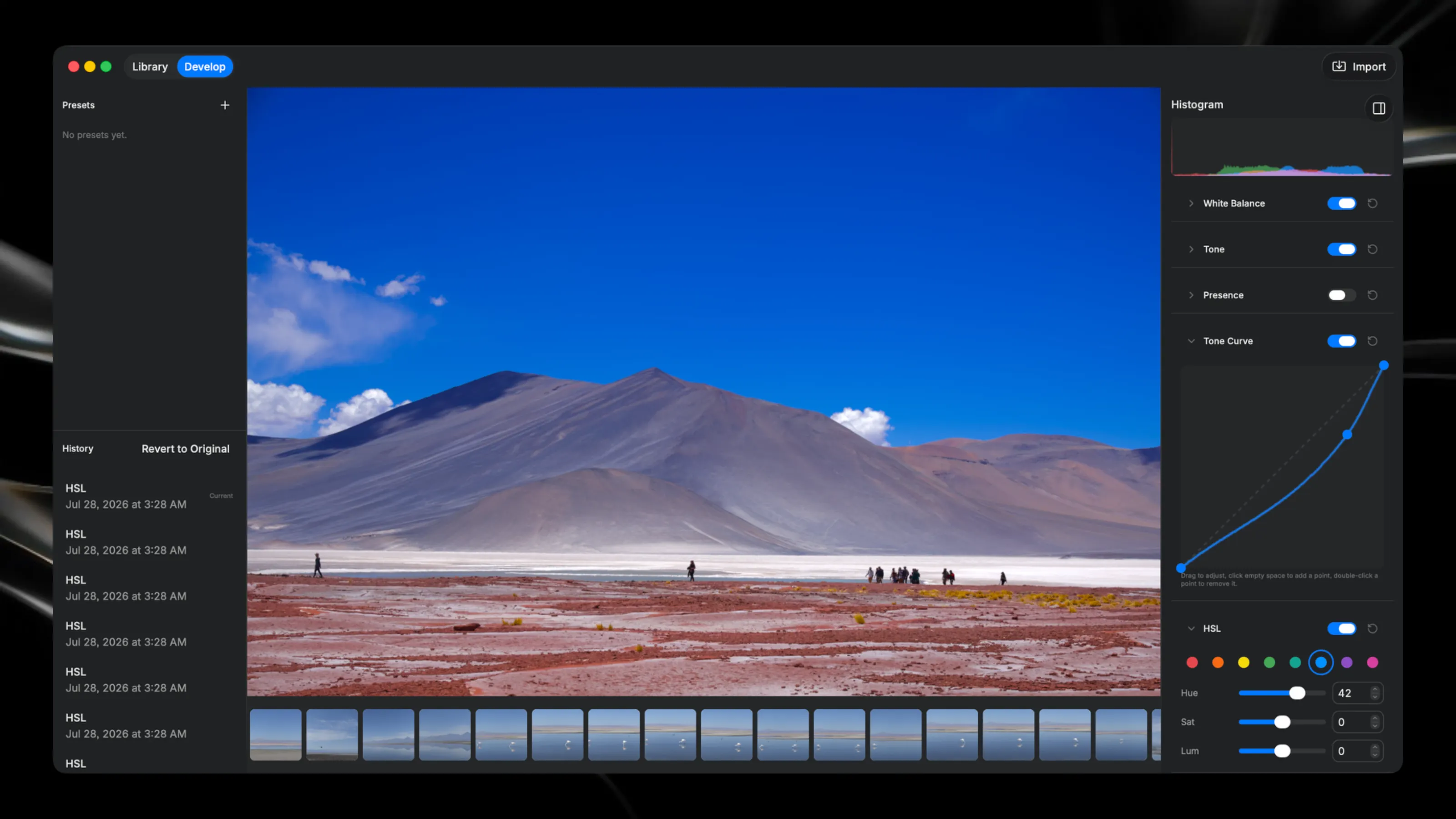
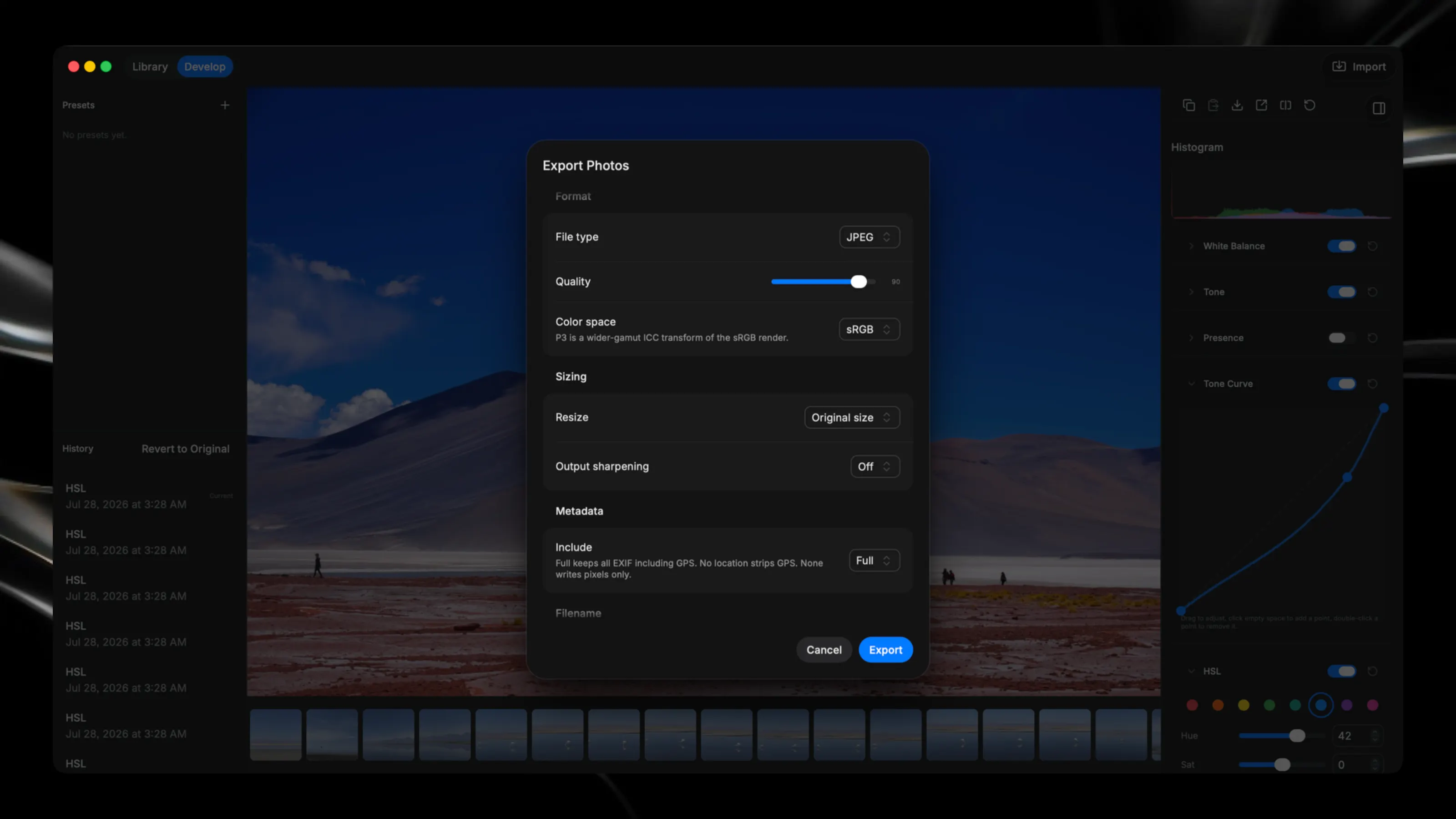
Darkroom turns a folder of photos into a focused, end-to-end photography workflow. Import RAW, JPEG, HEIC, PNG, and TIFF files, organize the shoot, find the keepers, develop a finished look, and export with precision—all without changing the originals. Move quickly through a shoot with keyboard-first ratings, picks and rejects, color labels, filters, folders, collections, search, and keywords. Switch between the grid, focused Loupe view, and Develop without losing your selection. Develop photographs with responsive white balance, exposure and tone controls, curves, HSL color mixing, black-and-white conversion, sharpening, noise reduction, vignette, crop, rotation, and lens correction where supported. Compare before and after, step through edit history, save presets, and copy settings across multiple photos. Create virtual copies to explore different treatments of the same photograph without duplicating the original file. Every edit remains nondestructive and reversible. Export full-resolution JPEG, PNG, HEIC, or 8-bit TIFF with control over dimensions, output sharpening, metadata, filename templates, and sRGB or Display P3 color. Everything happens on your Mac. There is no cloud library, telemetry, or separate Darkroom account. Supported RAW cameras are developed through the native macOS RAW engine, while unsupported RAW files remain browsable using their embedded previews.