
Deploy Desk
Monitor deployments right from your Mac

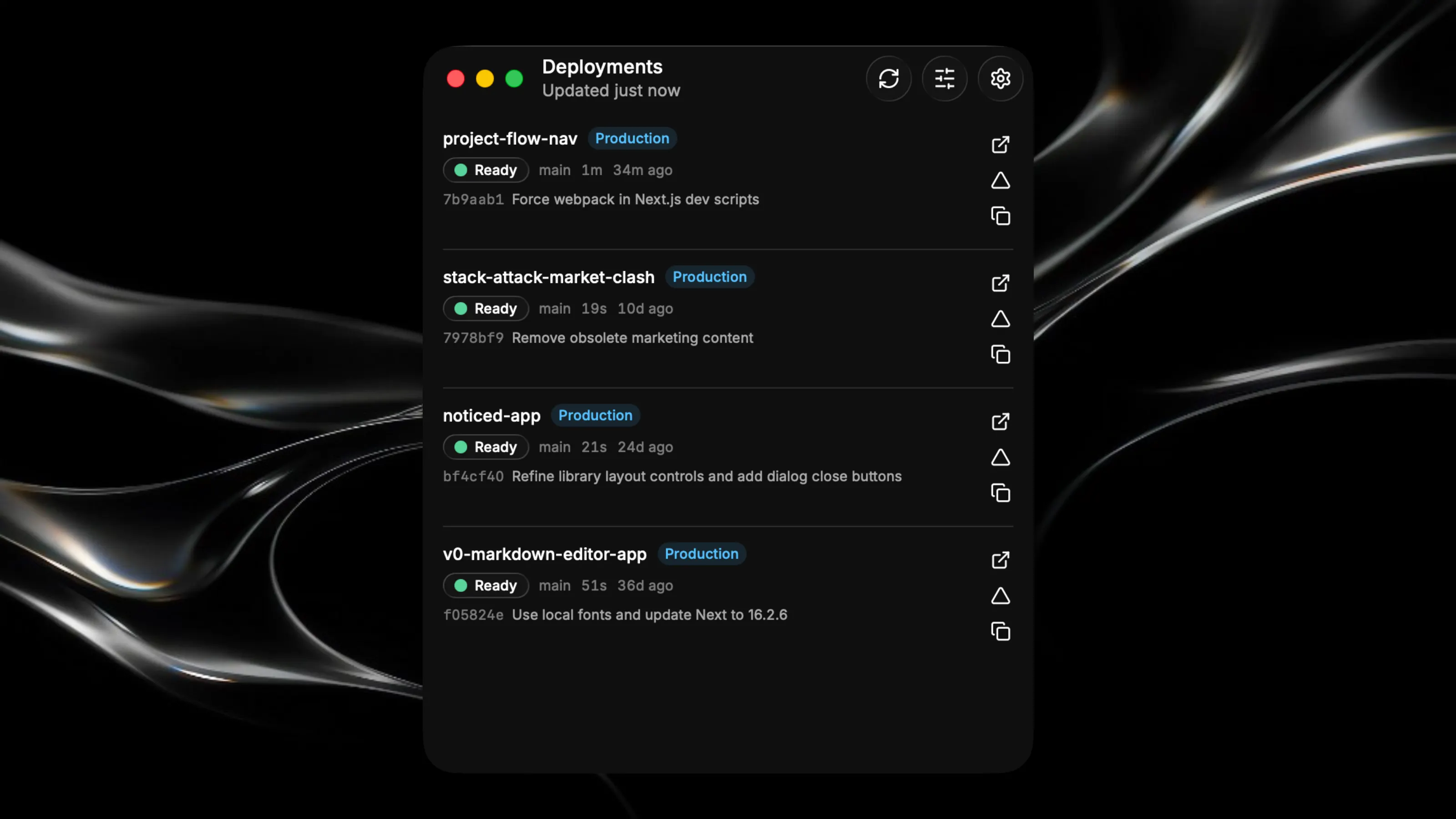
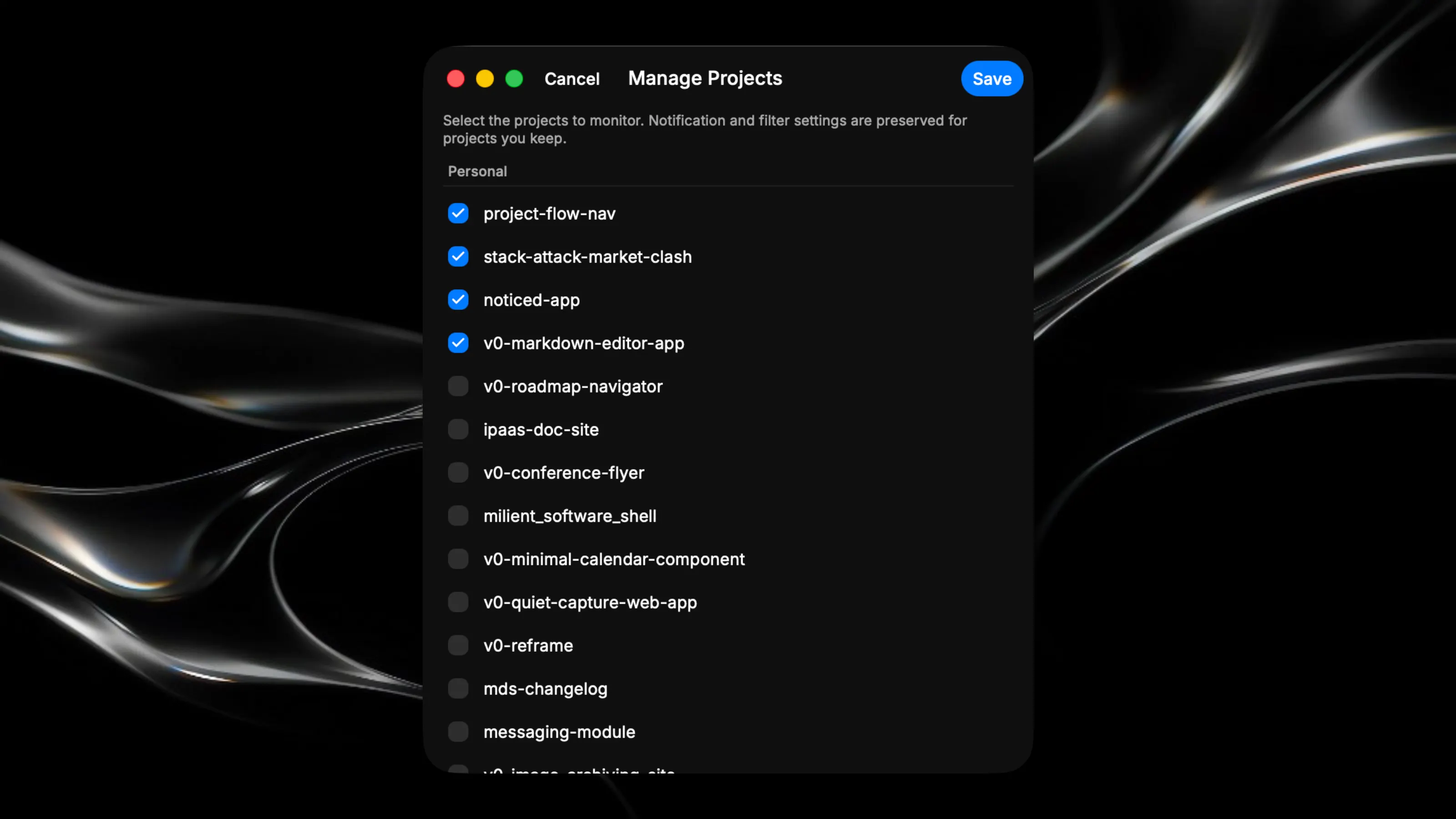
Monitor your Vercel deployments in real time without leaving your Mac. Get instant updates on build status, deployment progress, and project health. Key Features: - Watch multiple projects simultaneously and see the latest deployment status at a glance - Filter deployments by branch and environment to focus on what matters - Securely store your Vercel token with macOS Keychain encryption - Track deployment history and build durations for each project - Open deployment or in Vercel all from the app. Note that the first version only works with Vercel. Simply add your own Vercel access token* and you can choose what to share from that point on. I will update later to work for more services and include a menu bar item as well. Imortant Notes: *The token is per-machine, not in the app. When you paste your token, it's encrypted with your Mac's Keychain (safeStorage) and written to vercel-token.enc in the app's per-user data directory (userData), not into the app bundle or the source code. That encrypted file can only be decrypted on your Mac under your login — it's never shipped with the app or seen by any other app user. *Same for your projects/history. Those live in store.json in that same per-user userData folder, again not part of what you publish. *Nothing is hardcoded. There's no token or account baked into the code — it's only ever supplied at runtime by whoever is using the app.