Diffy McDiffFace
Diff anything. Upload nothing

About Diffy McDiffFace
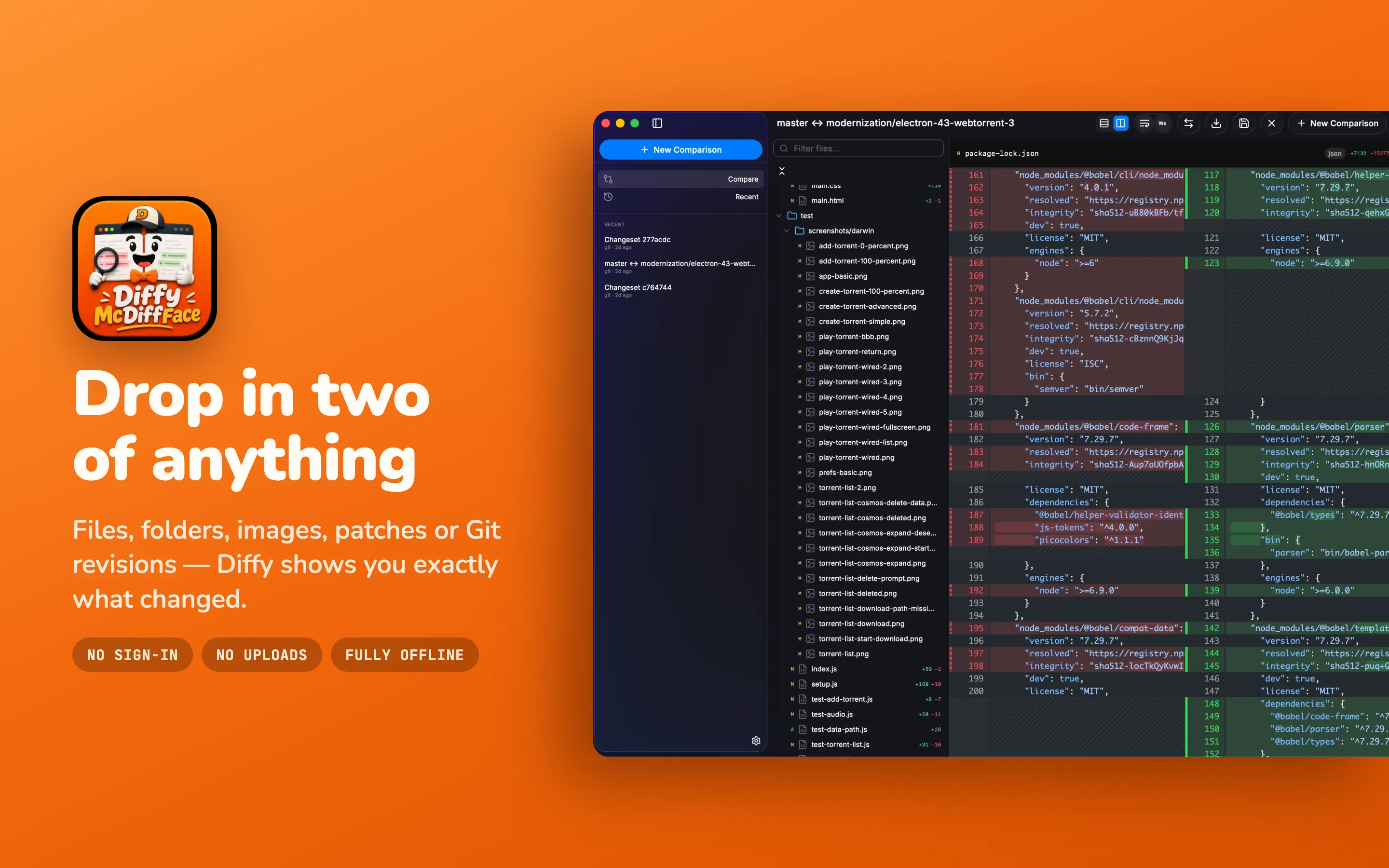
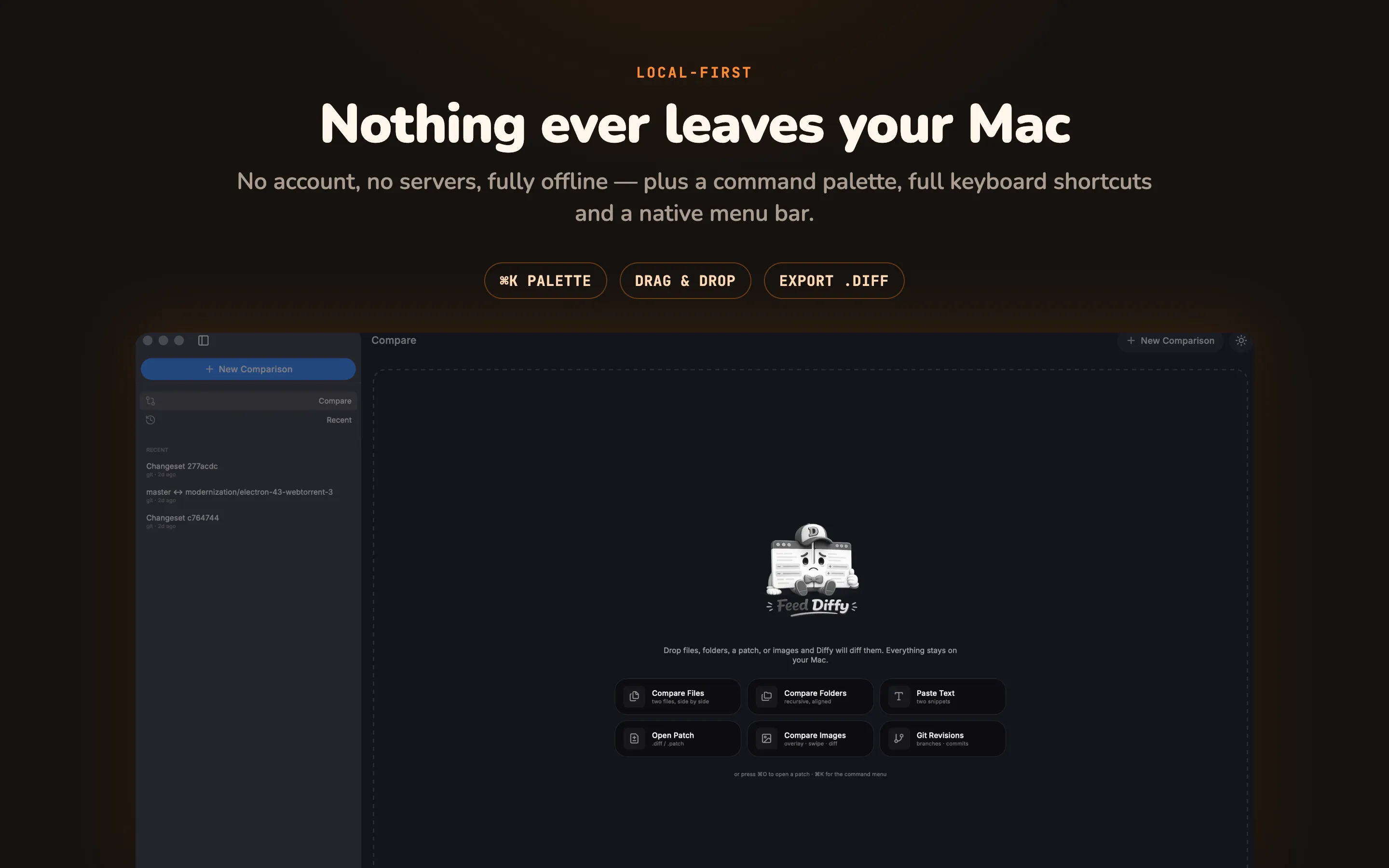
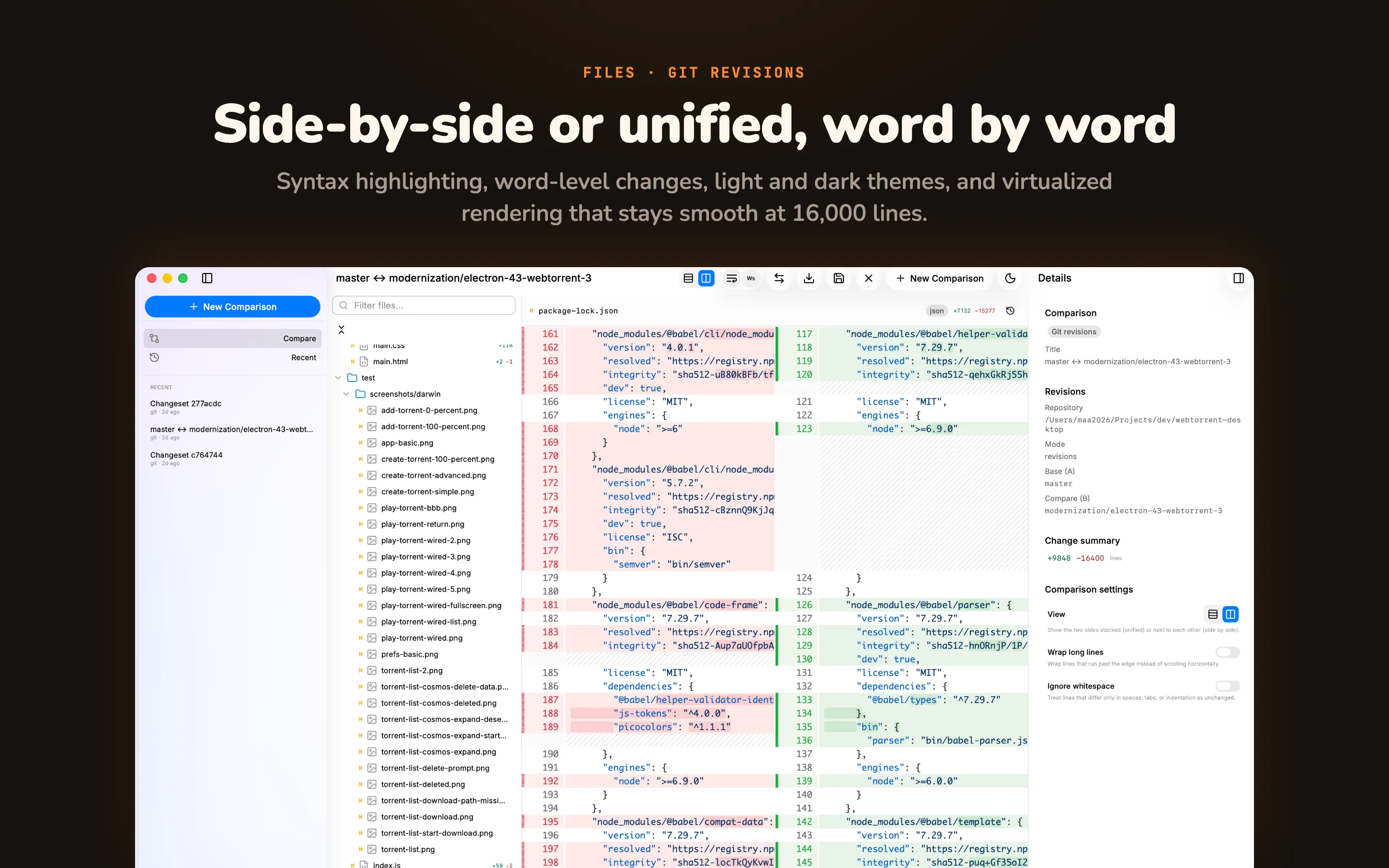
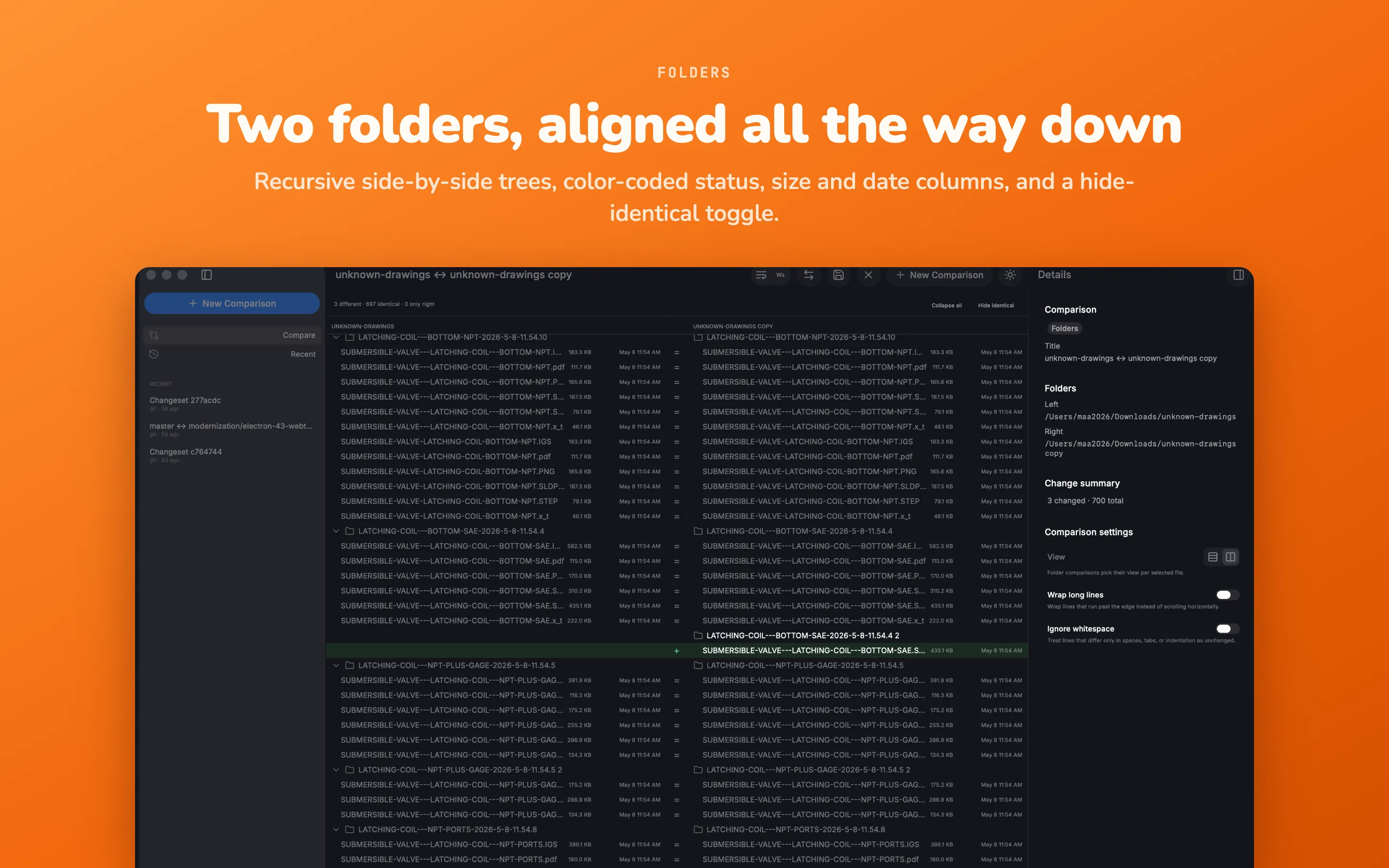
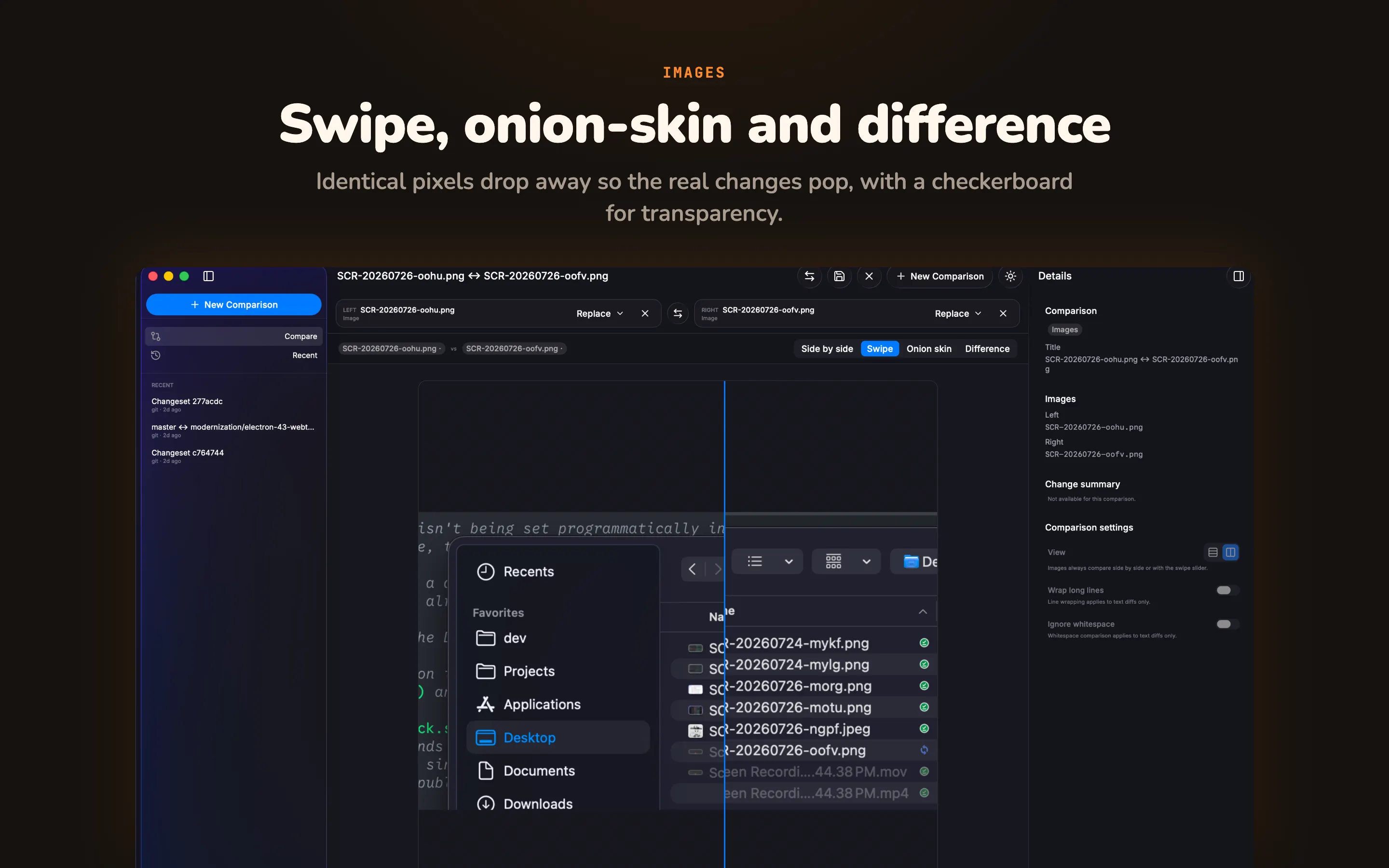
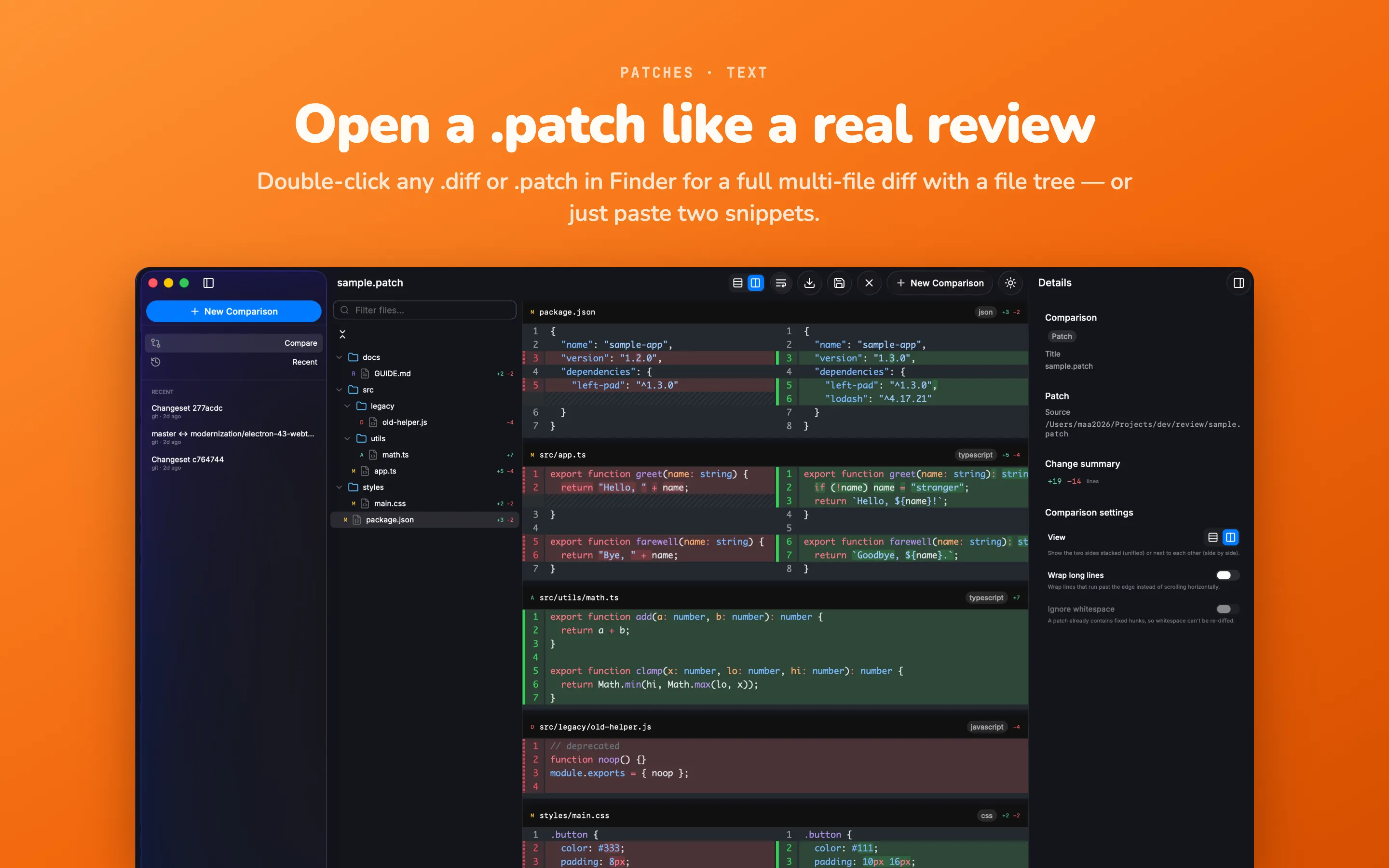
Diffy McDiffFace — a native macOS diff workbench for people who compare things all day. Drop in two files, two folders, a pair of images, a .patch, or point it at a Git repo — Diffy shows you exactly what changed. No sign-in, no uploads, no internet required. Your files never leave your Mac. It opens straight into a compare workspace (just feed Diffy), with a clean three-pane layout, light and dark themes, and a keyboard-first flow built for speed. Compare anything Files — unified or side-by-side, with syntax highlighting and word-level changes Folders — recursive side-by-side trees, color-coded status (added / removed / modified / binary), size and date columns, collapsible folders, and a hide-identical toggle Text — paste two snippets and diff them instantly Patches — open .diff / .patch files, or double-click them in Finder, for a full multi-file diff with a file tree Images — side-by-side, swipe, onion-skin and difference modes; identical pixels drop away so real changes pop, with a checkerboard for transparency Git revisions — any local repo: branches, tags, commits, staged / unstaged / all changes, or revision to revision — plus per-file history you can pin A/B Built for reviewing Virtualized rendering that stays smooth at 16,000 lines. Line wrap and ignore-whitespace toggles. Drag-and-drop to start any comparison. Saved and recent comparisons. Command palette (⌘K), full keyboard shortcuts, and a native menu bar. Export or copy a unified .diff. Local-first by design No account. No servers. Fully offline. Every comparison happens on your machine and nothing is ever uploaded.