Distinguish
Discord Triage for DevOps Teams

About Distinguish
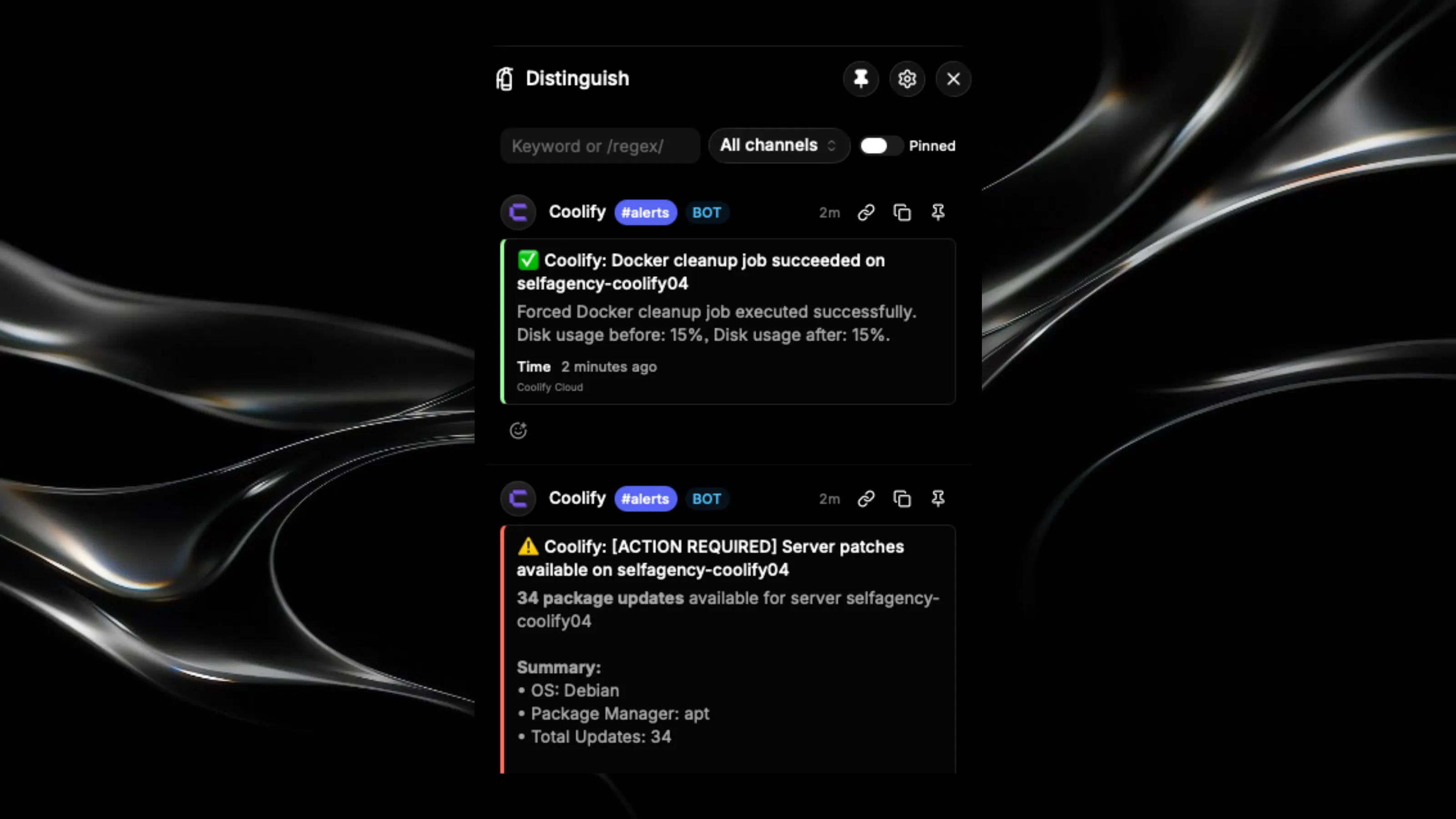
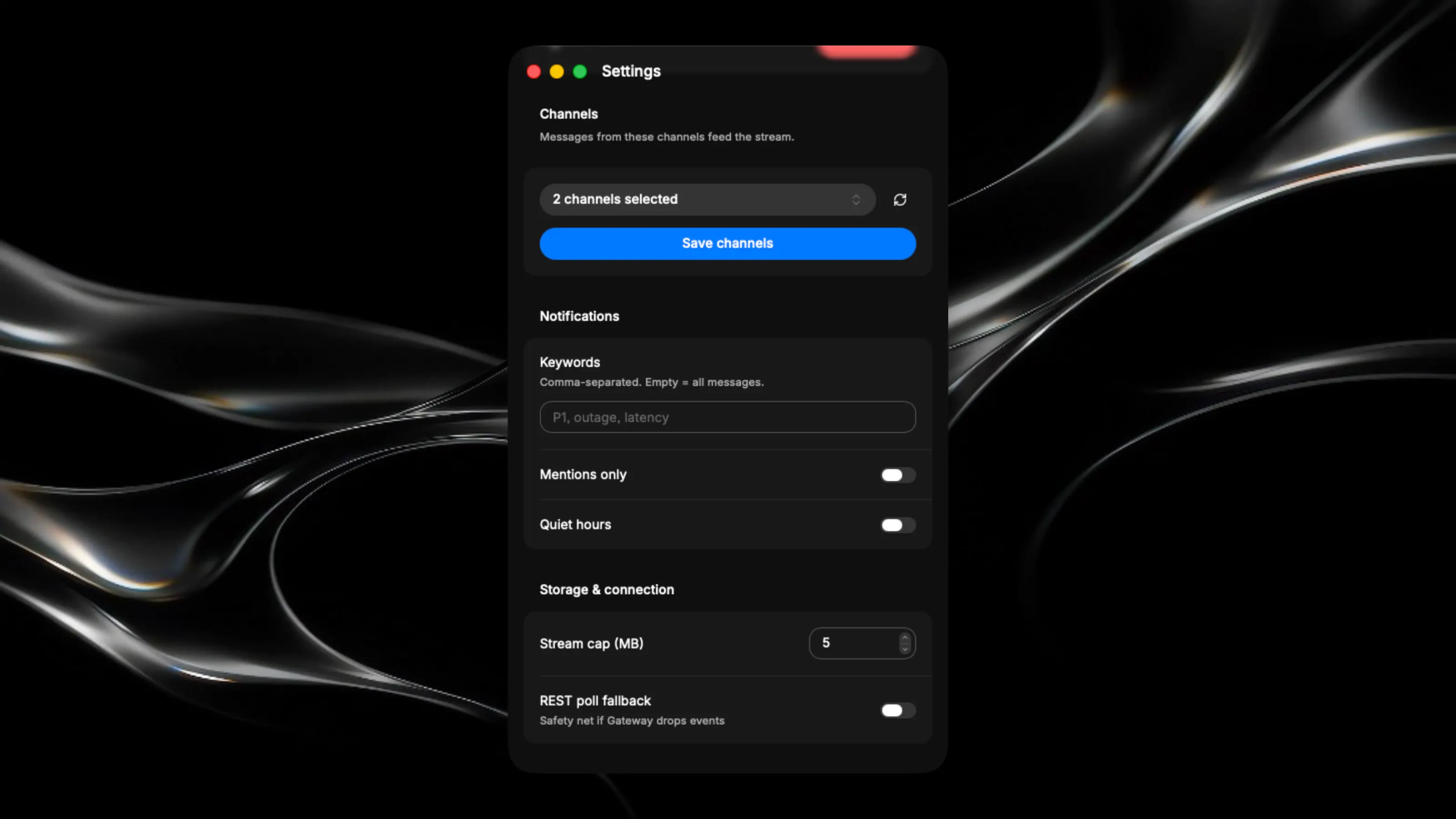
Your Discord fire extinguisher 🧯 Built for DevOps, SRE, platform, and engineering teams who need fast situational awareness without living in Discord all day, Distinguish lives in your macOS menu bar and turns selected Discord channels into a focused, real-time triage console. Track incidents, CI failures, deployment alerts, on-call escalations, and production signals without opening a noisy server or losing context in chat. Click the menu bar icon. Get the alerts that matter. Respond, search, pin, and move on. Features 📥 Unified operational feed — Stream real-time messages from the incident, CI/CD, PagerDuty, deploy, and observability channels you choose. Live Discord Gateway connection; no polling or manual refreshes. 🚒 One-click incident acknowledgment — Send team-visible Discord reactions such as 👀, 🚨, 🔧, and ✅ directly from the triage popover. Signal ownership, investigation, mitigation, or resolution without context-switching into Discord. 📌 Local incident pinning — Keep critical alerts, hypotheses, commands, and follow-ups in view locally without modifying or cluttering the source channel. 🔍 Fast search and filtering — Narrow the feed by channel, service, environment, deploy, incident ID, keyword, or alert signal. See the production fire, not every bot message around it. 🔔 Signal-aware desktop notifications — Notify on the alerts that require attention while suppressing routine pipeline chatter, repeated status updates, and low-value bot noise. 🐢 Deliberately human-paced actions — Reactions are explicit, one-click, and rate-limited to 20 per minute. Distinguish supports accountable human triage; it is not an automation or bot-farm tool. ⚡ Cached server and channel topology — Open the triage view immediately without reloading your full Discord workspace every time. 🕶️ Menu-bar-native operation — No Dock icon, no full client, no accidental doomscrolling. Distinguish stays out of the way until something needs an operator. Use responsibly and only in ways permitted by Discord and your organization’s policies.