HostDeck
Manage /etc/hosts without the terminal

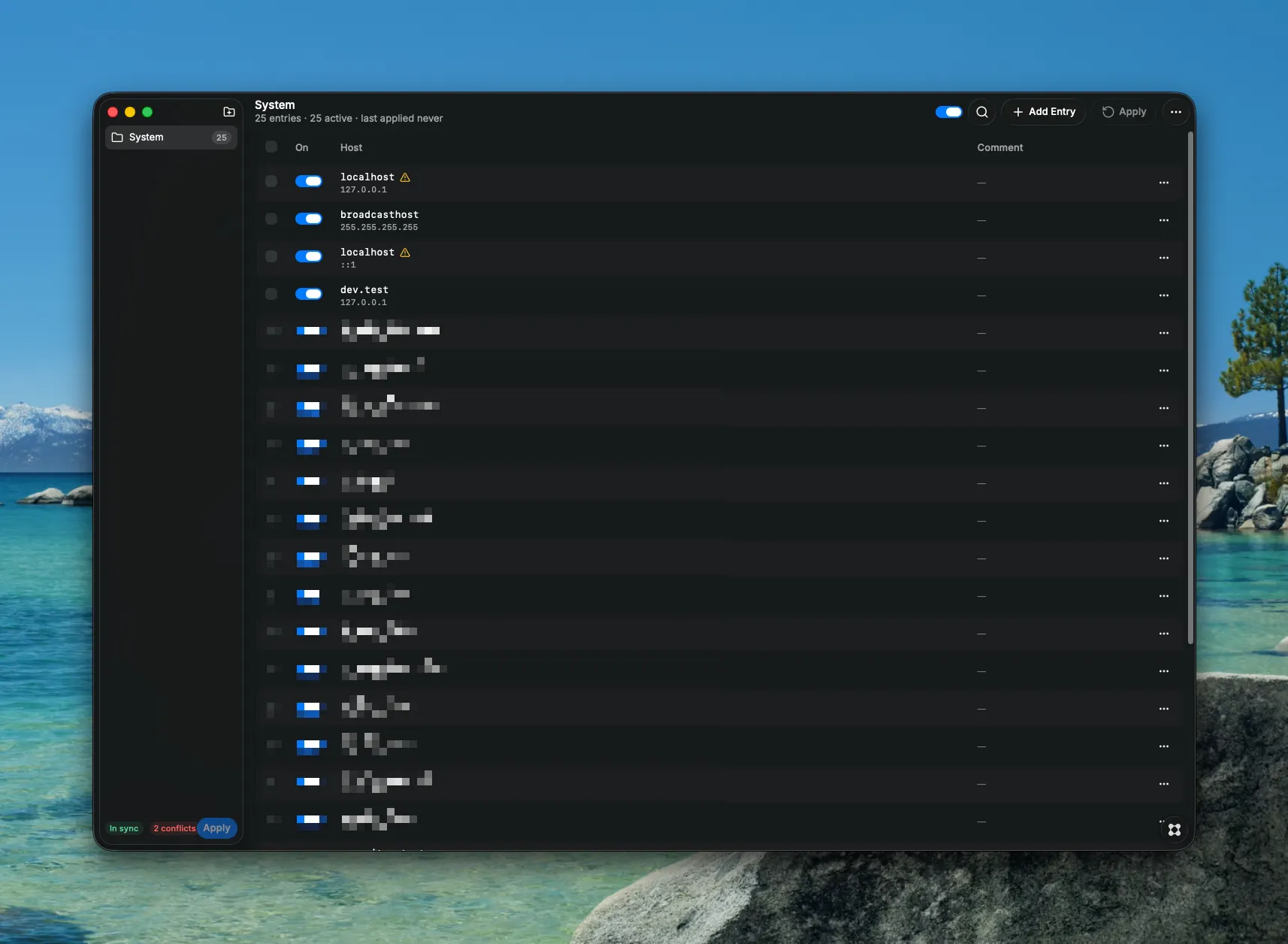
HostDeck is a native control panel for the /etc/hosts file on macOS. Instead of editing the system file in the terminal and risking a broken network, you manage every entry through a clean visual interface. Features: - Folders & toggles — group host entries into folders (e.g. "Work", "Local Dev", "Blocked Sites") and enable or disable individual entries or entire folders with a single click. - Safe apply — HostDeck generates a clean /etc/hosts from your model and writes it with an admin-password prompt. The DNS cache is flushed automatically. - Automatic backups — a snapshot of the current file is created before every apply. Restore any backup in one click. - Conflict detection — get warned when the same hostname points to different IP addresses. - Drift detection — HostDeck notices when the system file was changed outside the app and offers to re-import it. - Preview changes — see the generated /etc/hosts side by side with the current one before applying. - Export & import — save and move host configurations as JSON. - Command palette & shortcuts — search entries instantly and trigger actions from the keyboard (⌘N, ⌘S, ⌘Z, and more). Perfect for developers juggling local domains, staging environments, and traffic redirects — fast, visual, and without the fear of breaking something.