Eyeline
Read your script while facing the camera

About Eyeline
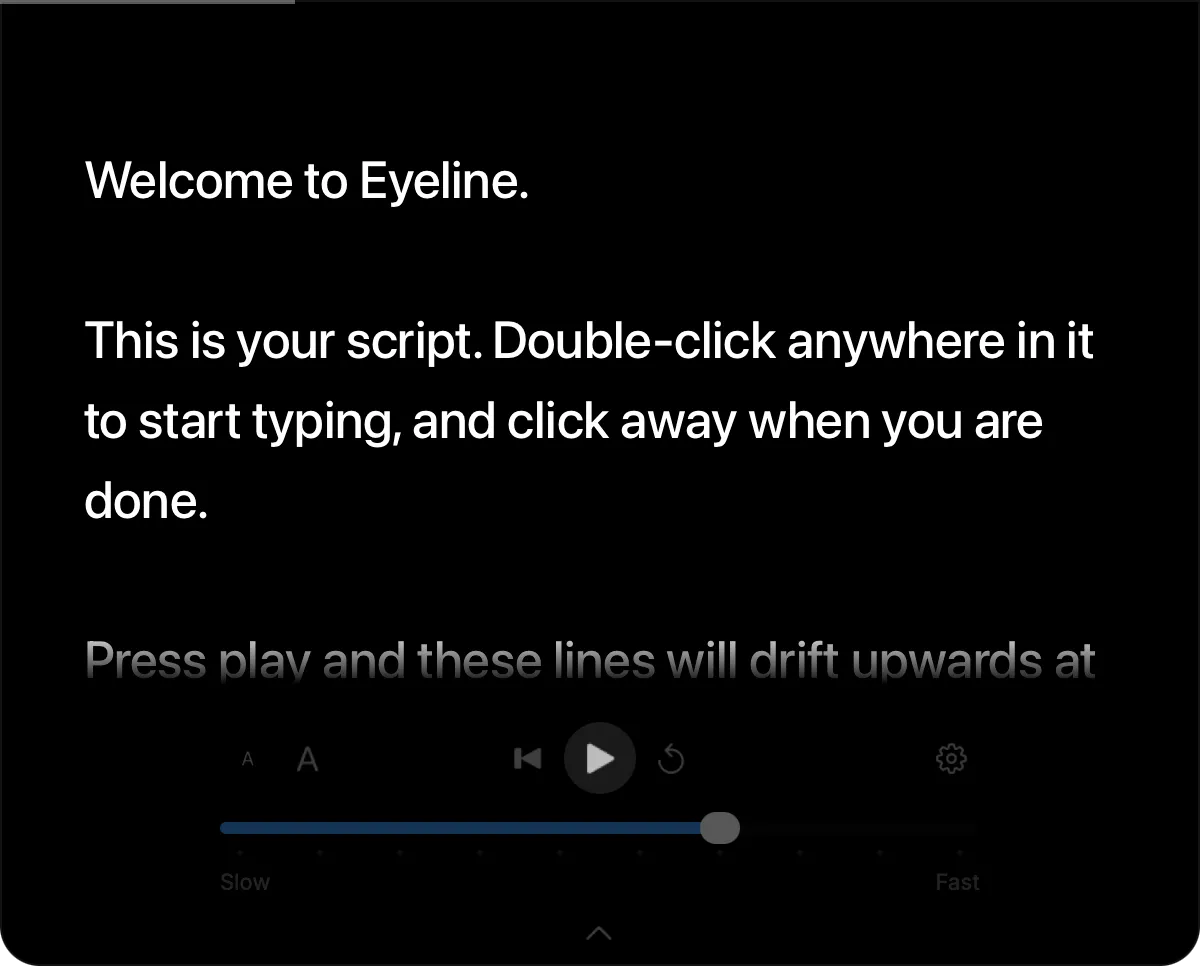
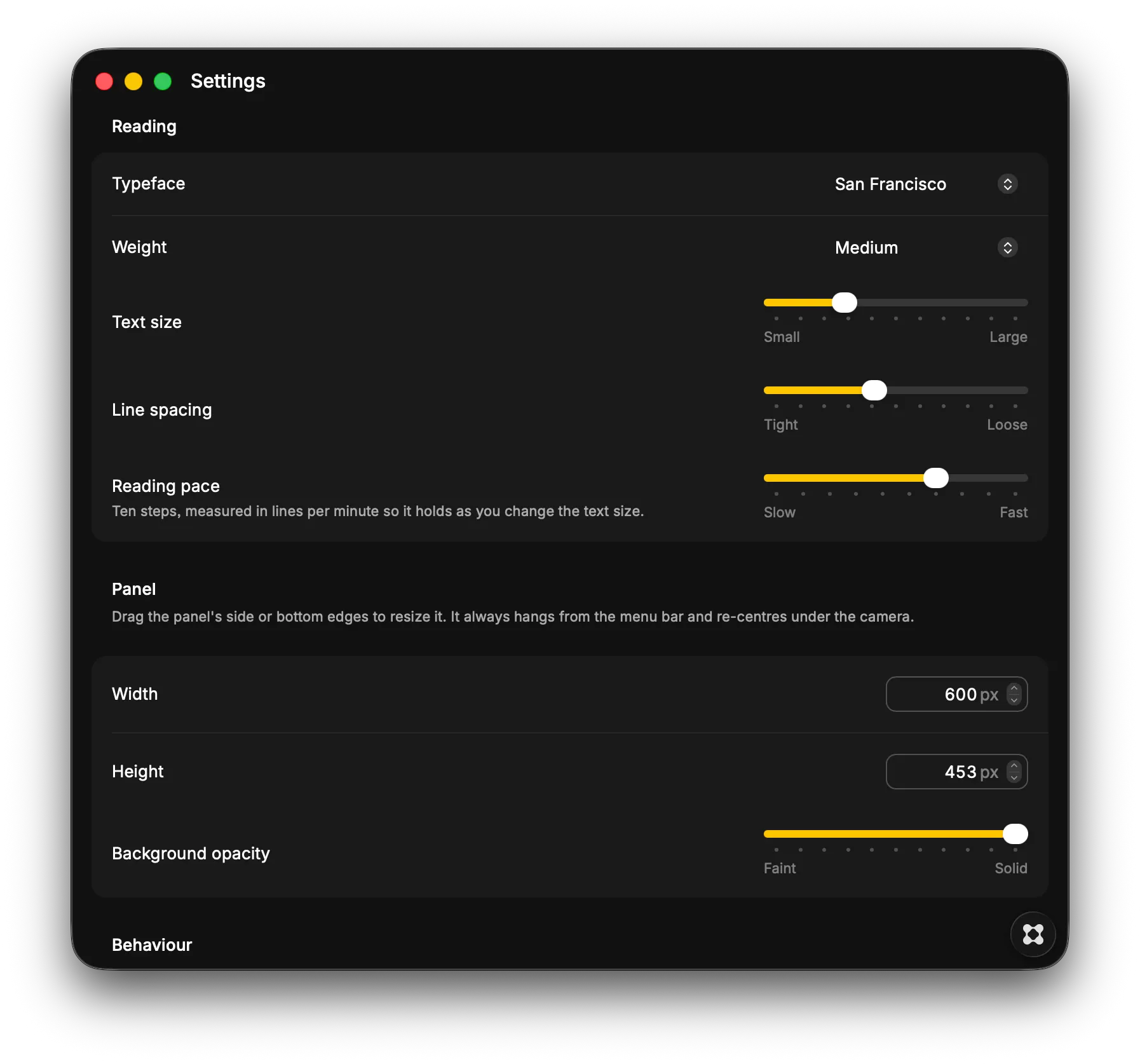
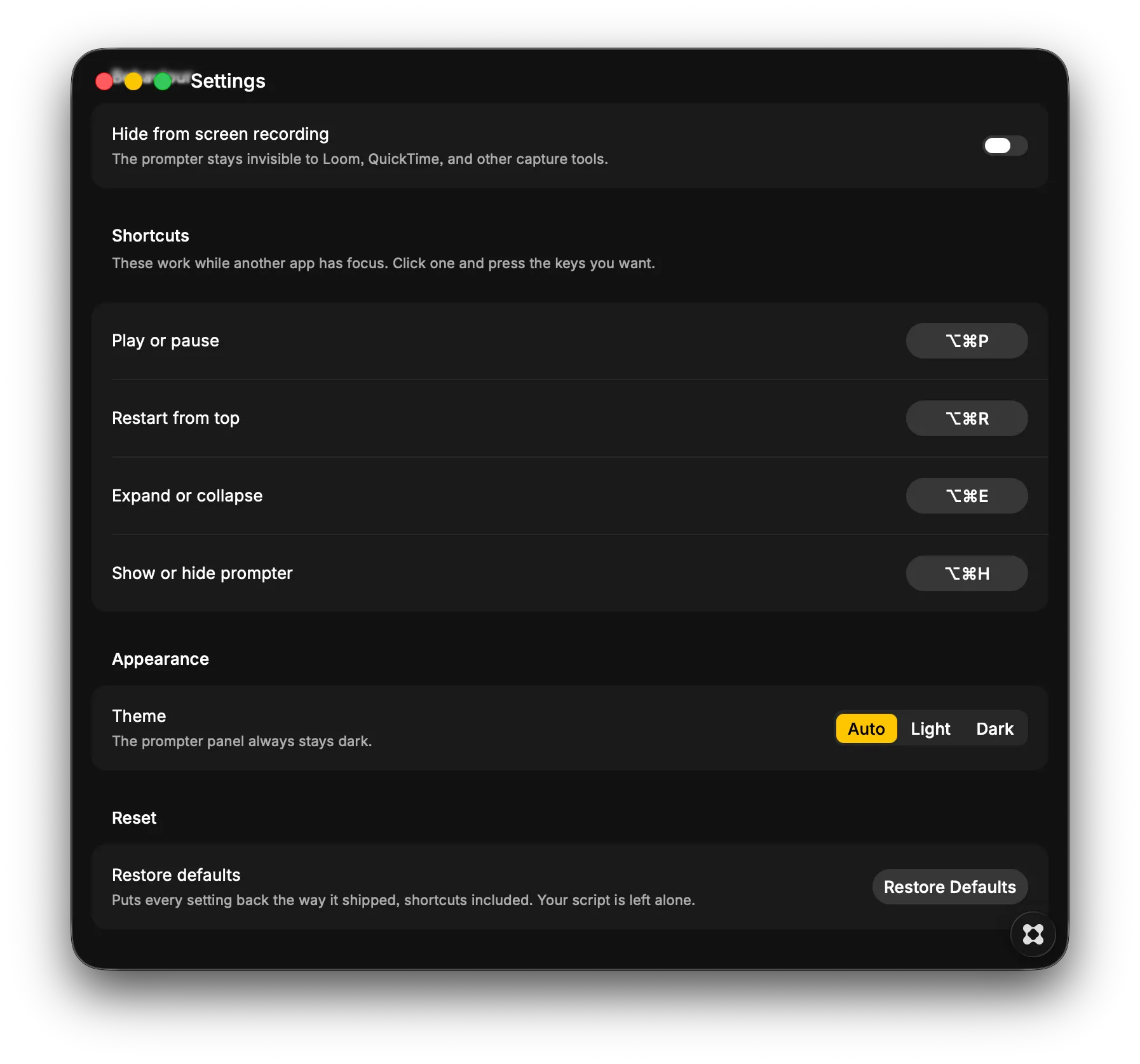
Eyeline is a teleprompter for recording videos on a Mac. Your script hangs from the menu bar at the top centre of the screen, directly under the camera, so reading it looks like looking straight at whoever is watching. At rest it is a slim pill. Click it and the reading panel unfolds. Press play and the script feeds up from the bottom at a pace you set, fading softly at both ends. Scroll by hand whenever you want, then carry on. Eyeline excludes itself from screen capture by default, so it never appears in Loom, QuickTime, or Zoom. There is no Dock icon and no window to manage, just a menu bar item. You can run the whole thing without touching it. ⌥⌘P plays and pauses, ⌥⌘R jumps back to the top, ⌥⌘E opens and closes the panel, and ⌥⌘H hides it, all while your recording app keeps focus. The pace is set in lines per minute rather than pixels, so making the text bigger never changes how fast you have to talk. There are ten speeds, and you can change gear mid-take. Double-click anywhere in the script to edit it in place. Choose the typeface, size, weight, and spacing, and drag the panel's edges until it fits. Your script stays on your Mac.