Eyeline
Read your script while facing the camera

About Eyeline
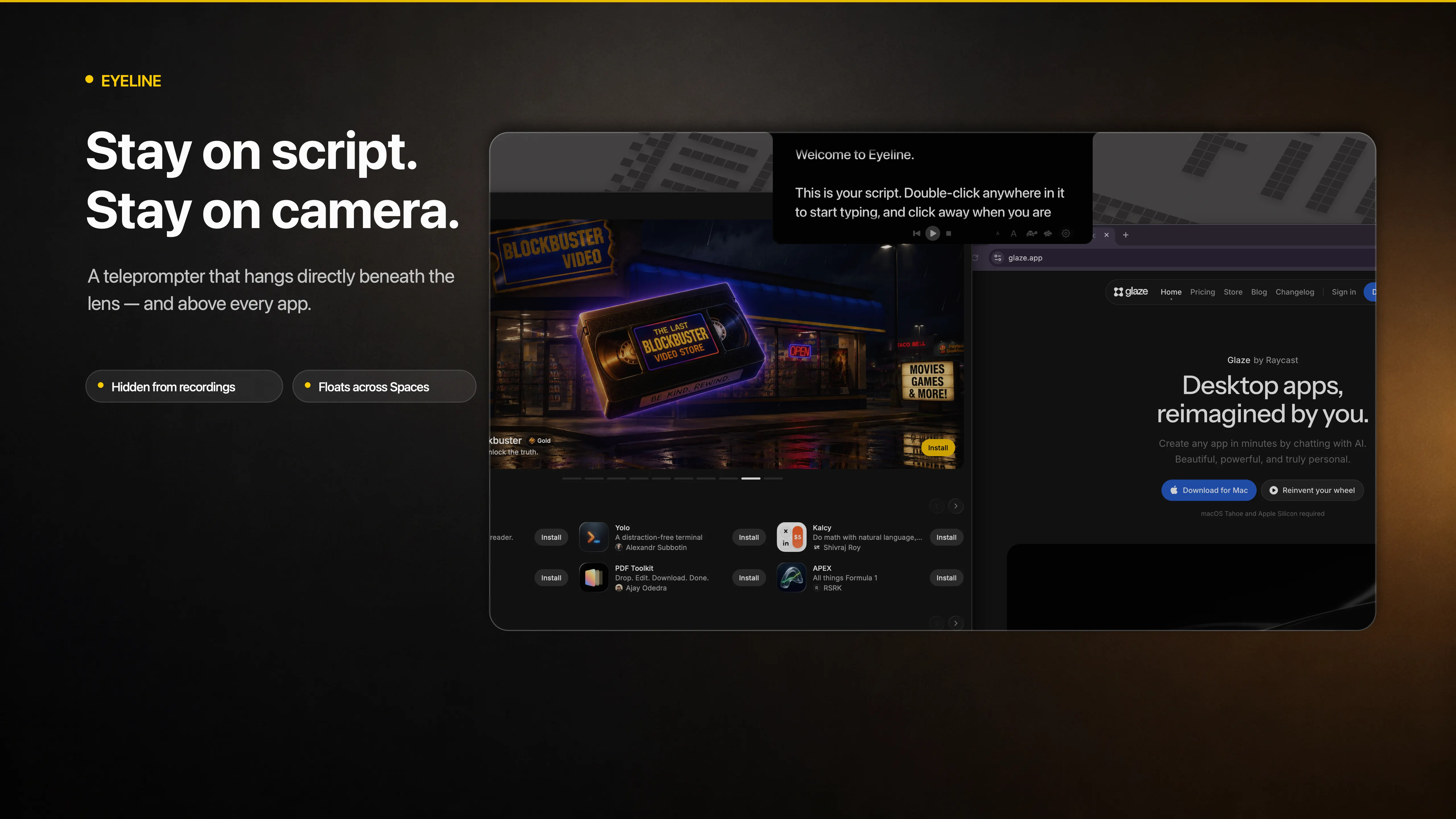
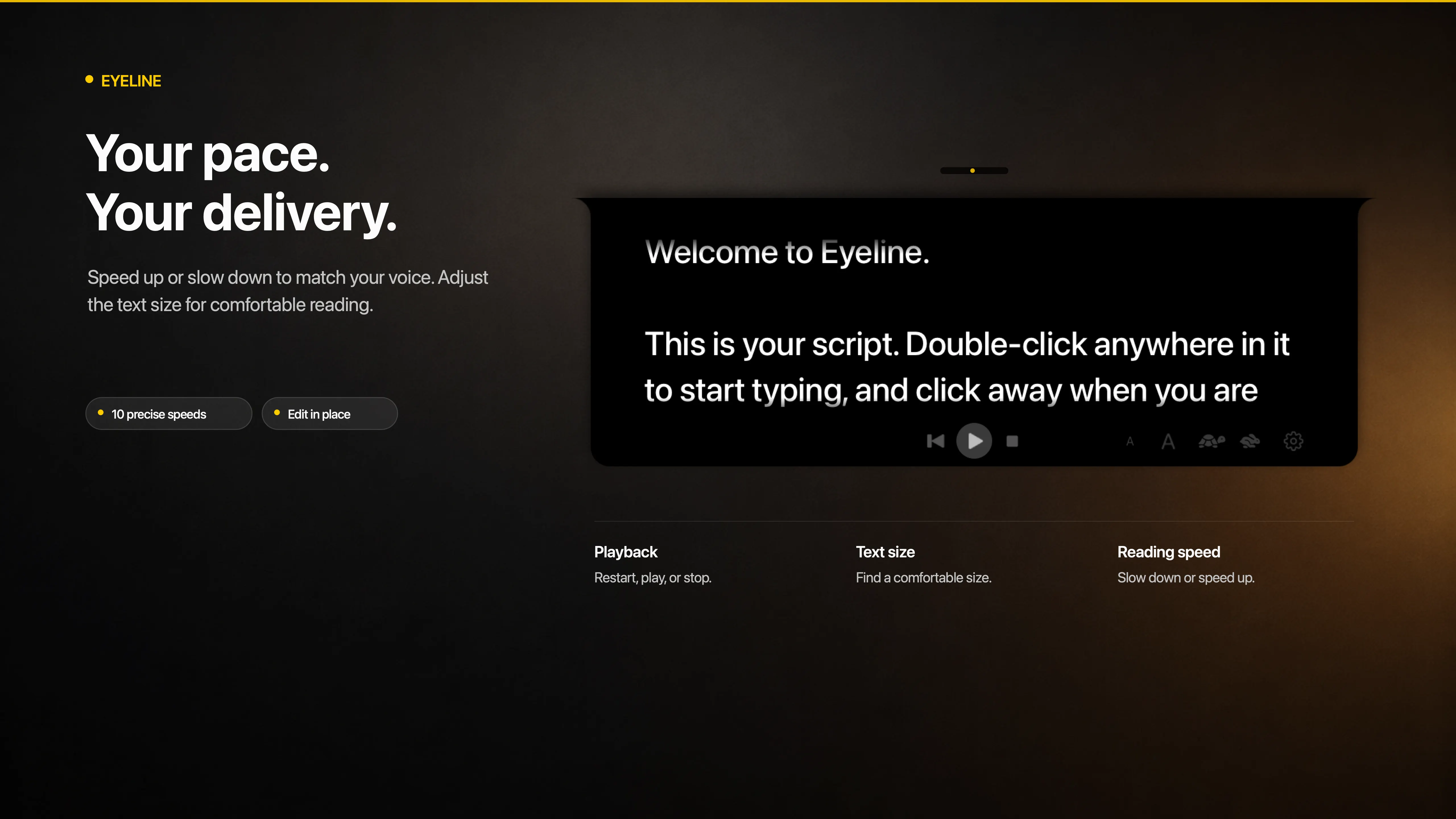
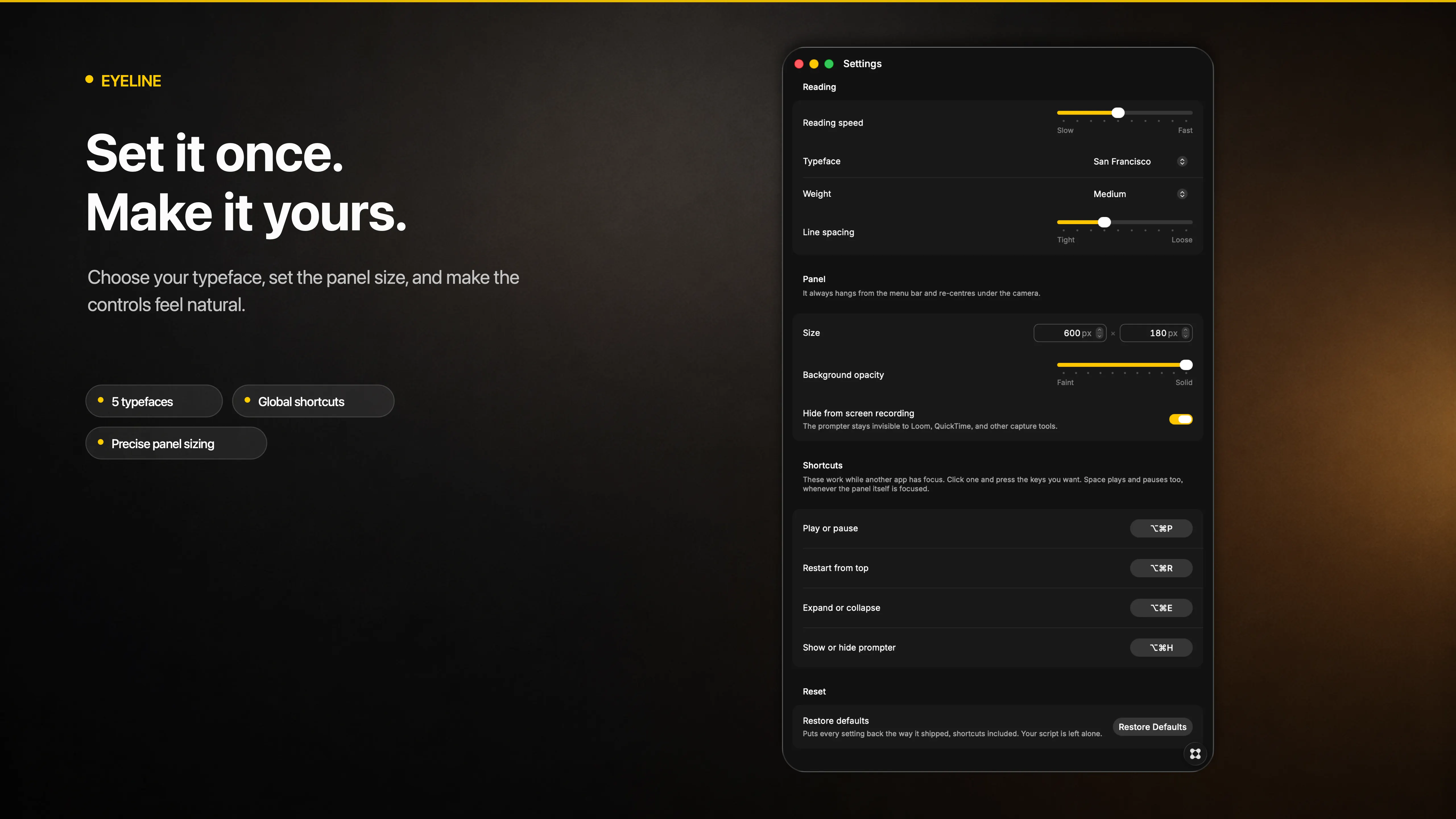
Eyeline is a teleprompter that lives under your camera. Your script hangs from the menu bar at the top centre of the screen, so reading it looks like looking straight at whoever is watching. It stays out of the picture too: excluded from screen capture by default, so it never appears in Loom, QuickTime, Zoom, or your stream. Key features - Global shortcuts play and pause, jump back to the top, collapse the panel, and hide it entirely, all without leaving the app you are recording in. Rebind any of them. - Pace is set in lines per minute, so changing the text size never changes how fast you have to talk. Ten speeds to match your delivery. - Rests as a slim pill and unfolds when you click it. Drag its edges until it fits. - Double-click anywhere in the script to edit it in place. - Five typefaces, plus size, weight, line spacing, and panel opacity. - No Dock icon and no window to manage. Floats above full-screen apps and follows you across Spaces. Your script is stored on your Mac and nowhere else.