
FFmpeg Studio
Convert media with visual presets
About FFmpeg Studio
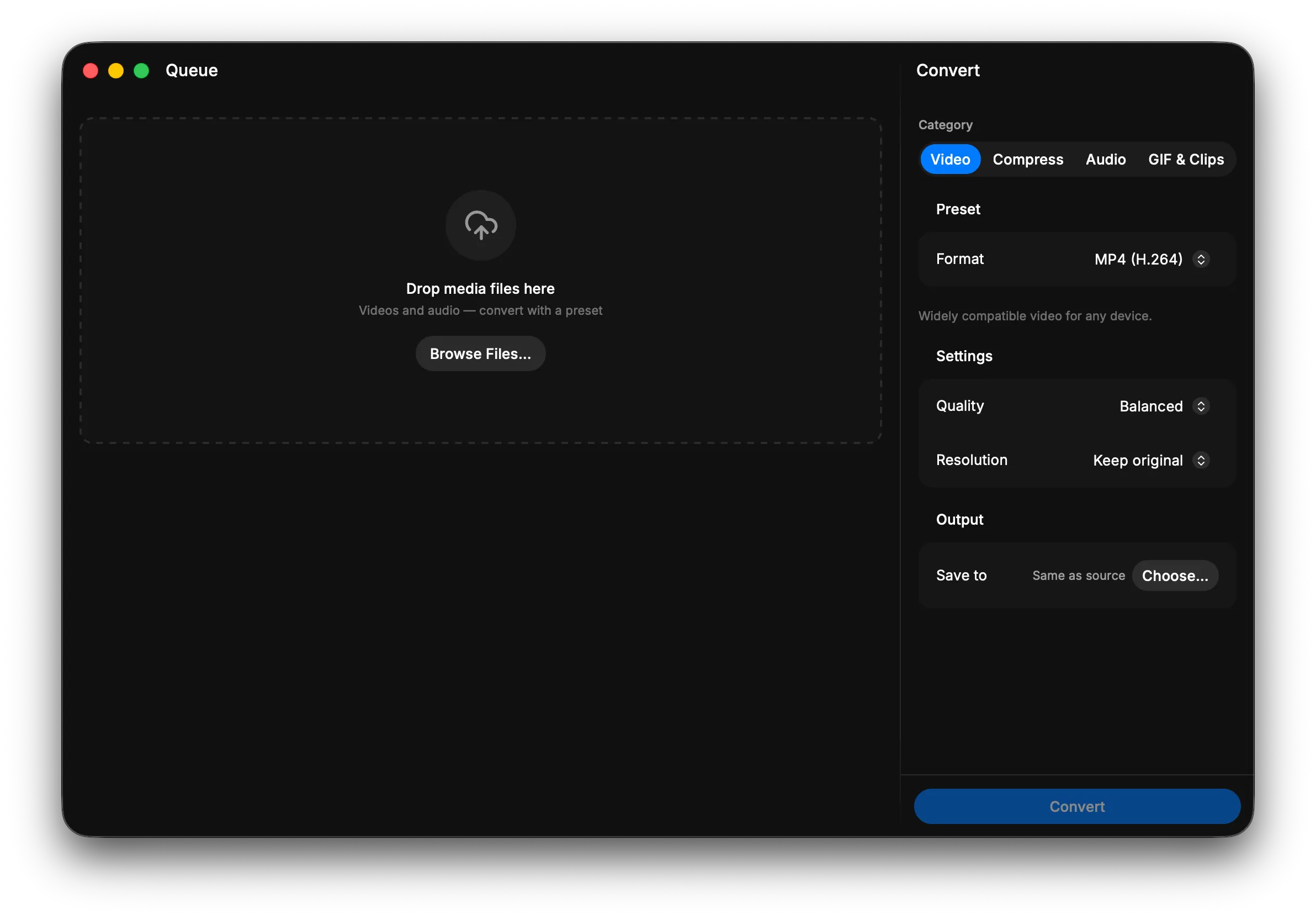
Convert and optimize media files with a library of professional visual presets. Drag files into the queue, adjust quality and format settings with simple sliders, and batch convert multiple videos at once. Preview media properties like resolution and duration before processing, then reveal finished files directly in your file browser. Key Features: - Browse and apply curated conversion presets for common video and audio formats - Fine-tune output quality, codec, and other parameters with interactive controls - Queue multiple files for unattended batch conversion with real-time progress tracking