
Flow Bar
Agent tasks, one keystroke away

About Flow Bar
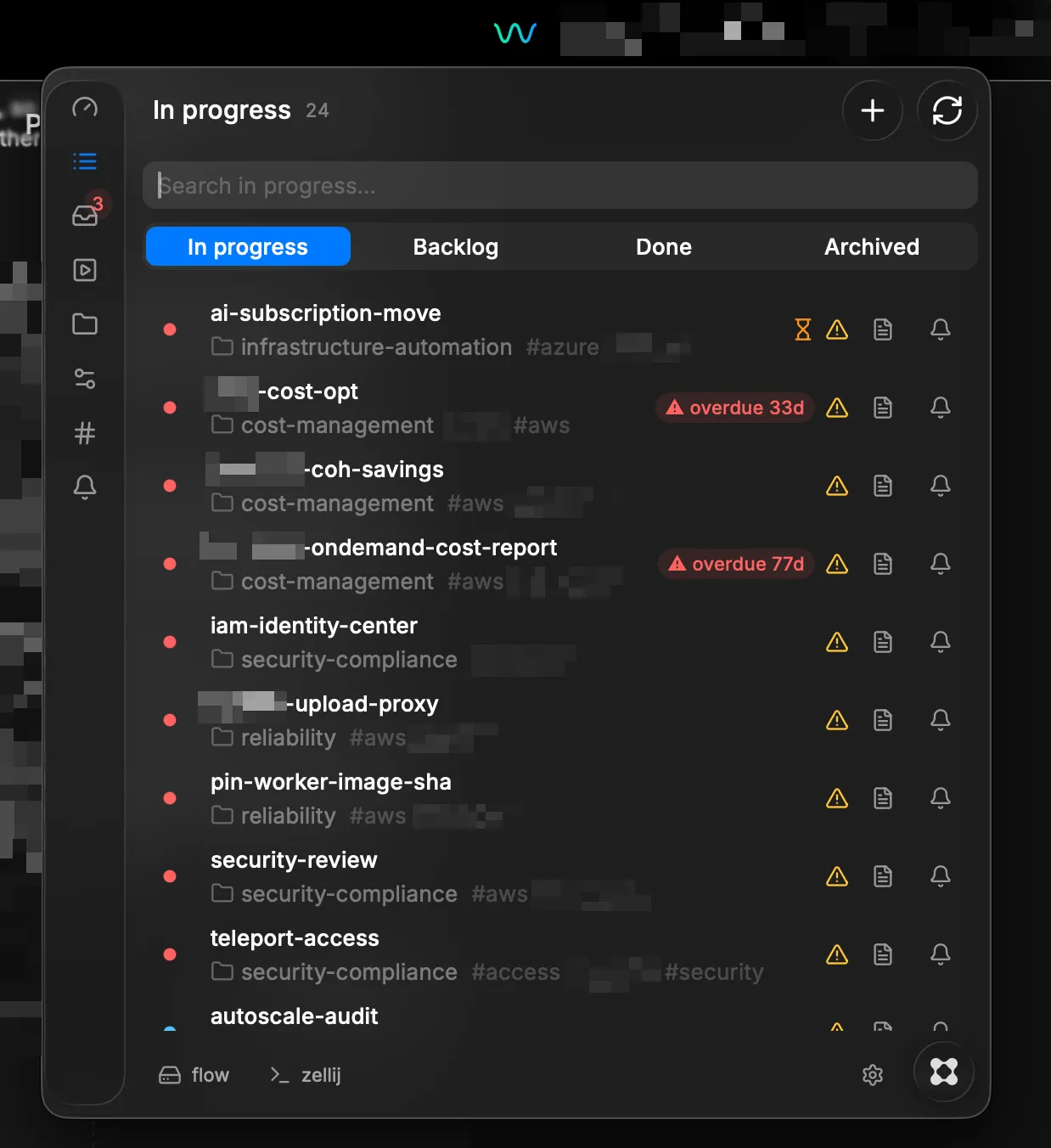
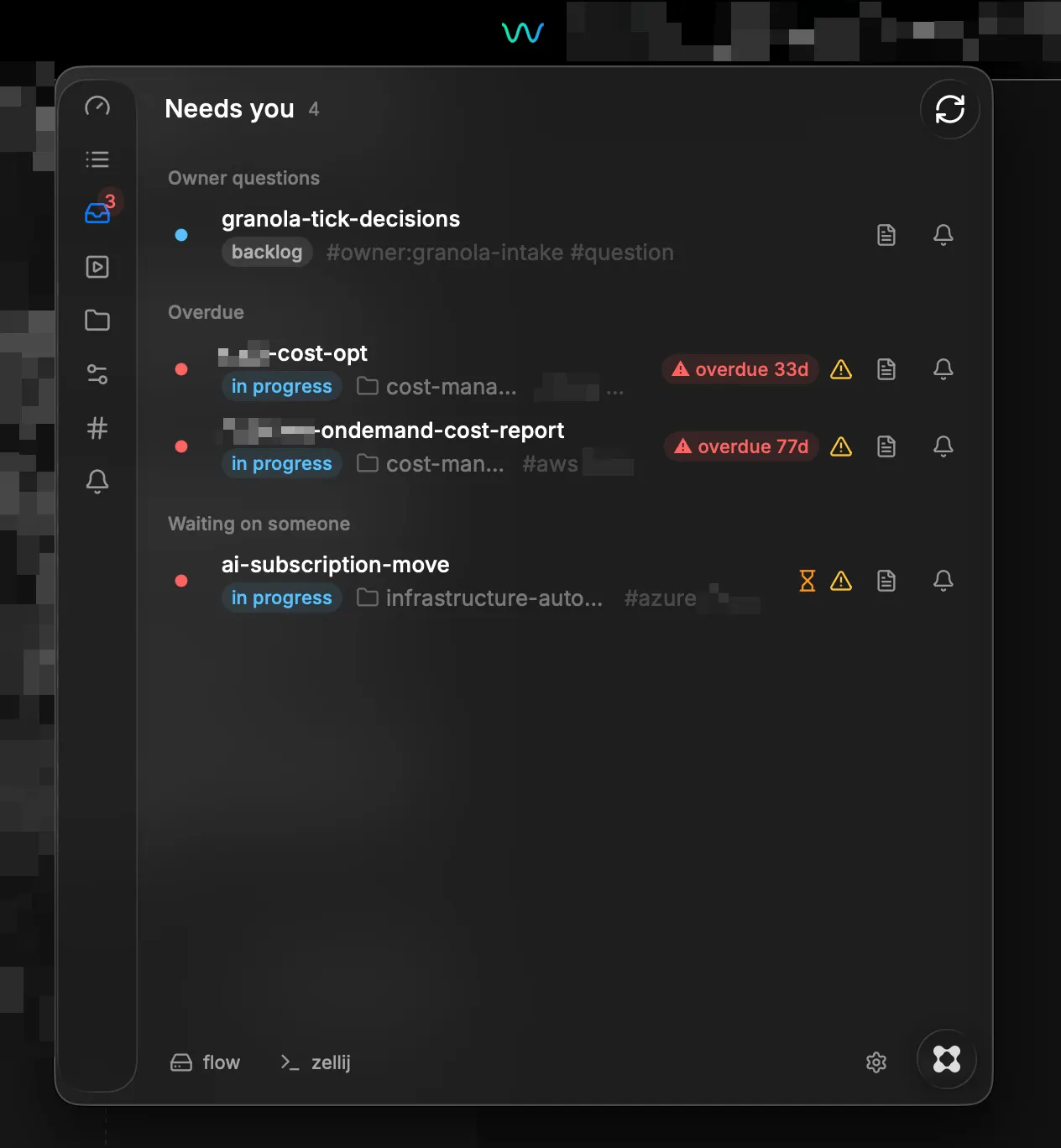
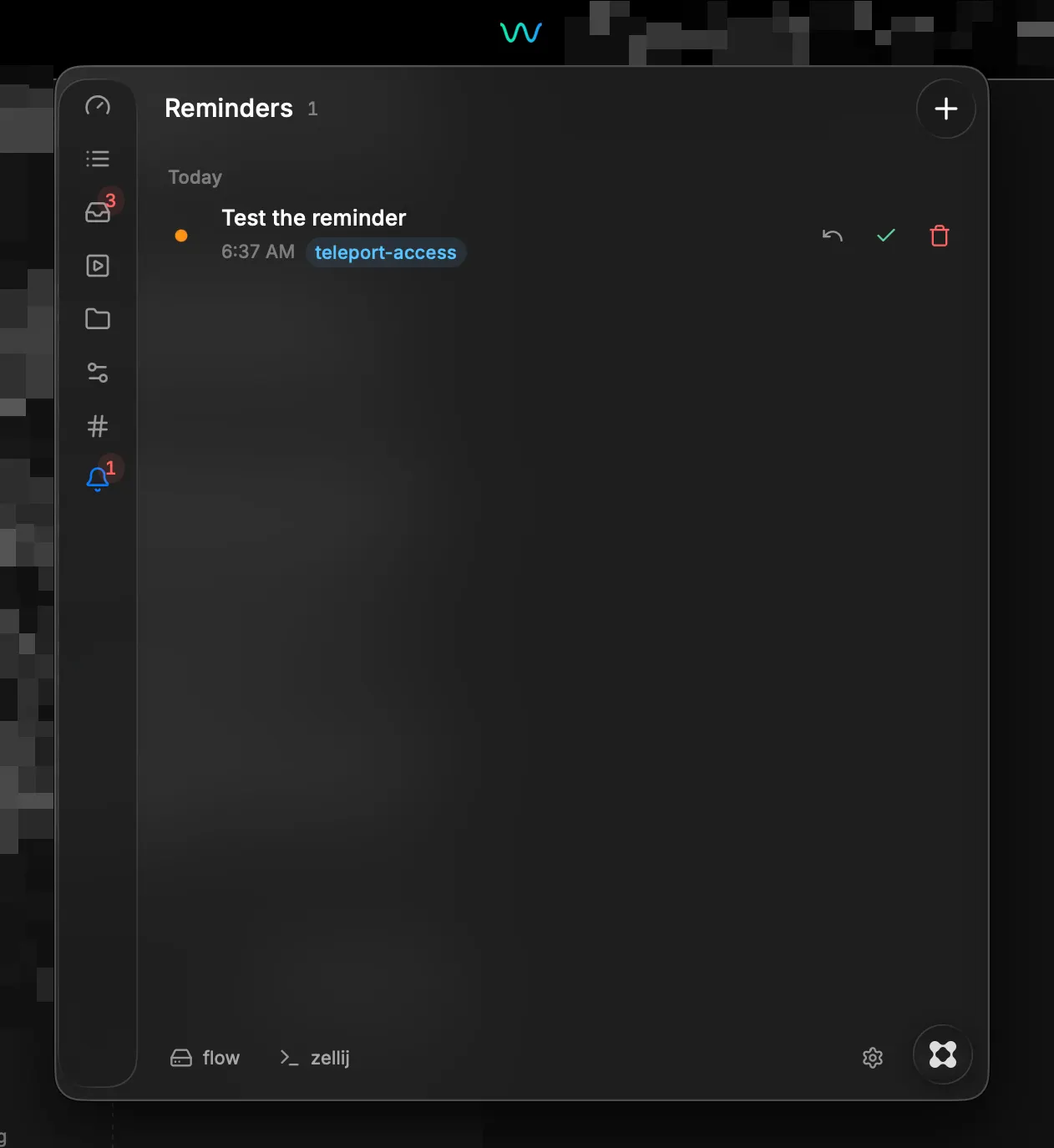
If you keep more than one Claude session going, you already know how this goes. A dozen terminal tabs, no idea which is which, and every switch costs you a minute of working out where you were. Sometimes you just re-explain the whole thing, because that's faster than finding it. Flow Bar puts your flow workspace in the menu bar. Hit Option+Command+F, type a few letters, press Enter. flow focuses the session that's already running, or starts a fresh one, and you're back in context. What's in it: - Quick switcher. Type to filter what's in progress, Enter to jump in. - Overview. In progress, backlog, done, overdue, stale, live, waiting. It also shows flow's own memory numbers, like how often it pulled up your context so you didn't have to explain things twice. - Needs you. Owner questions, overdue work, and anything blocked, in one list. - Brief peek. Read a task's brief and its recent updates without switching to it. - Create. New tasks and projects, with slug checking, a tag picker, and work dir autocomplete. - Reminders. Native notifications, on their own or attached to tasks. - Projects, playbooks, owners and tags. The rest of your workspace. - Multiple flow roots, so personal and work stay separate. - Your terminal, whether that's zellij, iTerm2, Terminal.app, Warp or Ghostty. Why use both? flow is the part that makes a session continuous. It remembers what a task is about, so coming back to it doesn't start from nothing. But that only helps if you can find the task, and once you have five of them running, finding it is the annoying bit. Flow Bar is the way in. It talks to the flow CLI and nothing else. It never opens flow's database directly, so there's no second copy of your data and nothing that can drift out of sync. What you see is whatever flow currently thinks. It also tries to stay out of the way. Nothing runs in the background, it only reads while the panel is open, and it closes itself the moment you jump into a task. One thing to know: you'll need the flow CLI for any of this to work (github.com/Facets-cloud/flow). If you don't have it yet, Flow Bar shows you how to install it and set up your flow root the first time you open it.