Foldery
Your projects, one keystroke away

About Foldery
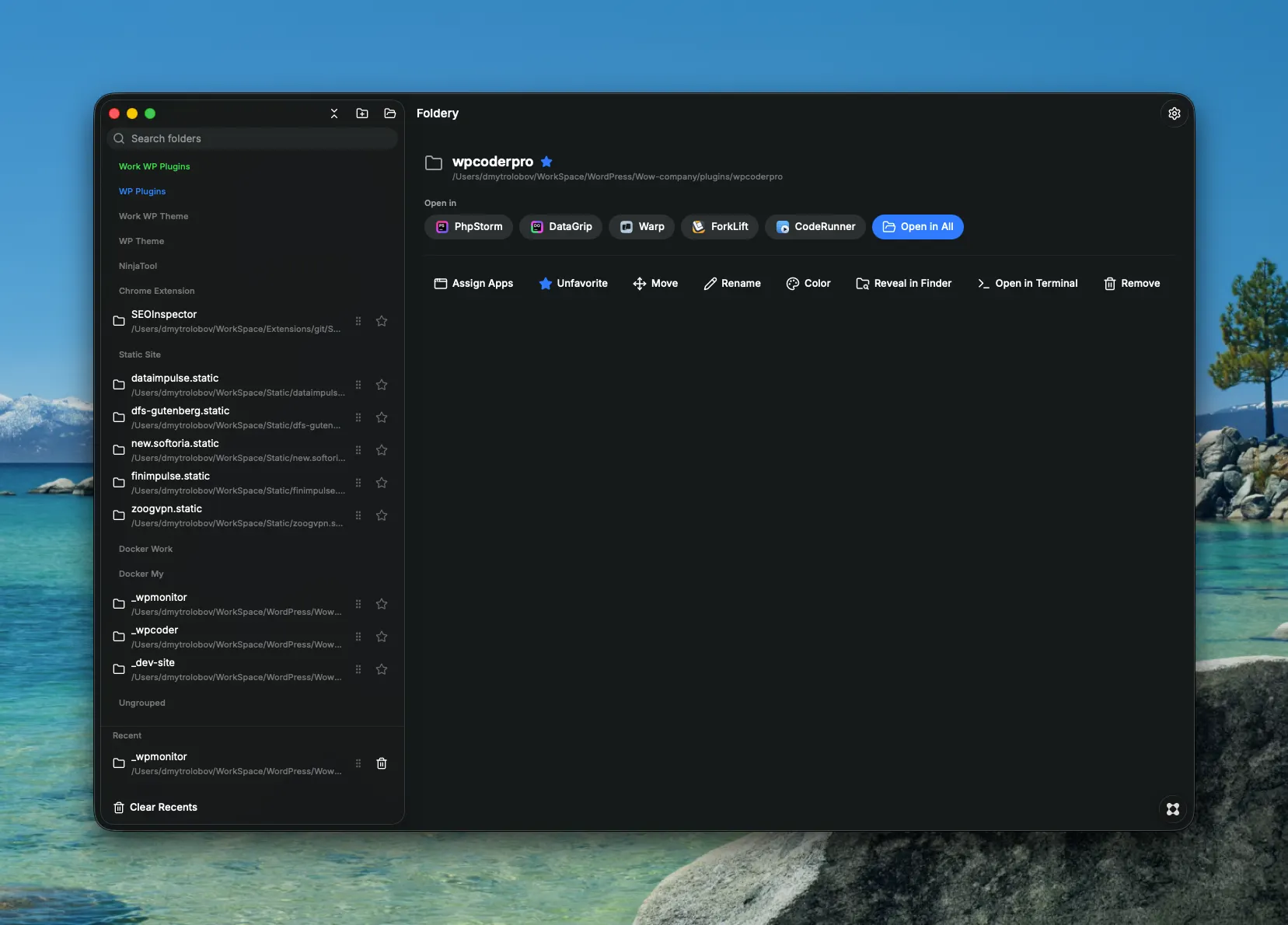
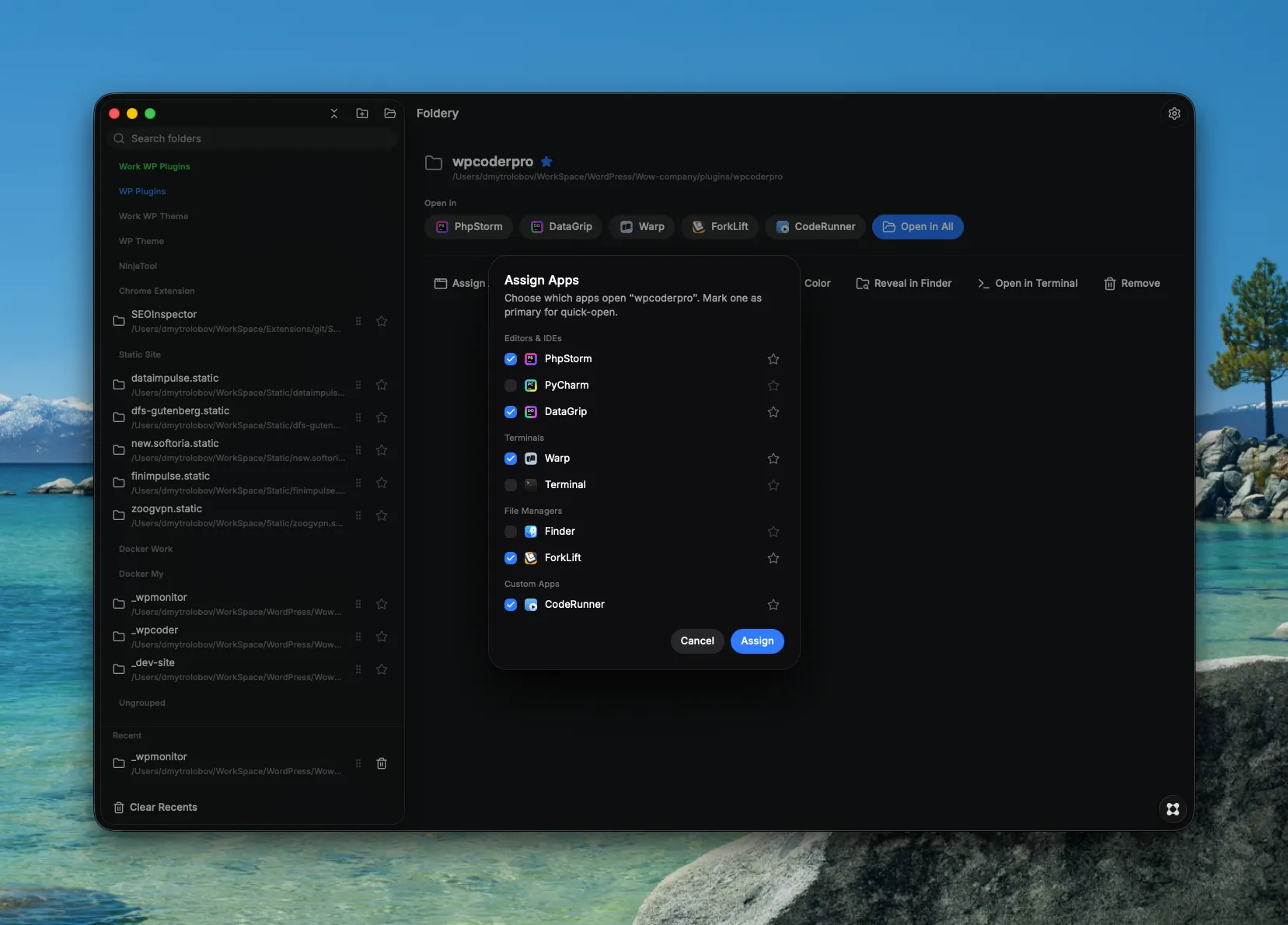
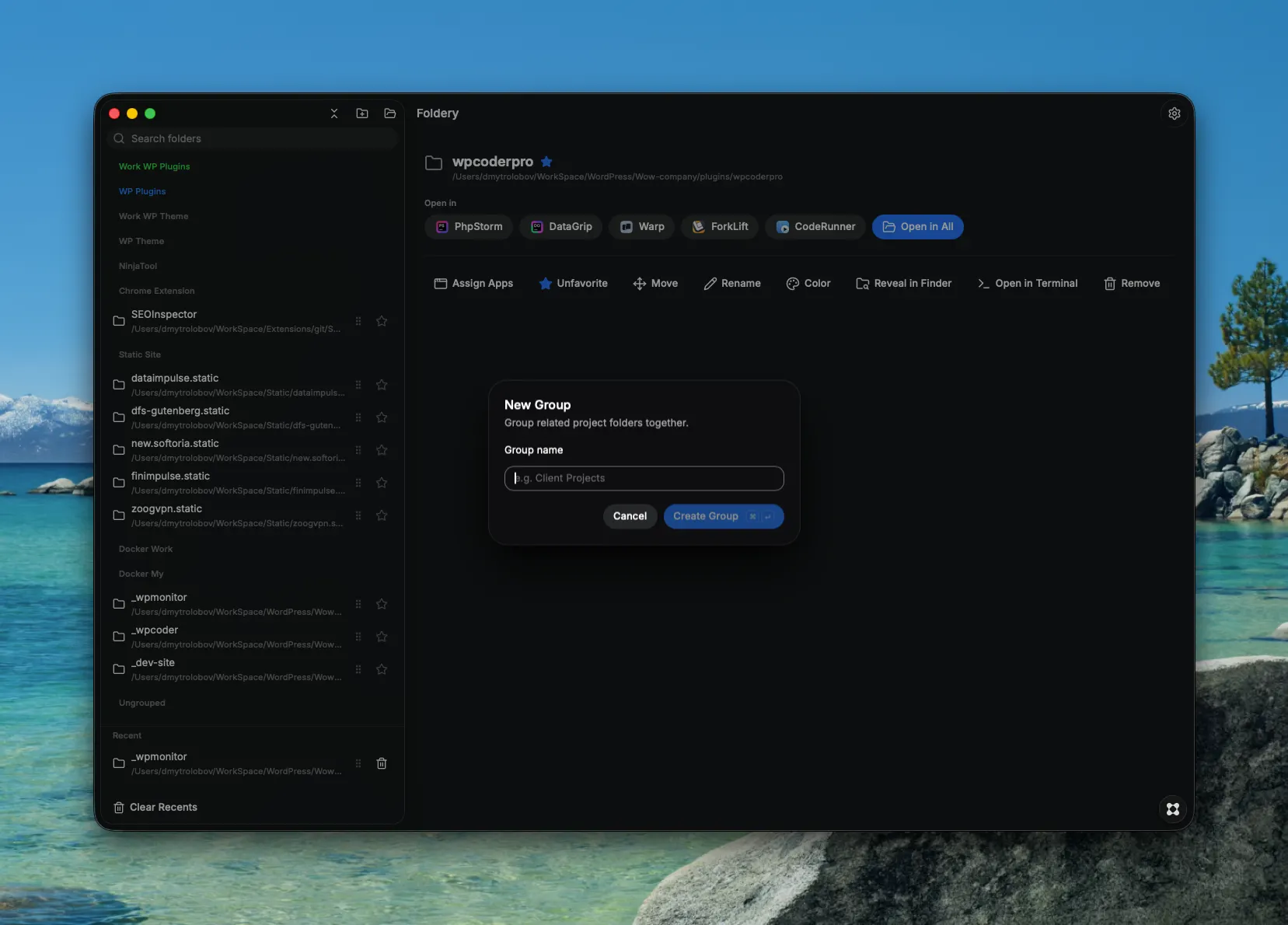
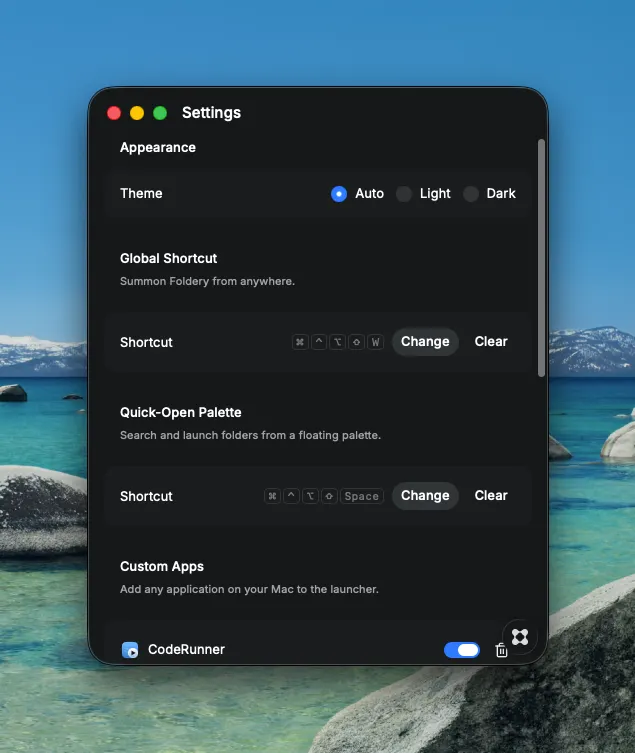
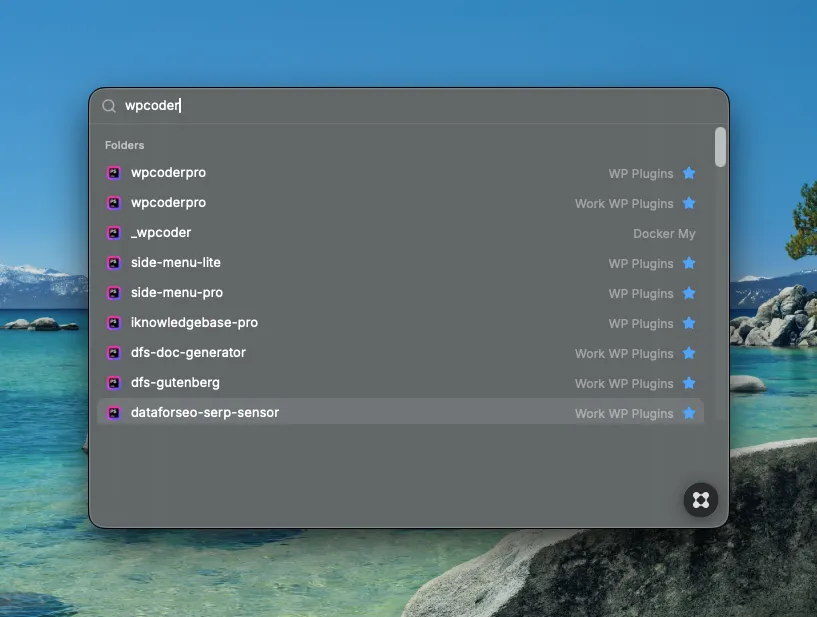
Foldery — Your projects, one keystroke away Stop digging through Finder. Foldery gives every project folder a home — one keystroke to open it in exactly the tool you need, and everything you wanted to know about it before you do. Save once, launch anywhere Drop a folder into Foldery and assign it to one or more apps — PhpStorm, PyCharm, VS Code, Warp, iTerm, ForkLift, or anything else installed on your Mac. Foldery finds your developer apps automatically, and you can add any other app yourself. From then on, opening that project is a single click, no matter which tool you need it in today. Already have projects? Don't type them in. Foldery reads the recent-project lists from your JetBrains IDEs and VS Code and offers to import them on first run. Open it the way you like - Quick-Open palette — a global shortcut, a few letters, Enter. Fuzzy search across every folder, filter by #tag, or type a group alias and Tab to scope the search to it - Multiple apps per folder — open the same project in your IDE and your terminal at once, or pick just one - Workspaces — a named set of folders that opens together, each in its own apps: your whole morning setup in one click - Recents — your most recently opened folders, tracked automatically, no setup required - Deep links — foldery://open, select, add and reveal URLs, plus `open -a Foldery <folder>`, so Raycast, Alfred, a shell alias or any script can drive it - Drag and drop — drag a folder from Finder onto Foldery and pick where it opens Know what you're opening Select a folder and Foldery shows you the project, not just the path: - Git status — current branch and whether the working tree is dirty, at a glance and across every folder at once - README preview — rendered inline, plus any other markdown file in the project - Notes and to-dos — per folder, kept by path, so they survive removing and re-adding a project - Usage stats — how often you actually open each folder, with sorting to match Organize it your way - Groups — by client, by stack, by however makes sense to you, with app assignments inherited by every folder inside - Favorites, tags and colors — pin what you live in, then filter by tag, color, favorites, or uncommitted changes - Multi-select everywhere — add several folders at once, move them between groups in bulk, or batch-open a whole set - Manual or automatic order — drag folders into the order you want, or sort by name, recency or open count Stays out of the way Run Foldery from the menu bar, from the Dock, or from neither — with both icons hidden it becomes a pure keyboard app, summoned by its global shortcut and gone again the moment it opens something. Launch at login, hide-after-open, and a dedicated shortcut for the Quick-Open palette are all one toggle away. Why not just use "Open With"? Most developer tools don't register themselves as folder handlers with macOS, so they never show up in Finder's Open With menu. Foldery skips that limitation entirely — it launches your apps directly, so anything installed on your Mac becomes a one-click destination. Perfect for: - Developers juggling multiple projects across different IDEs and terminals - Anyone who opens the same folders in different tools depending on the task - Teams standardizing how they jump between JetBrains apps, VS Code, and terminal emulators Save a project once. Open it anywhere, every time.