Gaze Select
Focus on the display you're facing

About Gaze Select
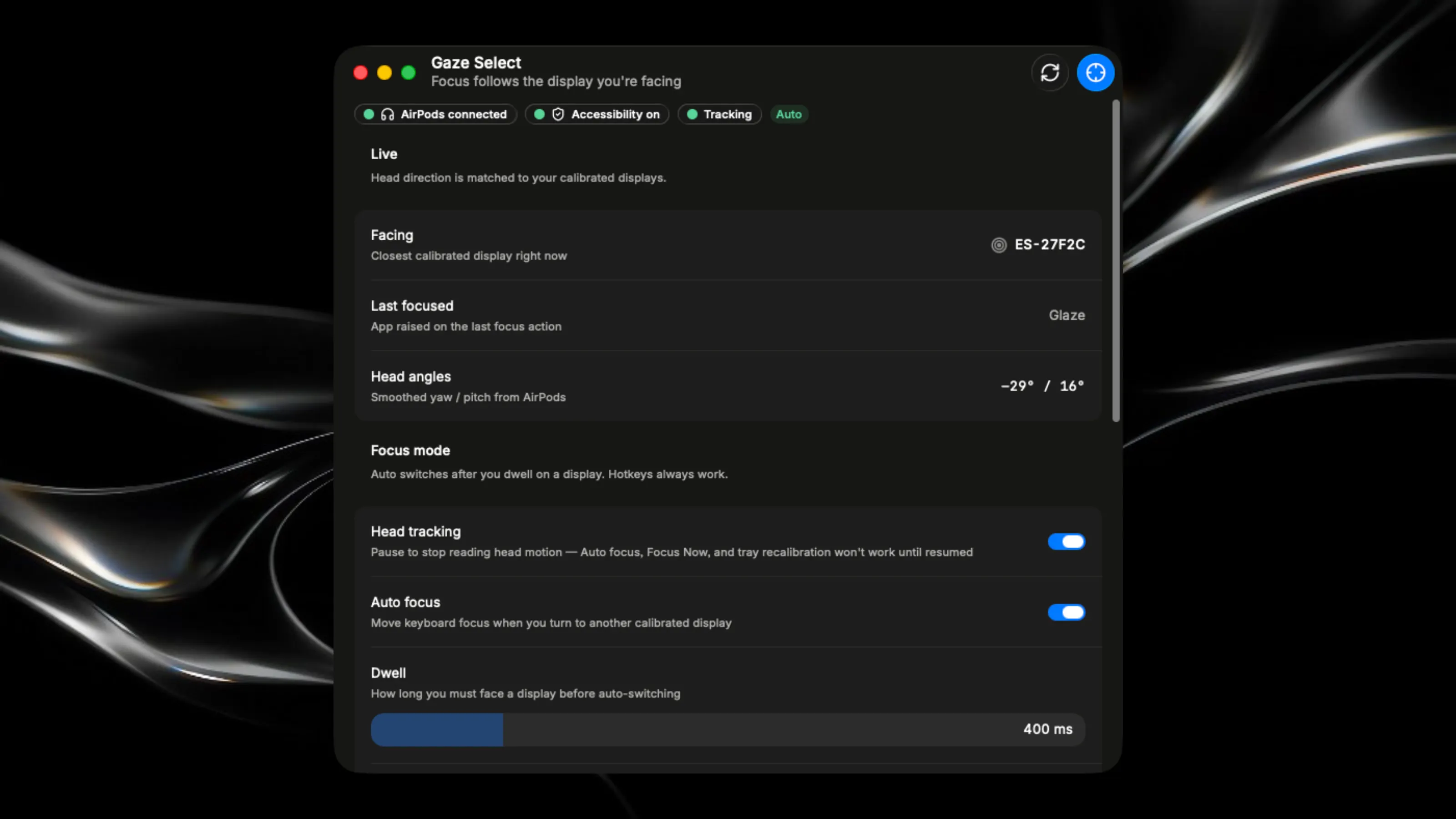
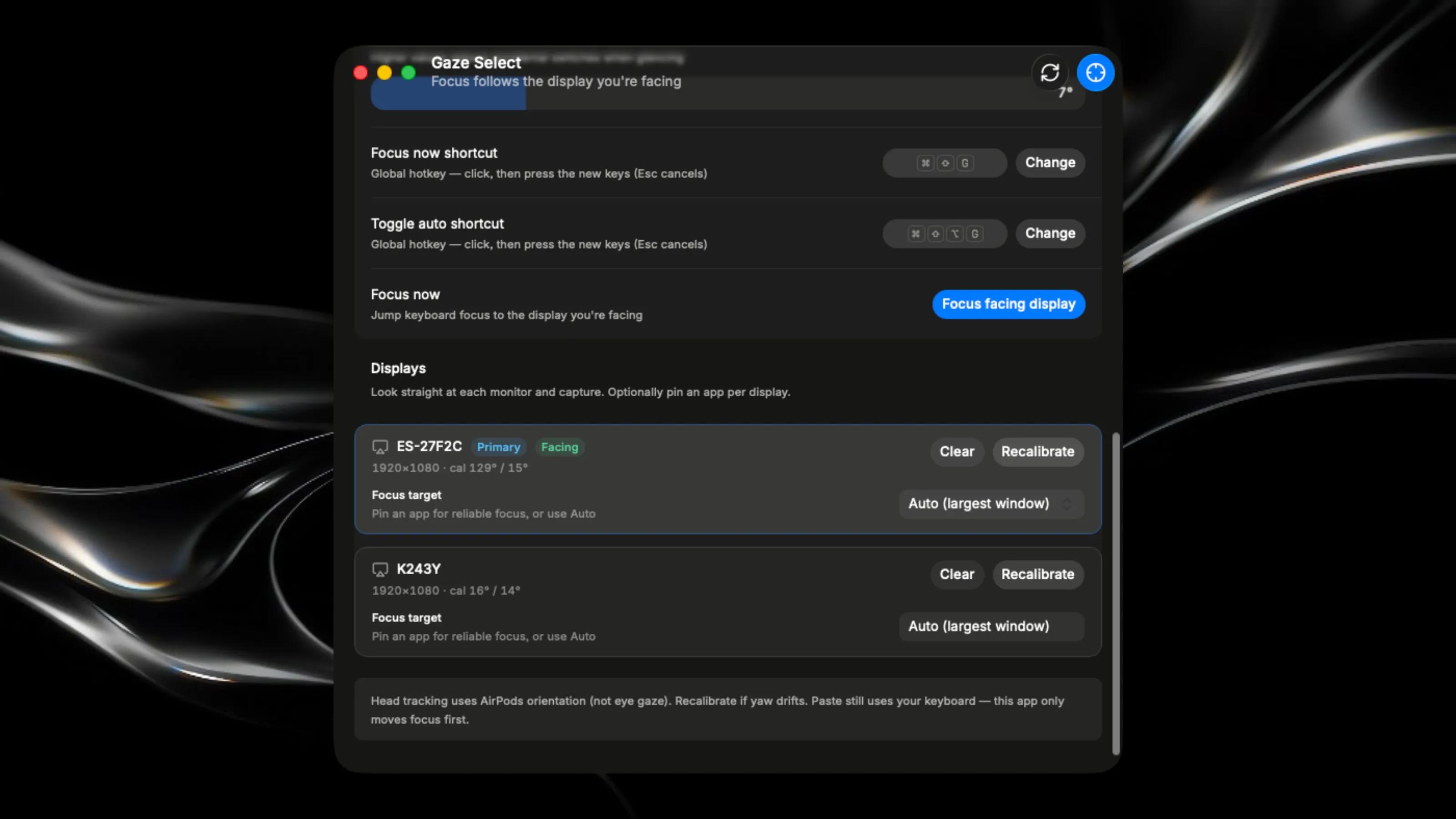
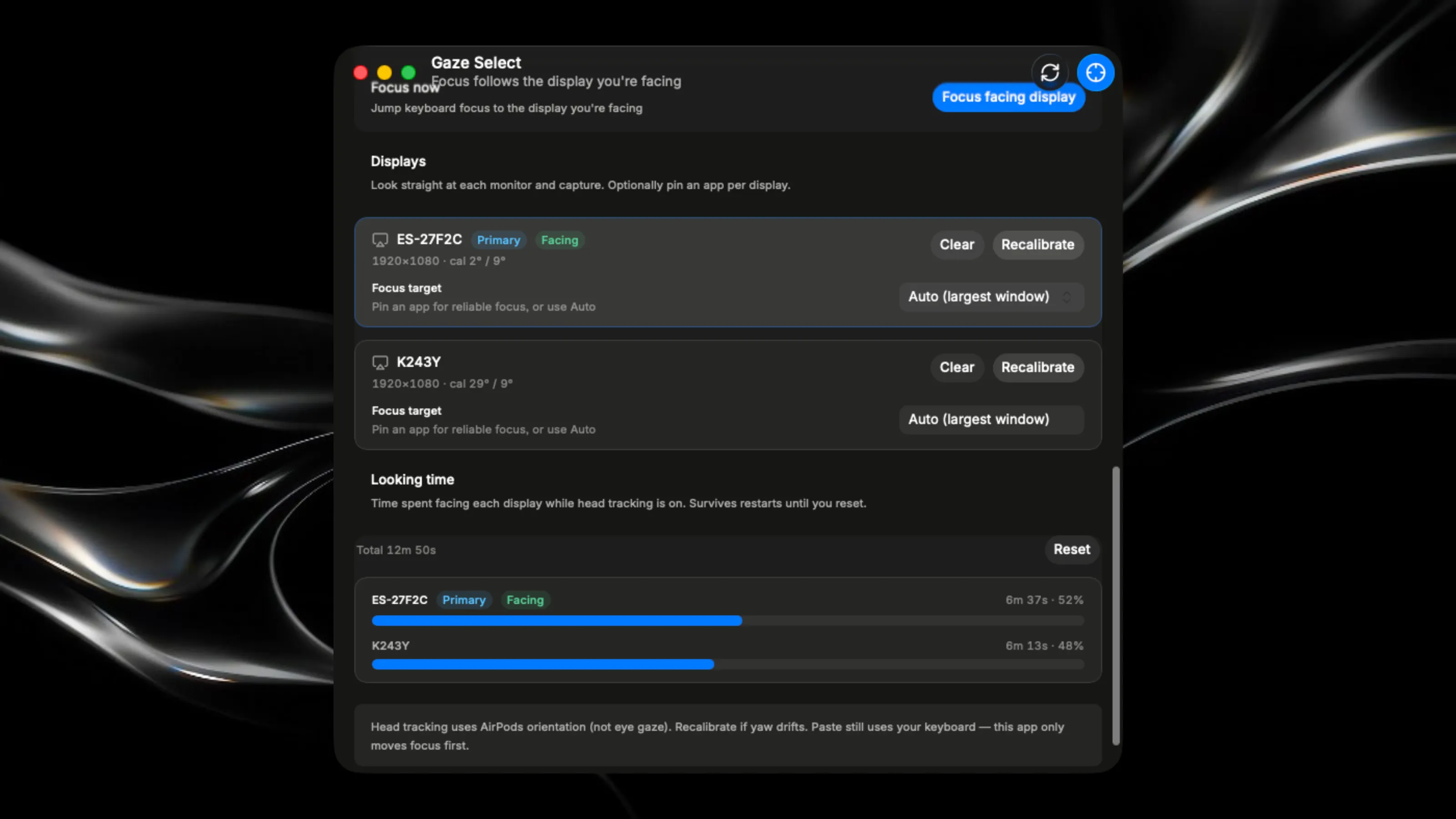
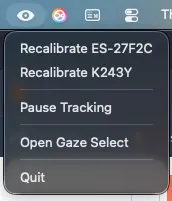
Purpose Gaze Select moves macOS keyboard focus to whichever display you’re physically facing. It reads head motion from AirPods (yaw and pitch), matches that against calibrated display directions, and raises the right window on that screen — so typing, shortcuts, and paste land where you’re looking without a click first. It uses headphone motion plus Accessibility automation to activate the frontmost (or pinned) window on the display you’re facing. Who it’s for Anyone with a multi-monitor Mac setup who wears AirPods and wants focus to follow their head instead of the mouse. Typical win: look at the secondary monitor, hit Cmd+V, and paste goes there — no click into that display first. Requirements & limits AirPods or supported headphones (Source of head yaw/pitch) Multi-display setup