Grid Dock
Declutter your desktop. Stay organized.

About Grid Dock
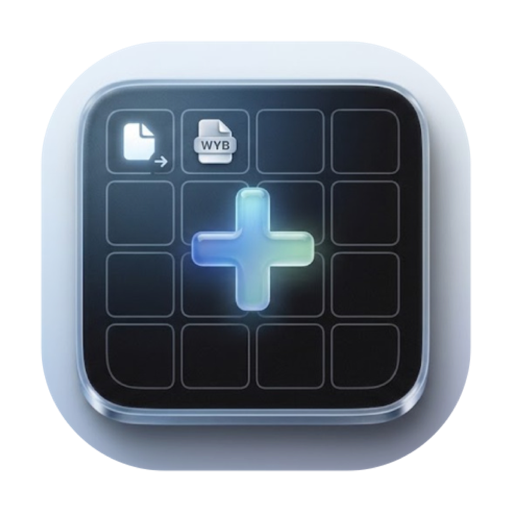
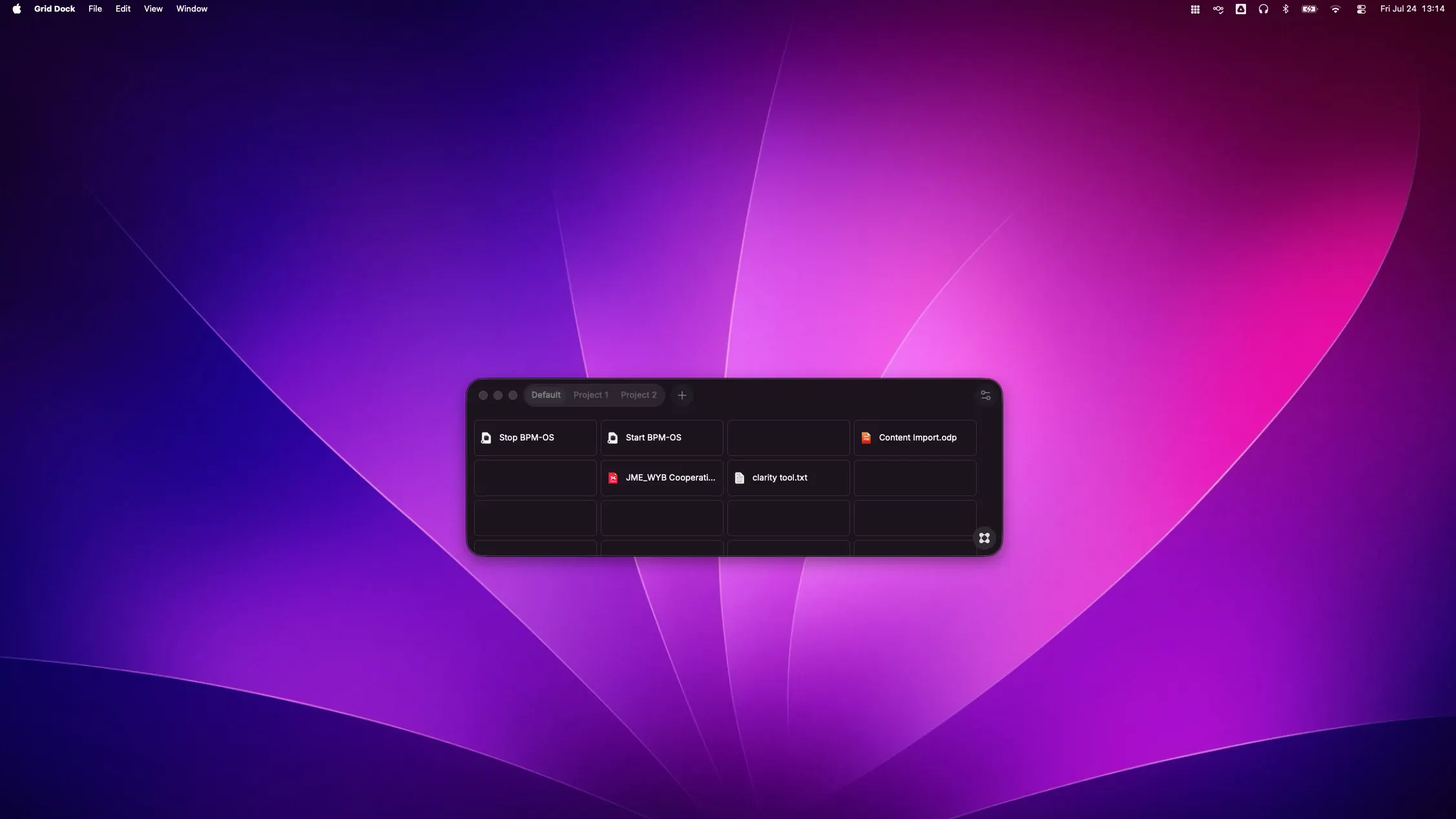
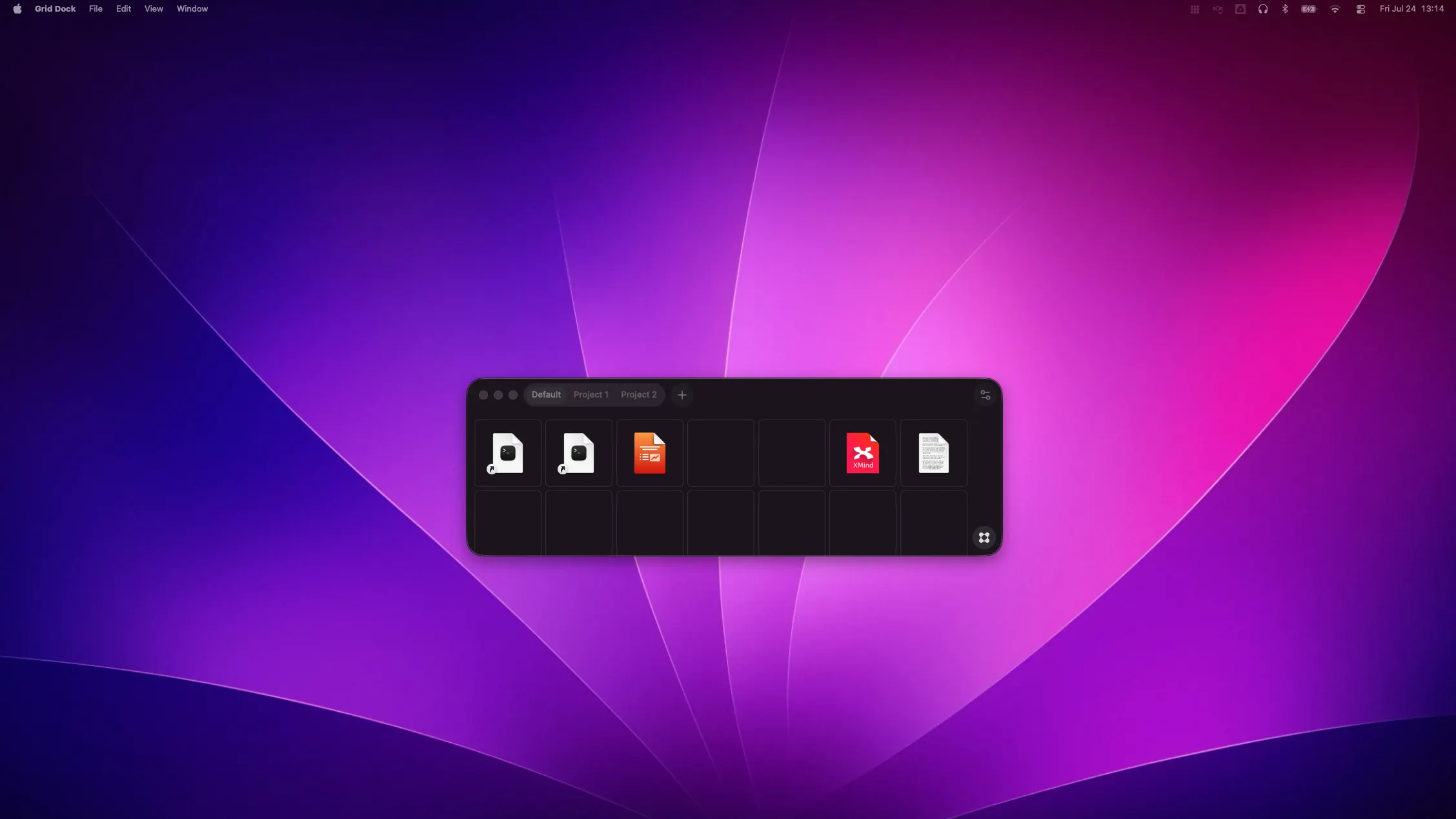
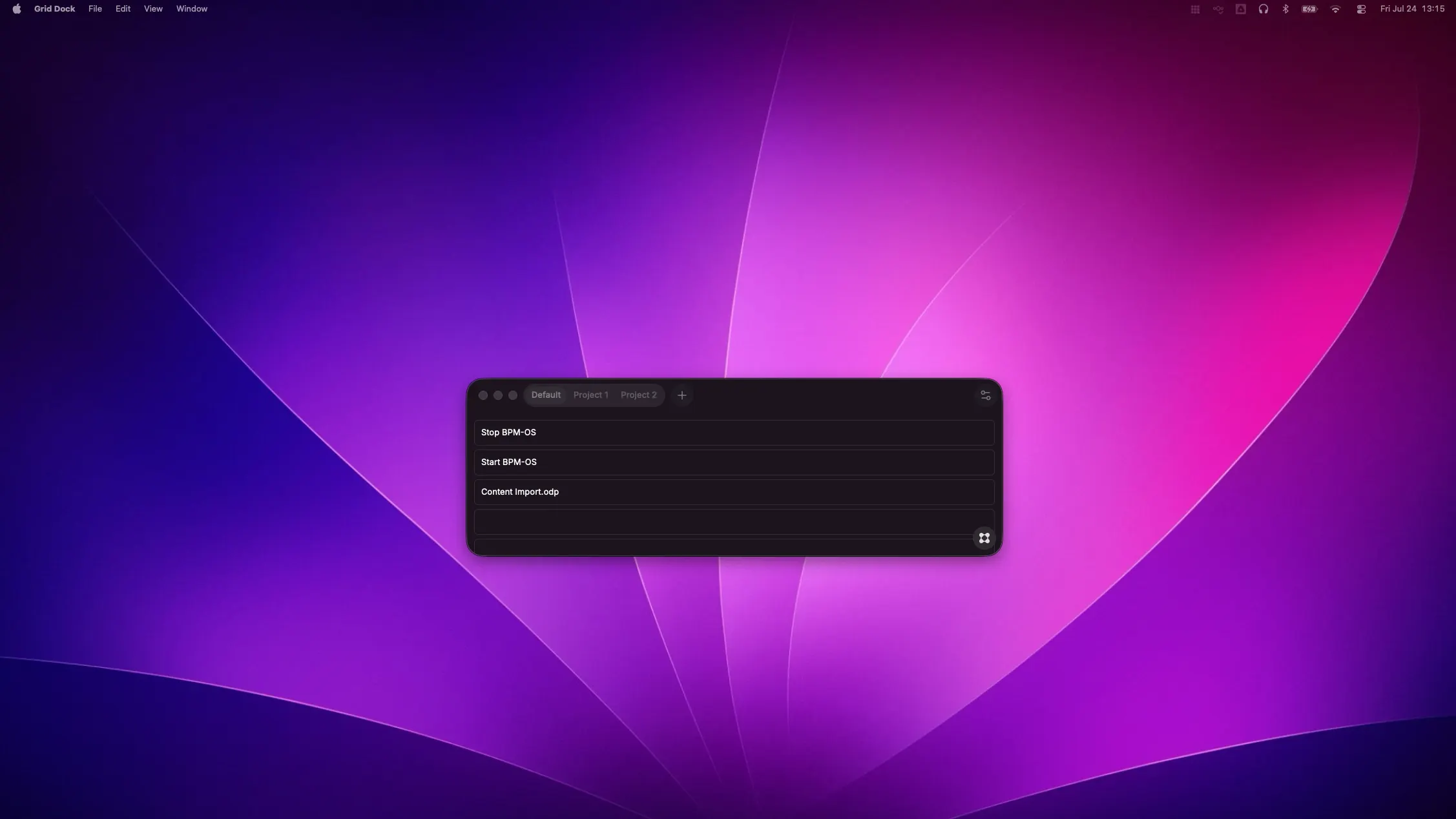
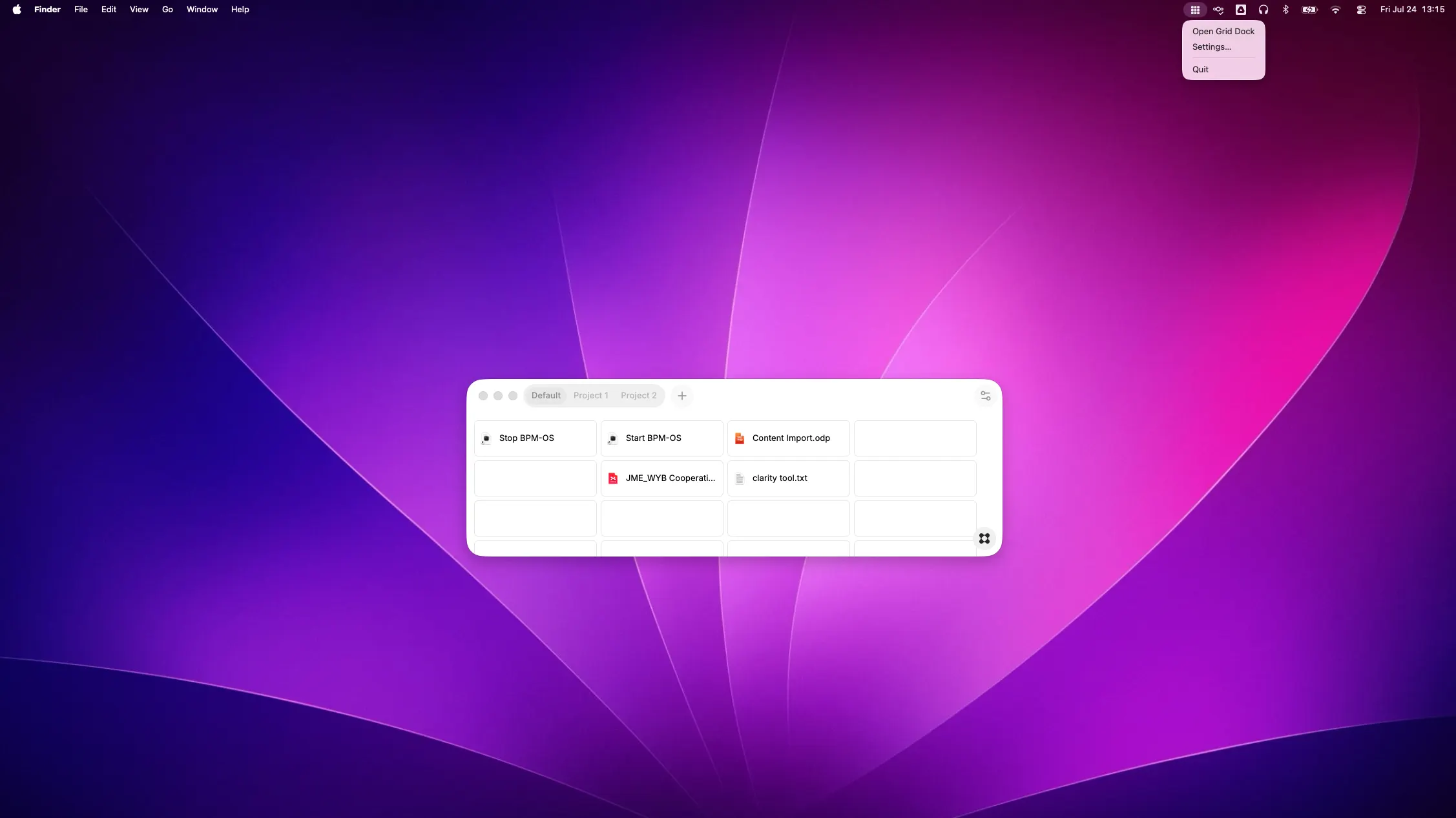
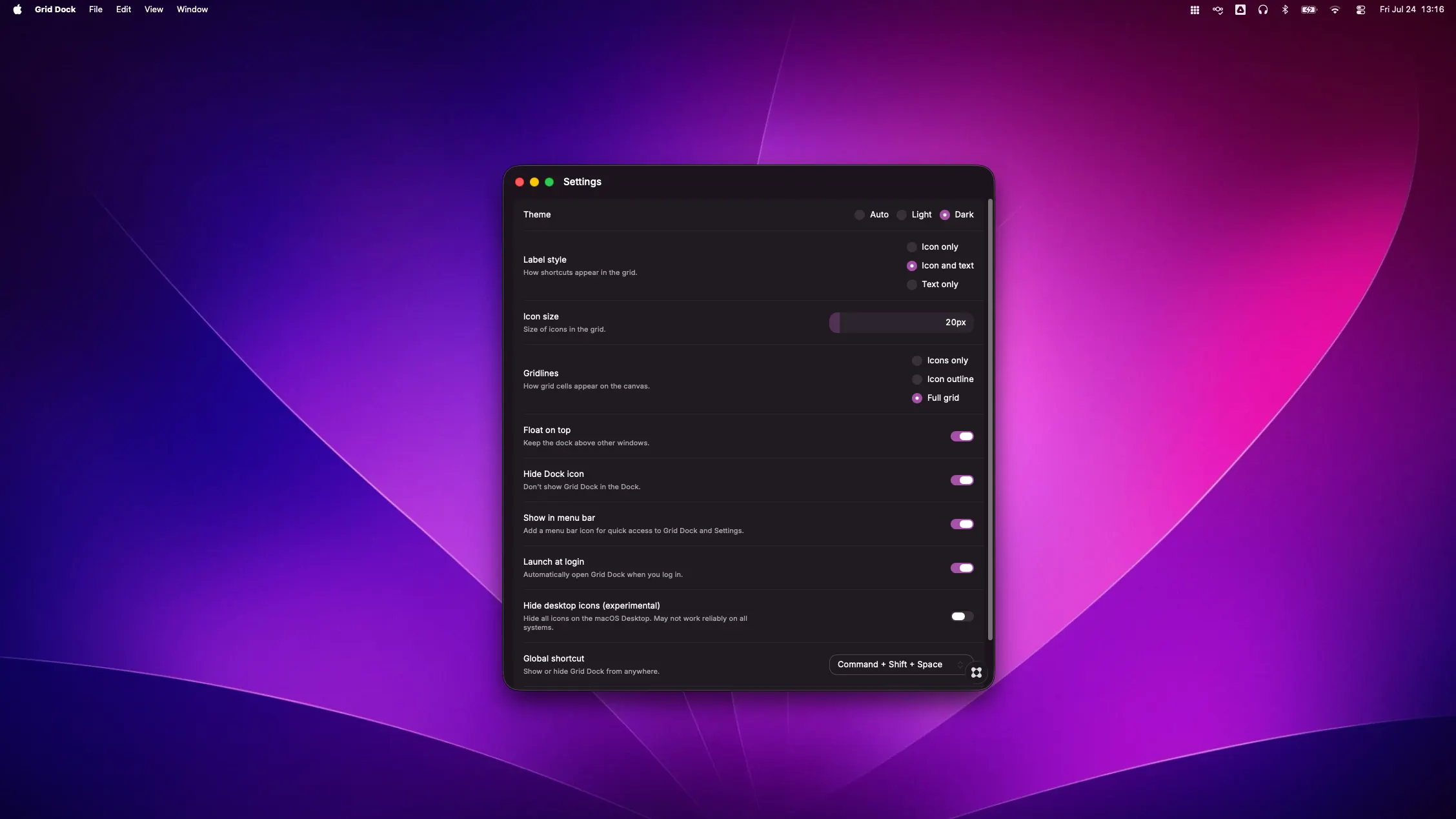
If you’re anything like me, your desktop slowly turns into a visual junk drawer of active files, project links, and shortcuts you need quick access to—until finding anything becomes a chore. I built Grid Dock to fix that exact problem and bring clean, structured focus back to macOS. Grid Dock creates a sleek, floating grid overlay on your screen where you can keep your active tools, files, and links organized right at your fingertips without cluttering your desktop. Why it makes a difference: Tabbed Workspaces: Group your shortcuts into tabs by project or context (e.g., Client A, Development, Daily Ops). Switch contexts cleanly instead of searching through buried windows. Universal Shortcuts: Drag and drop virtually anything into a cell—applications, local documents, scripts, or web URLs. Seamless macOS Integration: Keep it floating above your workspace, call it up instantly with a custom global hotkey, or access it quietly from the Menu Bar. Tailored to Your Look: Choose between Light, Dark, or System themes, and customize gridlines, icon sizes, and label styles (icon-only, text-only, or both) to match your ideal setup. It’s lightweight, fast, and designed from the ground up to feel like a native part of Mac. Check it out and see how much smoother your workflow feels!