Grok
Native macOS desktop client for Grok.


About Grok
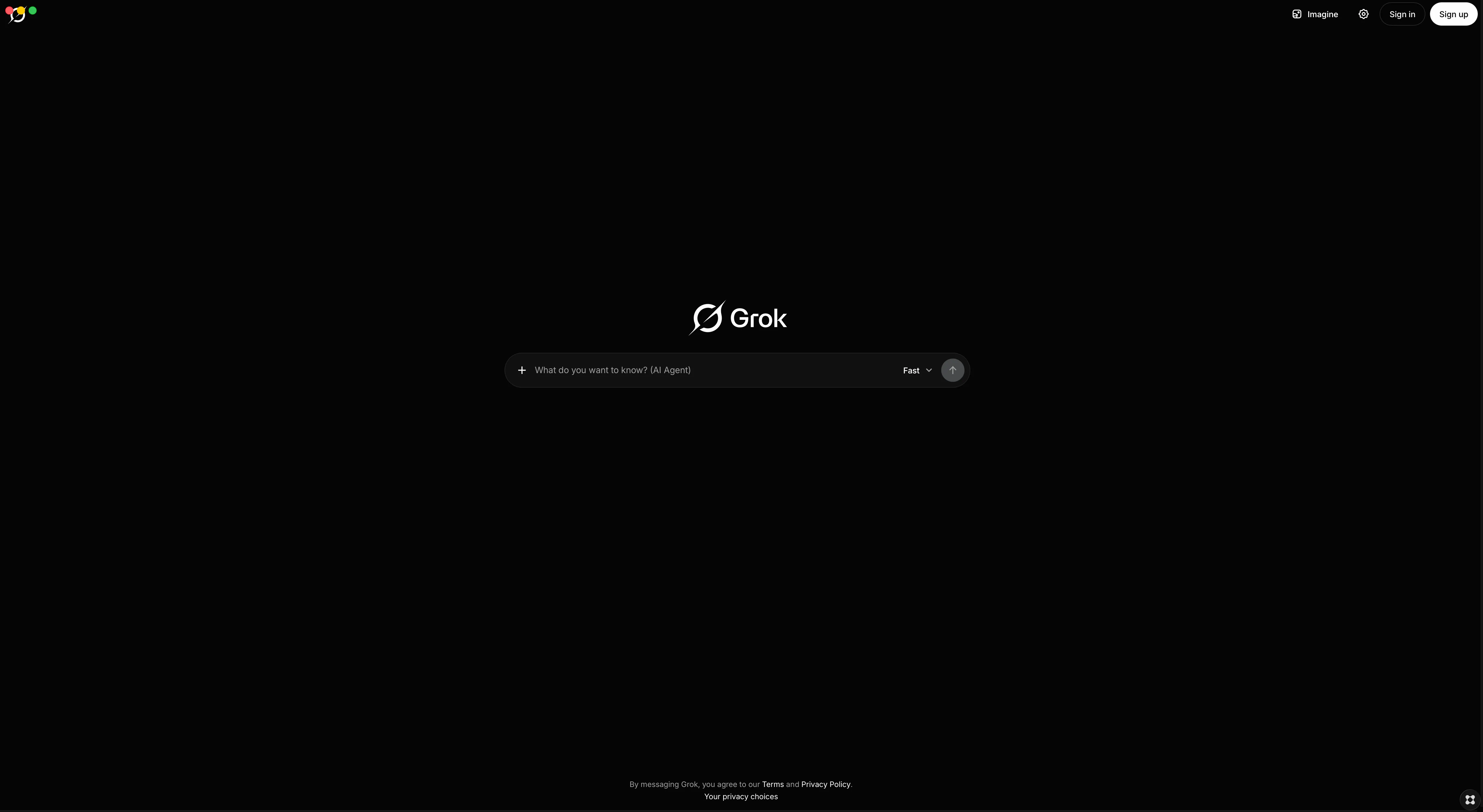
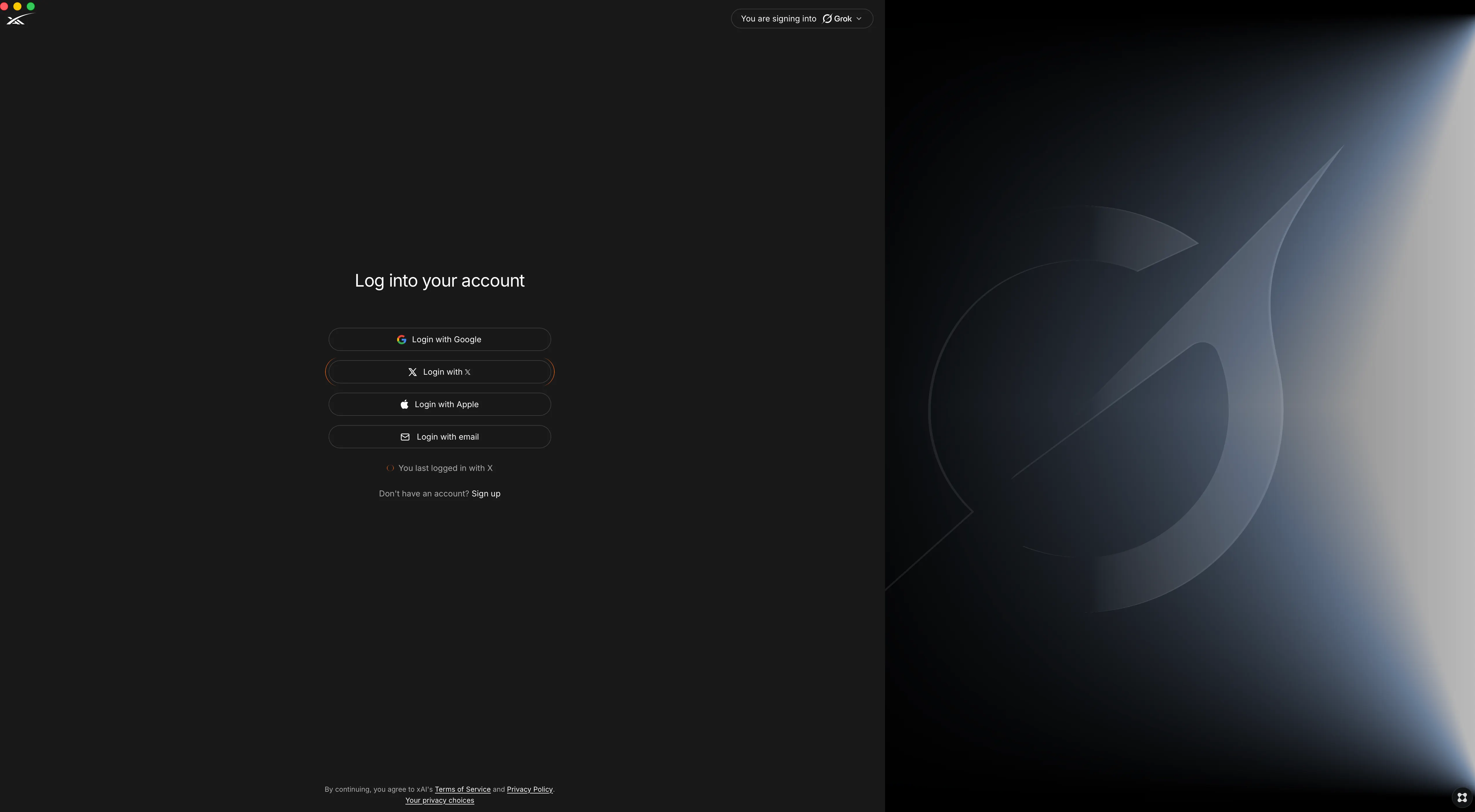
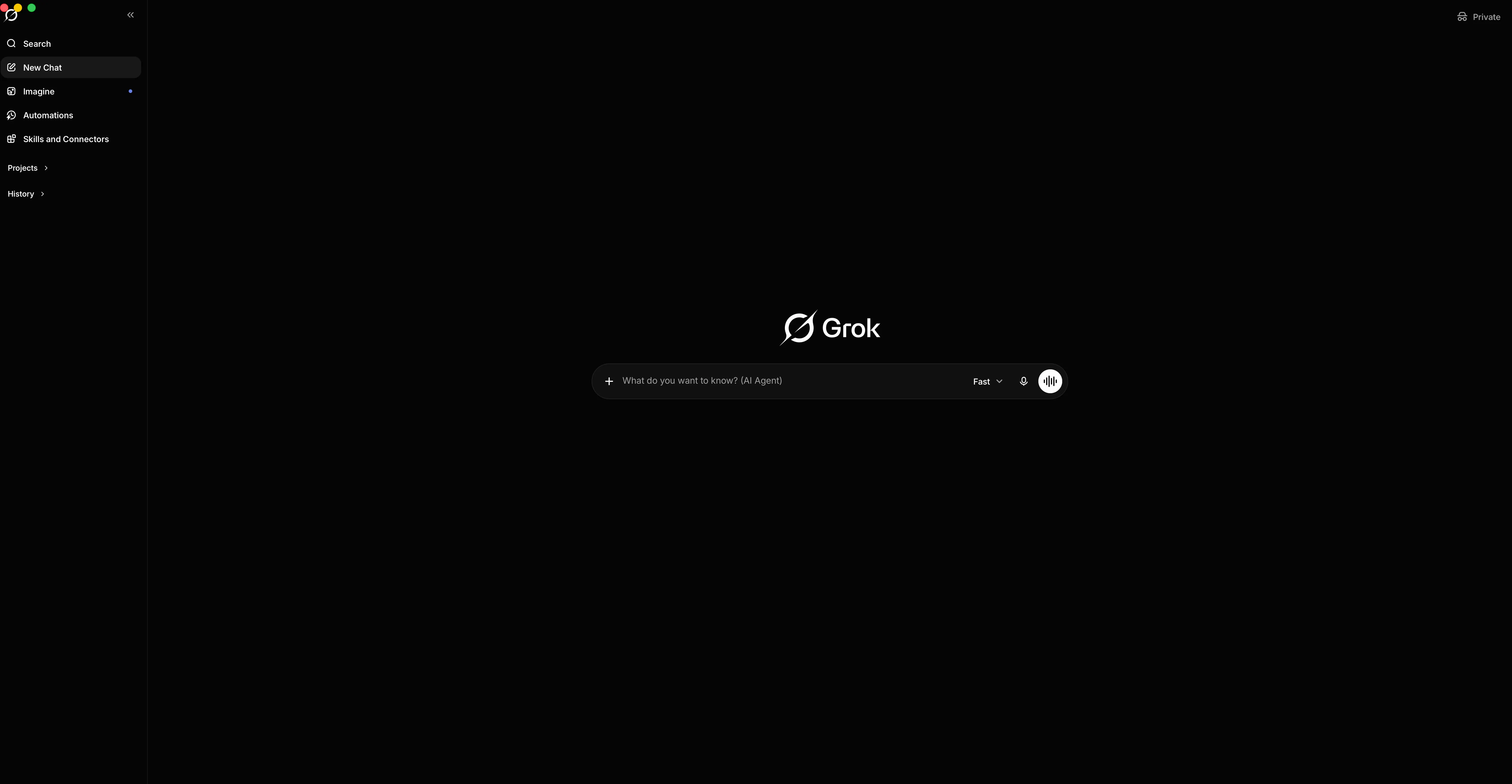
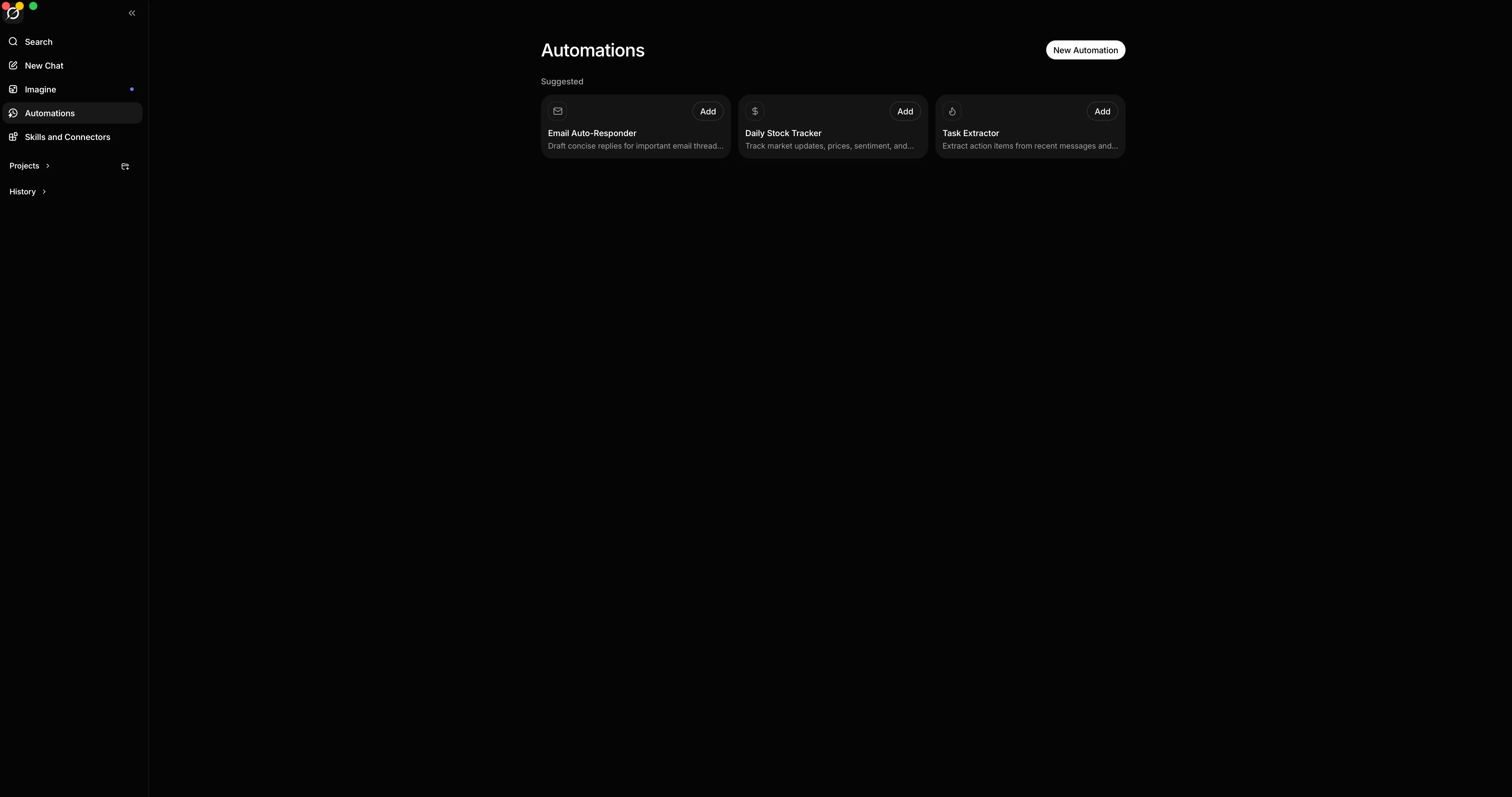
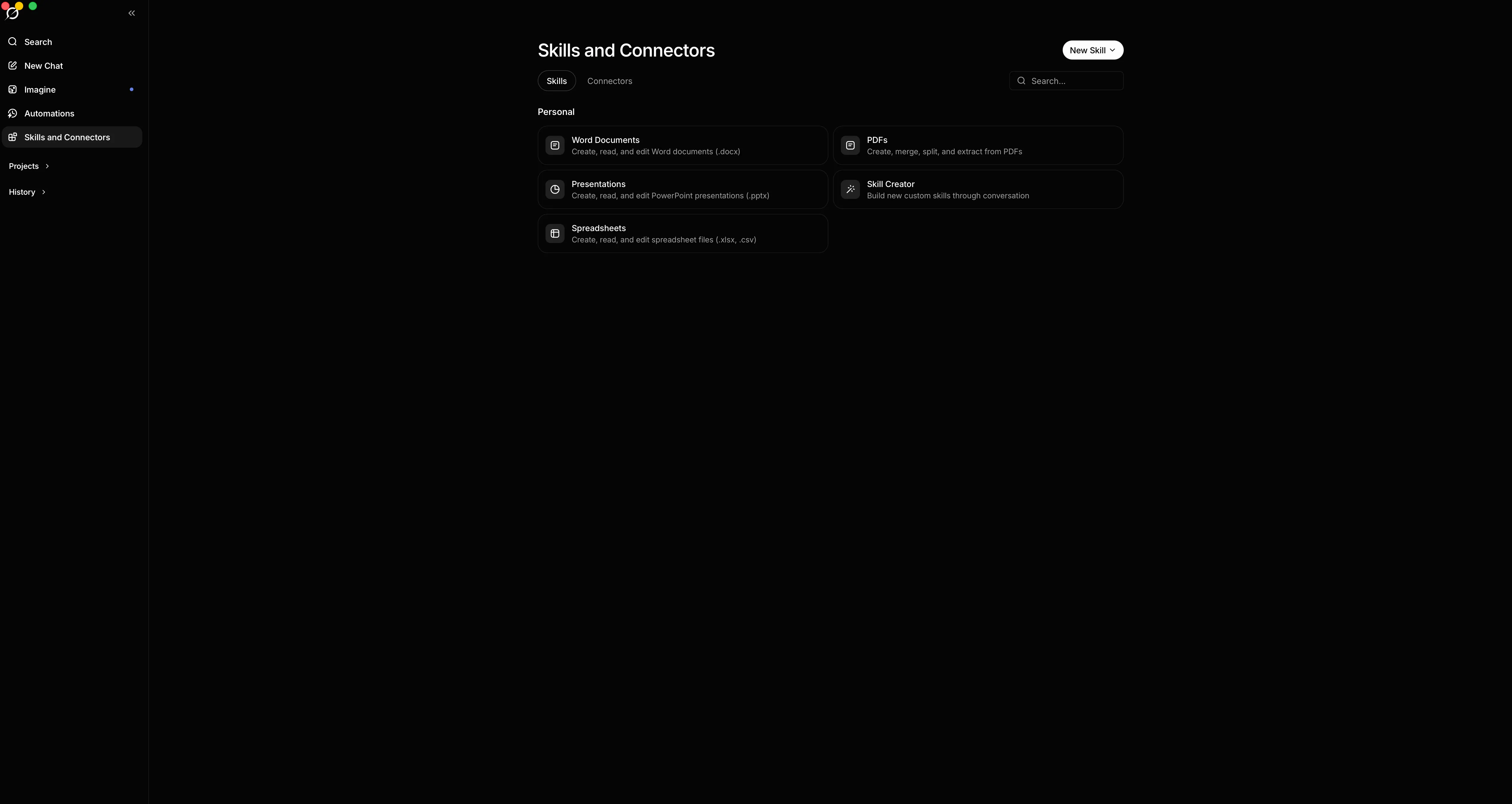
Experience Grok as a native Mac app. This is a dedicated desktop client built for power users who want xAI's Grok integrated cleanly into their daily macOS workflow. Built to move beyond browser tabs, this client connects Grok directly to native macOS APIs to deliver the speed, reliability, and keyboard control you expect from a desktop tool. Native Integration ⚬ Global Hotkey: Press Cmd+Shift+G from anywhere on your Mac to instantly toggle the Grok window right over your active workspace. ⚬ Native Keyboard Support: Includes full support for standard macOS clipboard commands so copying, cutting, and pasting work exactly as expected. Performance and File Handling ⚬ Background Response Streaming: Keep Grok working even when you tab away. Overridden background throttling ensures long responses or code blocks keep streaming smoothly when the app is out of focus. ⚬ Native Downloads and Context Menu: Easily save generated images and code files. Right-clicking brings up a native macOS menu with standard copy and paste options, plus a direct Save As dialog for media. ⚬ In-App Sign-In: Enjoy a smooth single window authentication flow for your X or email account without getting kicked out to external browser tabs. Session Stability and Maintenance ⚬ Persistent Logins: Your session is stored securely in a dedicated partition, meaning you stay signed in across app restarts and system reboots. ⚬ Cache Recovery Tool: Includes a built-in cache clearing option in the Debug menu. If a web update ever causes a display issue, you can clear temporary files and reload without losing your login status. Bring Grok out of browser tabs and into a fast, desktop-first workflow designed specifically for macOS.