Agent Sandboxes
Manage and view Docker containers
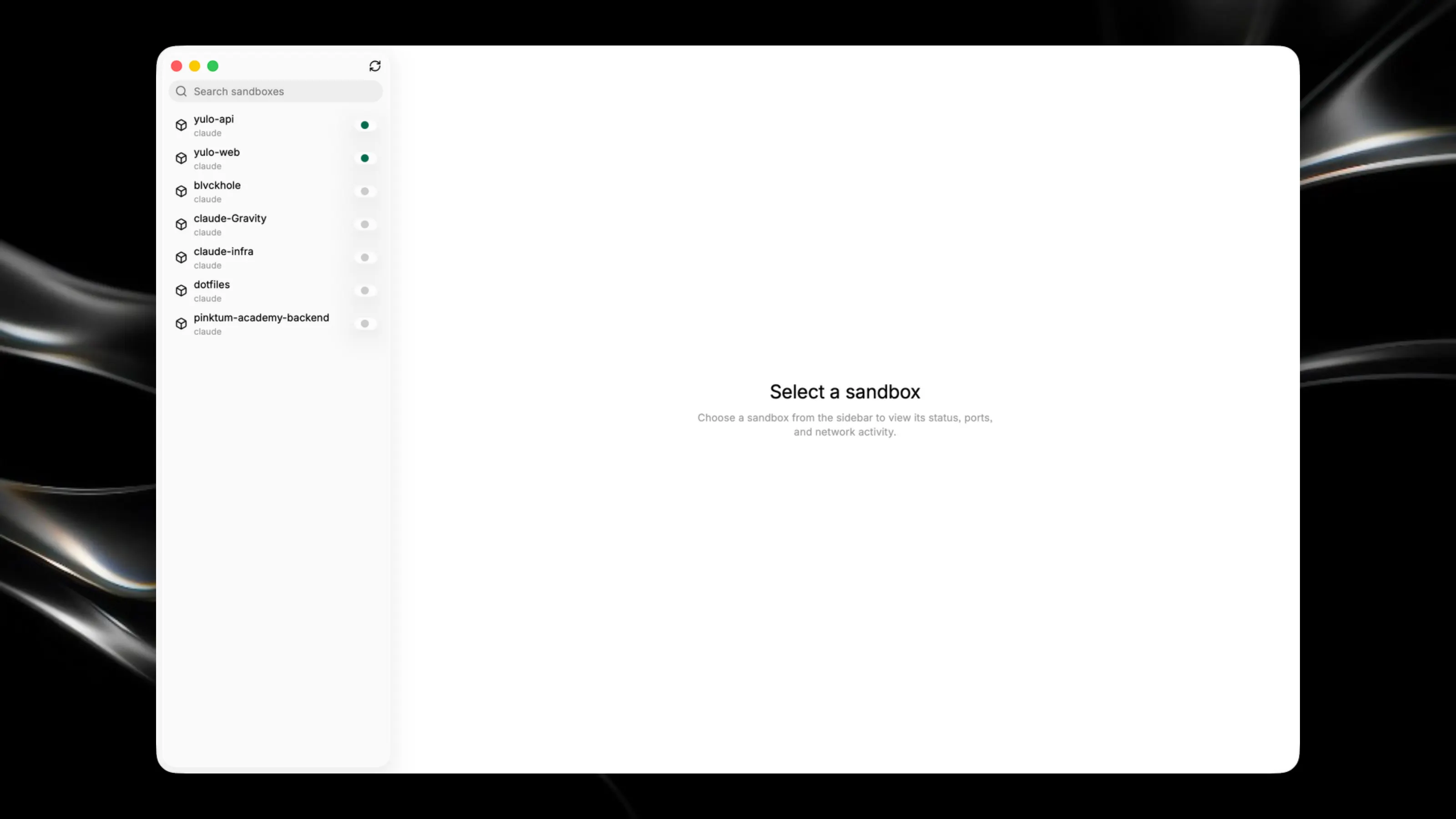
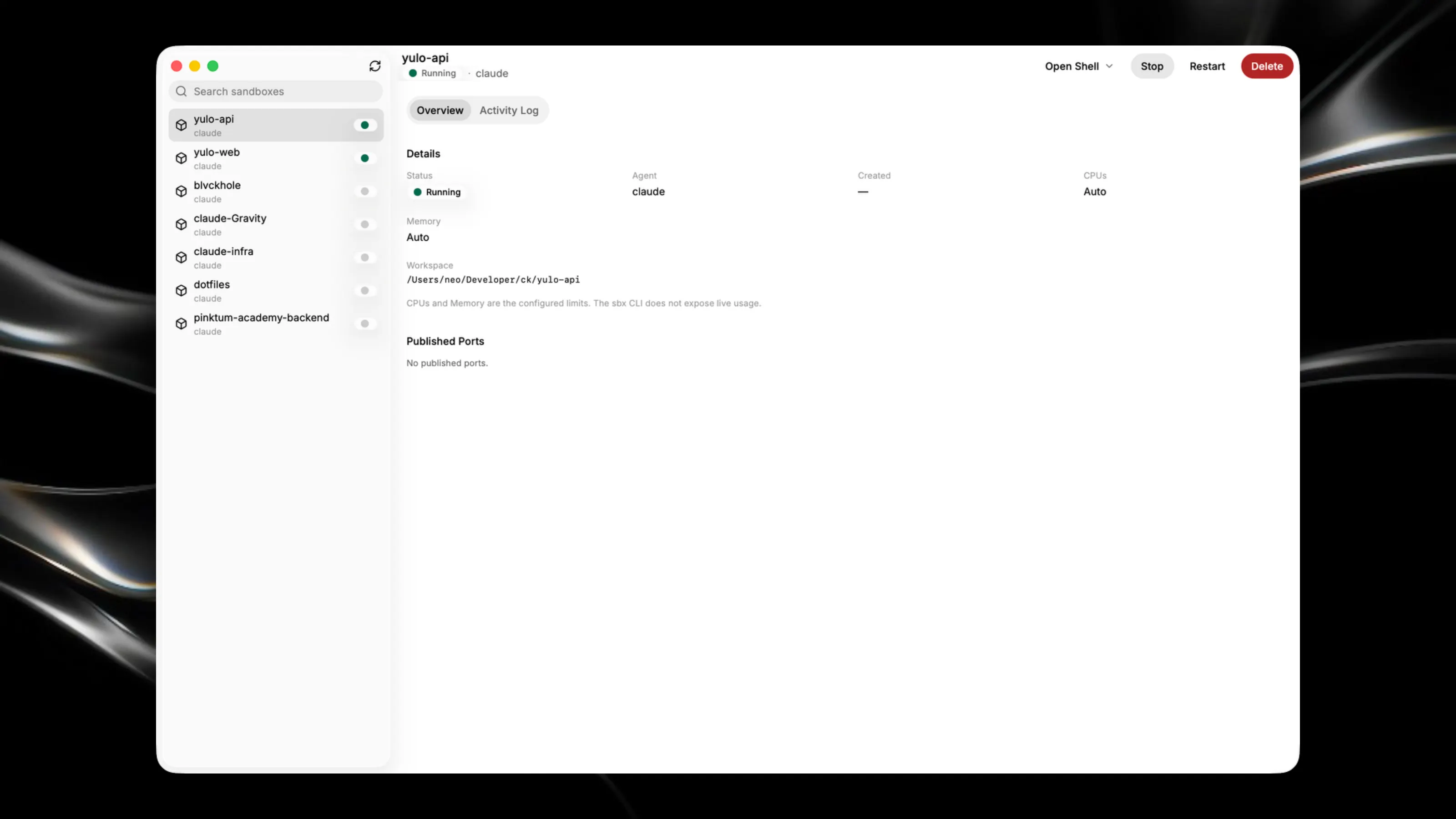
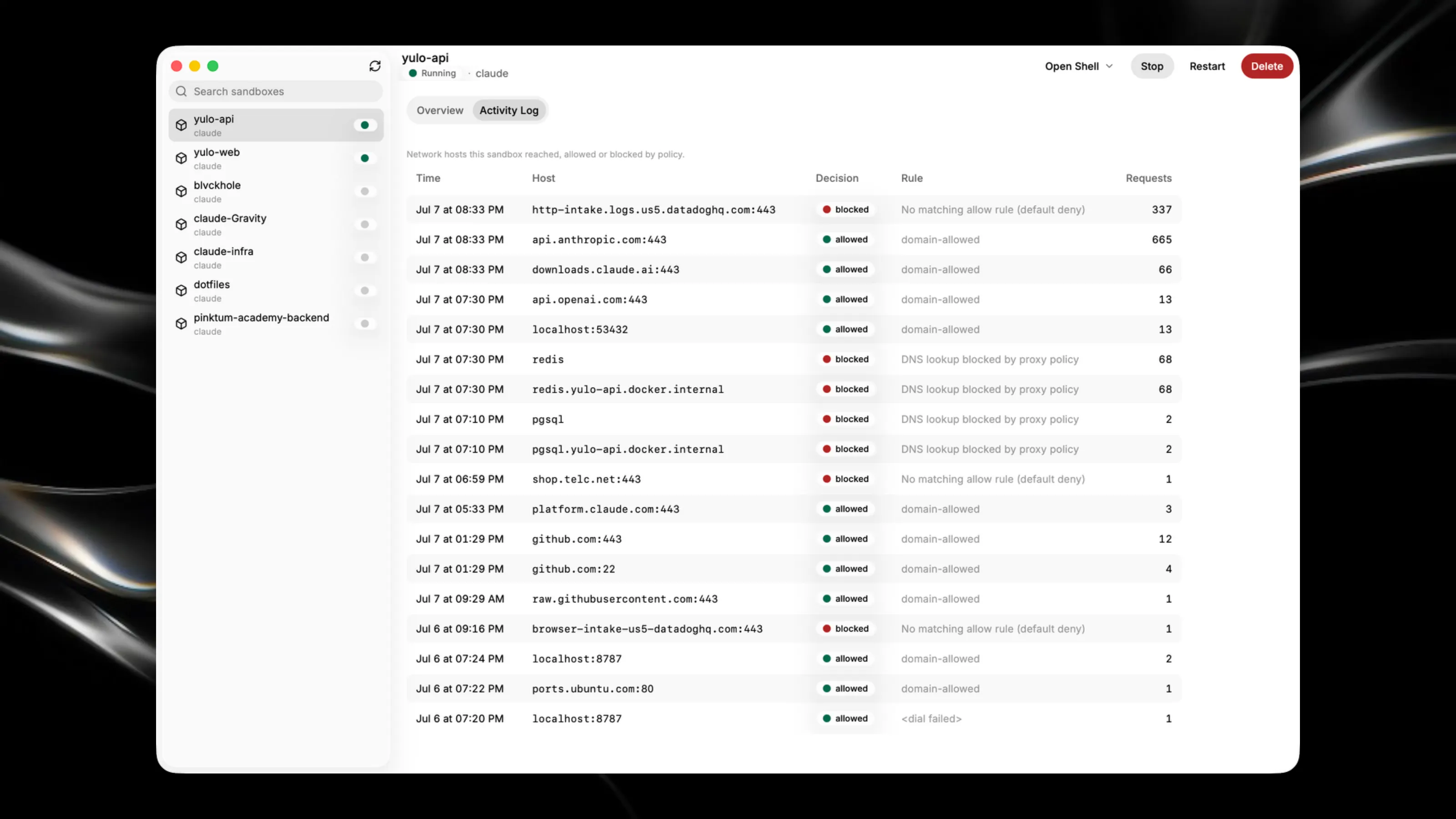
Manage and view Docker containers with a clean, intuitive interface. See container status, port mappings, and network activity at a glance. Control containers directly from the app—start, stop, restart, or remove them without touching the terminal. Open shell sessions into running containers using your preferred terminal emulator. Key Features: - List all containers with real-time status and resource information - Manage container lifecycle with one-click controls - View port mappings and network configuration for each container - Access container shells and policy logs directly from the UI