InkLayer
Turn your screen into a canvas

About InkLayer
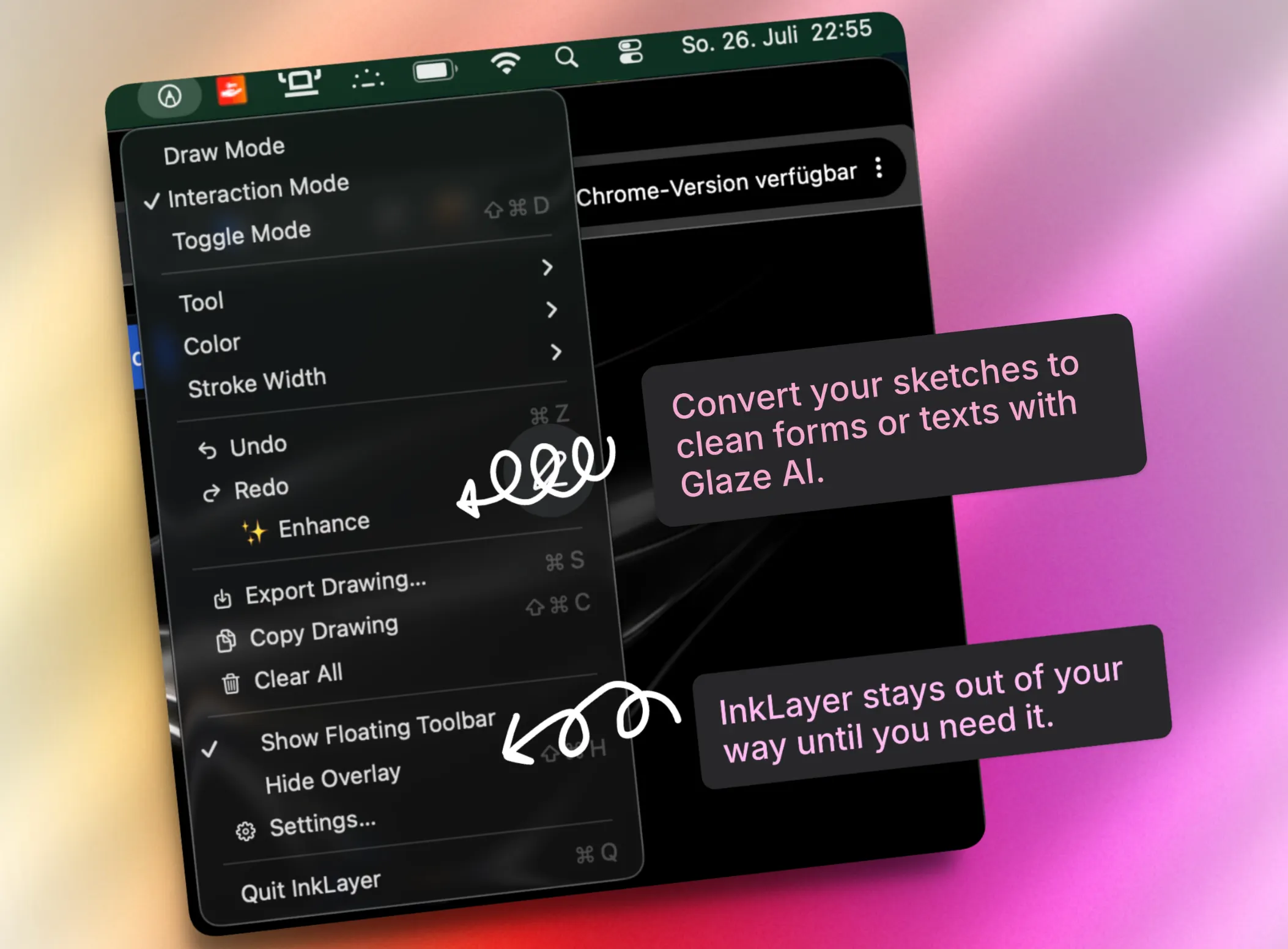
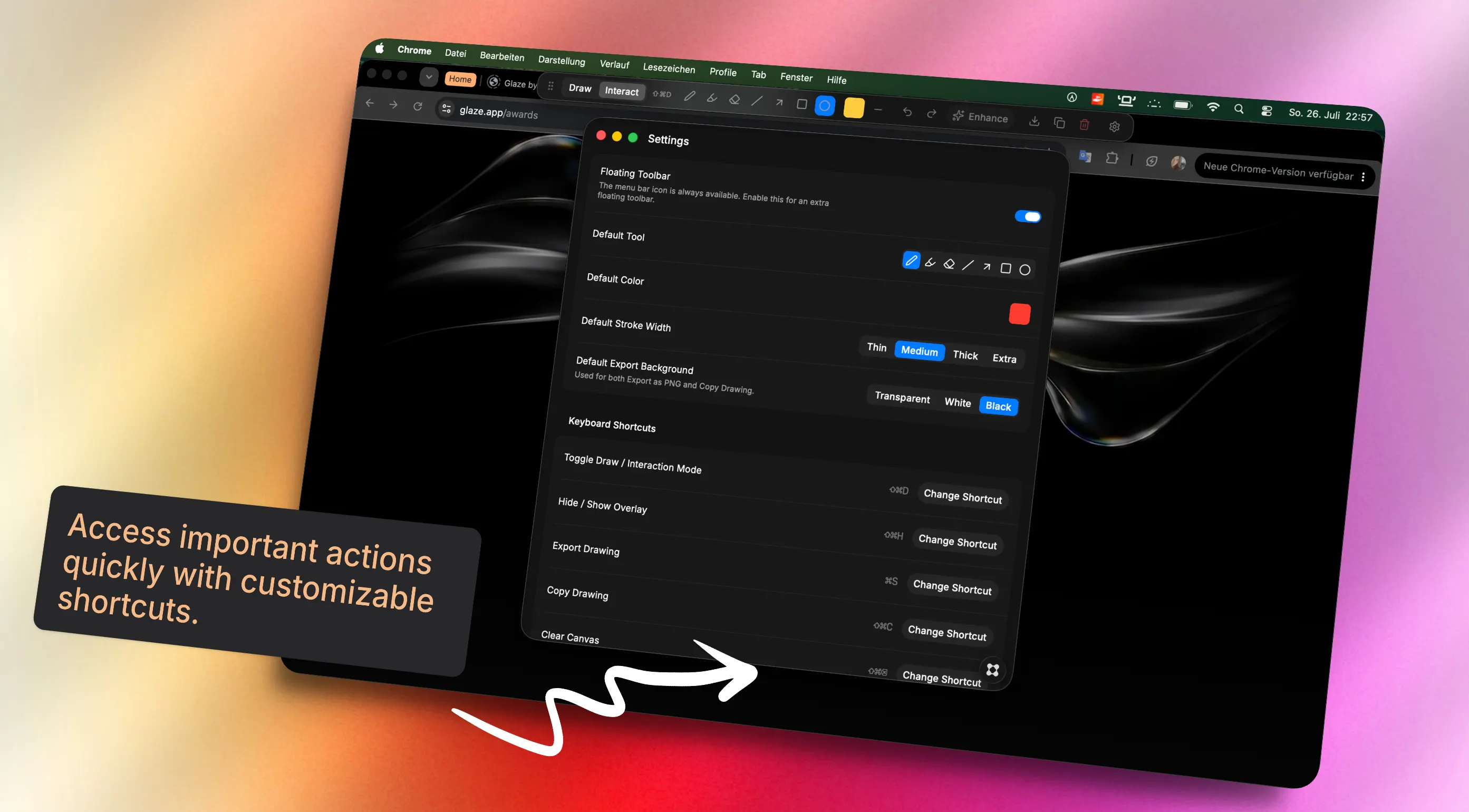
InkLayer turns your Mac desktop into an instant canvas. Draw, annotate, and highlight anything on your screen without opening a separate app. Whether you are explaining an idea, marking up a document, planning a project, or quickly sketching something, InkLayer keeps your thoughts one shortcut away. With a lightweight transparent overlay, you can draw directly over any application — Safari, PDFs, presentations, design tools, code editors, and more. Features ✏️ Draw Anywhere Sketch directly on top of your desktop and applications with a smooth, responsive drawing experience. 🖥️ Seamless Modes Switch instantly between Draw Mode and Interaction Mode. Draw when you need to annotate, and return to normal Mac usage when you are done.Turn your screen into a canvas. 🎨 Simple Drawing Tools Use pens, markers, colors, adjustable stroke sizes, shapes, and an eraser to create quick visual notes. ⌨️ Fast Keyboard Shortcuts Access important actions quickly with customizable shortcuts designed for a natural macOS workflow. 📋 Export & Share Save your drawings as PNG images or copy them directly to your clipboard. ✨ Smart and Minimal InkLayer stays out of your way until you need it. Designed as a native macOS utility with a clean and distraction-free interface. Whether you are in a meeting, presenting an idea, solving a problem, or just capturing a thought, InkLayer helps you communicate visually in seconds. Open. Draw. Explain. Done.