Kip
Reading to learning in one shortcut

About Kip
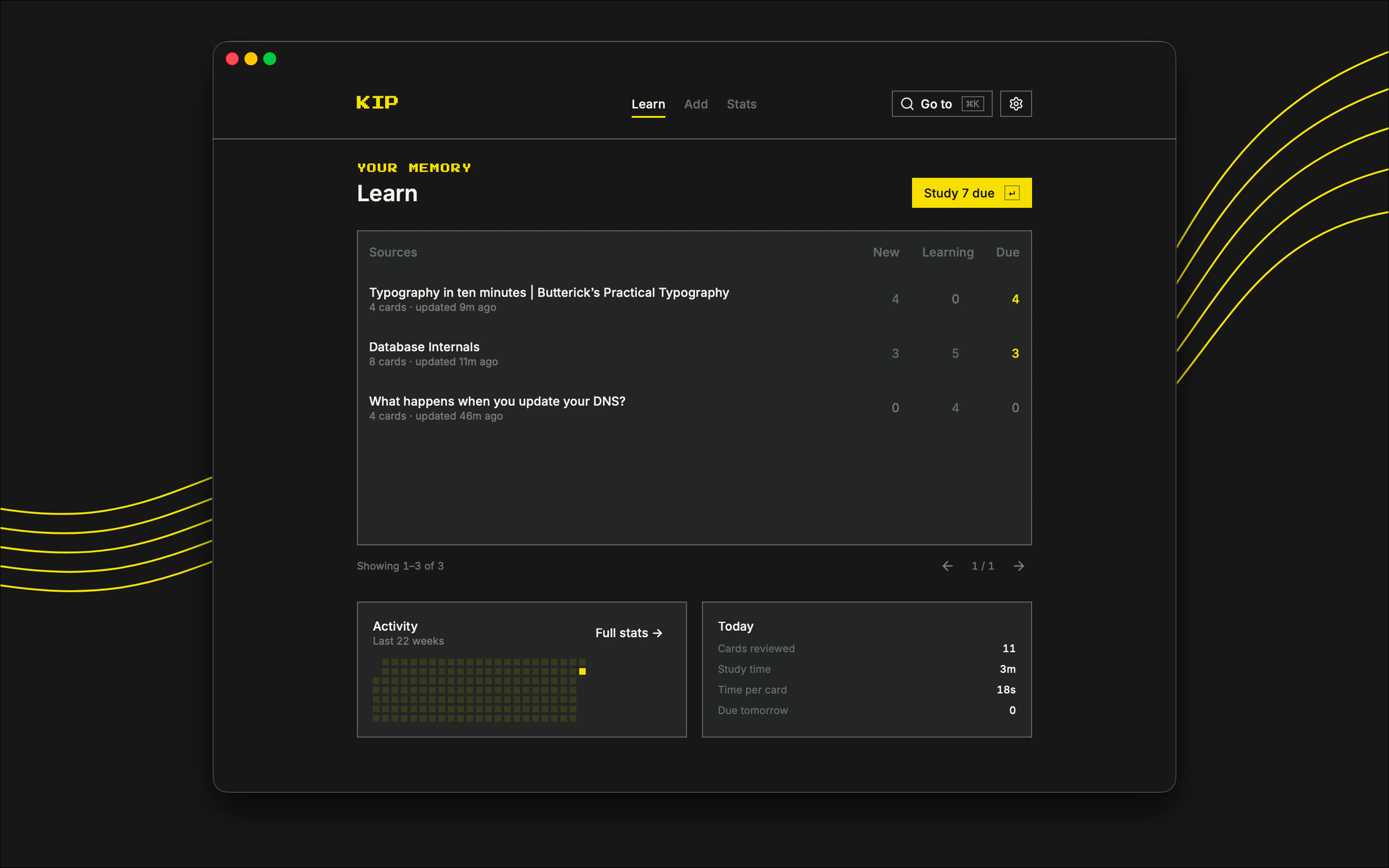
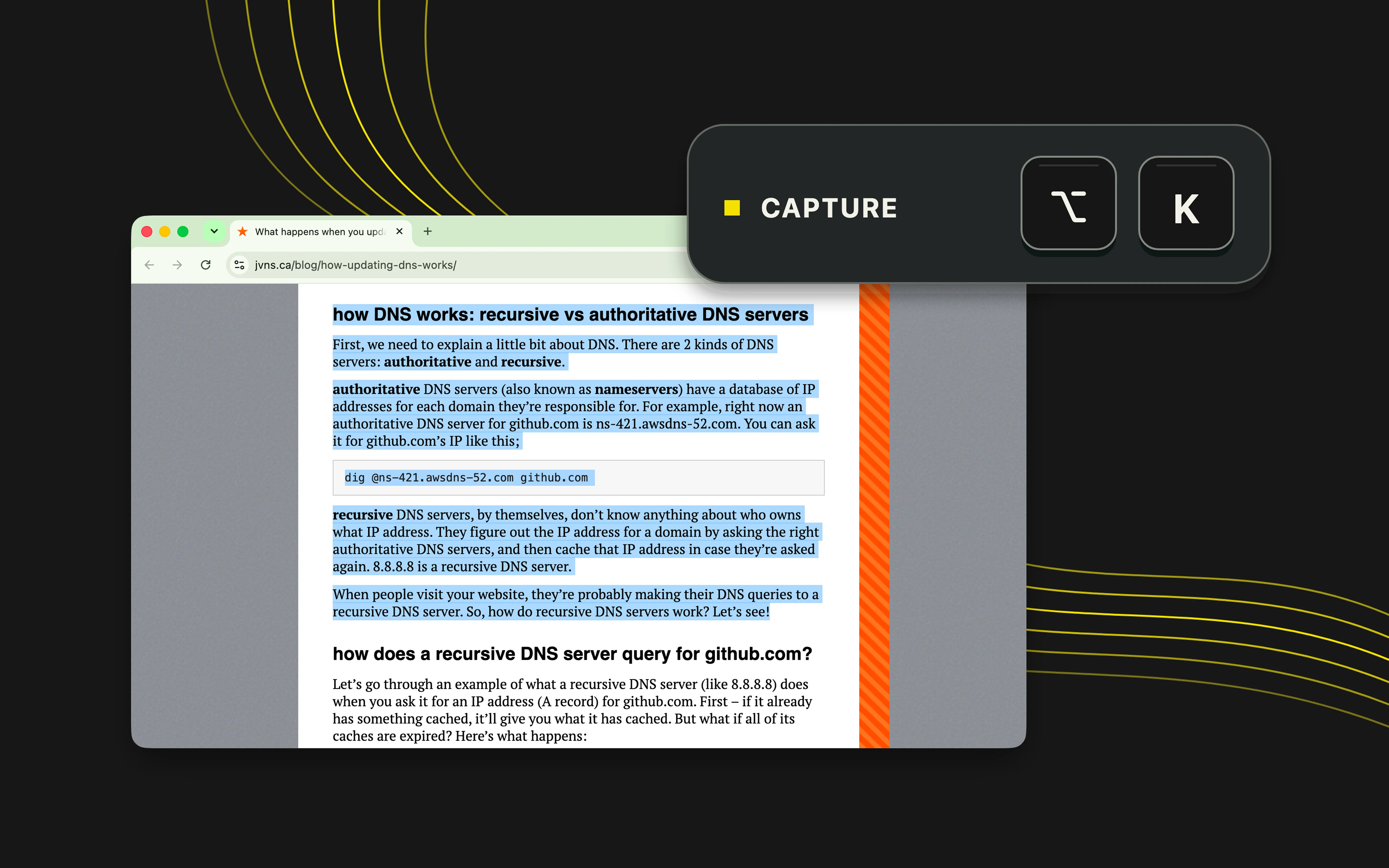
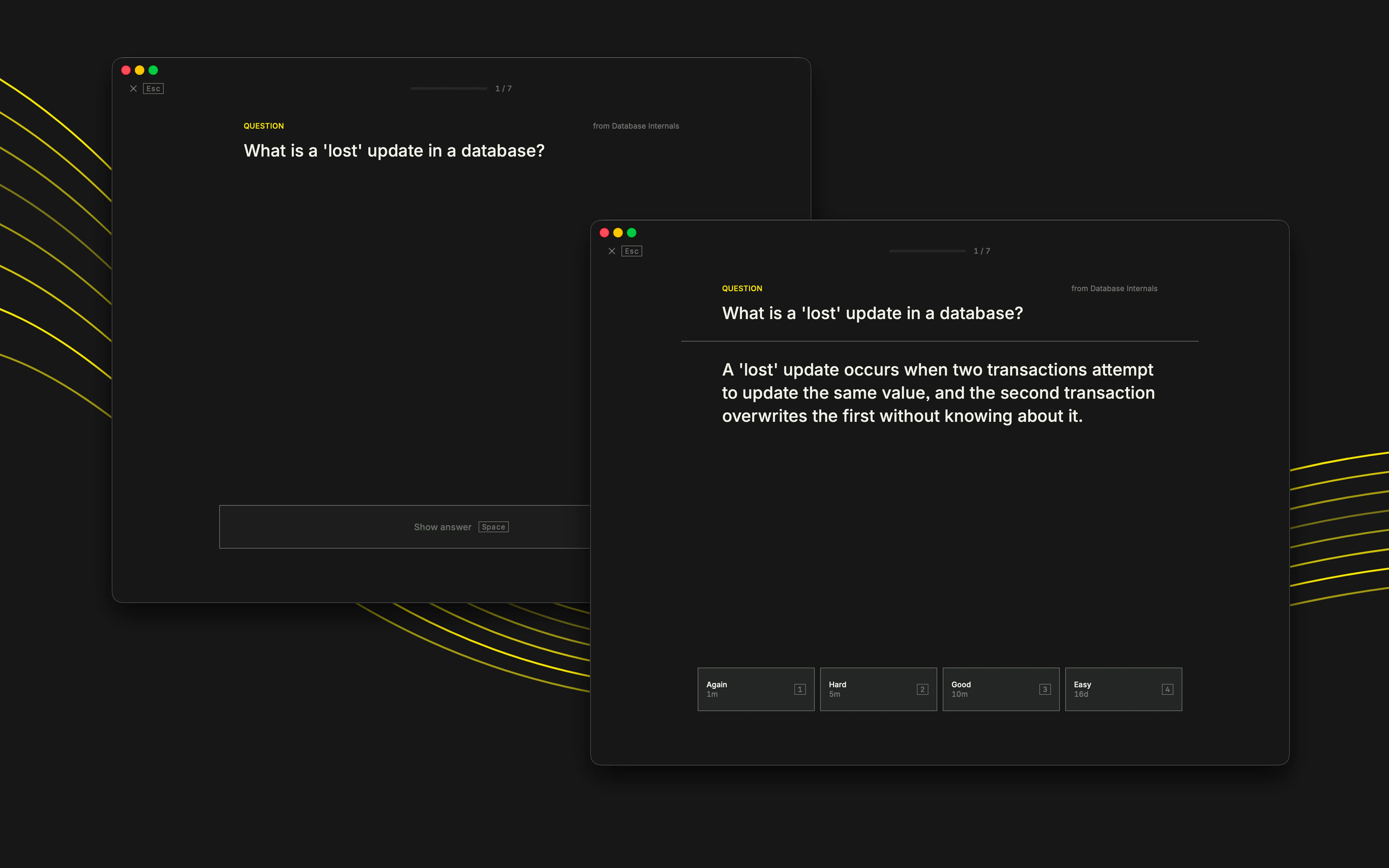
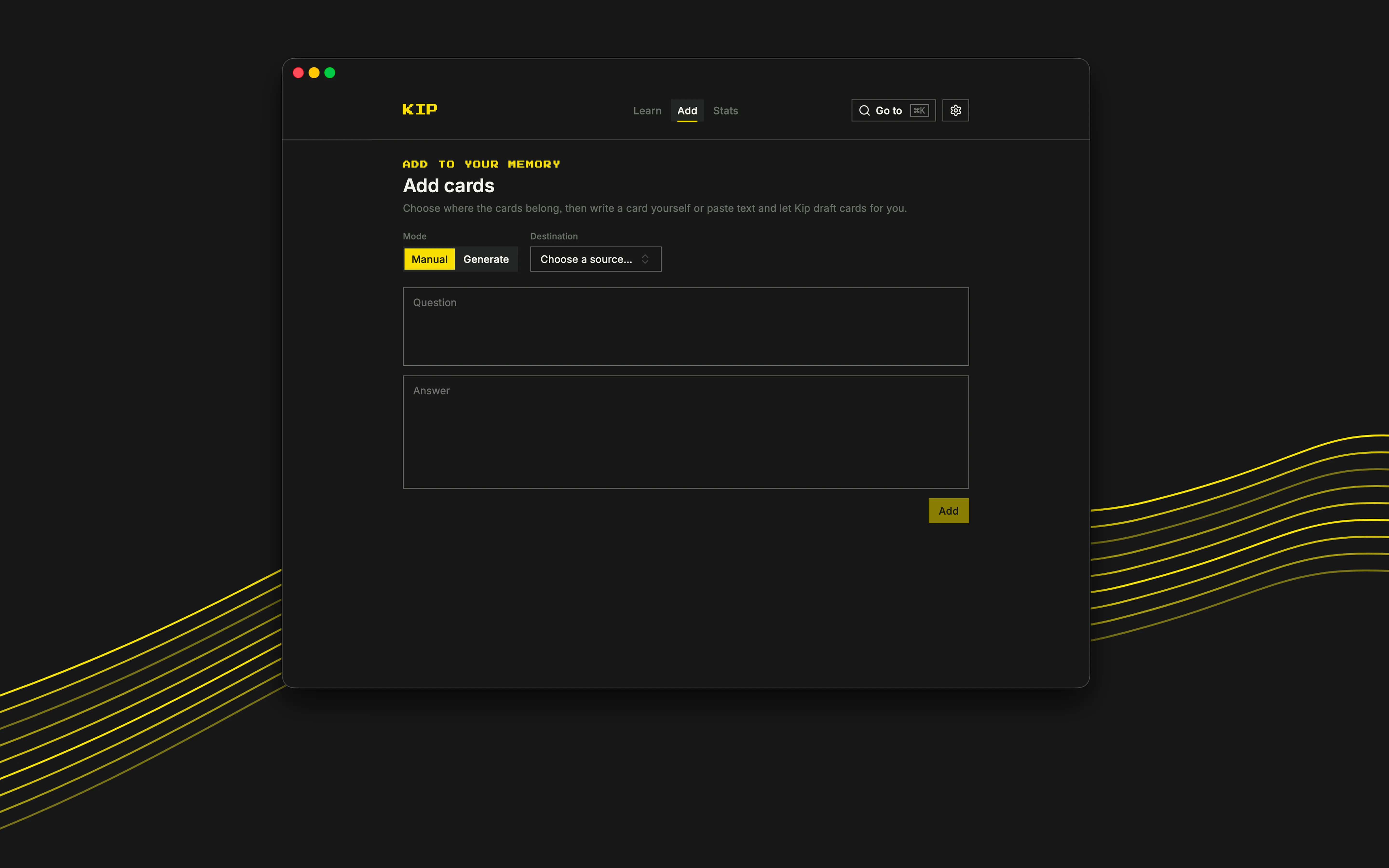
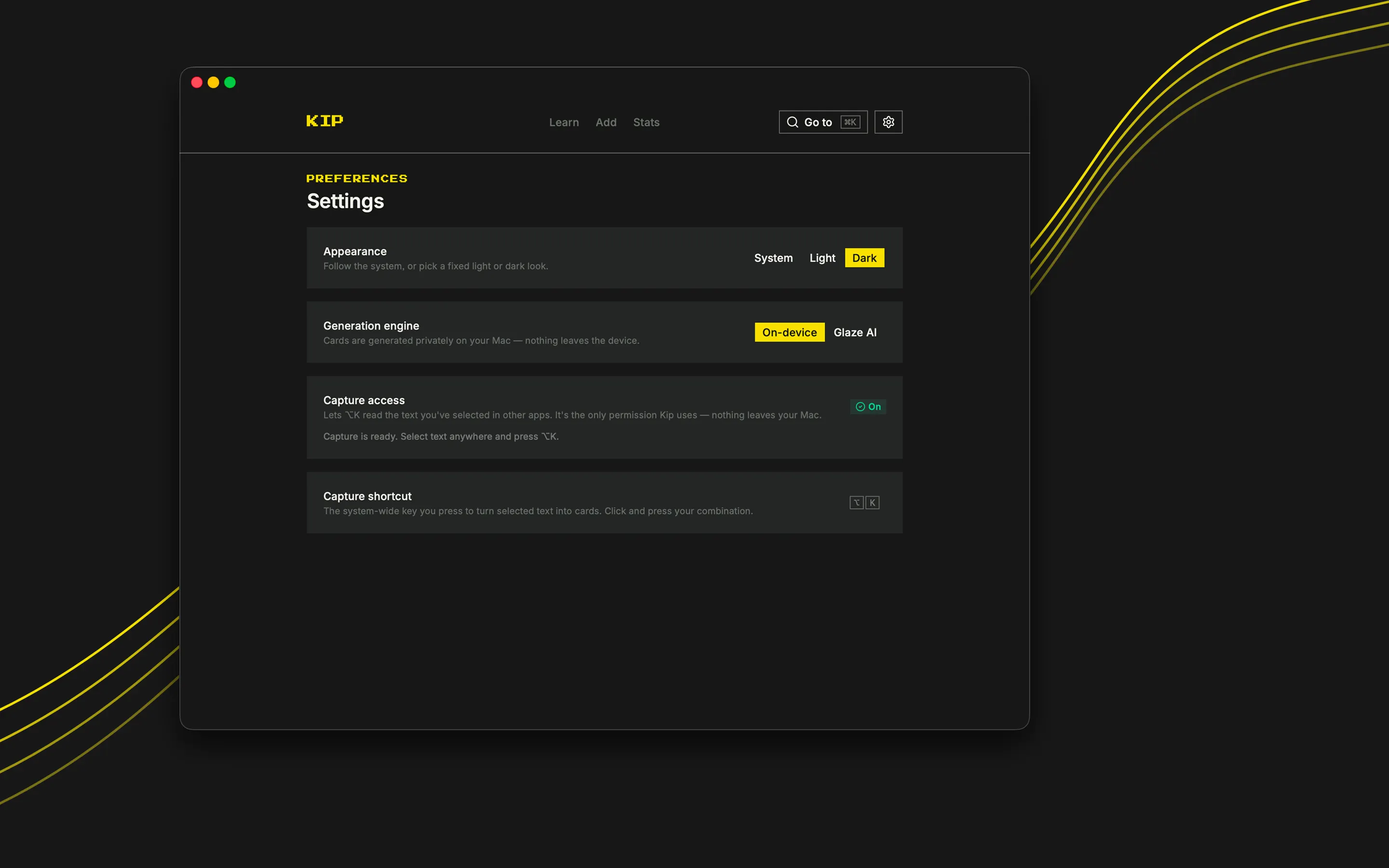
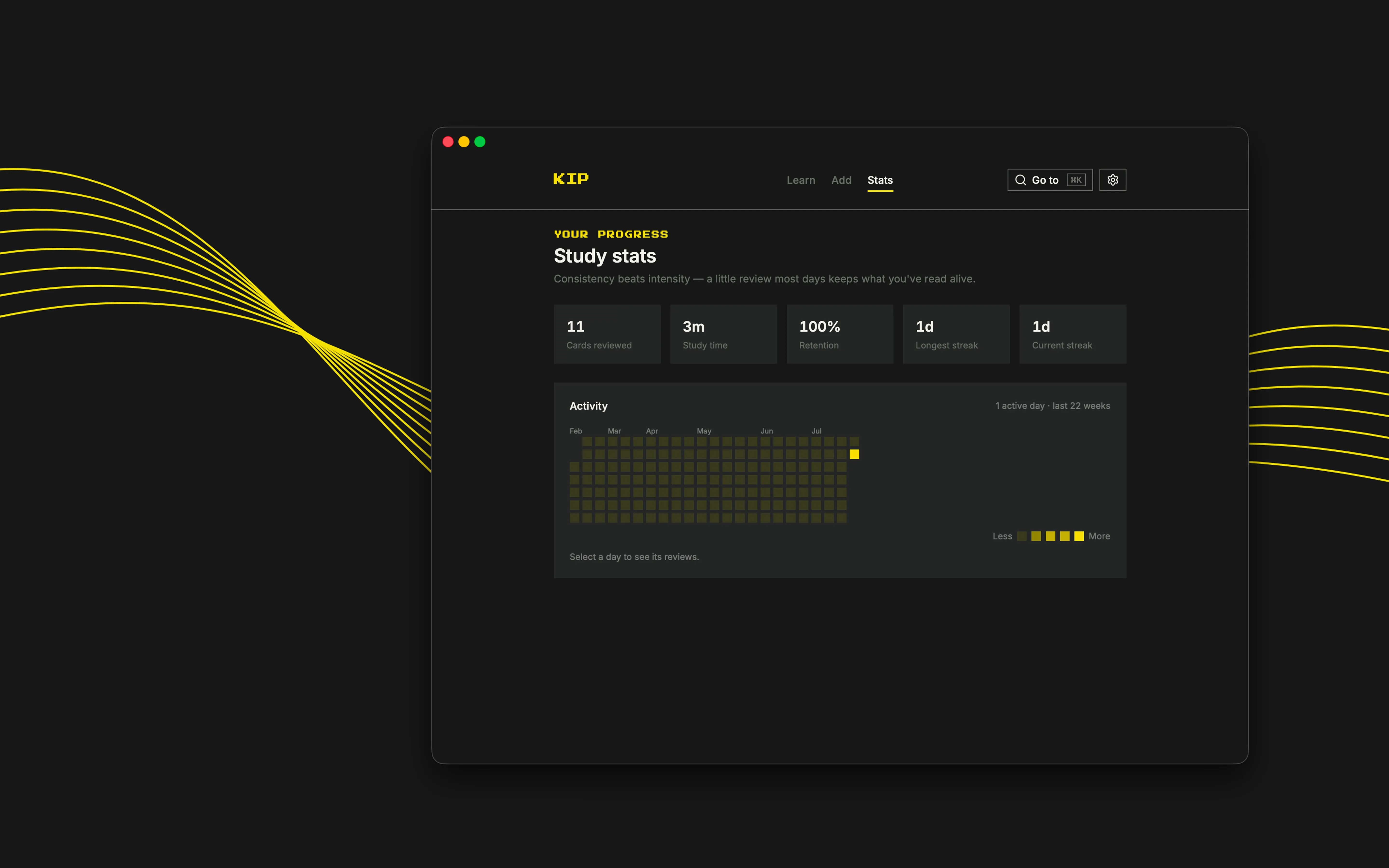
This is my very cool app for my very uncool saved-articles graveyard. How many times have you read an article thinking, “I should remember this”, « I should keep that article somewhere"? Now be honest: how many do you remember of? how many articles you saved have you reopened? Kip turns anything worth remembering into flashcards and save the source — with one shortcut. Highlight it, press ⌥K and keep reading. Kip captures the source, generates the cards and schedules their reviews with spaced repetition. Without active review, we forget up to 90% of what we read within a week. Spaced repetition brings each card back when it needs attention, so you achieve the best time spent/retained knowledge ratio. - Capture in one keystroke Highlight something valuable and press ⌥K (or whatever shortcut you want!). Kip saves it and starts making cards. - Generate cards locally On supported Macs, Apple Intelligence creates flashcards entirely on-device and private. You can also use Glaze AI, especially if you feel more confident with more powerful AI models. - Keep the full source at the same time without any additional work Cards remain attached to their original source, so you can always return to the full context. - Review at the right time Kip schedules each card based on how well you remember it. Study what is due, then get on with your day. - Stay in control Review every generated question and answer. Edit it, delete it, or add your own cards. - See what needs attention Due counts, source-level progress and an activity heatmap make your next obvious. The basic user flow is: 1. Read something useful. 2. Capture it with ⌥K, or paste the source into Kip (use the shortcut it’s cooler). 3. Review the generated cards. 4. Spend a few focused minutes on what is due. 5. Good job! - Dark and light modes - No complicated deck setup