Learn Japanese! Furigana Reader
Read furigana of any on-screen Kanji

About Learn Japanese! Furigana Reader
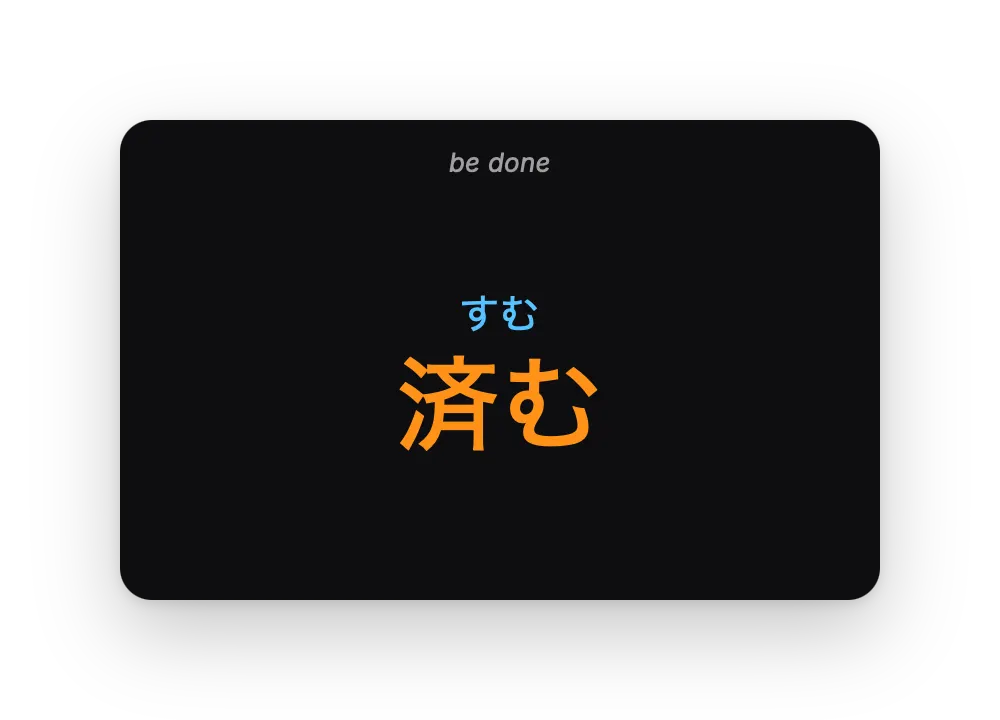
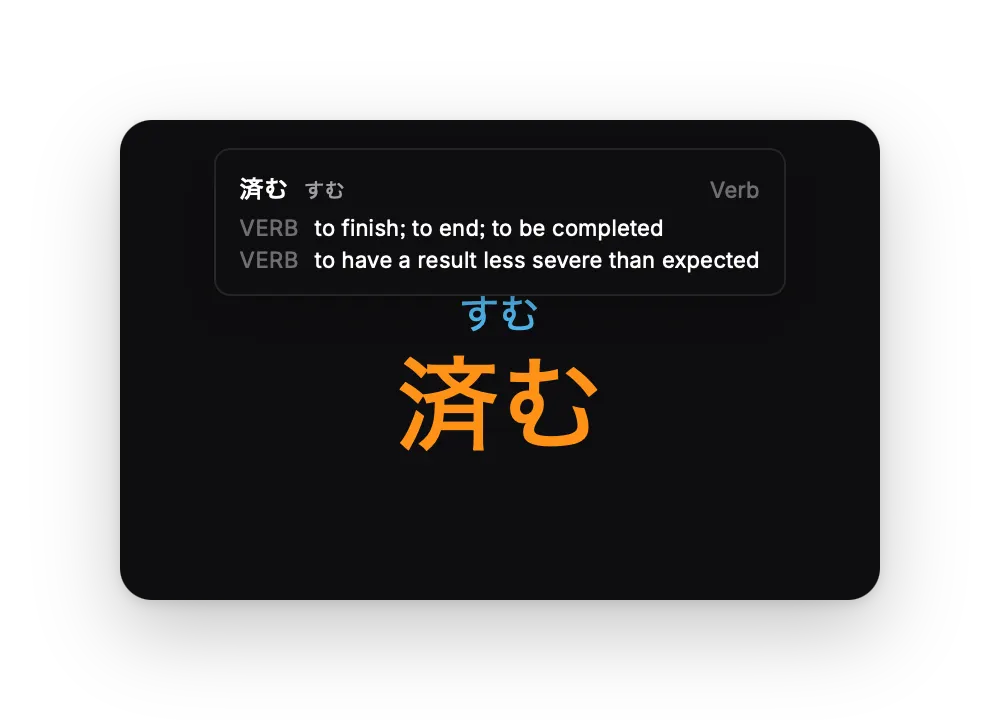
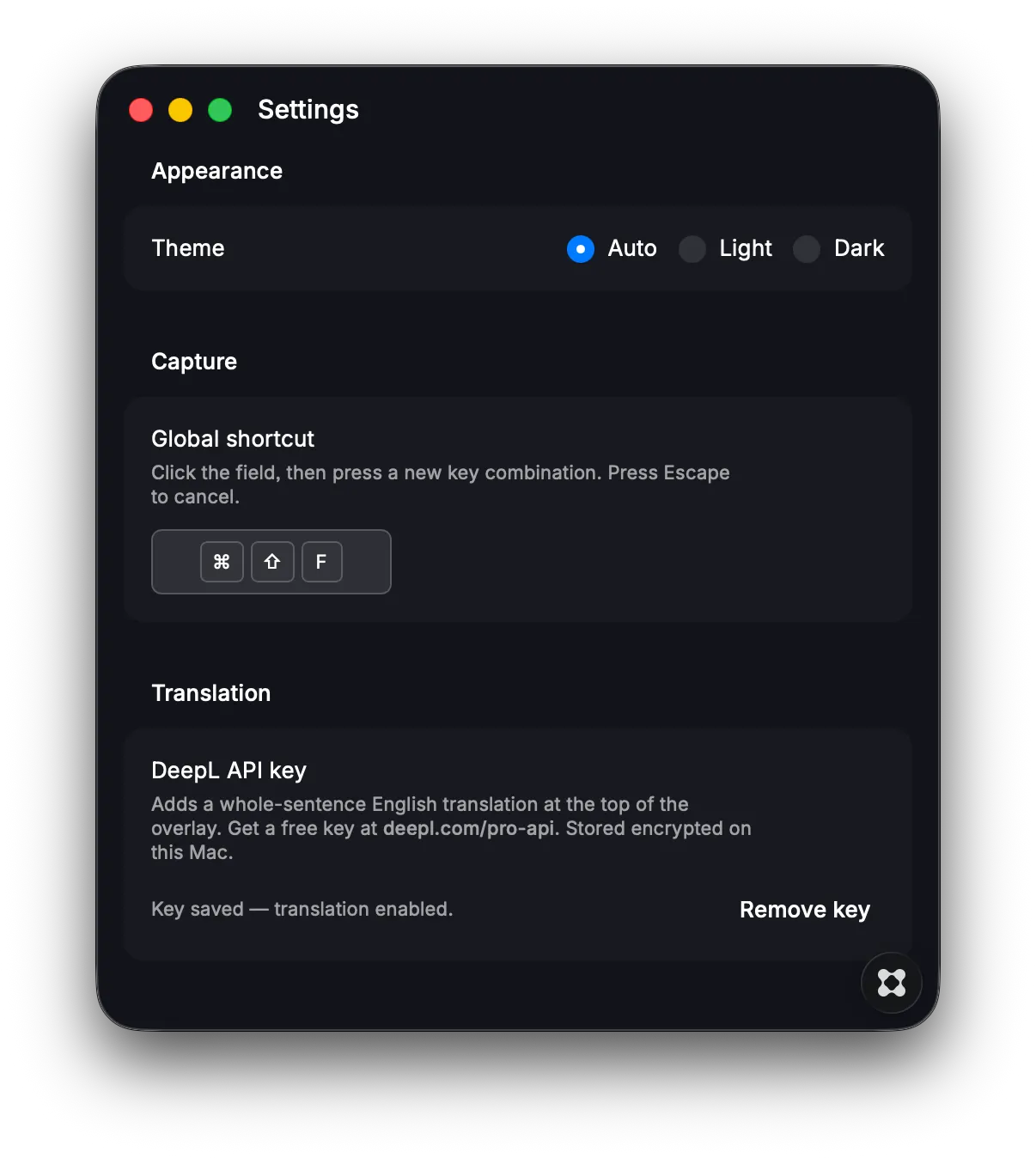
Learning Japanese? This tool enables you to break down Japanese text by displaying furigana readings for any kanji visible on your screen. You can do so by simply triggering a (customisable) hot key (CMD + SHIFT + F by default). Why does this exist? As a Japanese language learner, you will encounter Japanese characters that you do not recognise. There are web browser plugins for web content that do the same, but this app enables you to capture Kanji off ANY character you see on-screen, such as videos, system UI and such. What do I need to know? - Hiragana Easy to use: - Trigger hot key and drag crosshairs to cover any Kanji character to see its hiragana - Floating overlay window displays readings positioned right where you need them - Hover over a word for its definition (free DeepL API key is needed) - Simply click anywhere to dismiss Customisable: Access settings from the menu bar to configure - Auto, light or dark mode - Change hot key trigger - DeepL API key Note: This is meant to provide quick look-ups and definitions for words, hence it will not capture blocks of text, thus encouraging you to understand each sentence the best you can instead of relying on a full translation.