SnapClip
Screenshot and annotate with instant

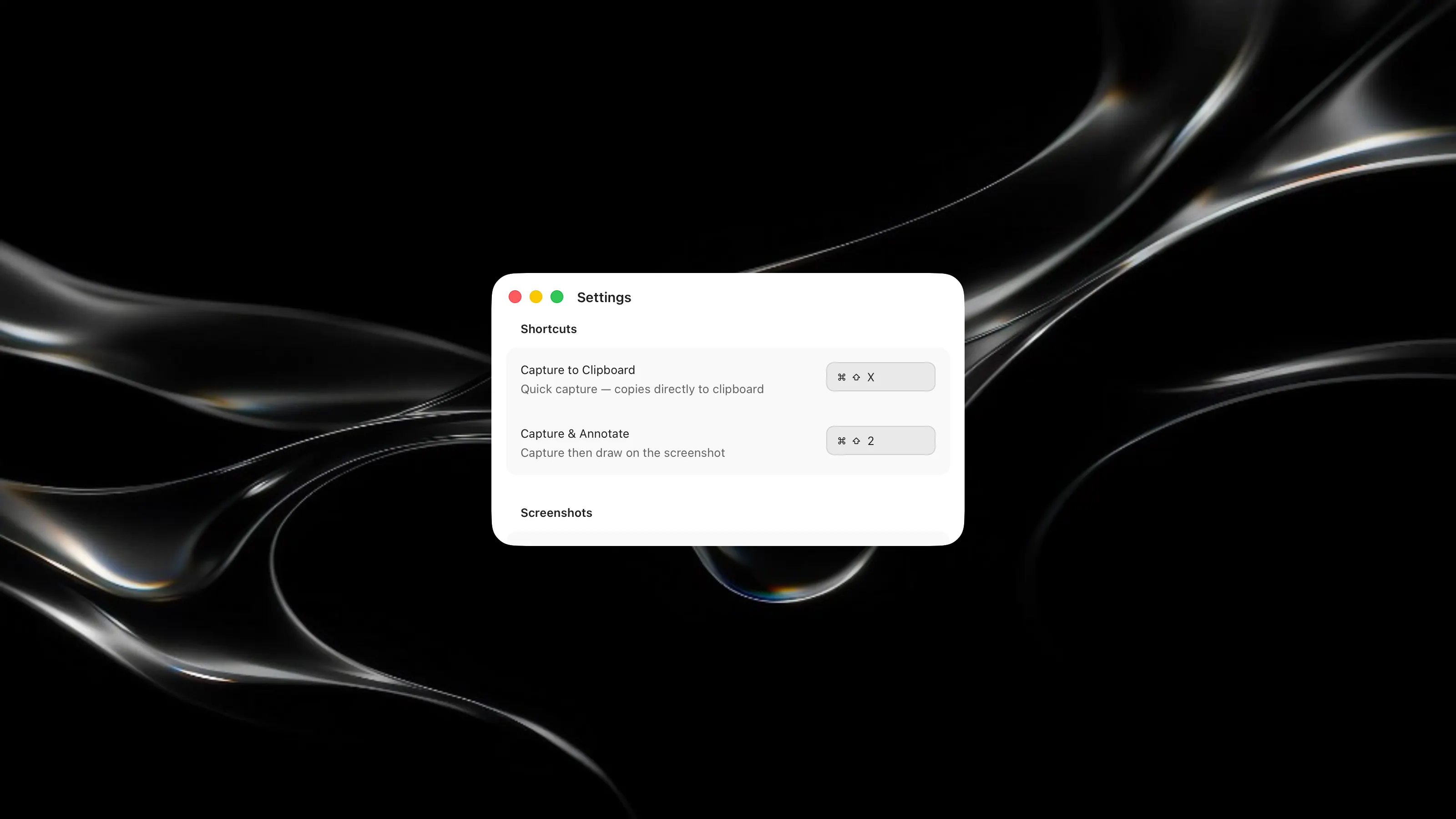
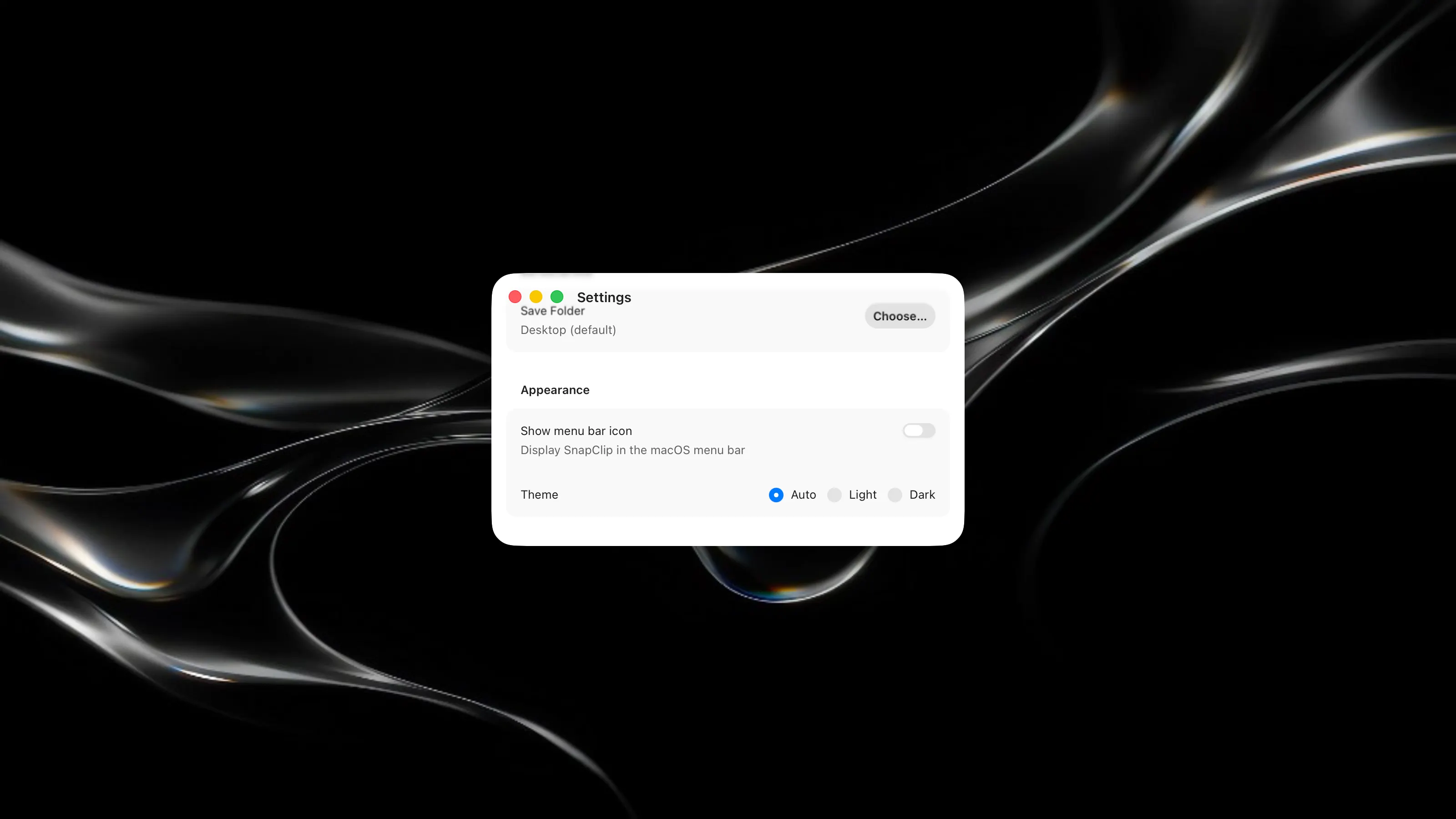
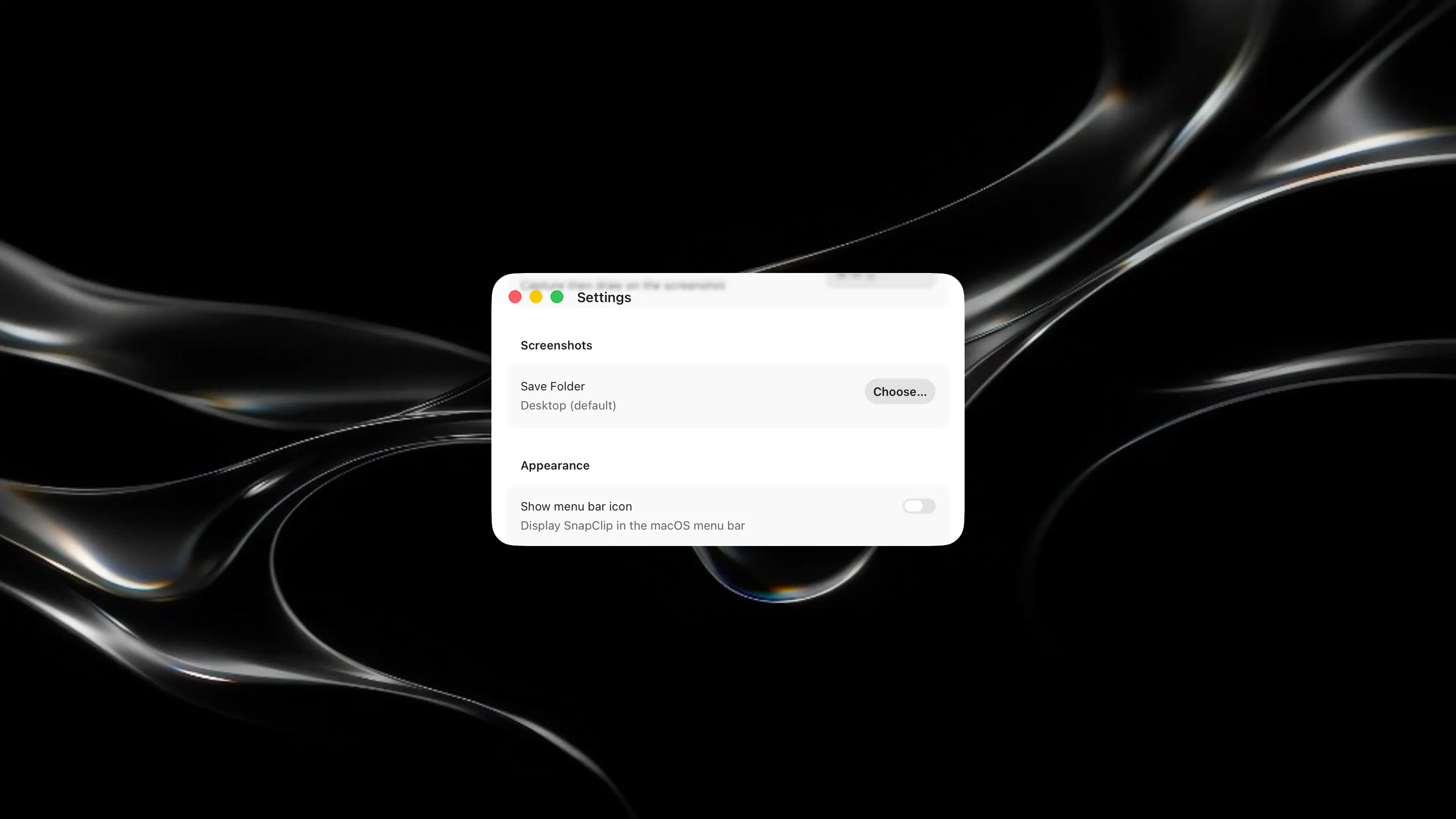
Capture screenshots and annotate them instantly with a streamlined desktop tool. Key Features: - Take screenshots with a single keyboard shortcut and immediately edit them with drawing tools and text - Save annotated images directly to your chosen folder for quick access - Customize capture and annotation shortcuts to match your workflow - Auto copied to clipboard and won’t be stored locally for non-edit screenshots