Markdown Ninja
View And Work on Multiple MD Formats

About Markdown Ninja
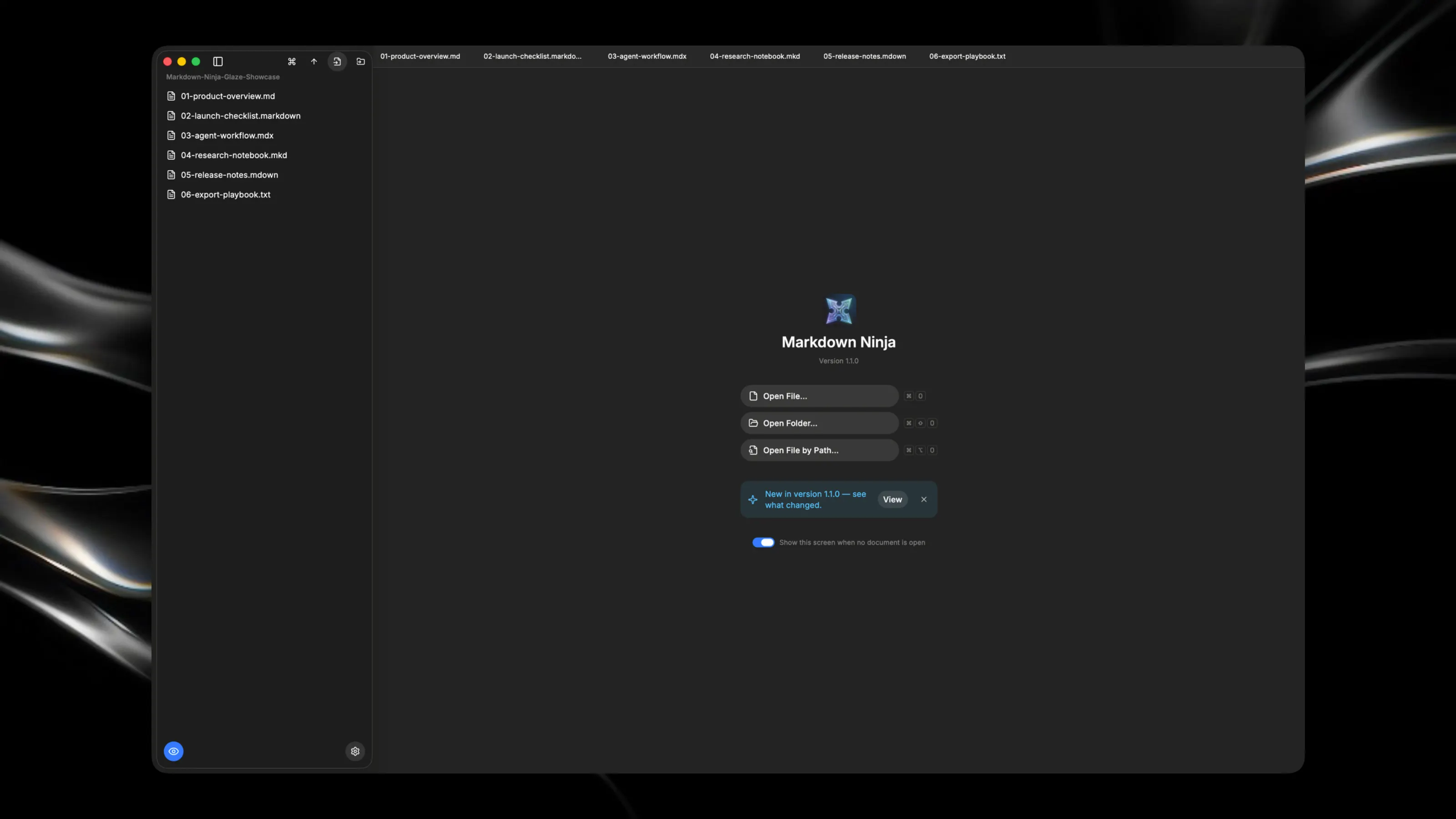
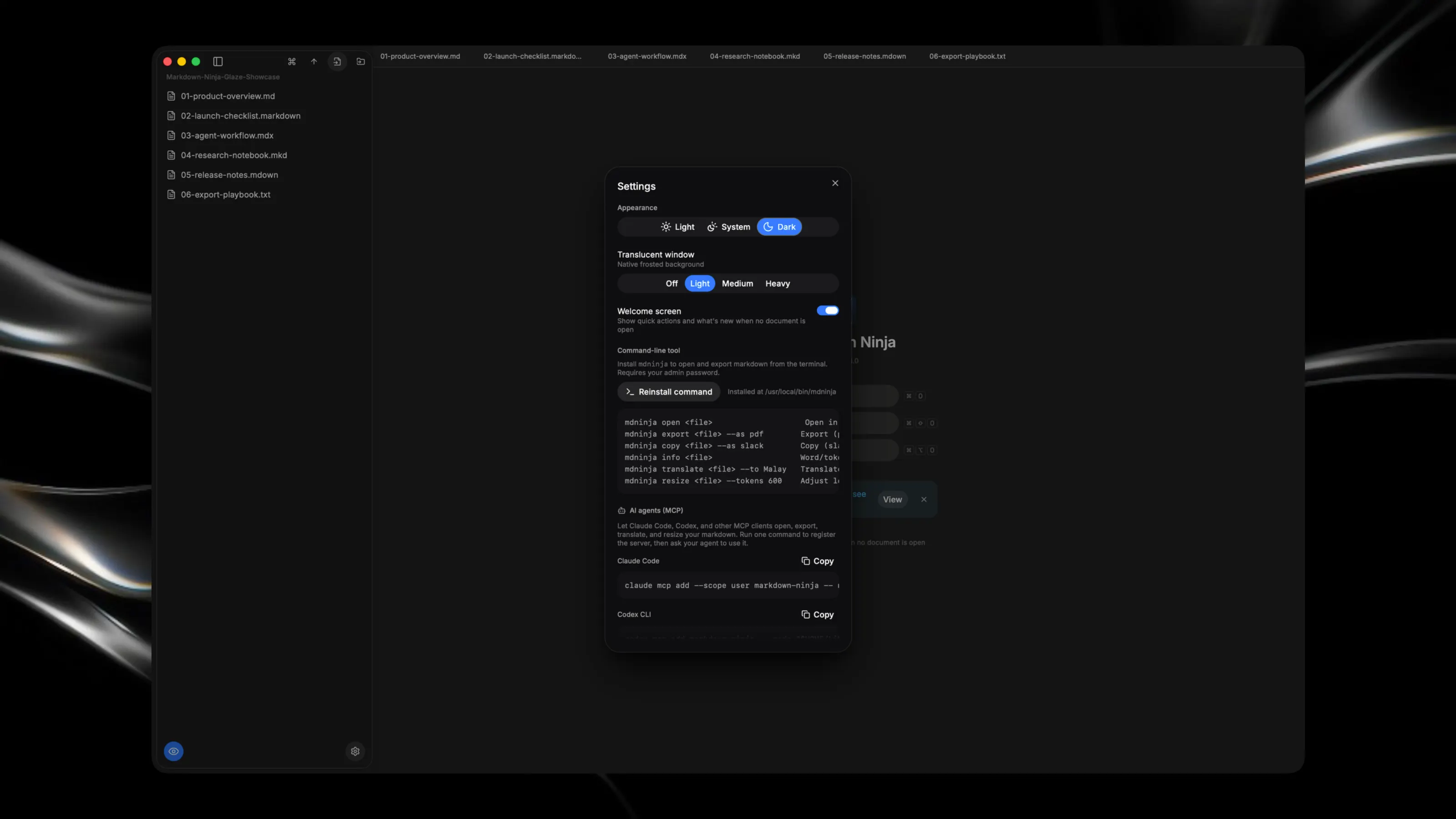
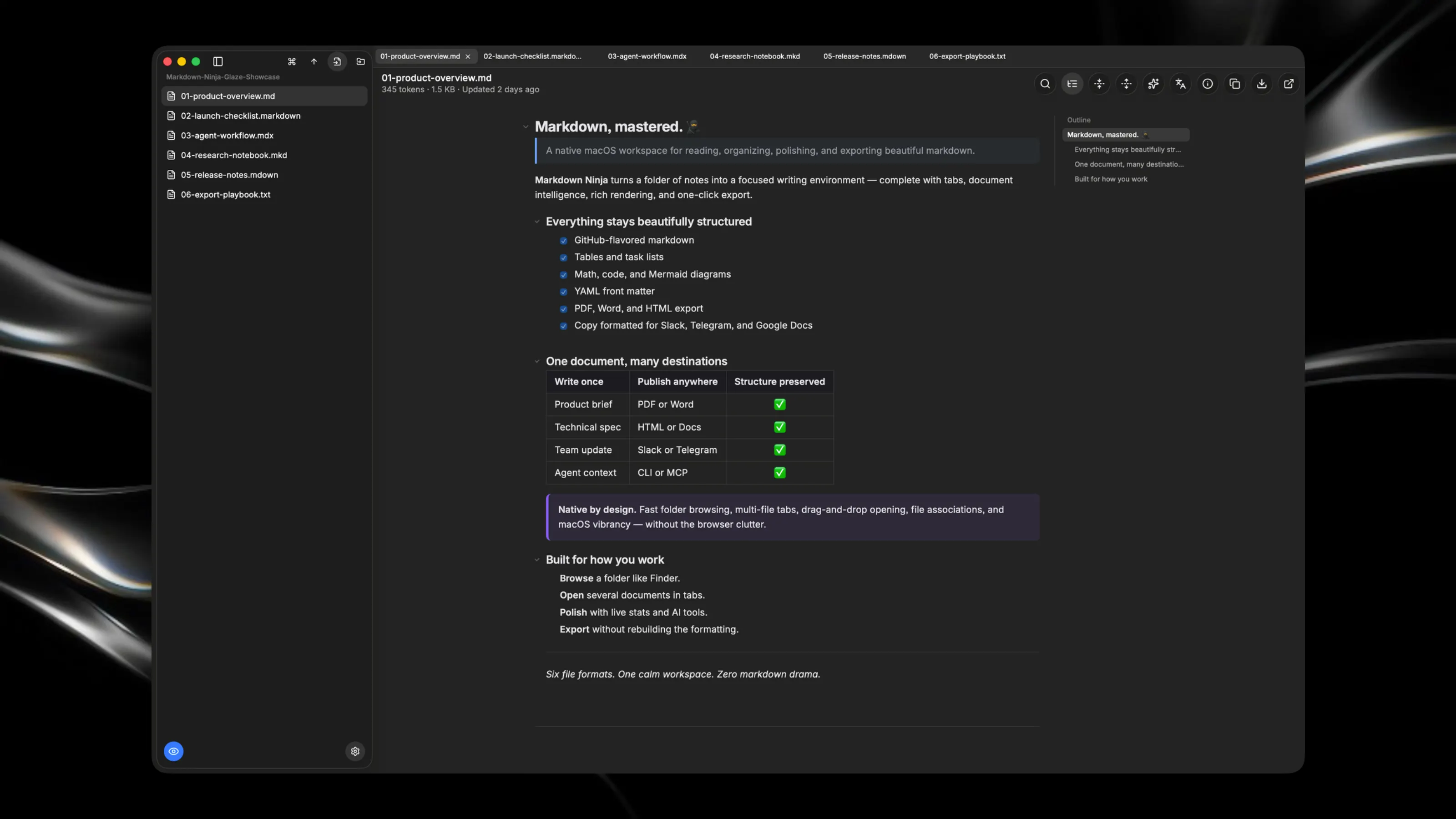
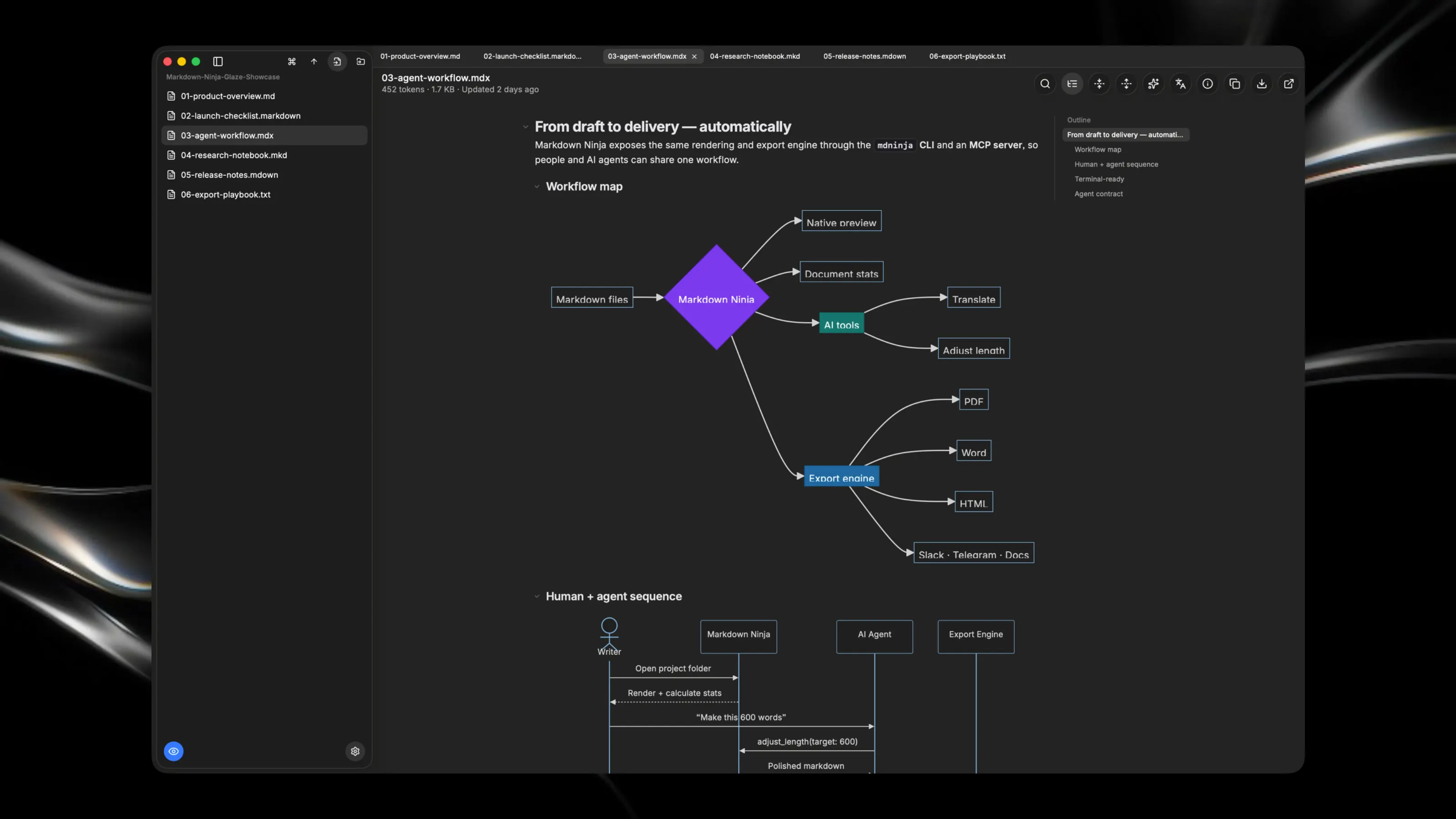
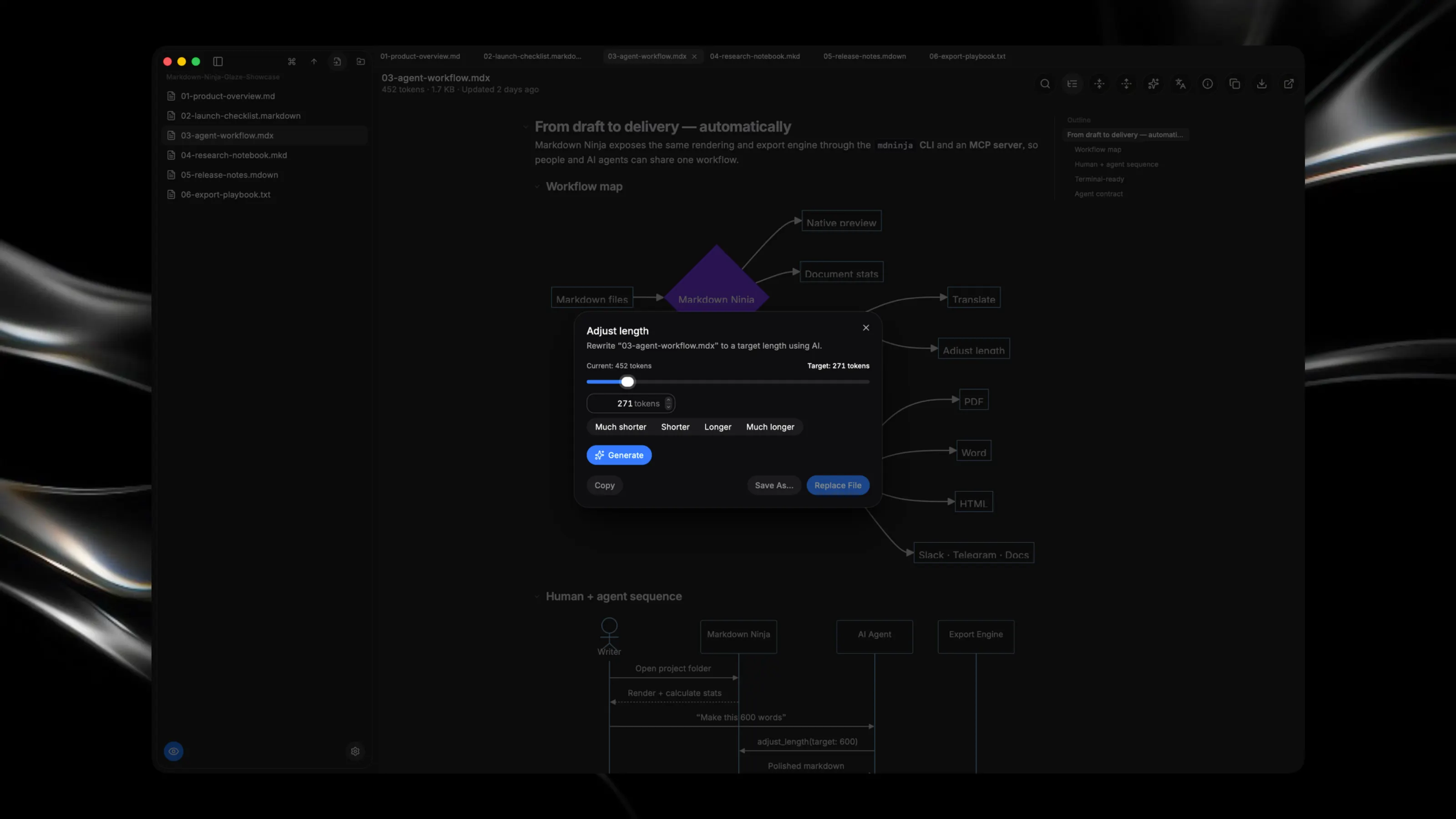
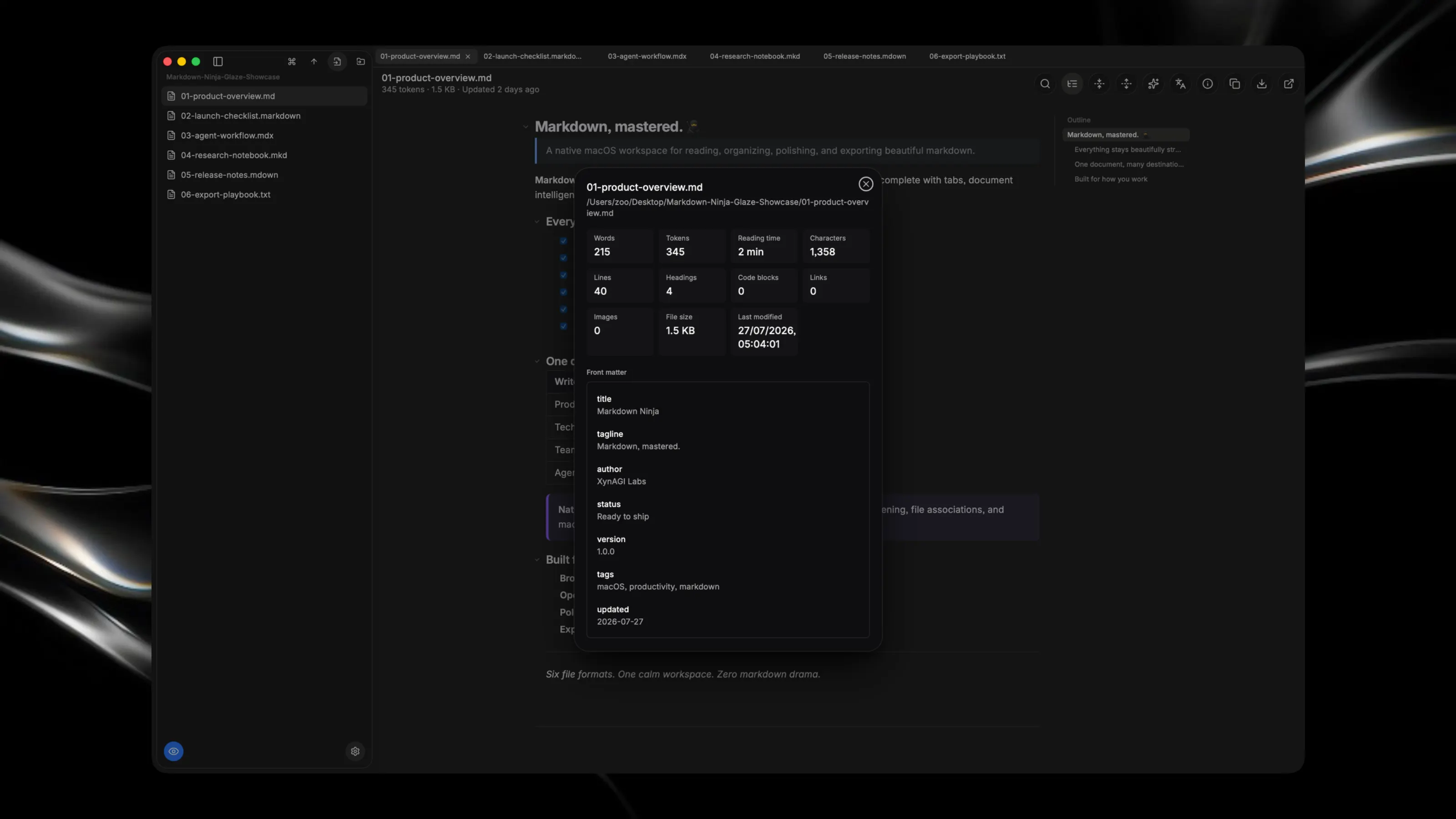
Markdown Ninja is a native macOS app for reading, organizing, and polishing markdown — with full-fidelity rendering and one-click export to the tools you already use. Browse your files like Finder, open several at once in tabs, and get GitHub-flavored markdown rendered exactly right: tables, task lists, math (KaTeX), syntax-highlighted code, and Mermaid diagrams, all in one clean, foldable view. Six markdown flavors are supported out of the box — .md, .markdown, .mdx, .mkd, .mdown, and .txt. YAML front matter is parsed and shown separately from the body, alongside live word/token/reading-time stats, so you always know what you're looking at without metadata cluttering your content. Then take it anywhere. Export to PDF, Word, or HTML, or copy formatted markdown straight into Slack, Telegram, or Google Docs — no reformatting, no lost structure. Two built-in AI tools help you go further: translate any document into another language, or adjust its length to hit a target word/token count, both without leaving the app. For power users, Markdown Ninja installs a mdninja command-line tool and an MCP server, so the same rendering, export, and AI features are scriptable from your terminal or usable directly by Claude Code, Codex, and other AI agents. Highlights * Full markdown rendering: GFM, math, Mermaid diagrams, syntax-highlighted code, inline HTML * Multi-file tabs with a Finder-style sidebar and folder browser * Export to PDF, HTML, or Word; copy formatted for Slack, Telegram, and Google Docs * AI-powered translation and length adjustment, right from the toolbar * Document stats: words, tokens, reading time, headings, links, images, and more * Command-line tool (mdninja) and MCP server for scripting and AI-agent workflows * Drag-and-drop file opening, Finder file-association support, and native vibrancy * Light/Dark/System appearance with an in-app "What's New" changelog