Meal Calendar
Plan your weekly meals visually
About Meal Calendar
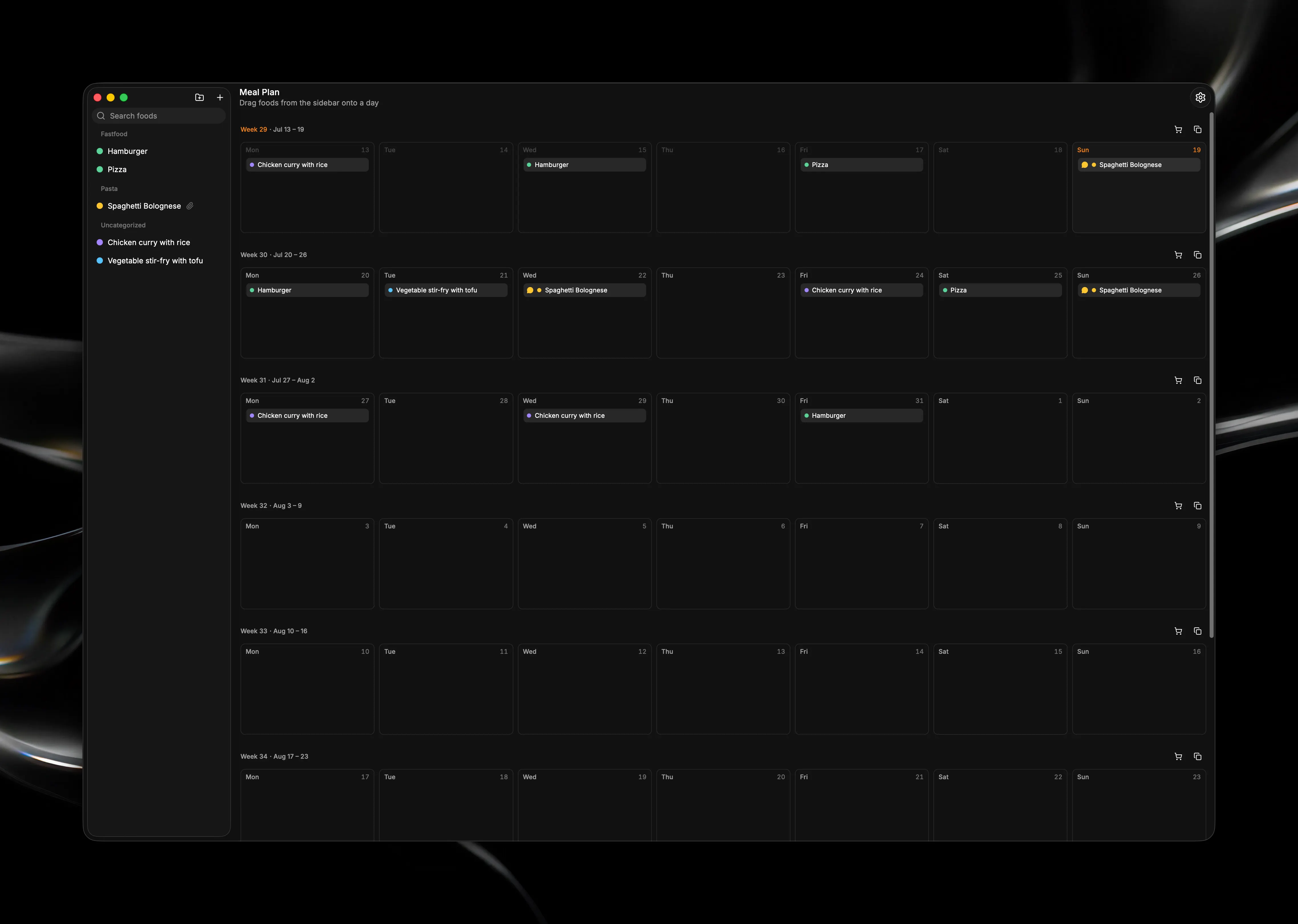
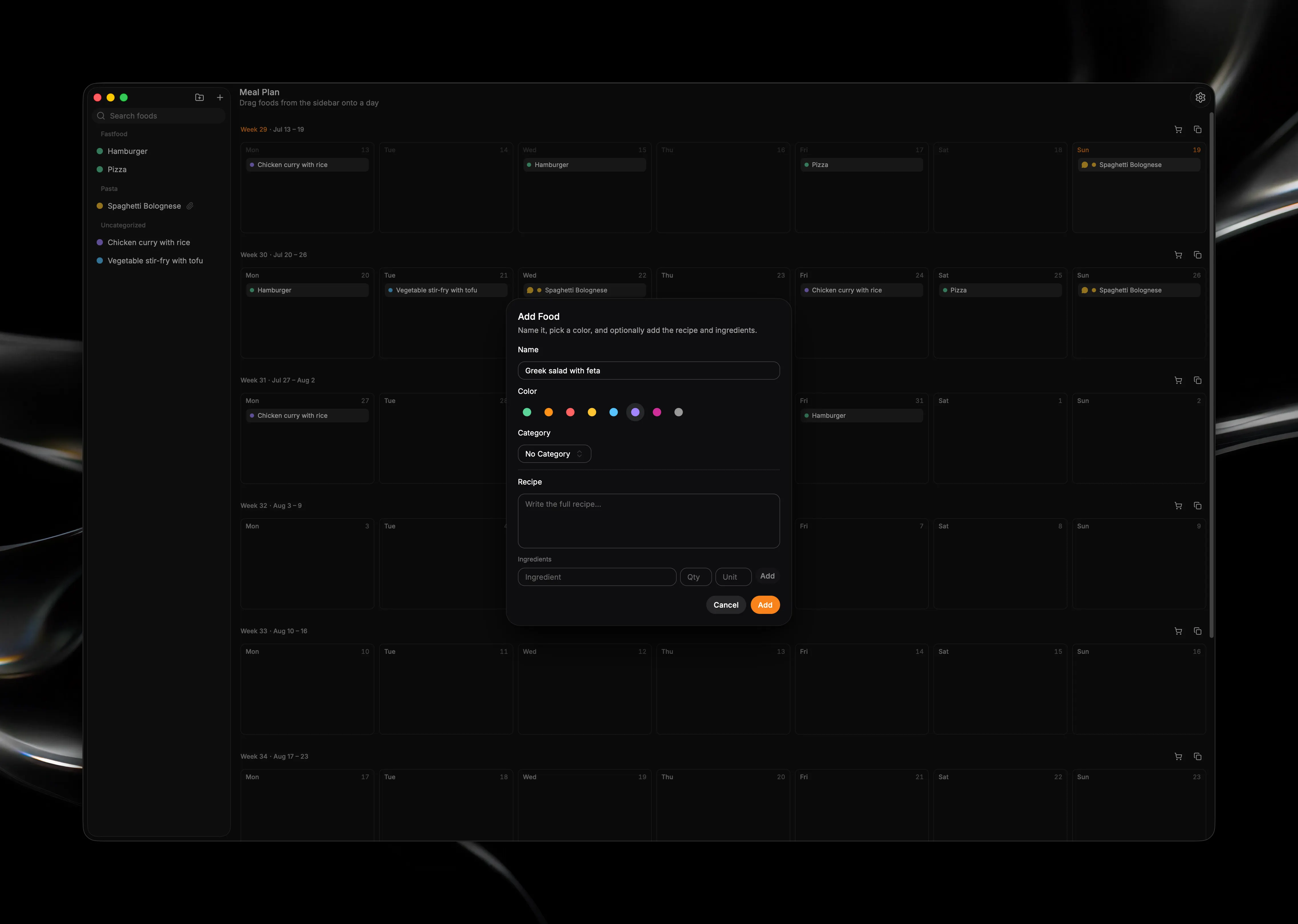
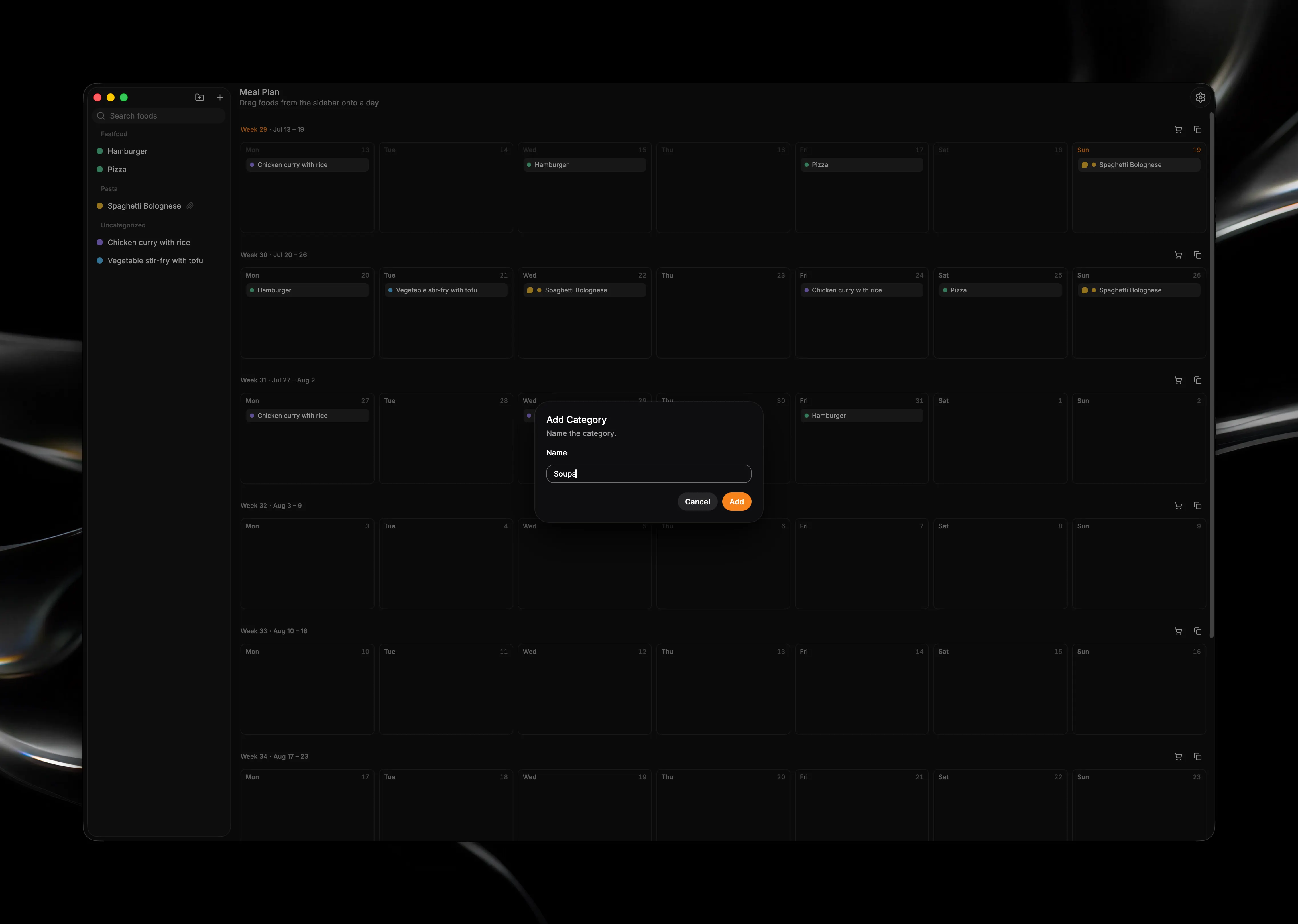
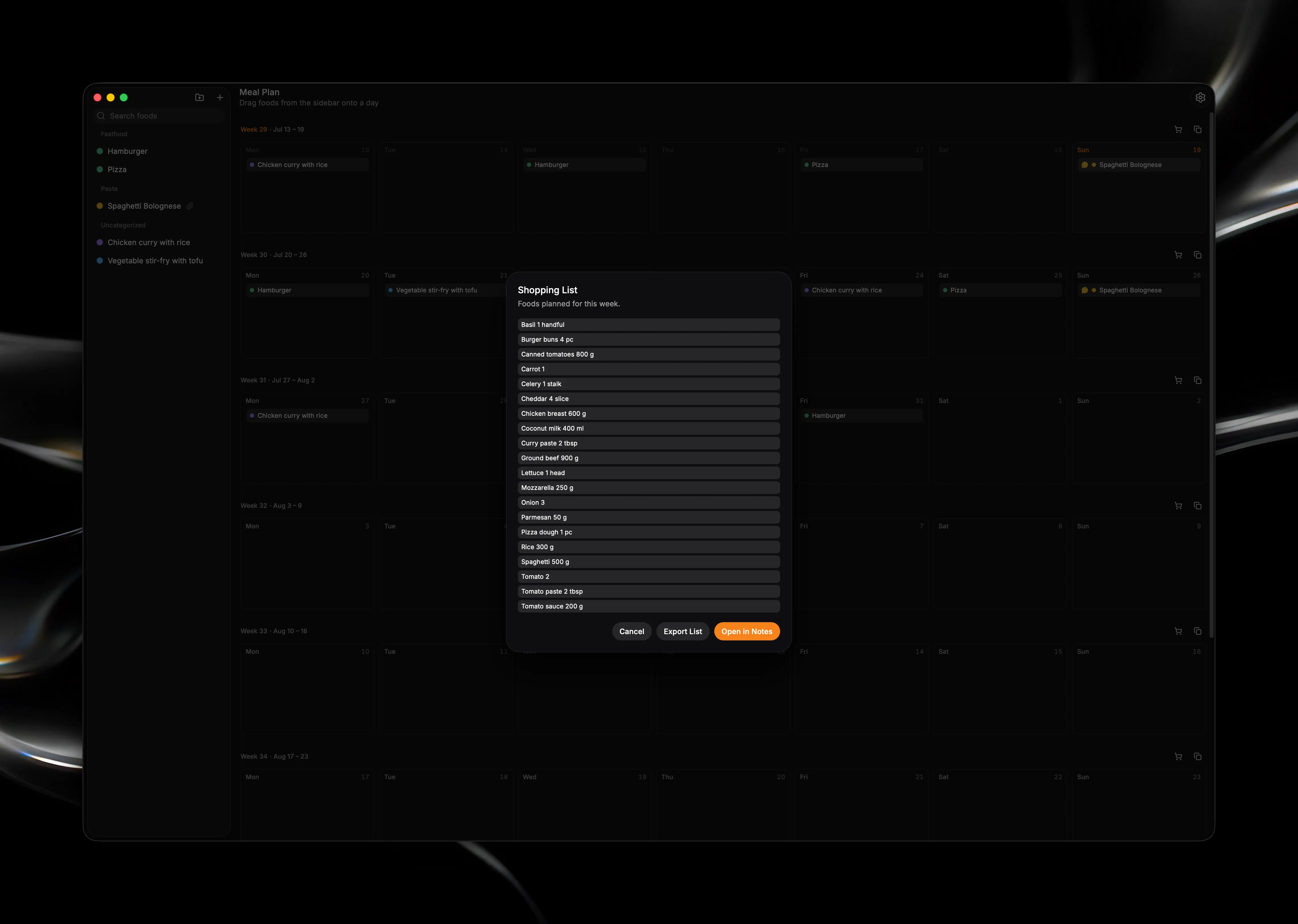
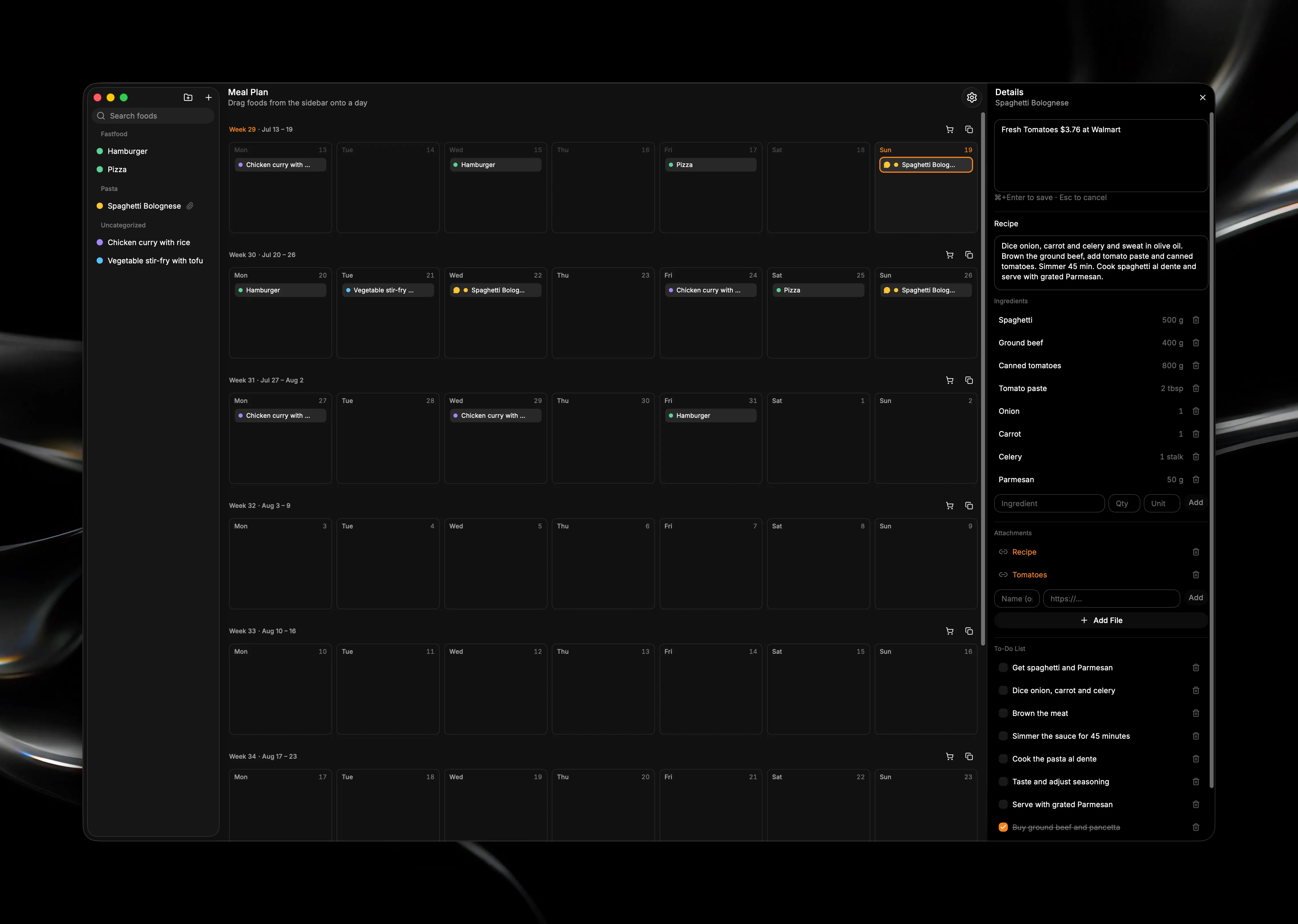
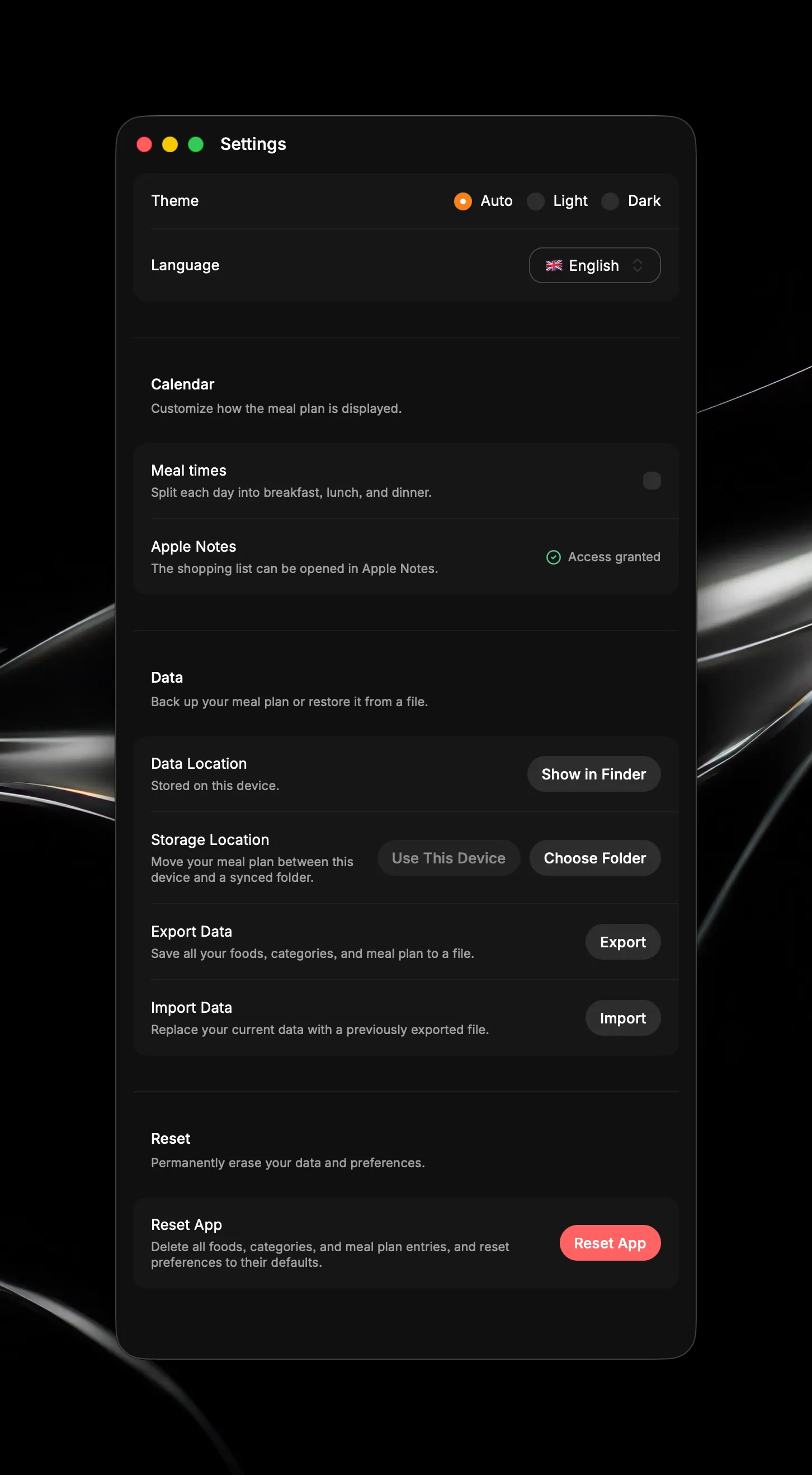
Plan and organize your weekly meals with an intuitive visual calendar. Meal Calendar gives you a clear, drag-and-drop view of what you are eating across the next eight weeks — so you can plan ahead, adjust quickly, and keep everything in one place. Build your own food library with names, colors, and custom categories. Drag meals onto any day, move them between days, or organize them by breakfast, lunch, and dinner when you need finer control. Each meal can hold notes, a full recipe, structured ingredients, links or files, and a simple to-do list — all tied to the food itself, so your details follow it wherever it appears on the calendar. When it is time to shop, open the weekly shopping list to see what you need. Ingredients from your planned meals are combined and totaled automatically; export the list as a text file or send it to Apple Notes in one step. Your data stays on your Mac. Store it locally, or point the app at a folder in iCloud Drive, Dropbox, OneDrive, or any synced location to keep your meal plan aligned across devices. Back up, restore, or move your data anytime with full export and import. Key Features: - Visual meal planning — eight-week rolling calendar with drag-and-drop assignment, move, and remove - Flexible daily layout — optional breakfast, lunch, and dinner slots, or a single slot per day - Personal food library — searchable sidebar with color-coded meals and custom categories - Rich meal details — comments, recipes, ingredients with quantities, file/link attachments, and checkable to-do lists - Weekly shopping lists — aggregated ingredients across your plan, with export to text or Apple Notes - Cloud-friendly storage — sync via your own folder, or keep everything on this device - Backup & portability — export and import your full meal plan as JSON; change storage location with guided migration - Built for Mac — light/dark appearance, English/German/French/Hungarian UI, no account required Privacy-first by design: no sign-in, no server, no tracking — just your meal plan, stored where you choose.