Meeting Notes
Capture every meeting, forget nothing
About Meeting Notes
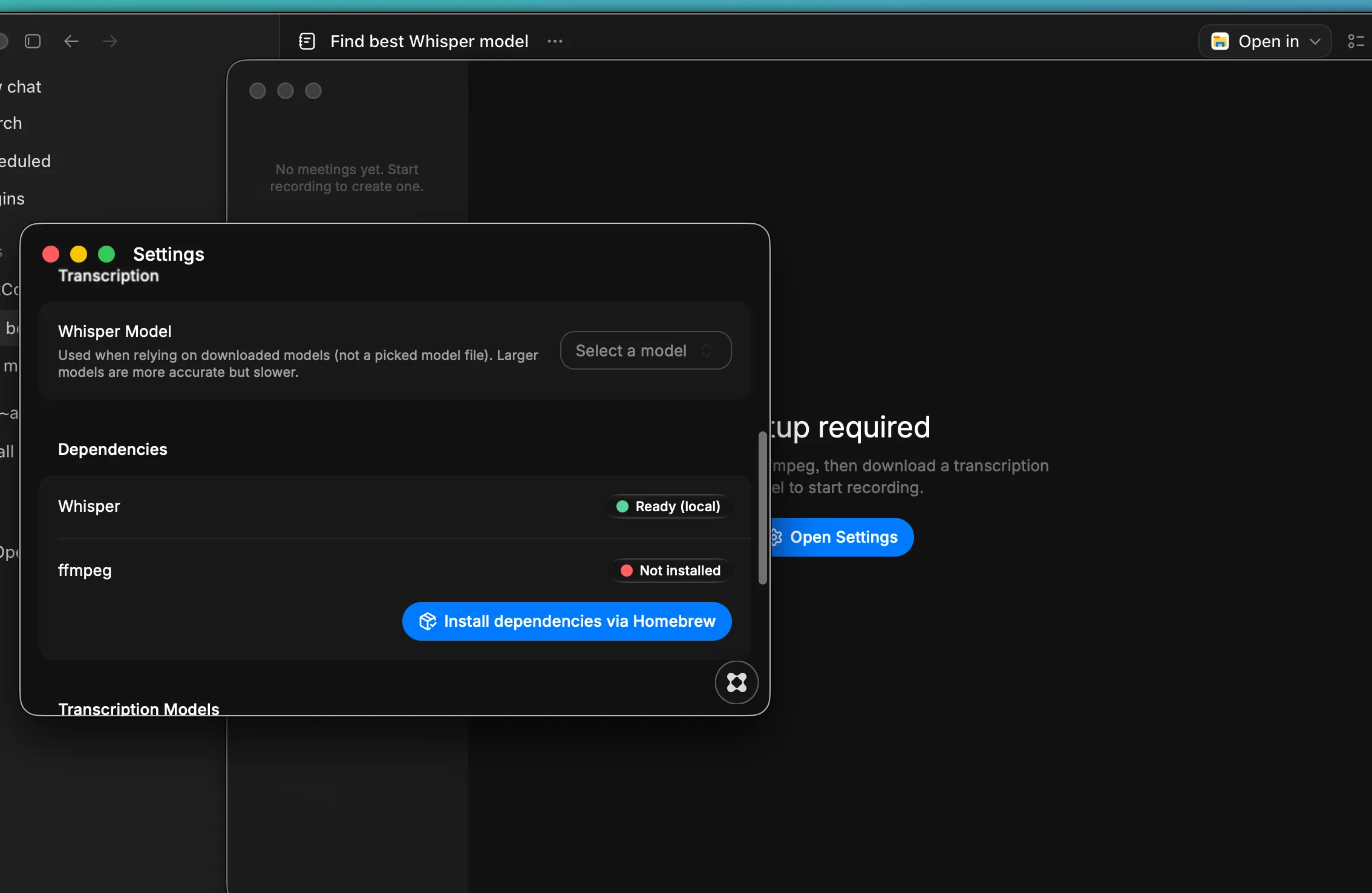
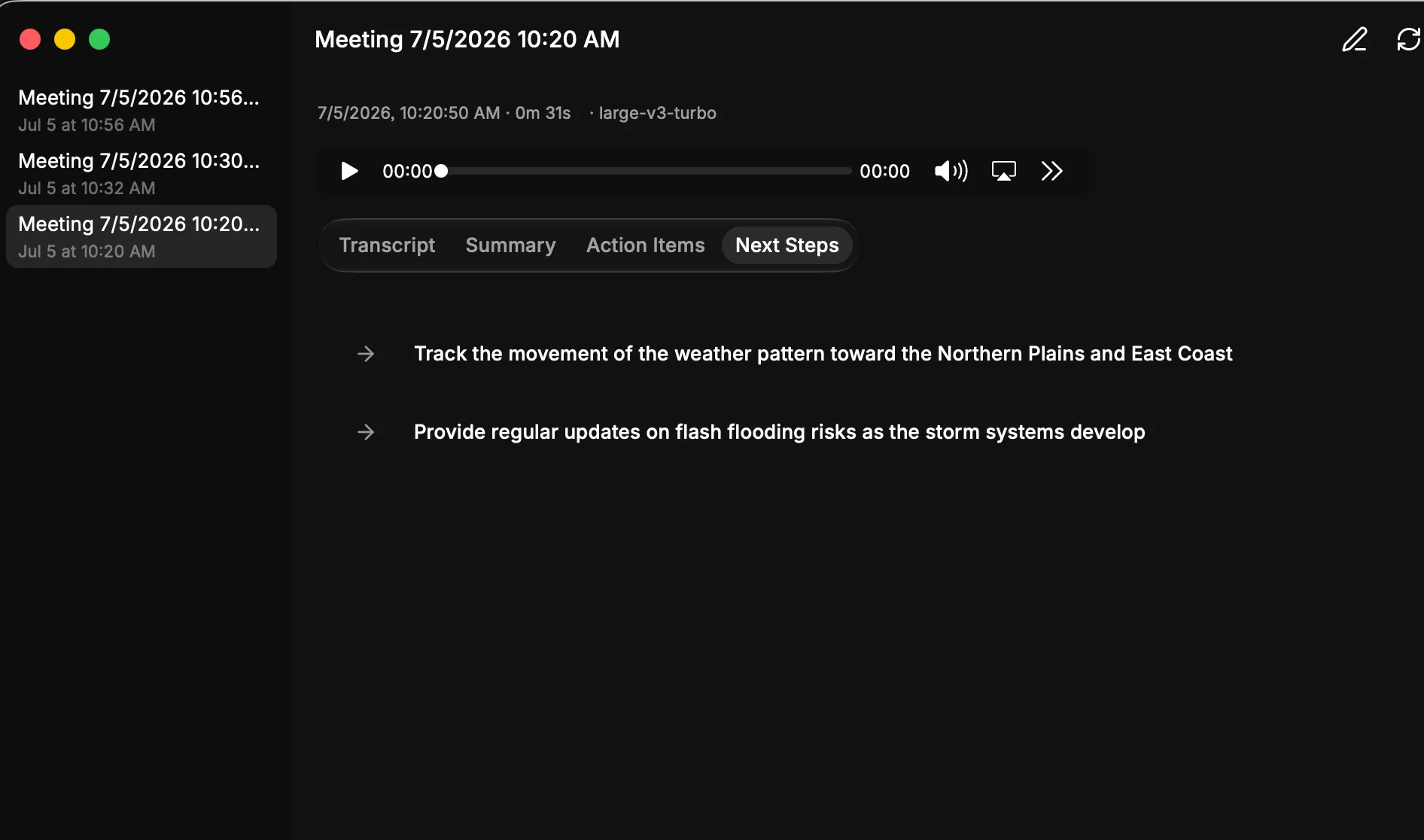
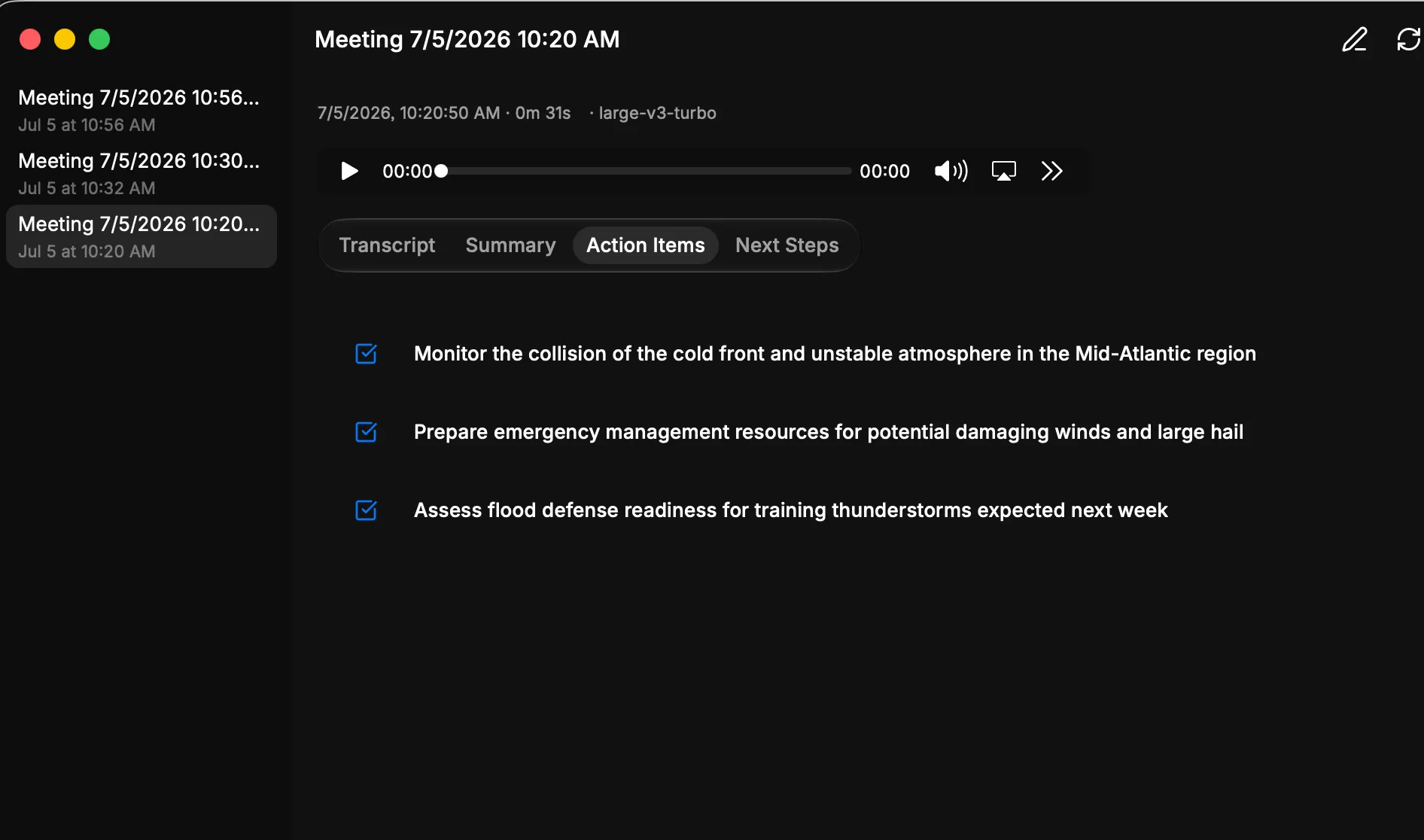
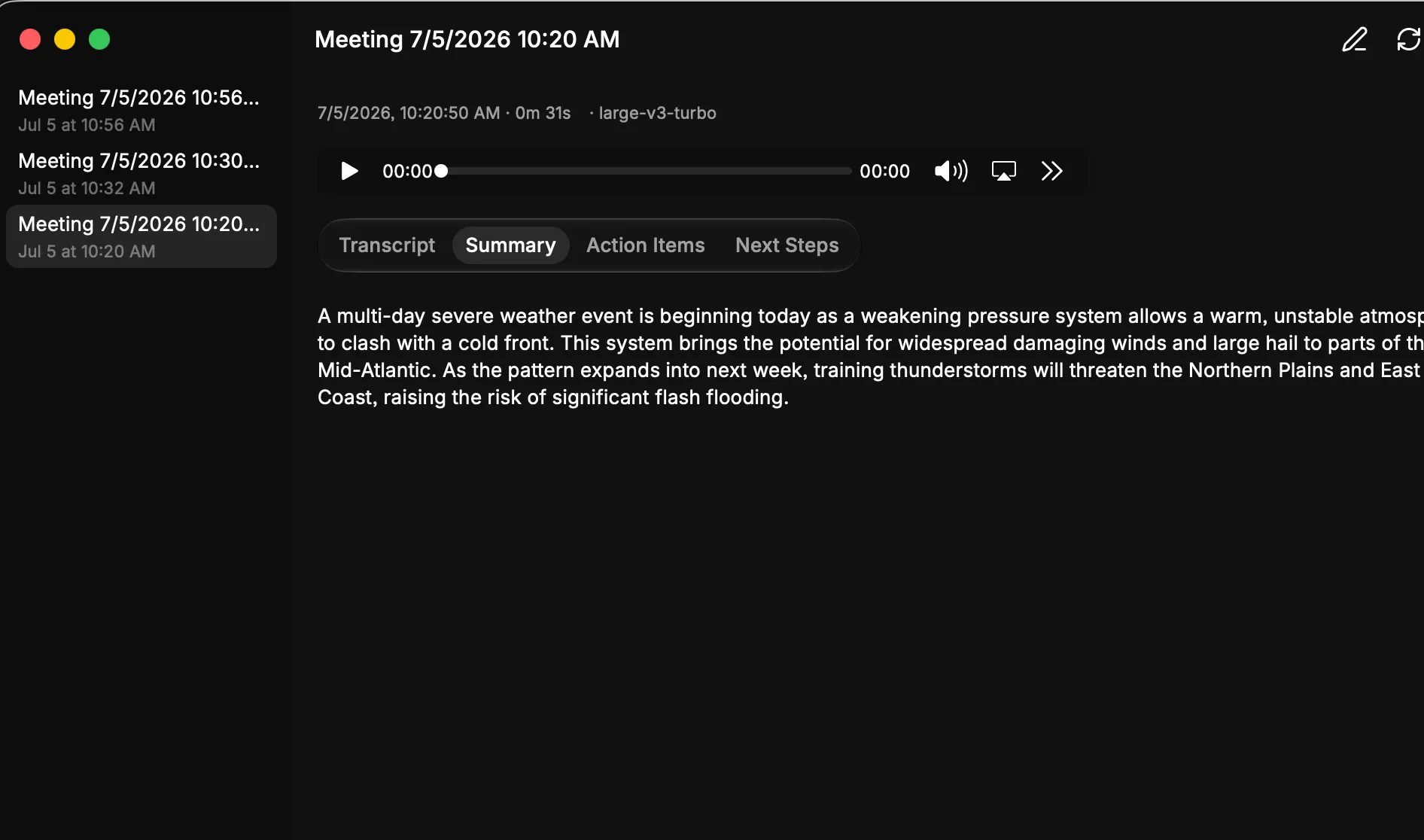
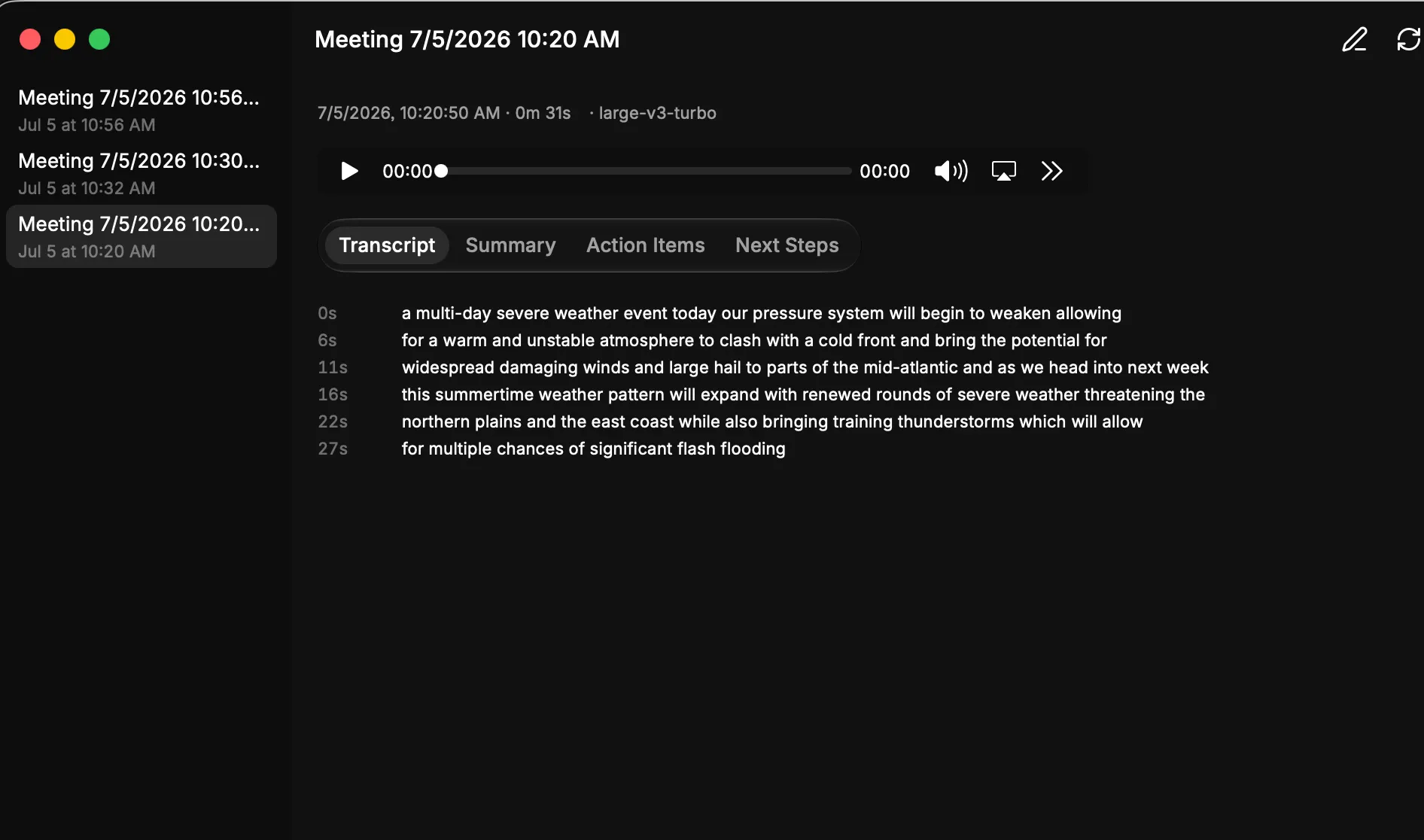
Capture and understand your meetings with automatic recording, transcription, and summarization all in one place. Uses Gemini API which you can get for free usage with no subscription costs. Always pulls the lates Gemini Flash model. Requires you download local whisper ai so you don’t have to pay for that either. Key Features: - Record meetings directly from your desktop and access transcripts instantly - Summarize long conversations into key takeaways and action items - Browse your entire meeting history and search through transcripts - Configure your preferred transcription settings and models in one place SETUP INSTRUCTIONS 1. Get a Google Gemini API key (required for AI summaries) Sign up at Google AI Studio, generate an API key, paste it into the app's Settings screen. It's stored encrypted on-device. 2. Set up transcription (pick one path) Easy path: Install Homebrew if not already installed, then use the app's one-click "Install" button in Settings to install whisper-cpp + ffmpeg, then download a Whisper model (e.g. "base.en") from the same screen. Advanced path: Already have Whisper (whisper.cpp or OpenAI Whisper) installed elsewhere (e.g. on iCloud Drive)? Point Settings at that custom binary + model file instead — no Homebrew needed. ffmpeg is still required from Homebrew/PATH either way (used to convert recordings to 16kHz WAV). 3. Grant macOS permissions Microphone — for recording their voice. Screen Recording — required to capture system/meeting-participant audio (macOS will prompt; if skipped, the app still works but falls back to mic-only recording). Also needs macOS 14.2+ for system audio capture. 4. That's it — start recording The app has a built-in "setup gate" that only unlocks recording once Whisper + ffmpeg + a model are ready, and shows exactly what's still missing if not. No manual config file editing or account creation beyond the Gemini key — everything else is one-click or automatic inside the app.