MeetingBrain
Smart, local meeting transcription

About MeetingBrain
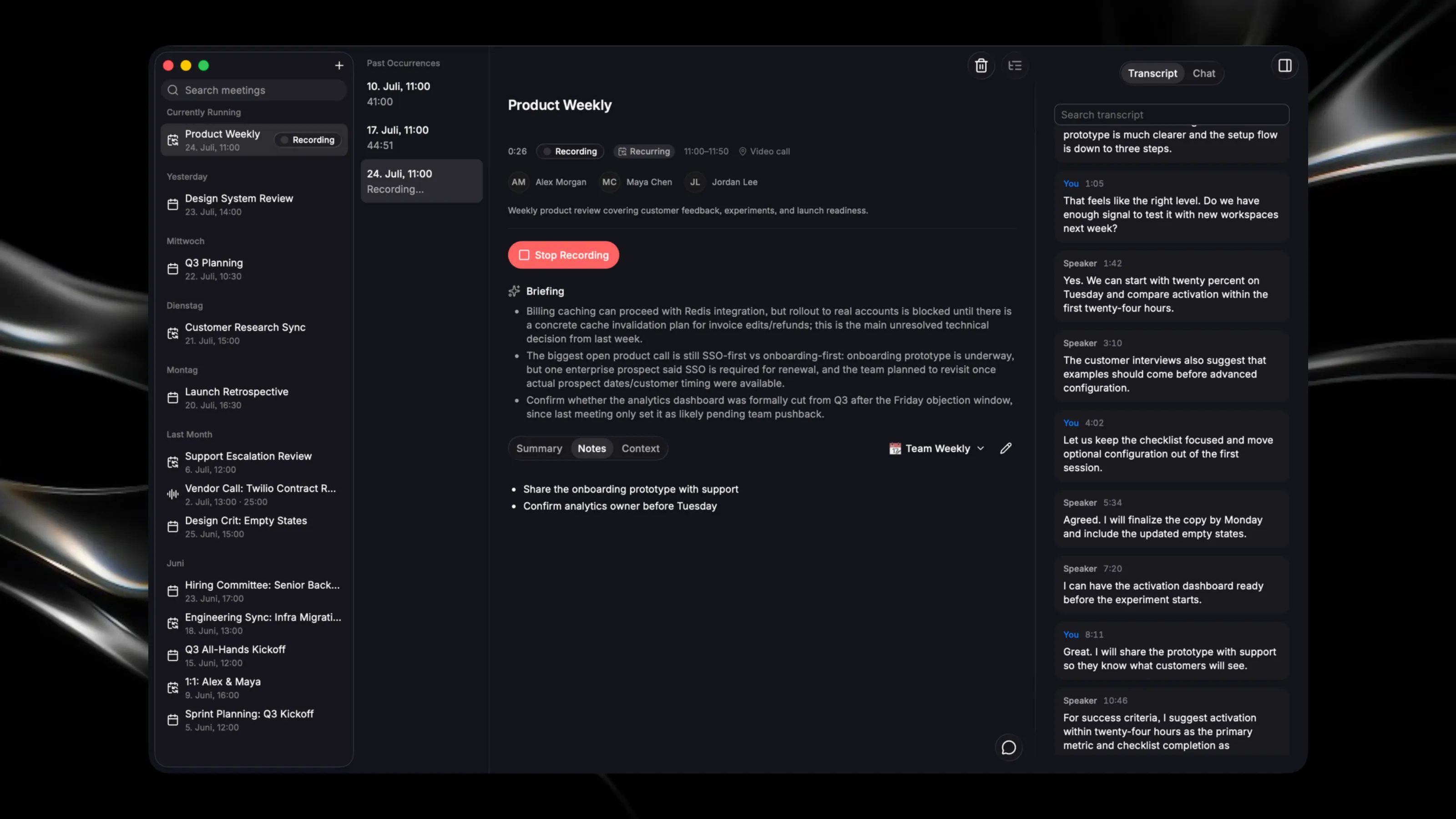
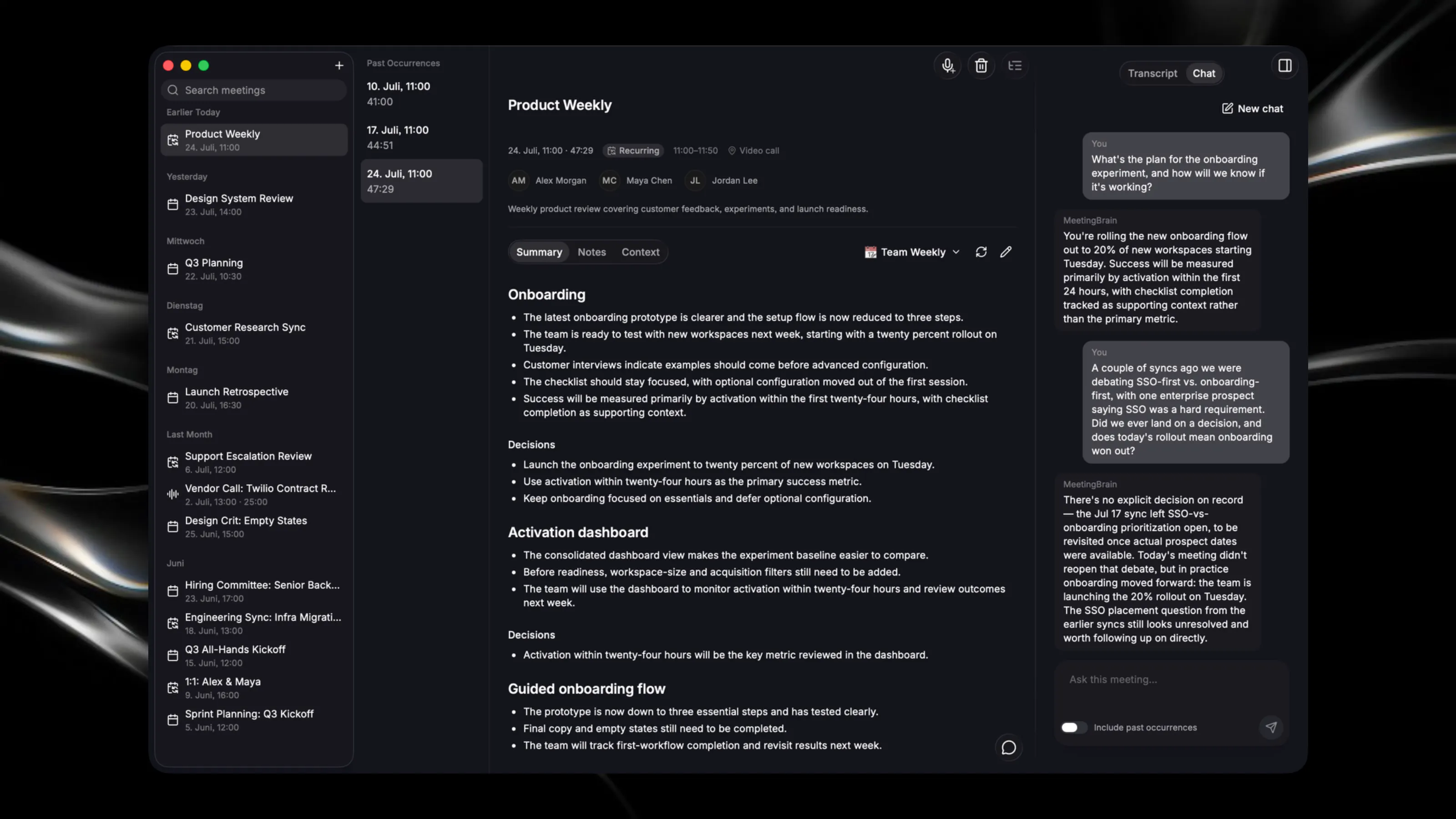
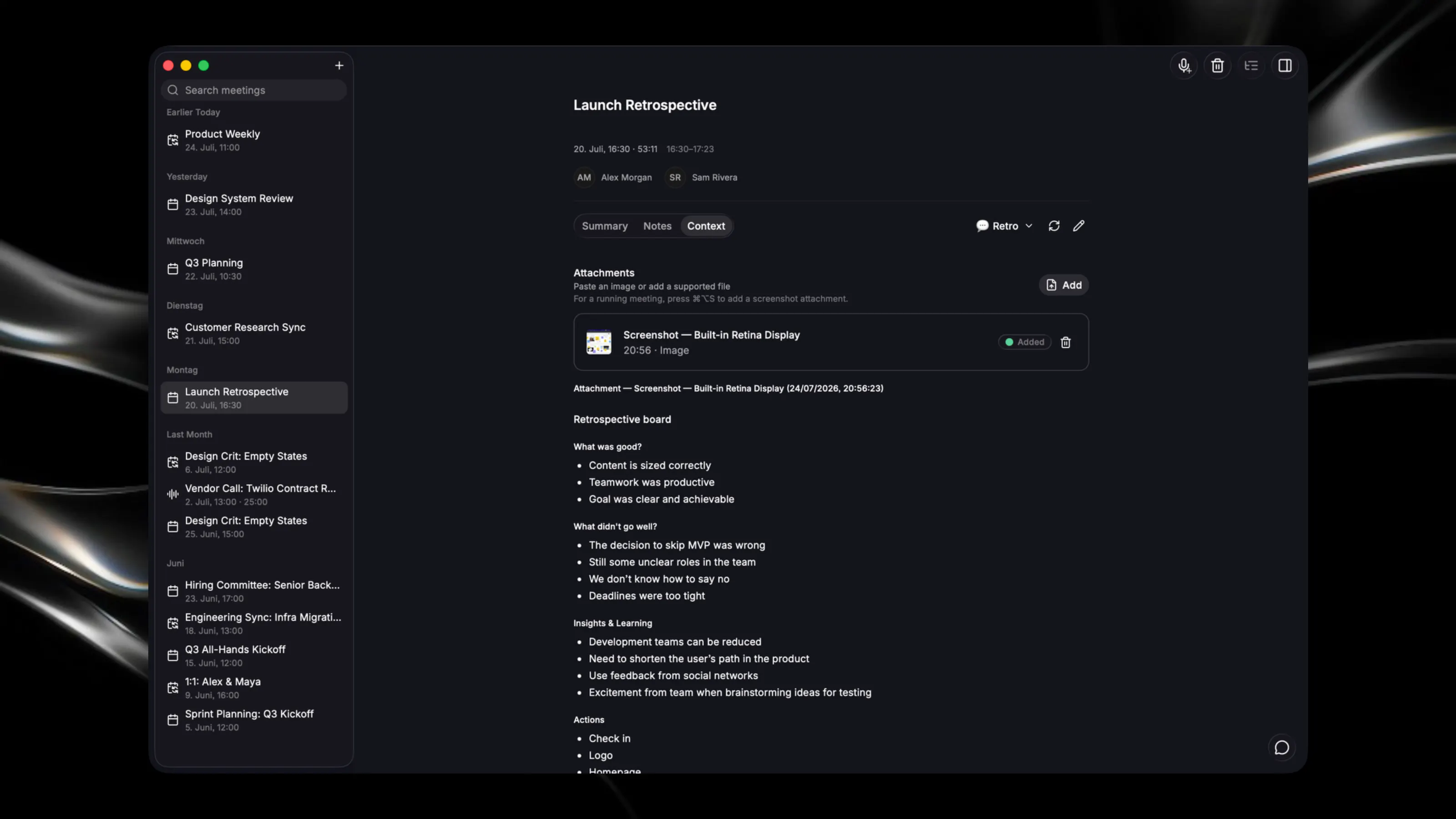
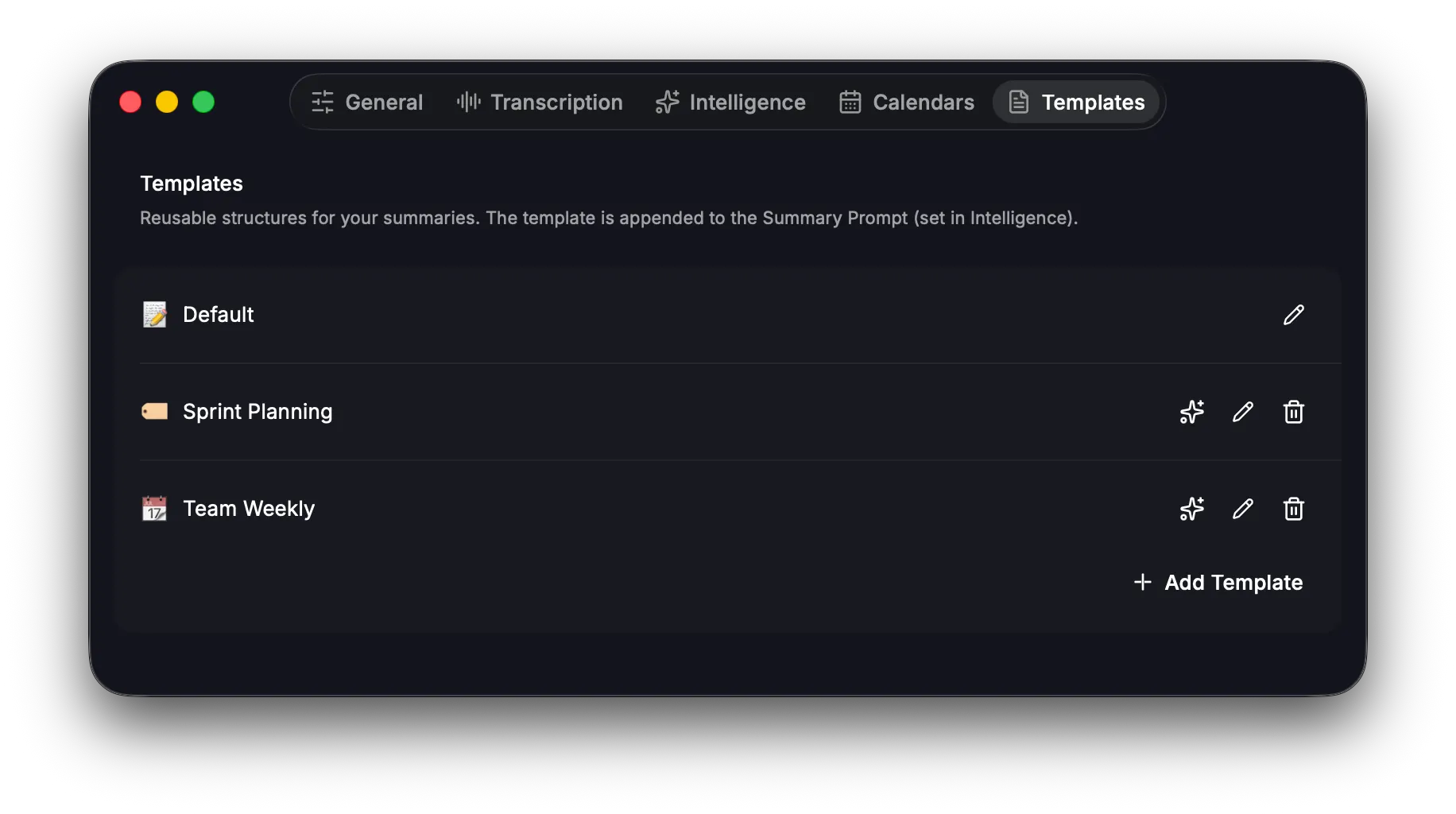
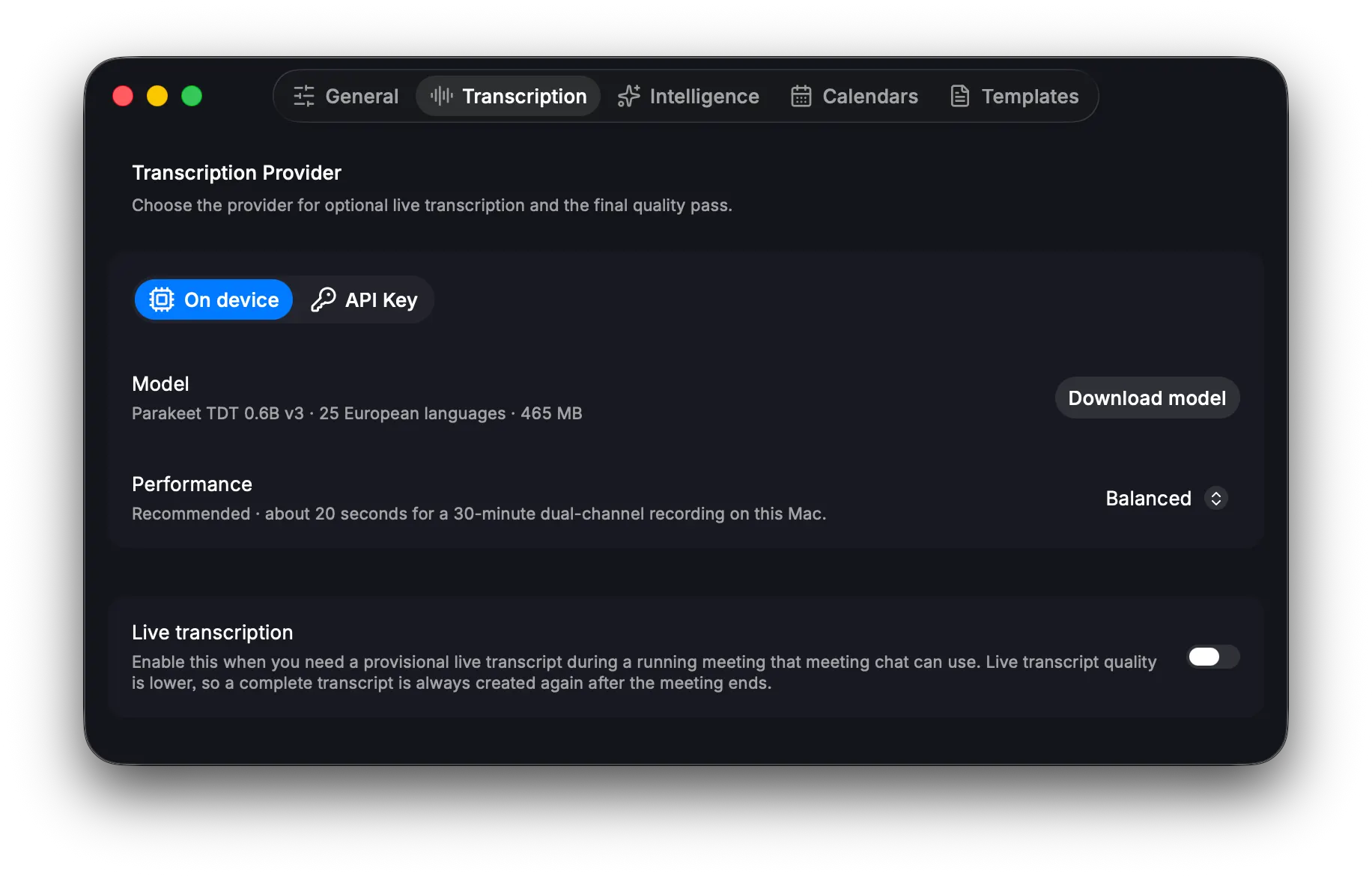
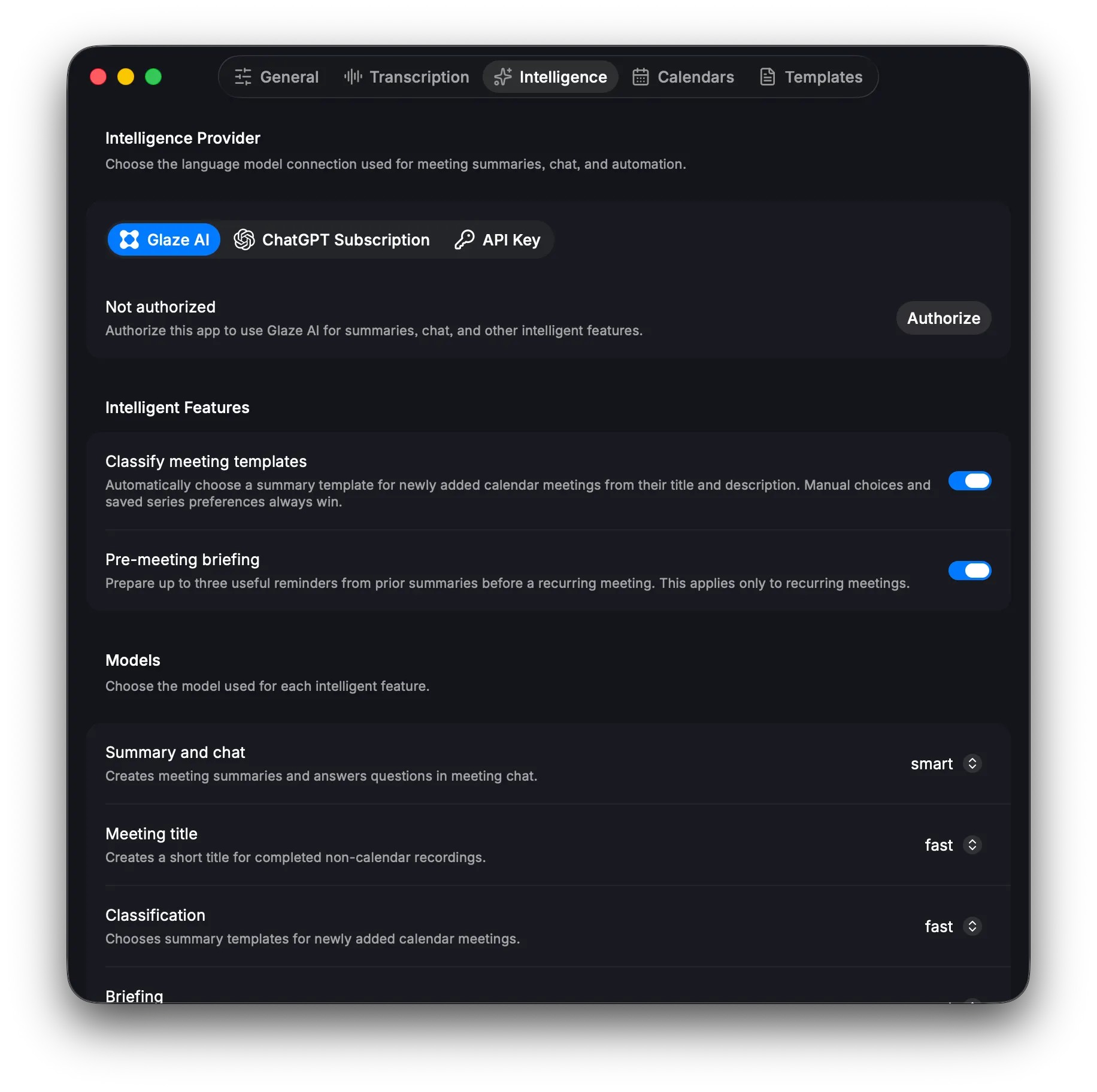
MeetingBrain is not just another meeting companion, but a full-fledged private second brain for all your past, current and future online conversations. MeetingBrain turns meetings into useful knowledge without adding complexity. It records conversations, creates transcripts and summaries, identifies decisions and action items, and lets you ask questions about anything discussed so you can focus on the actual conversation instead of taking notes. Everything can run locally on your Mac. Use built-in on-device transcription and connect an OpenAI-compatible local LLM server such as Ollama for summaries, chat, classification, titles, and briefings. Your meeting data stays under your control. Features: - Automatic recording based on calendar events and microphone activity - On-device transcription with separate microphone and system-audio speakers and live transcripts - In-meeting screen capture which get attached to a meeting, translated to text and added to summaries - Intelligent summaries with decisions and action items - Meeting chat with support for previous recurring occurrences - Custom summary templates and automatic meeting classification into templates - Pre-meeting briefings for recurring meetings, based on past occurrences - Editable notes, summaries, and context - Recurring meeting history and occurrence navigation - Transcript search and recording playback - Configurable models, prompts, shortcuts, and processing modes - macOS Calendar and menu-bar integration - Intelligence supports GlazeAI, OpenAI/Anthropic API Key, ChatGPT Subscription or local LLM servers MeetingBrain gives you a private, organized memory of every meeting - simple enough to disappear in the background, and powerful enough to keep your team’s knowledge accessible. Upcoming Features: - Custom vocabulary in meeting summaries/briefings - Auto-export of all summary notes to md files to be used for other tools - MCP server for summaries and action items, so other tools can read and use them