Mooboard
 FinalistGlaze AITurns a short mood prompt into a moodboard layout, arranging your folder's files on the canvas. AI usage is billed to your Glaze credits, with a daily cap.
Visual spaces for all your folders.

About Mooboard
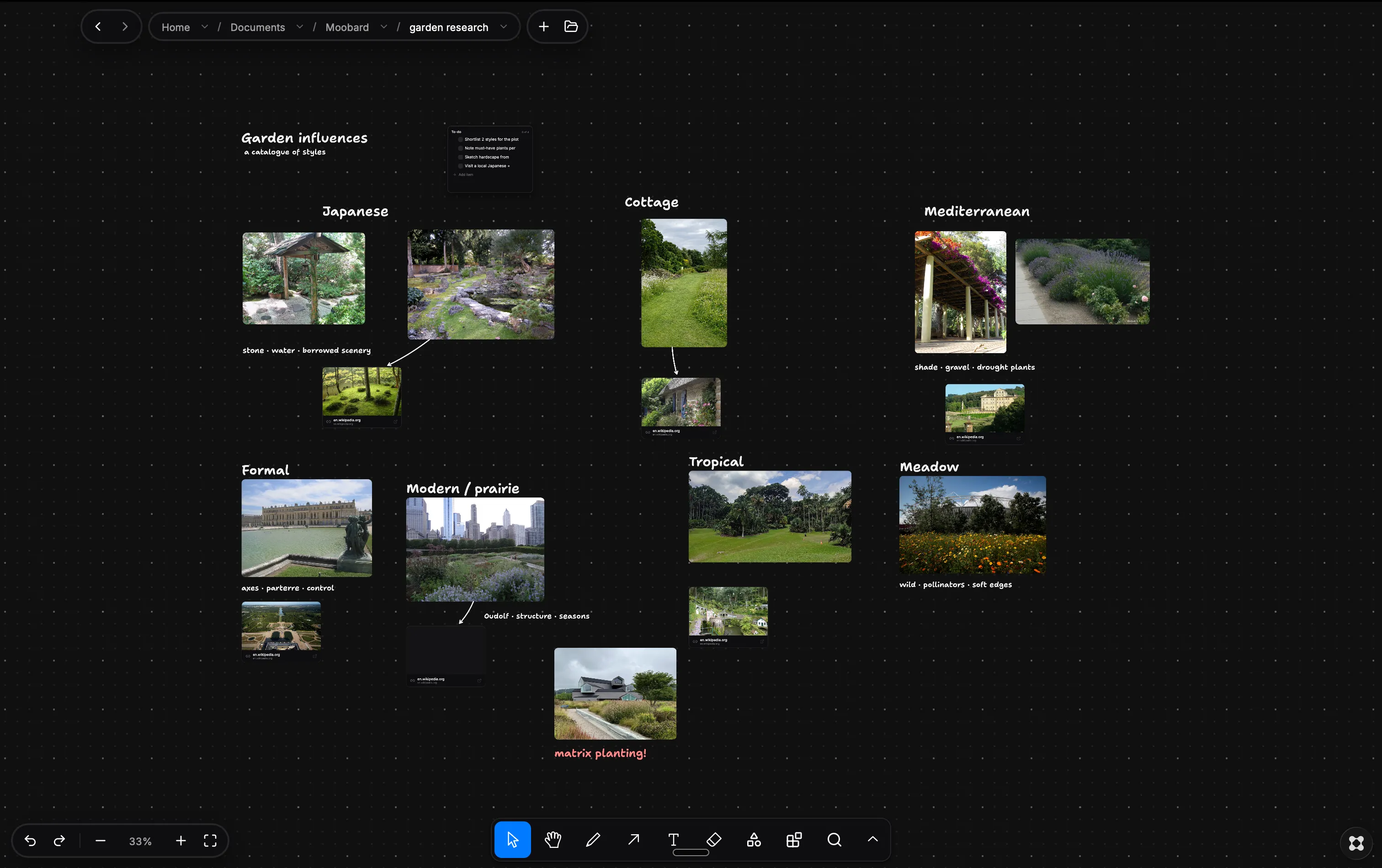
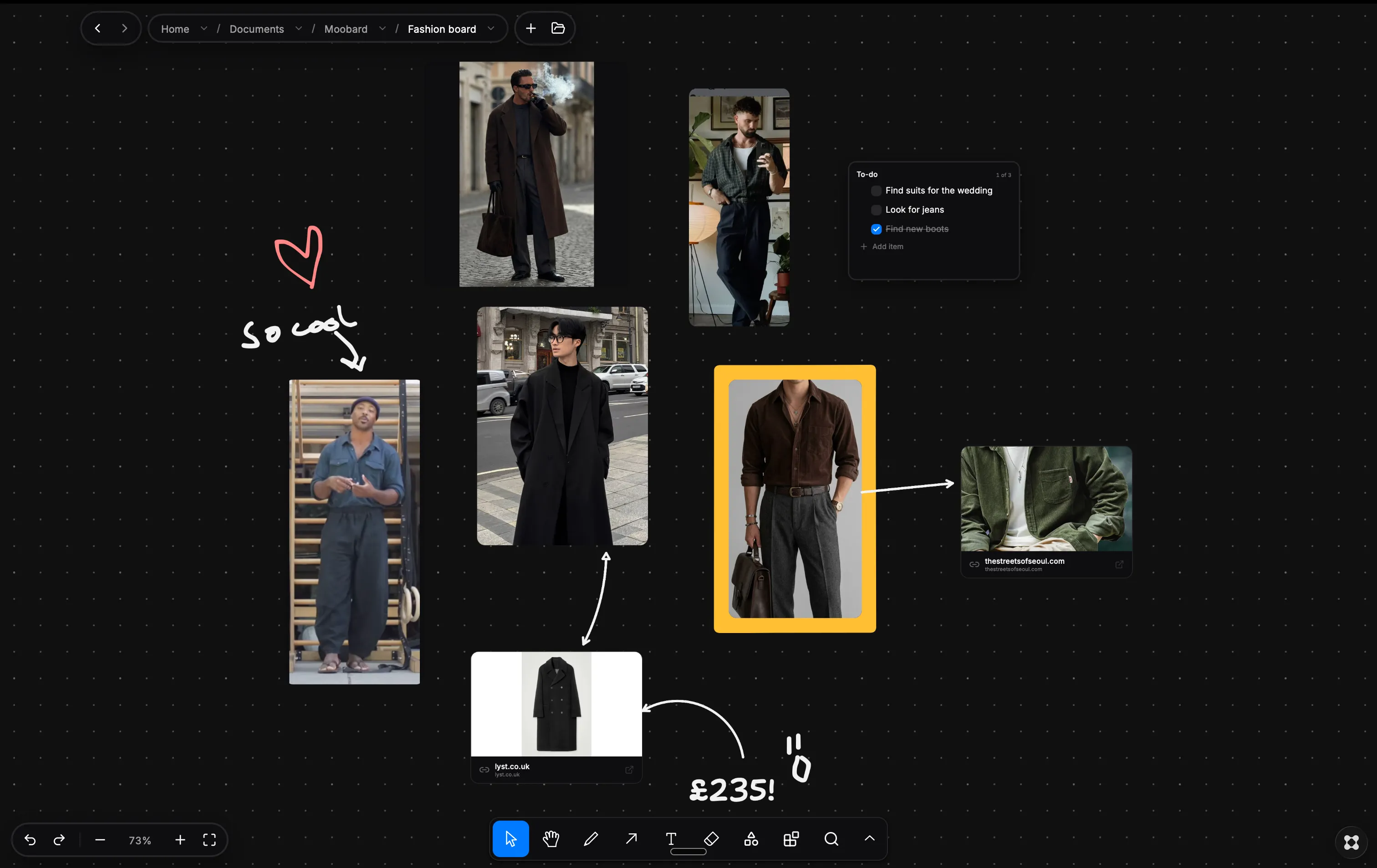
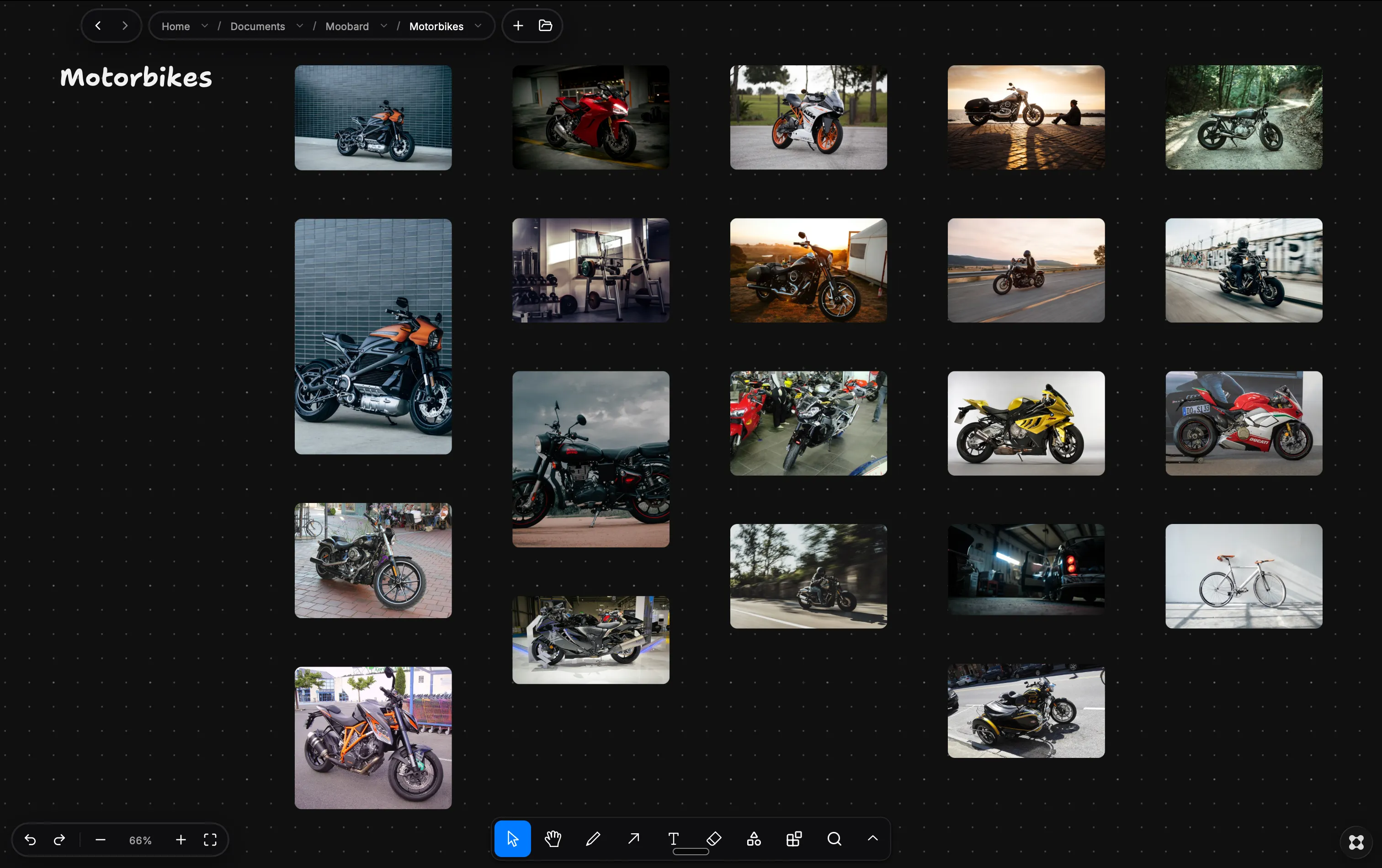
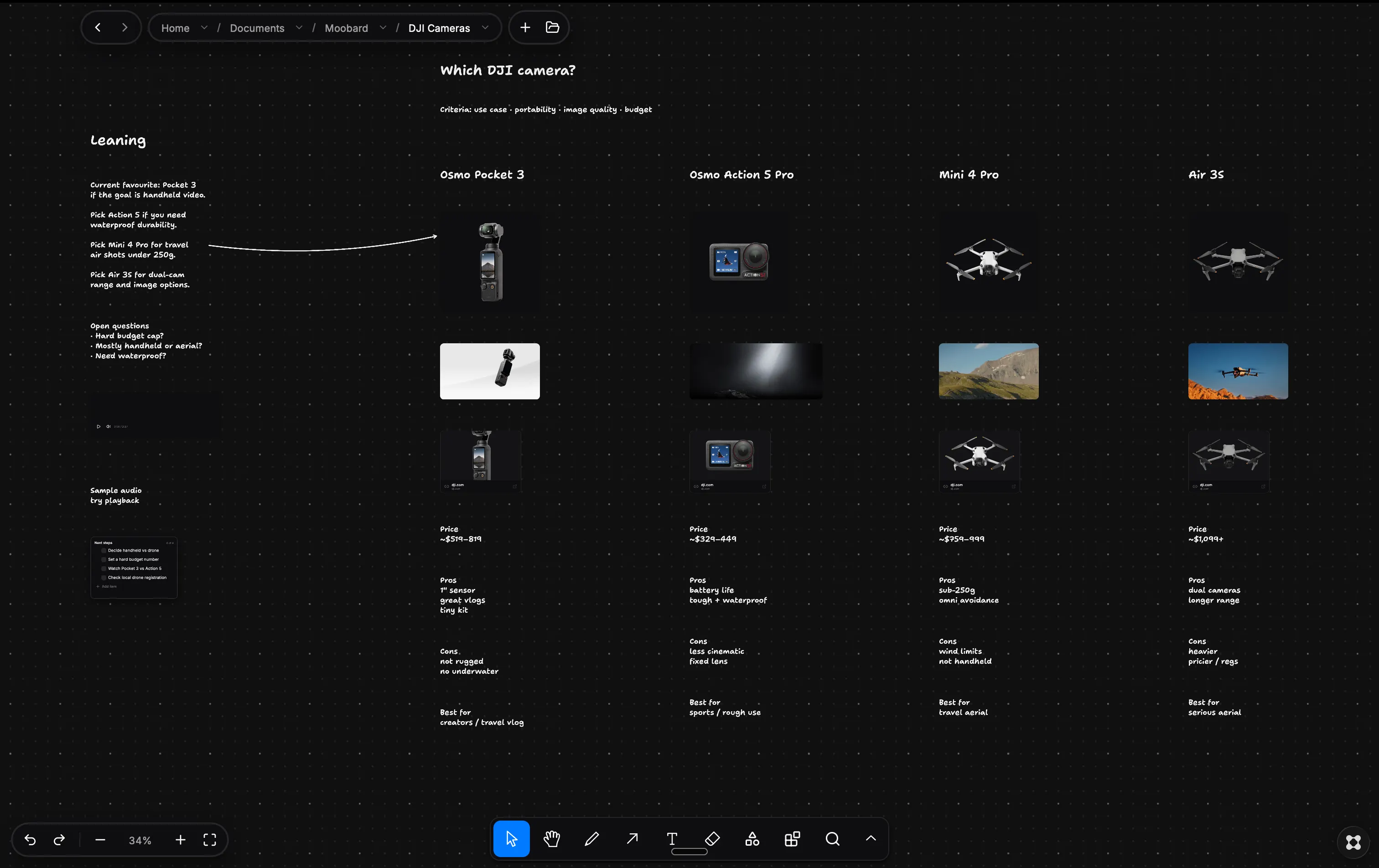
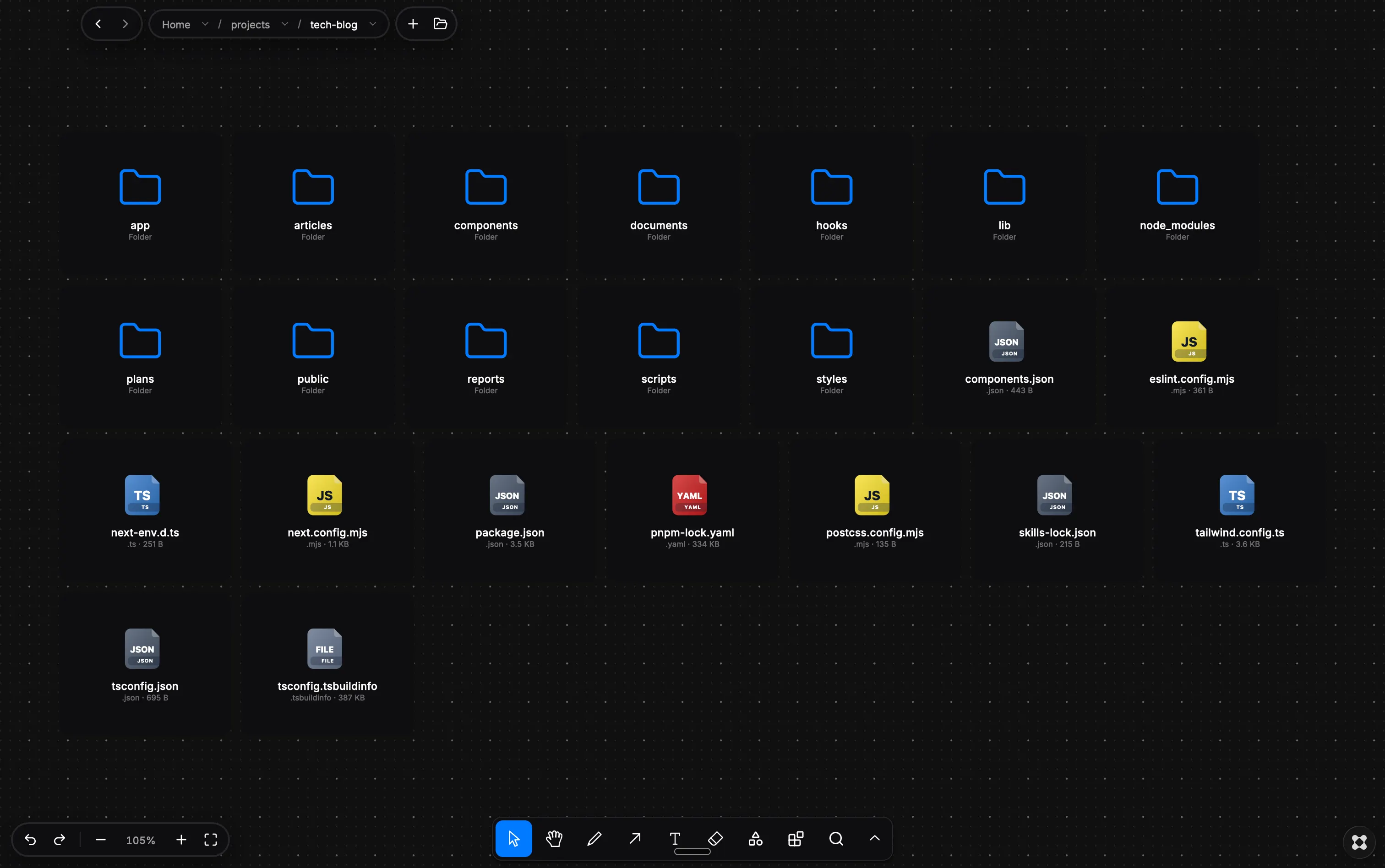
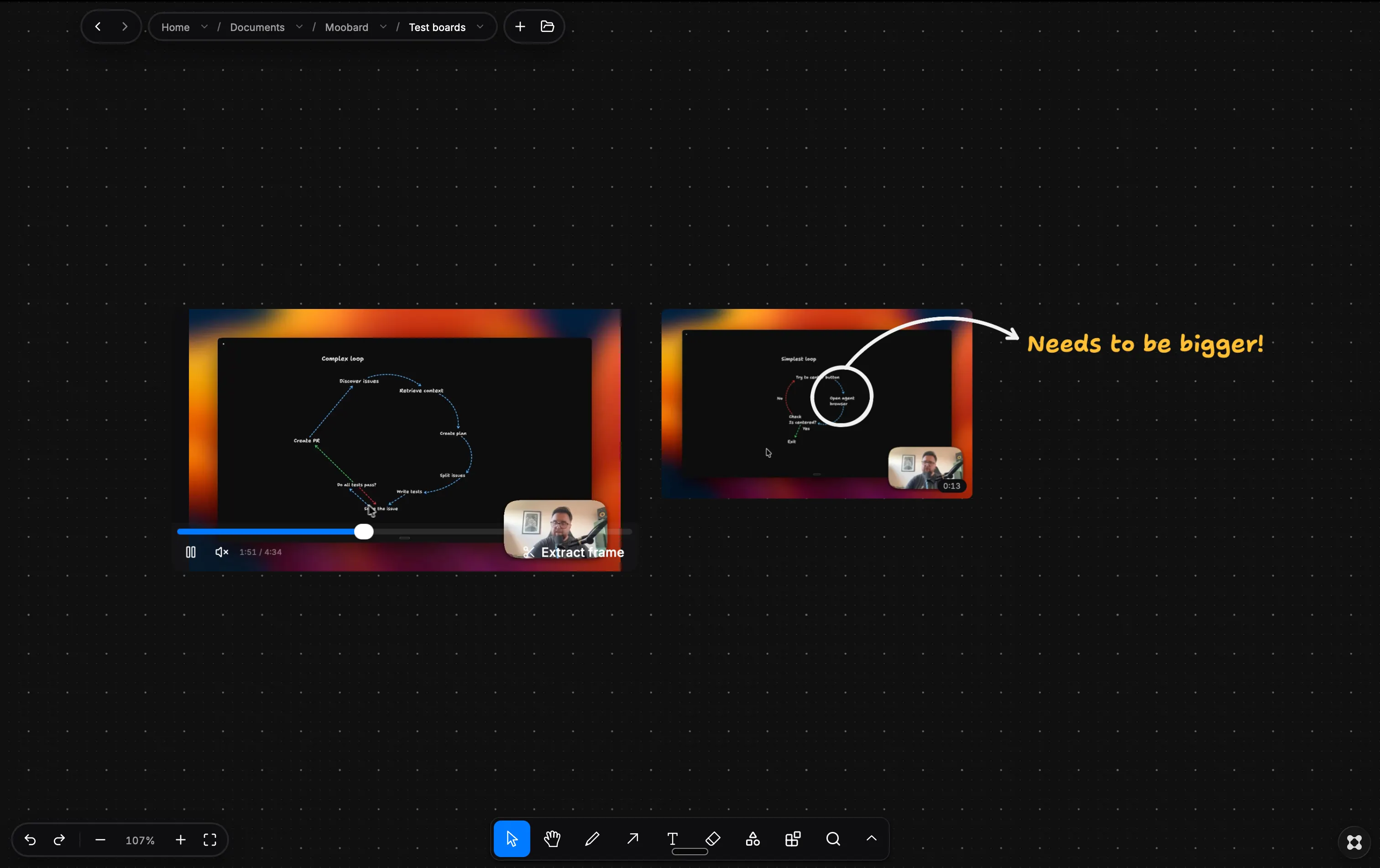
Mooboard turns your folders into visual, interactive canvases where you can arrange, preview, annotate and connect your files in a way that makes sense to you. Agents & skills: With mooboards you can let your agents create visual relationships with your files in any way you can imagine, here are some skills to help you get started: Create Collage - Great for doing moodboards and inspiration for visual projects https://github.com/jamesdawsonWD/mooboard-skills/tree/main/mooboard-create-collage Pinterest style grid - Plot images in a pinterest style masonary grid https://github.com/jamesdawsonWD/mooboard-skills/tree/main/mooboard-create-masonry-grid Decision board - Compare choices with visuals https://github.com/jamesdawsonWD/mooboard-skills/tree/main/mooboard-create-decision-board Features: Custom Widgets — Add to-do lists, links and other useful widgets to your Mooboards, with more coming soon. Anchored Arrows — Connect files, notes and other elements with arrows that stay attached when things move. Draw — Sketch, highlight and annotate anything directly on your Mooboard. File Previews — Preview images, videos, PDFs, code, text files and more without leaving the canvas. Some previews include extra tools, such as extracting a screenshot from a video. Auto Tidy — Instantly organise scattered files into a clean, easy-to-browse grid. Quick Search — Find the files and content that matter to you without digging through folders. File System Sync — Every Mooboard is connected directly to a real folder. Changes made in one are reflected in the other. Fully Customisable — Personalise colours, fonts, text, shapes and backgrounds to make each Mooboard your own.