MoveBro
Workouts at home, peace of mind included

About MoveBro
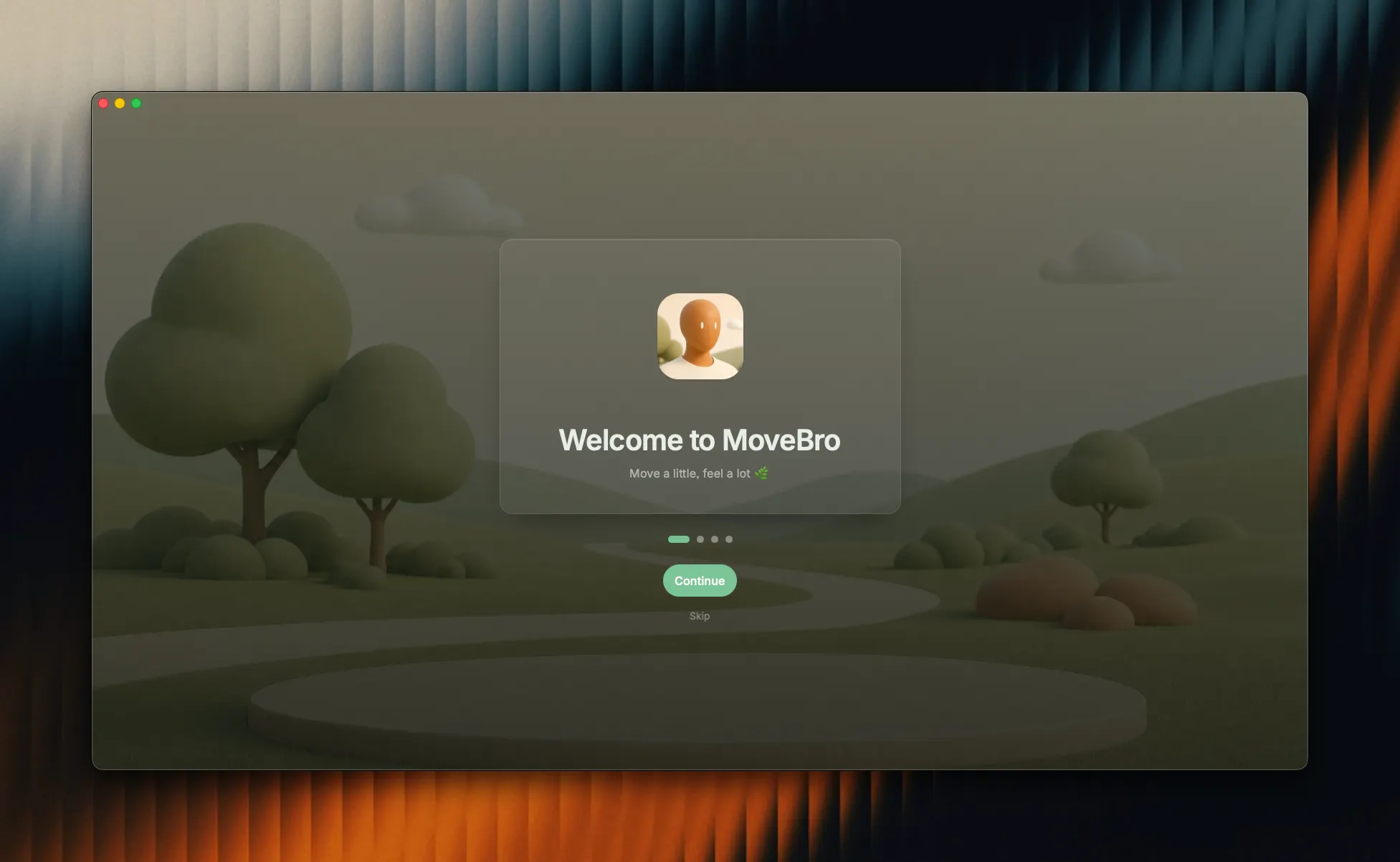
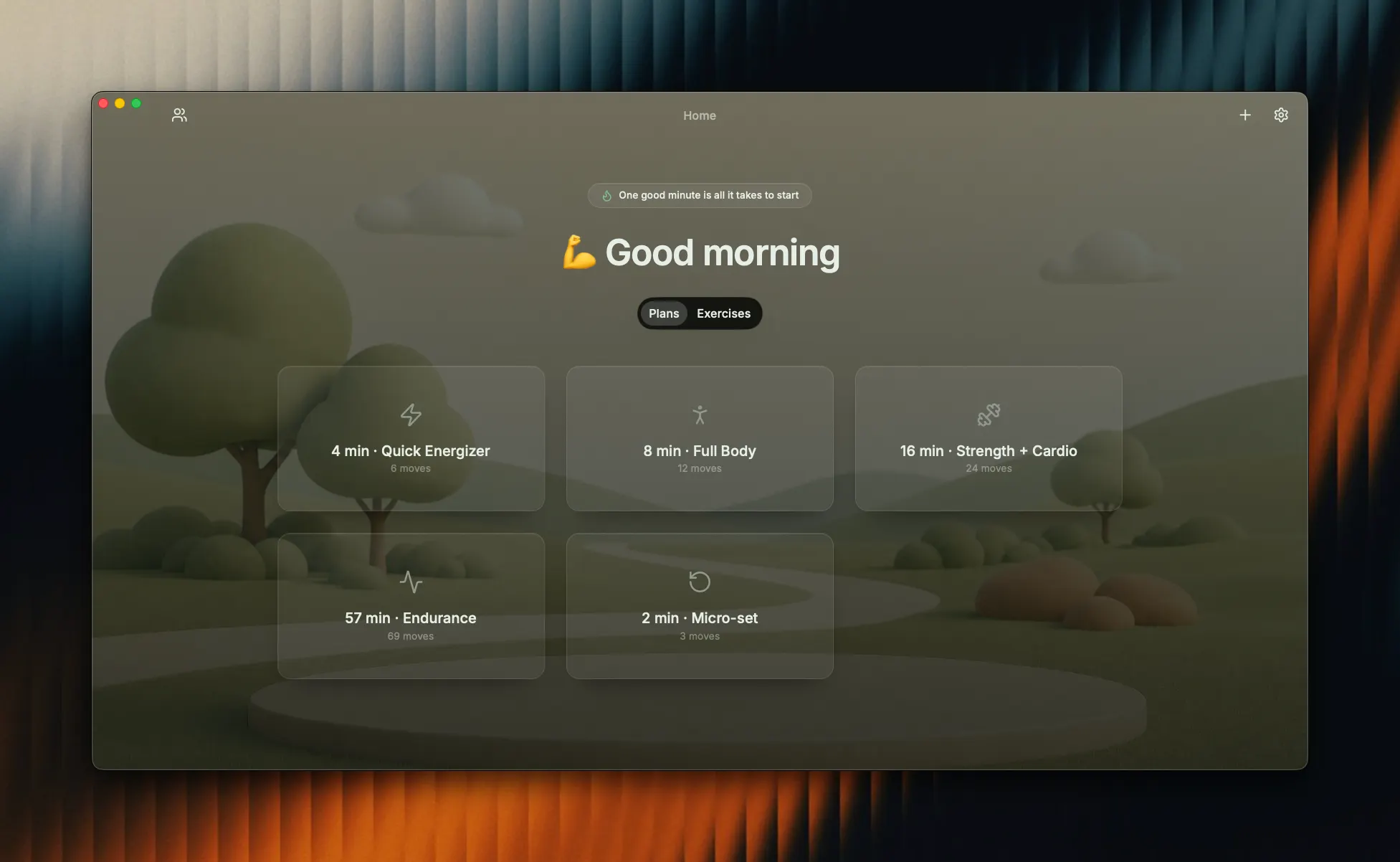
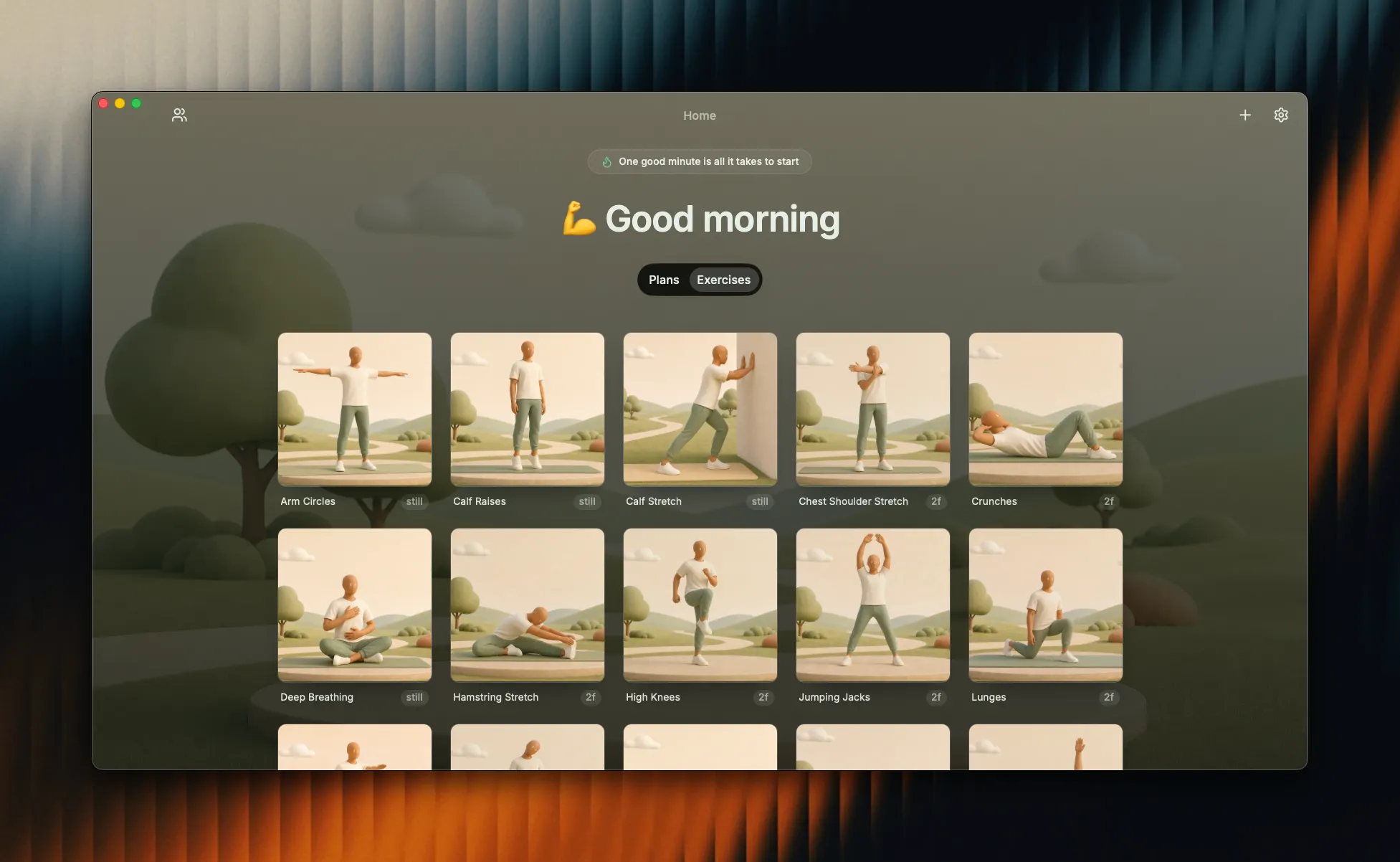
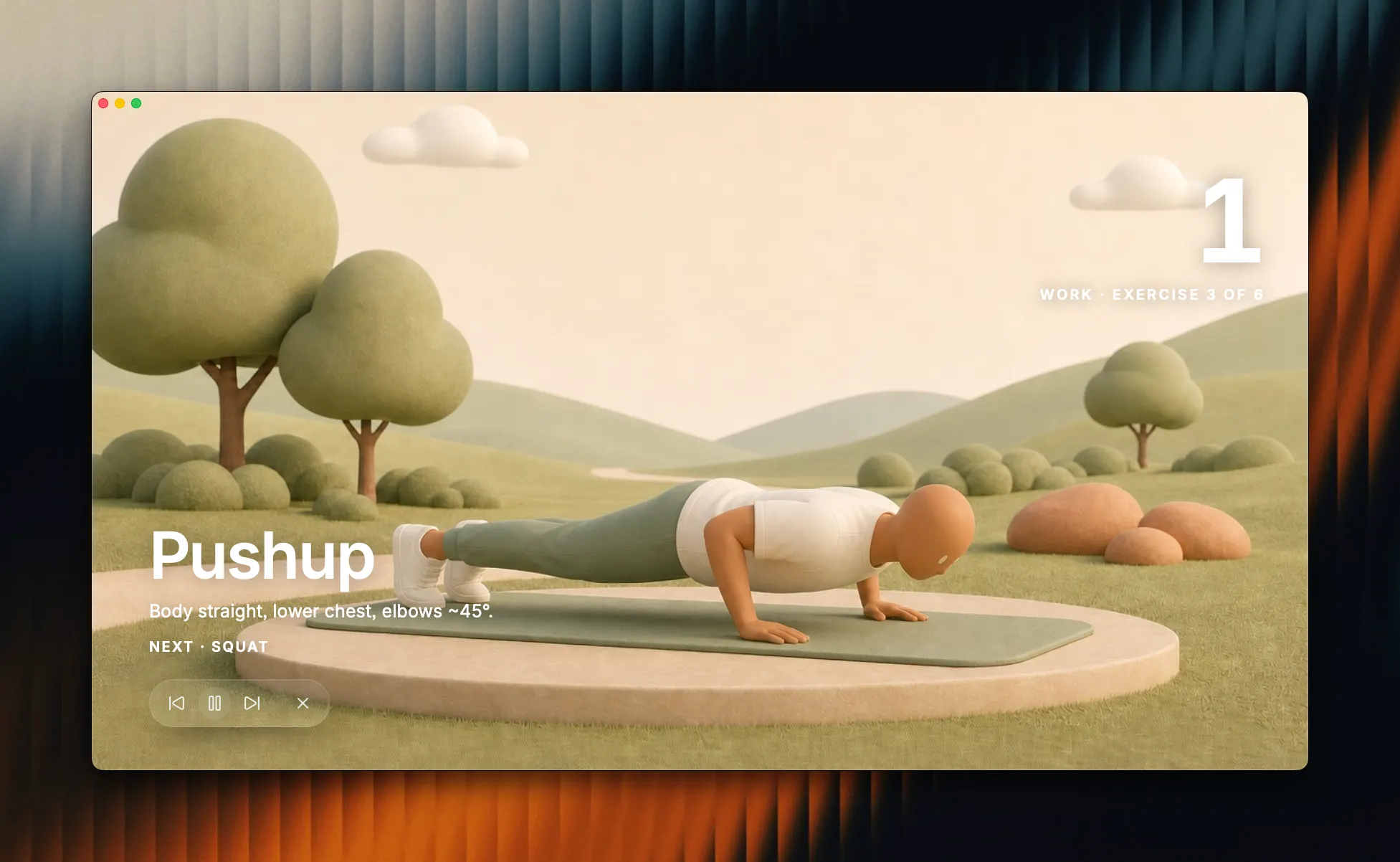
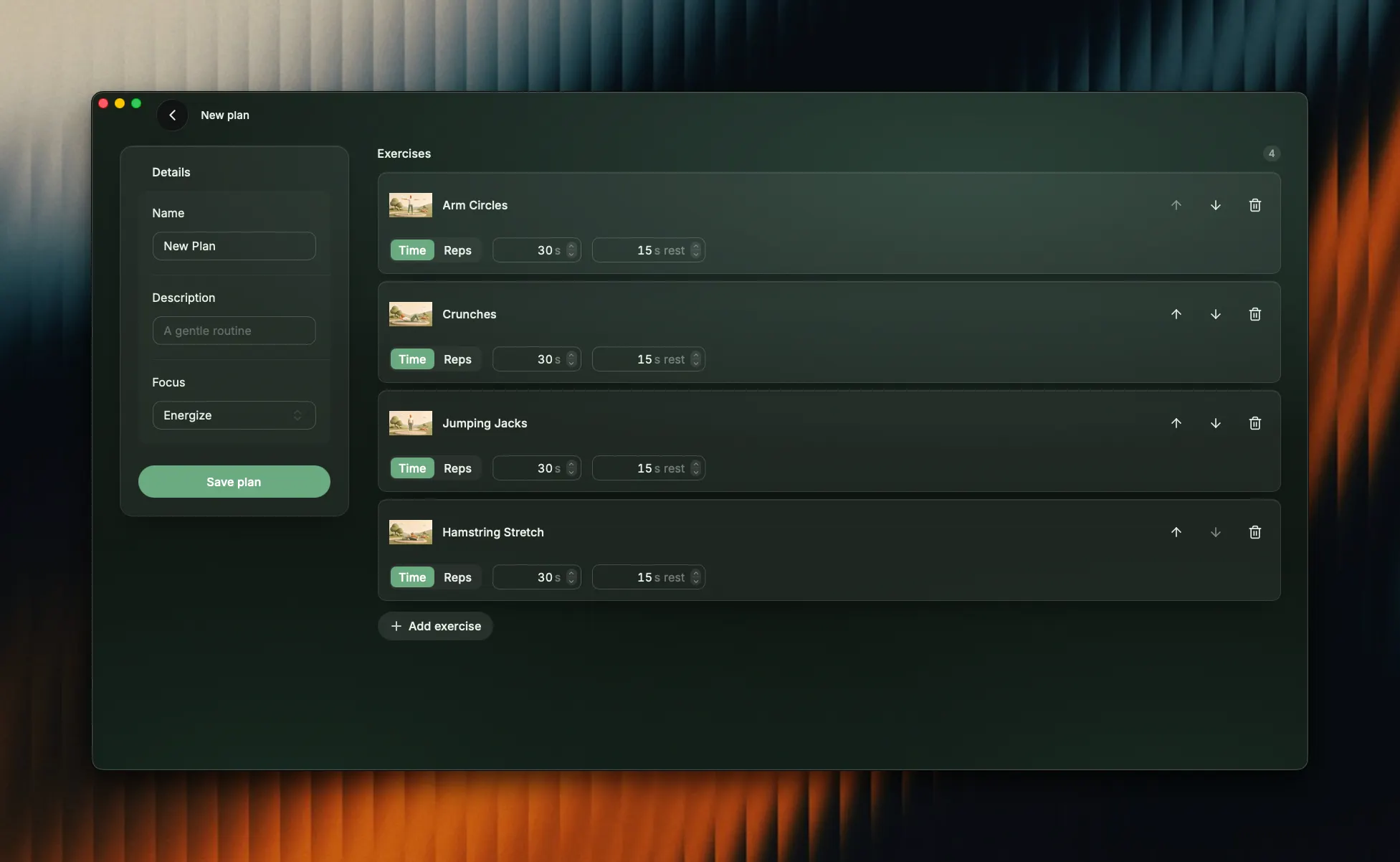
MoveBro A calm, local-first Mac app for no-equipment home workouts. MoveBro helps you move your body in short, guided bursts throughout the day — no gym, no gear, no account, and no internet required. Everything runs privately on your Mac. What it does - Guided workout sessions — Follow along with looping visual demos for each move, a big countdown timer (or rep counter), automatic rest phases, and one-line form cues so you always know what to do next. Pause, skip, or quit anytime. - Plans for any amount of time — Choose from curated built-in plans (from a 5-minute quick energizer up to a full ~1-hour endurance session) or build your own custom plan. - Gentle daily reminders — Set fixed times for a full workout, plus optional interval "nudges" that suggest a quick micro-set every few hours while your Mac is on. Notifications let you start right away or snooze 30 minutes. - Start without opening the app — A menu-bar leaf icon and a global hotkey (⌘⇧M) launch a quick micro-session in a compact window — no need to open the full app. - Stay motivated — A streak counter tracks your consistency with a forgiving "grace rule" (one missed day a week won't break your streak), and each session ends with a calm completion summary. - Move together — "Start together" lets you pick a plan and a clock time so you and someone else begin in sync with a shared 3-2-1 countdown. - Make it yours — Settings for theme, sound on/off and chime choice, reminder times, and more. How it helps you MoveBro removes every excuse and every bit of friction around home exercise. There's nothing to buy, set up, or log into — open it and move. The short sessions and interval nudges make it easy to stay active during a busy workday, the guided demos and cues mean you never have to wonder if you're doing it right, and the calm, glassmorphism design makes exercising feel like a peaceful break rather than a chore. Because it's fully offline and private, your activity stays entirely on your own Mac.