
Helix
Scientific data analysis, simplified
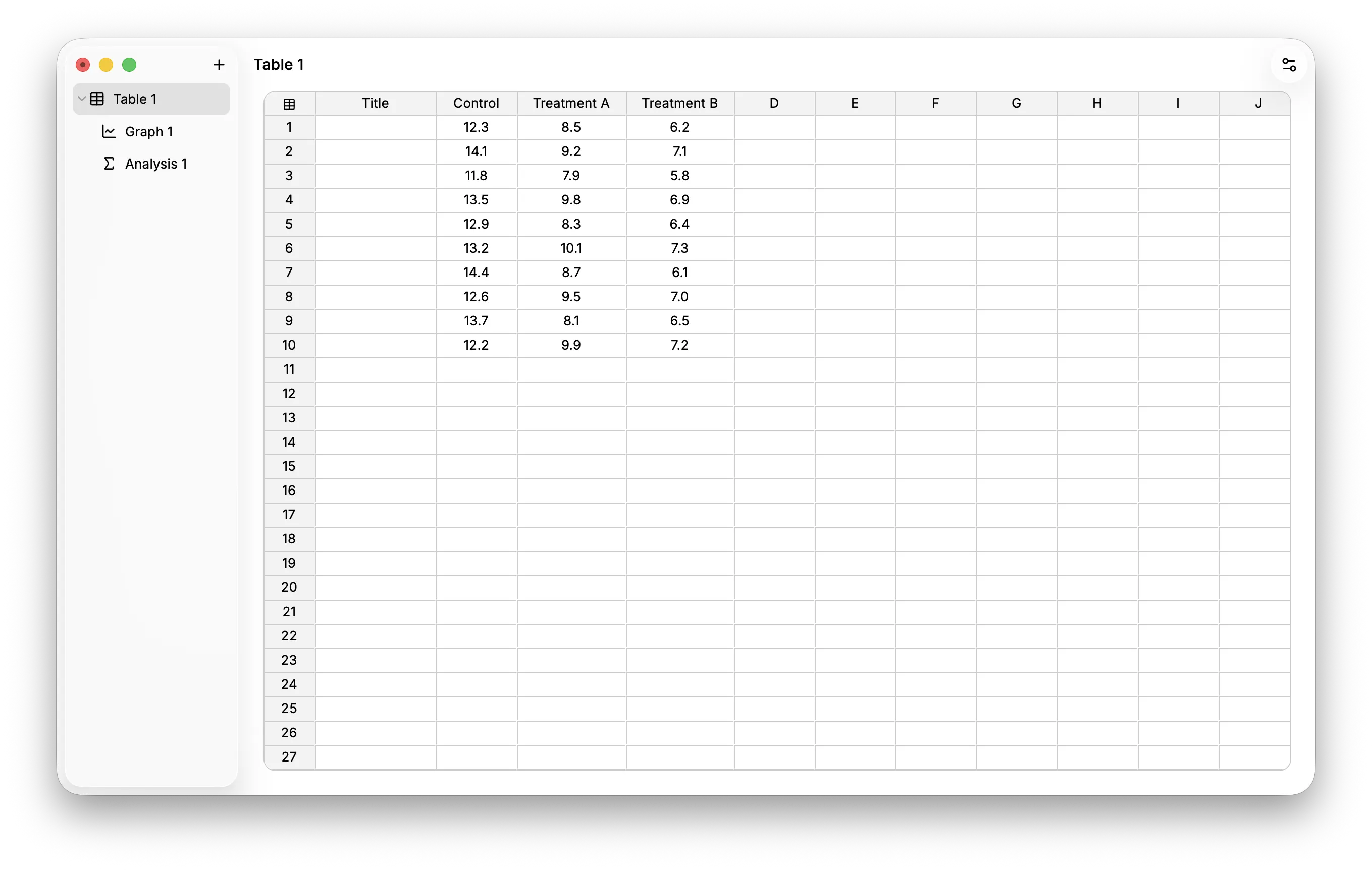
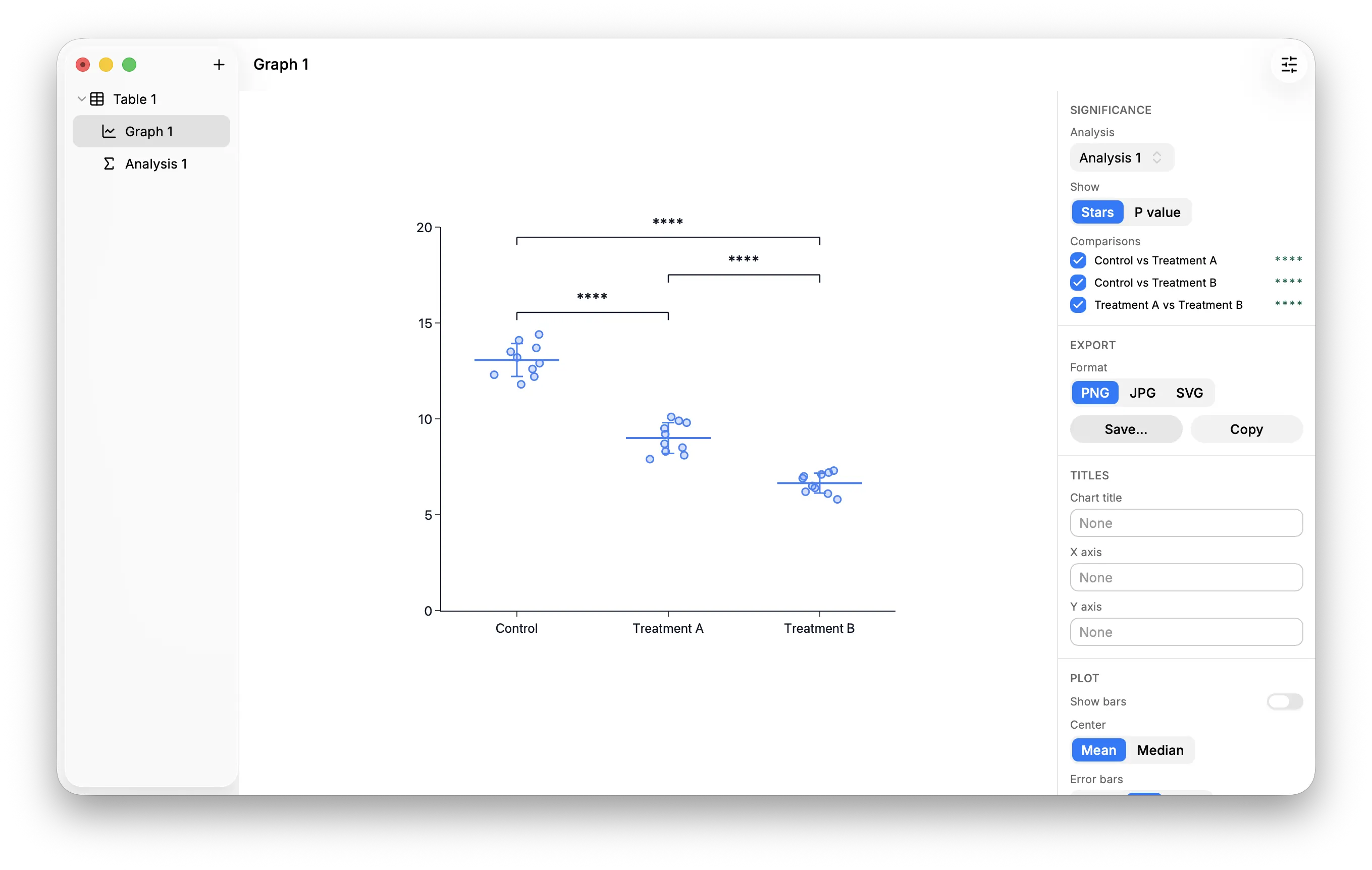
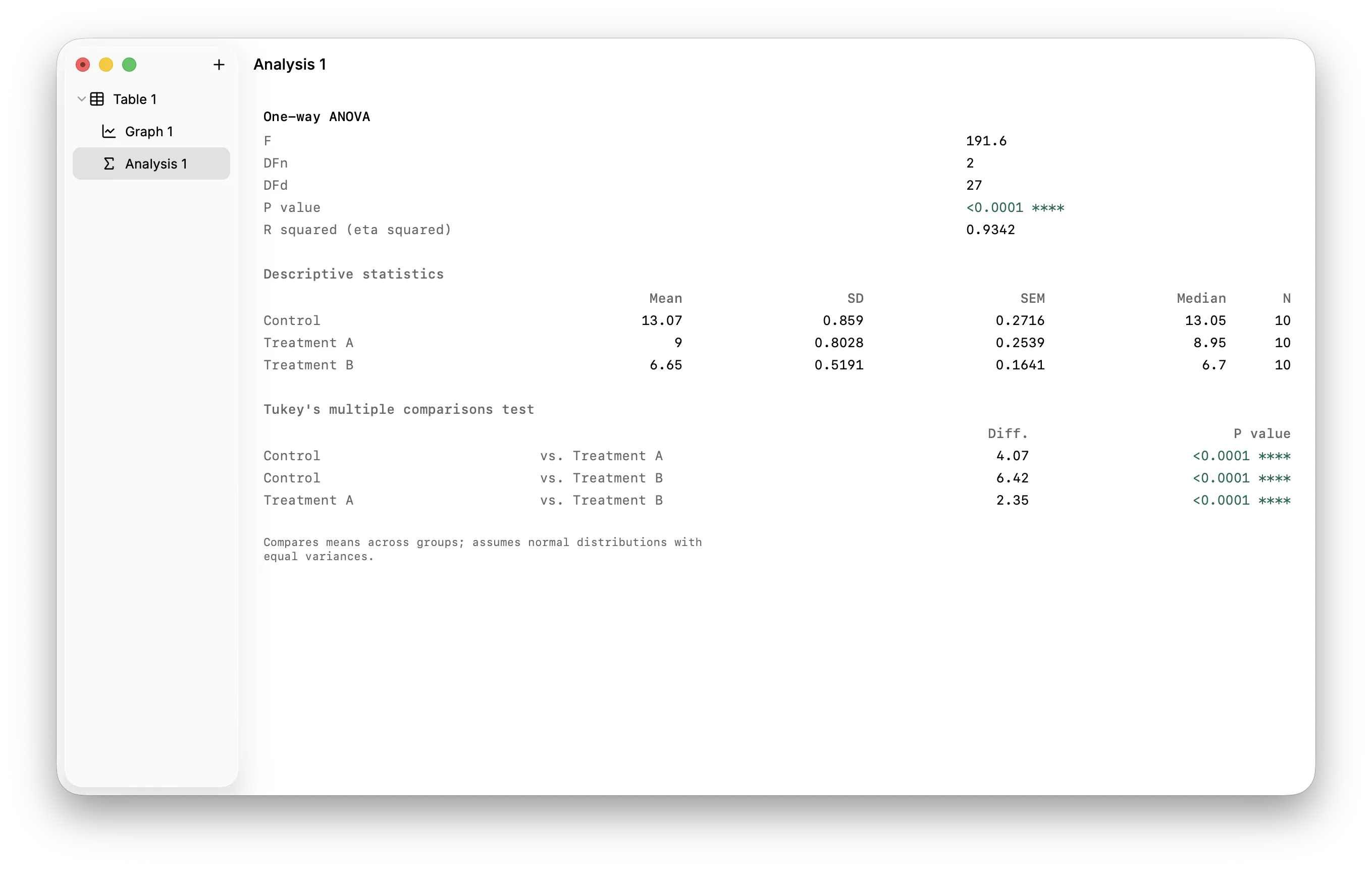
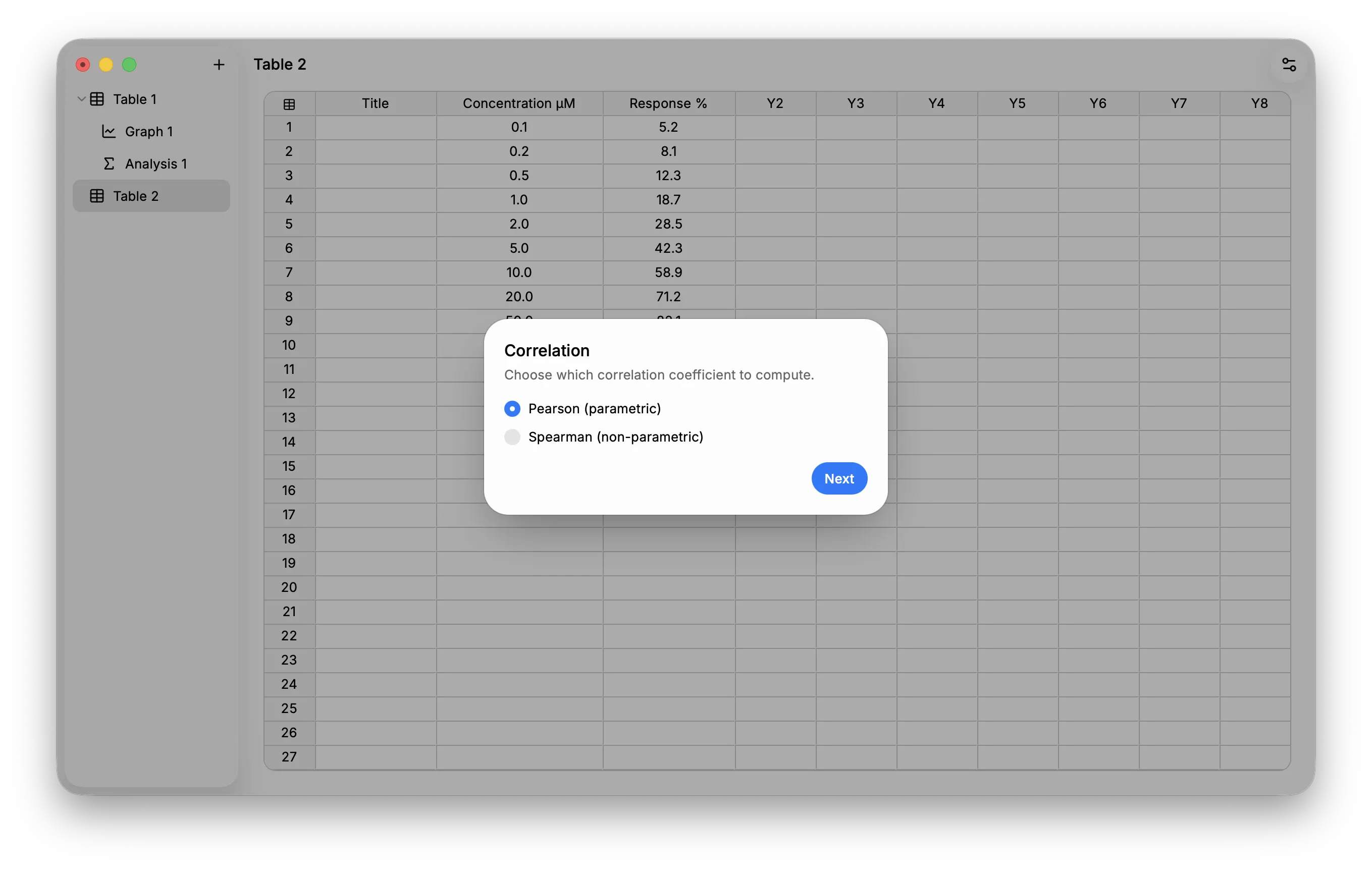
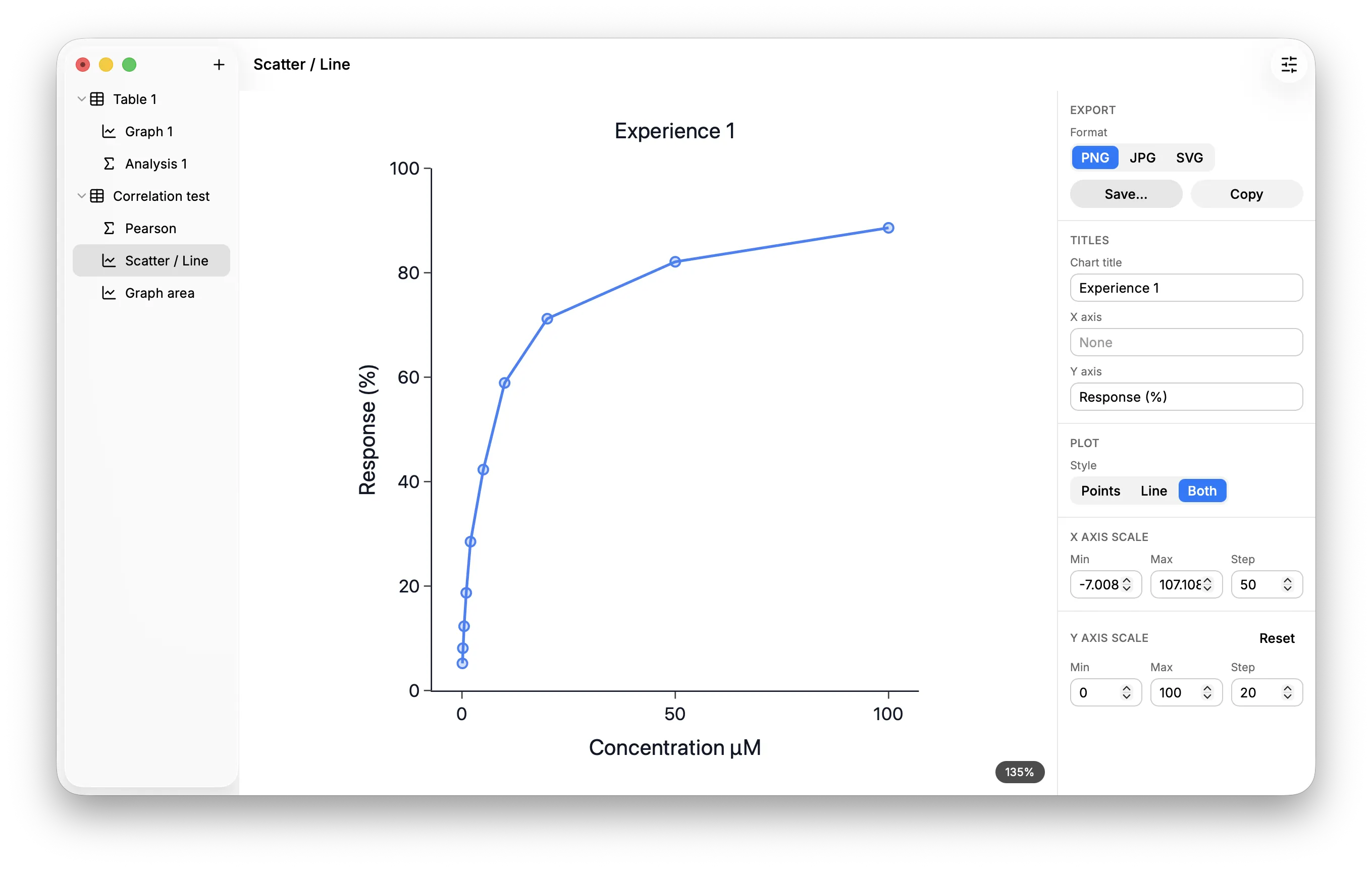
Helix helps you organize, analyze, and visualize scientific data from raw numbers to publication-ready charts — powered by three trusted open-source engines: Jspreadsheet CE for tables, WebR (R running in WebAssembly) for statistics, and Plotly for graphs. Think of it as a free, minimalist alternative to GraphPad Prism. Note: this is a foundation in active development. Feedback, bug reports, and feature requests are welcome. Key features: **Data Organization** - Three-pillar structure — Tables → Analyses / Graphs, with every analysis and graph linked back to its source table - 4 table types — Column, XY, Grouped, Multiple Variables - Spreadsheet-style grid — Copy/paste, undo/redo, multi-cell selection, row/column deletion **Statistical Analyses** - Smart guided wizards for test selection based on your table type - Descriptive statistics and normality check (Shapiro-Wilk) - Compare two groups — Student's t test, Welch's t test, Mann-Whitney, paired t test, Wilcoxon - Compare multiple groups — One-way ANOVA, Kruskal-Wallis, repeated-measures ANOVA, Friedman test - Post-hoc tests — Tukey, Bonferroni, Dunn's test - One-sample t test, correlation & correlation matrix - Linear regression and nonlinear regression (straight line, sigmoidal 4PL, semilog, hyperbola, polynomials) - Two-way ANOVA with Scheirer-Ray-Hare variant - Multiple regression and multiple t tests - Multiple-comparison corrections — Holm, FDR (Benjamini-Hochberg) **Graphs** - Chart types — Individual values, box plots, violin plots, scatter, line, bars, area, stacked bars - Interactive rendering with Plotly - Axis control — Manual or automatic min/max/step - Error bars — SD, SEM, or none - Significance annotations — Stars or p-values with pairwise comparisons - Export to PNG, JPG, or SVG; copy to clipboard **Projects & Interface** - Native `.hlx` project format (JSON-based, fully portable) — open and edit with any text editor - Revision tracking to prevent data loss from concurrent writes - Native menu bar with keyboard shortcuts - Light, dark, or automatic theme - Native macOS experience