Nook
One click. A clean menu bar.

About Nook
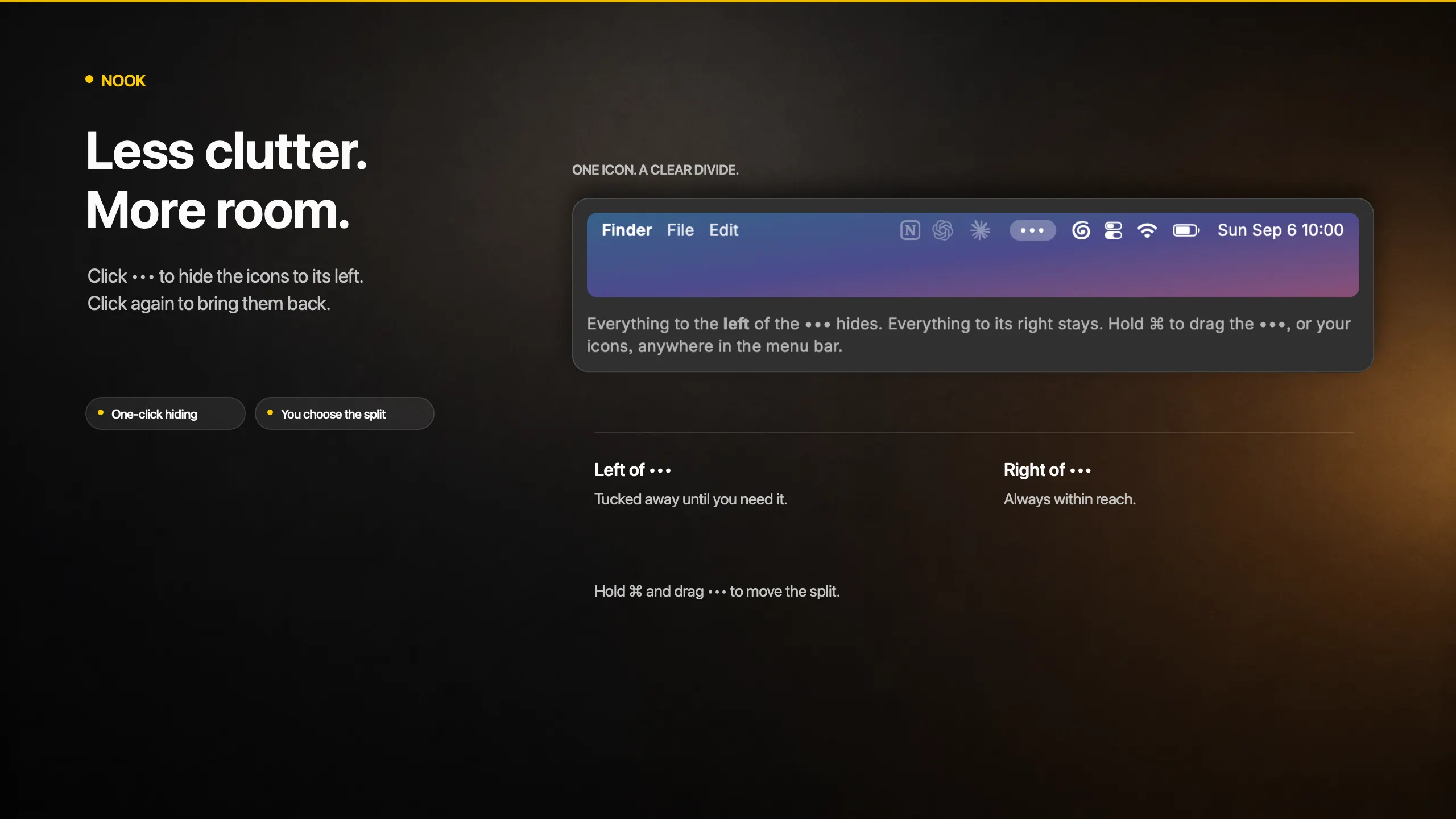
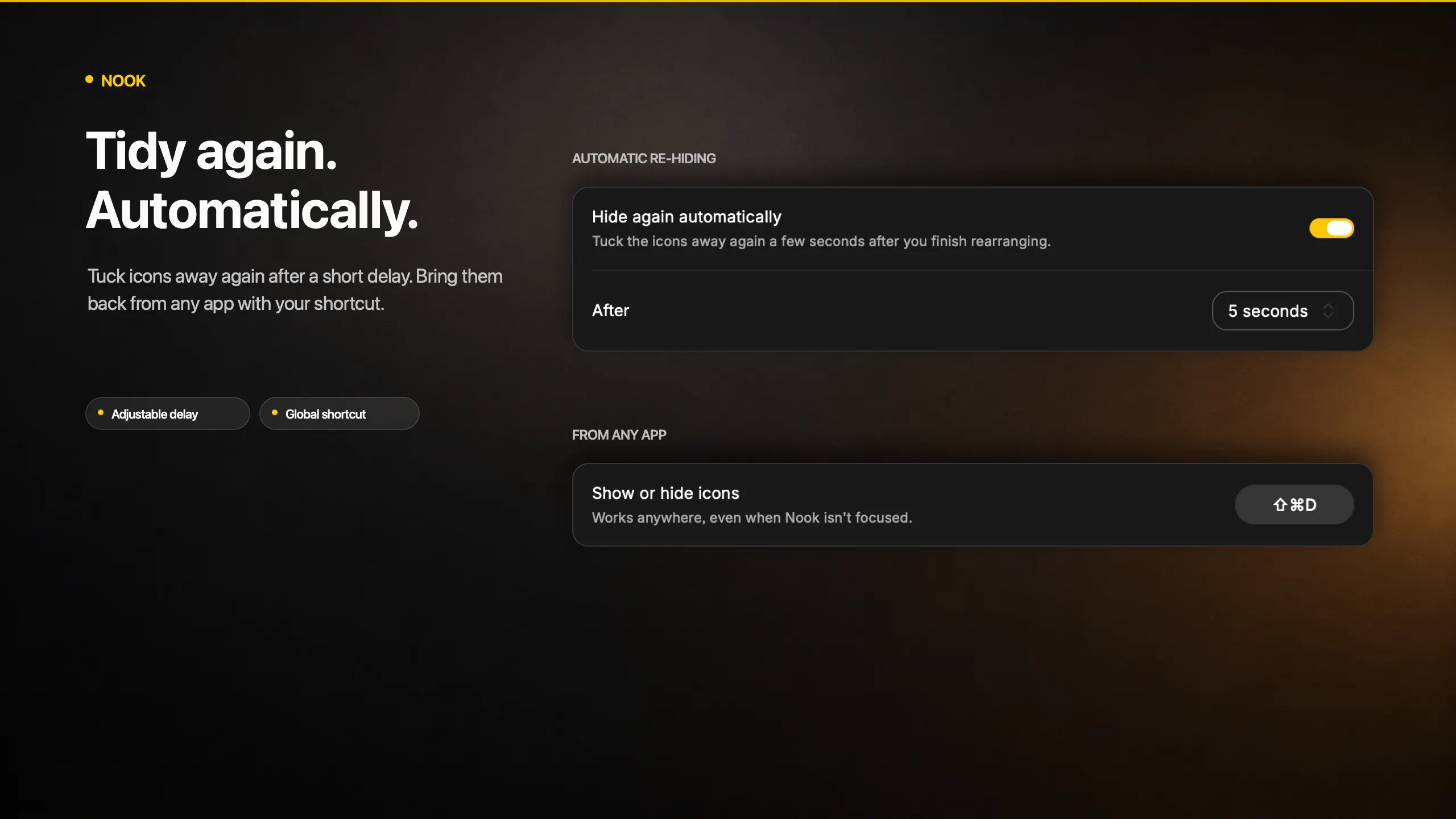
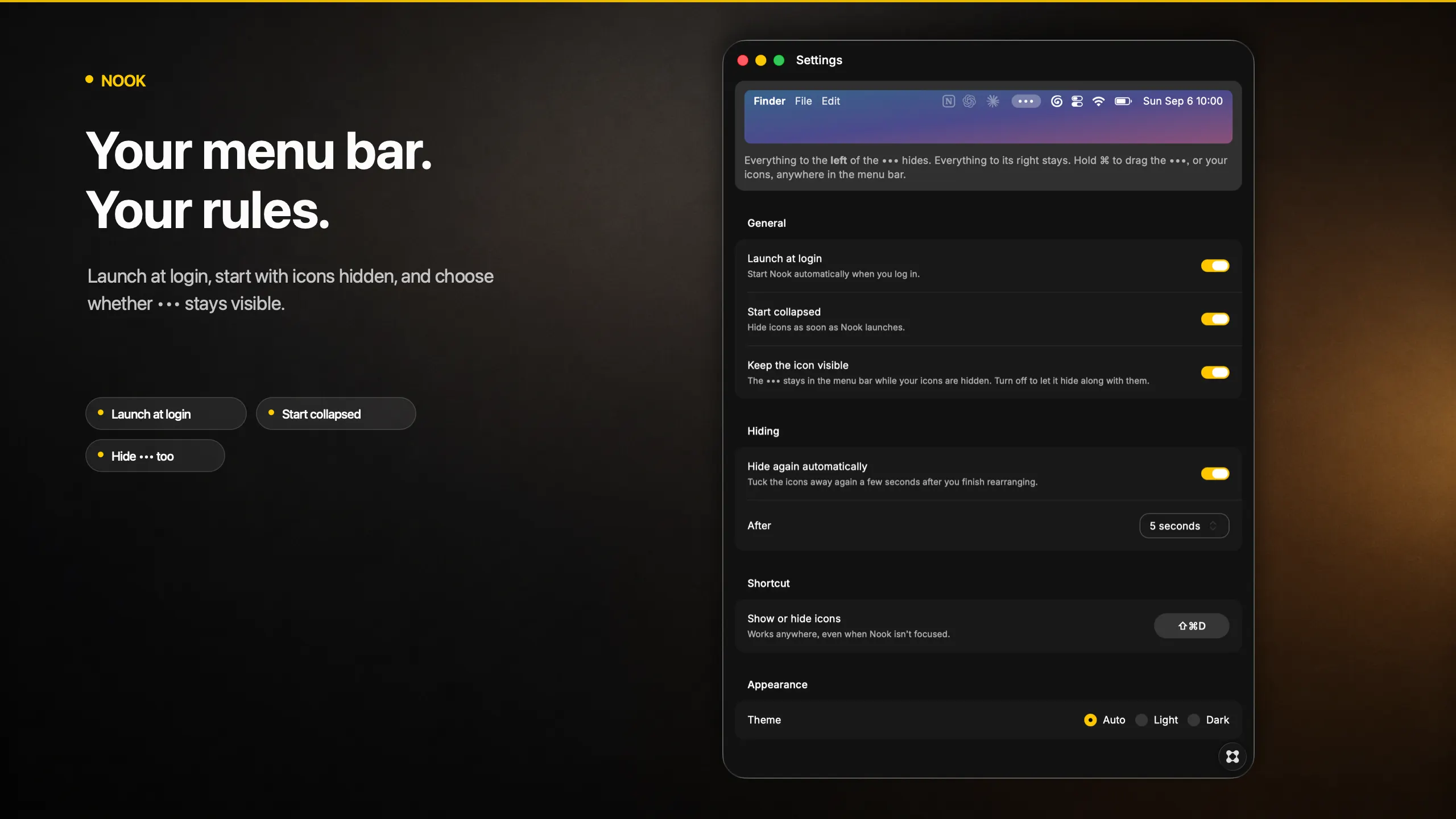
Menu bar icons accumulate until there is no room for the things you actually use. Nook puts a single ••• in your menu bar and hides everything to its left behind it. Click to tuck them away, click again to bring them back. Key features - **One icon, one click.** Everything to the left of the ••• hides. Everything to its right stays. - **You choose the split.** Hold ⌘ and drag the ••• anywhere in the menu bar, or drag your icons across it. - **A global shortcut.** Show or hide from any app, without reaching for the mouse. - **Hide the ••• too.** Turn off "Keep the icon visible" for a menu bar with nothing extra in it at all. - **Automatic re-hiding.** Tuck the icons away again a few seconds after you finish. - **Starts the way you left it.** Launches at login and can start collapsed.