Only
Share the point, not your screen.

About Only
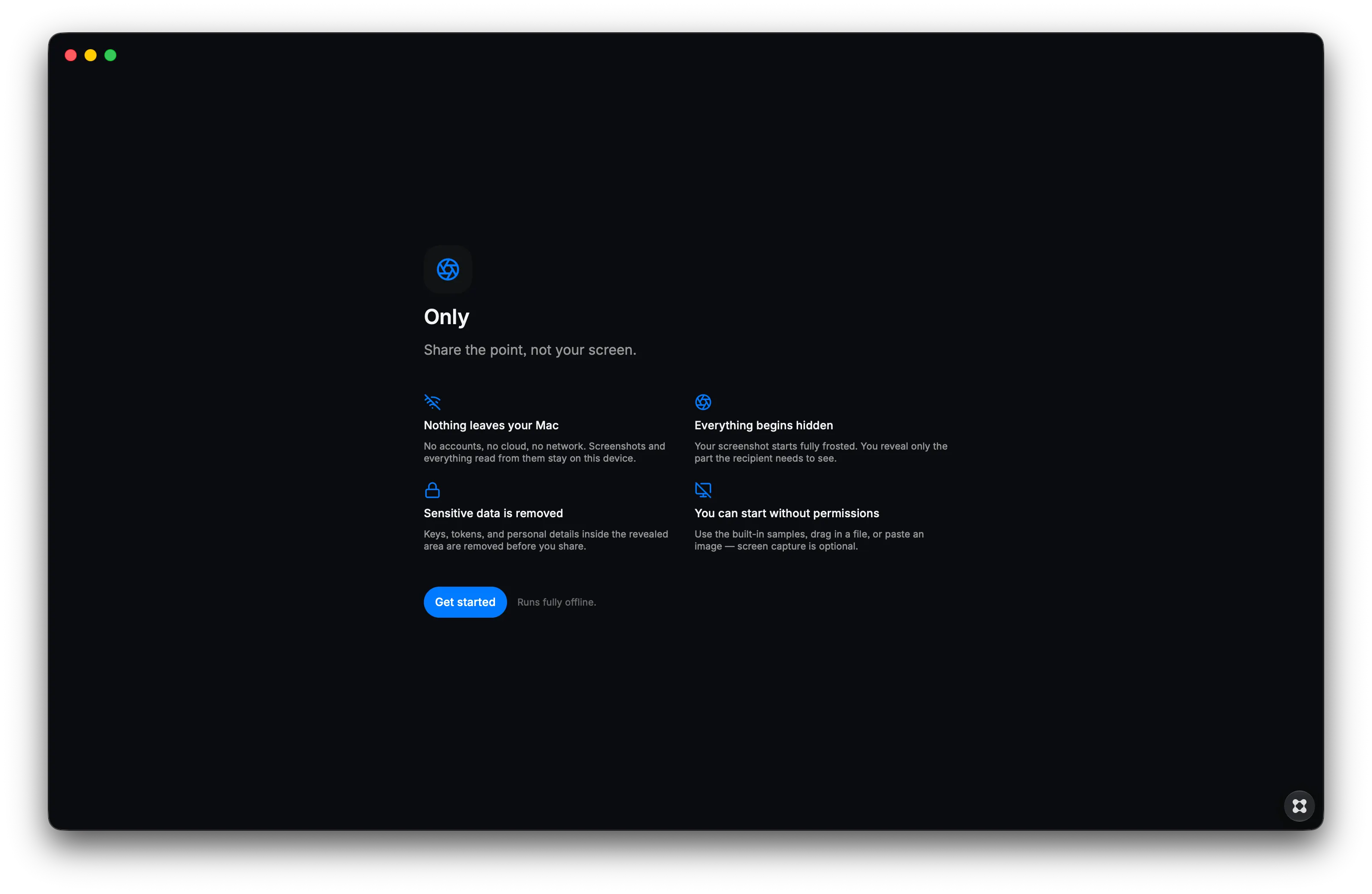
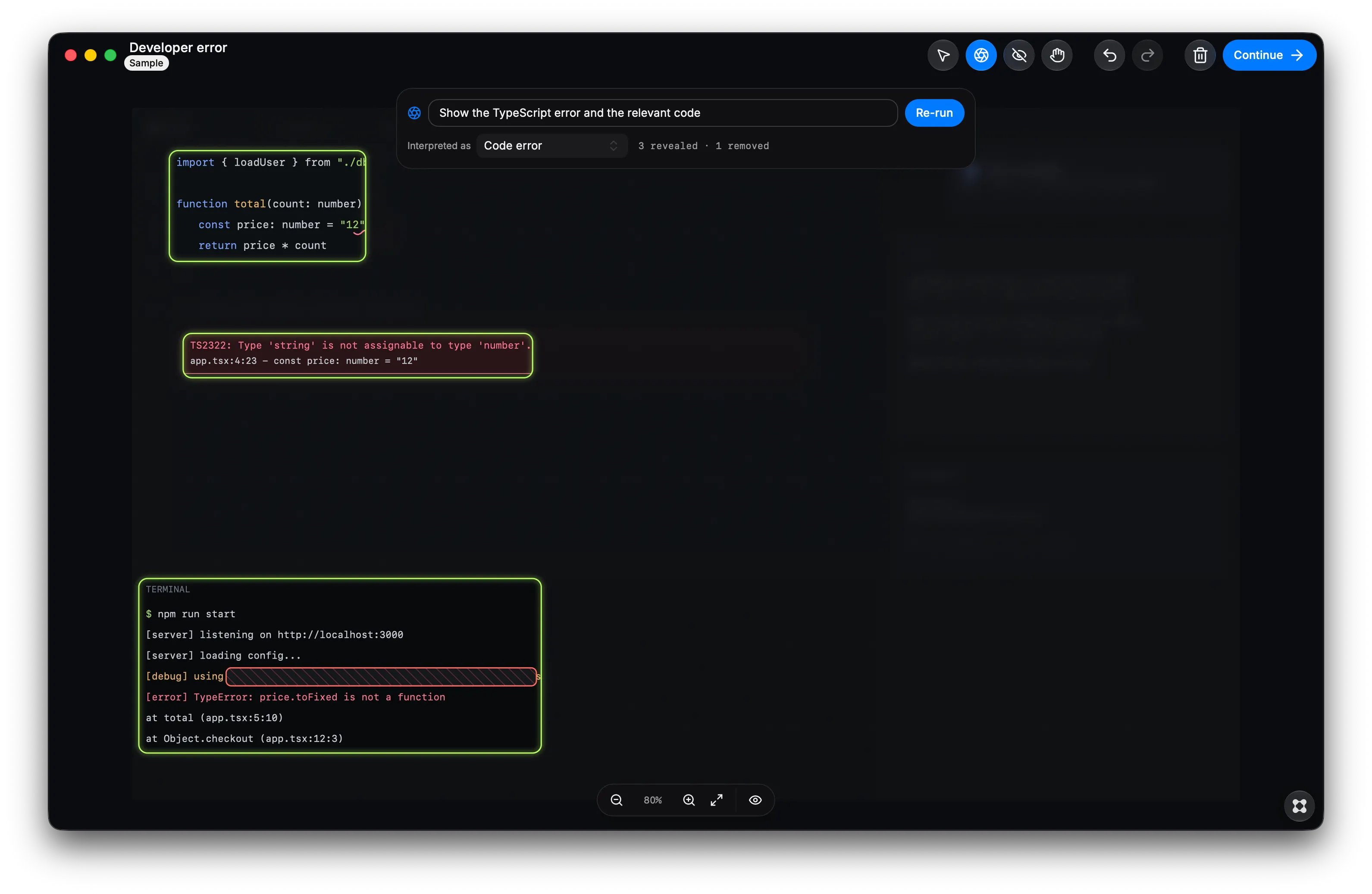
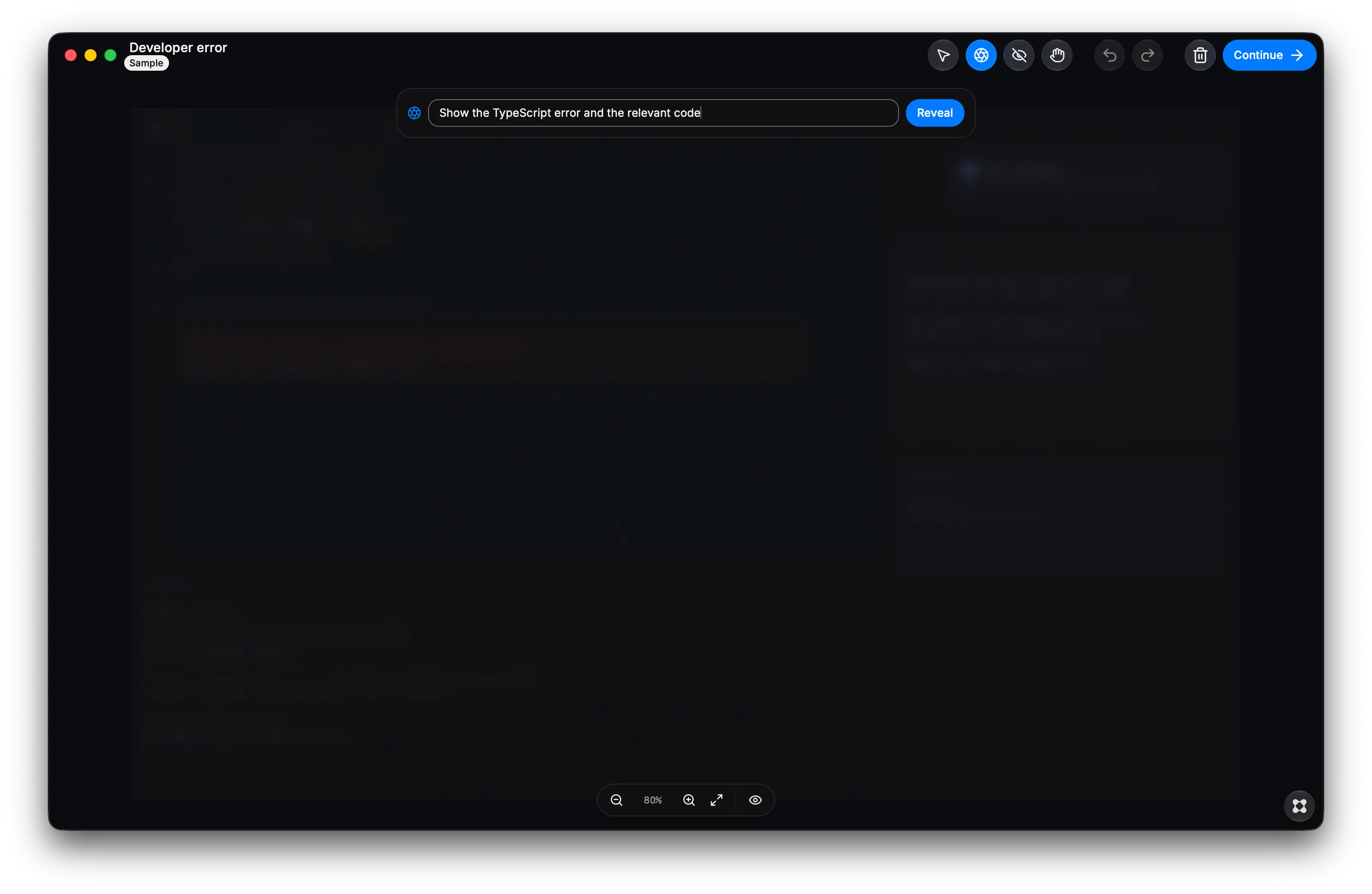
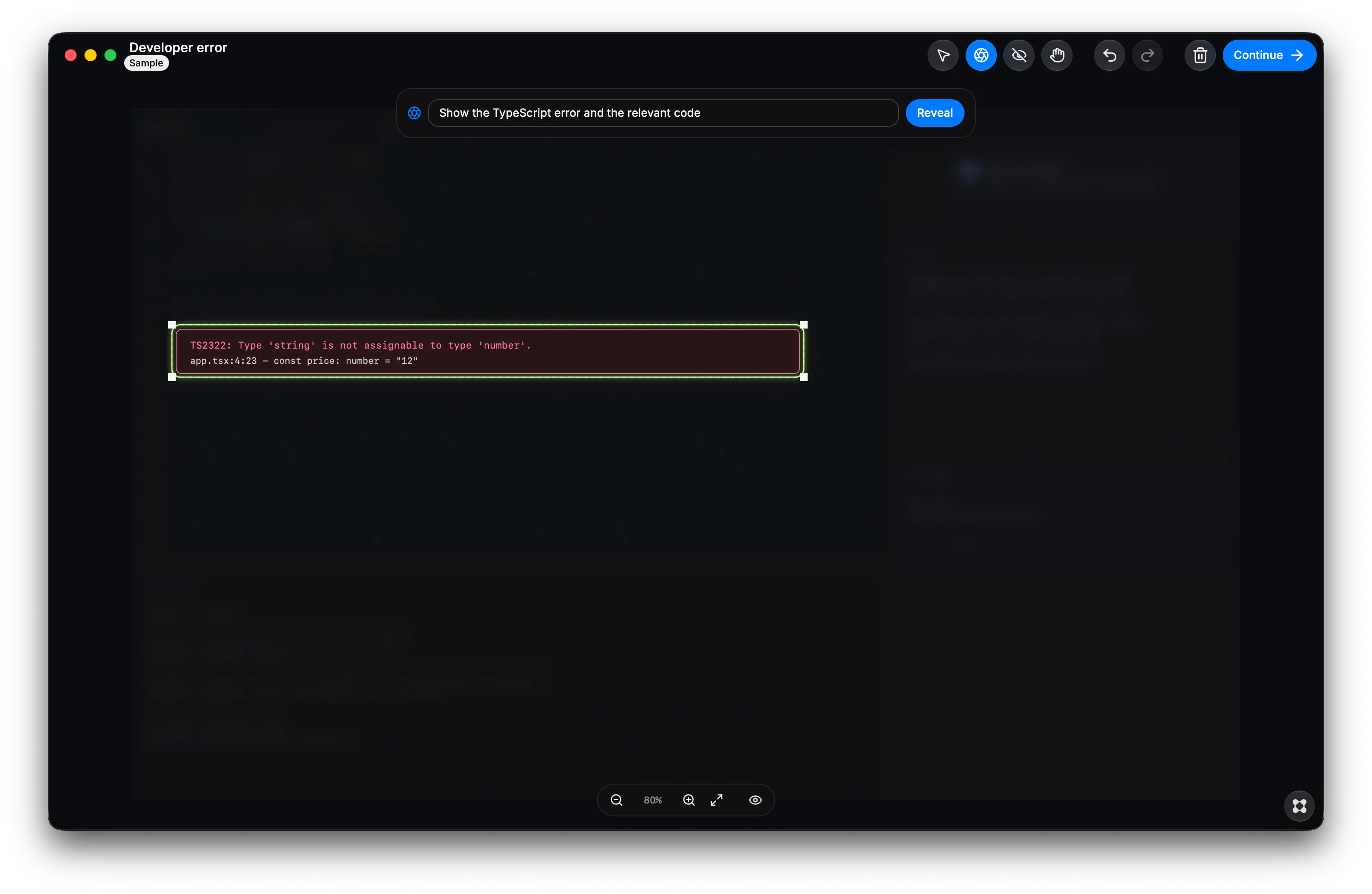
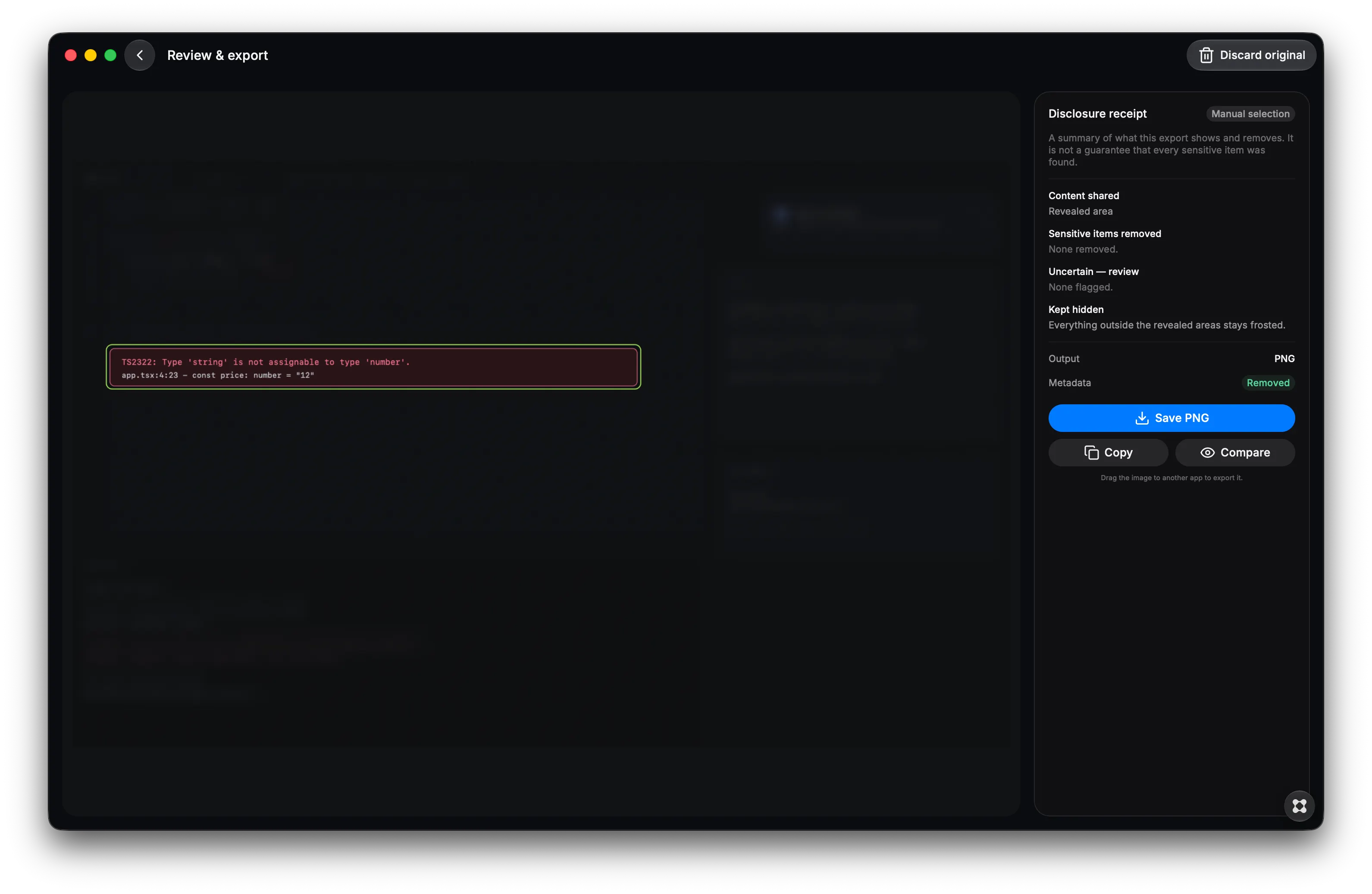
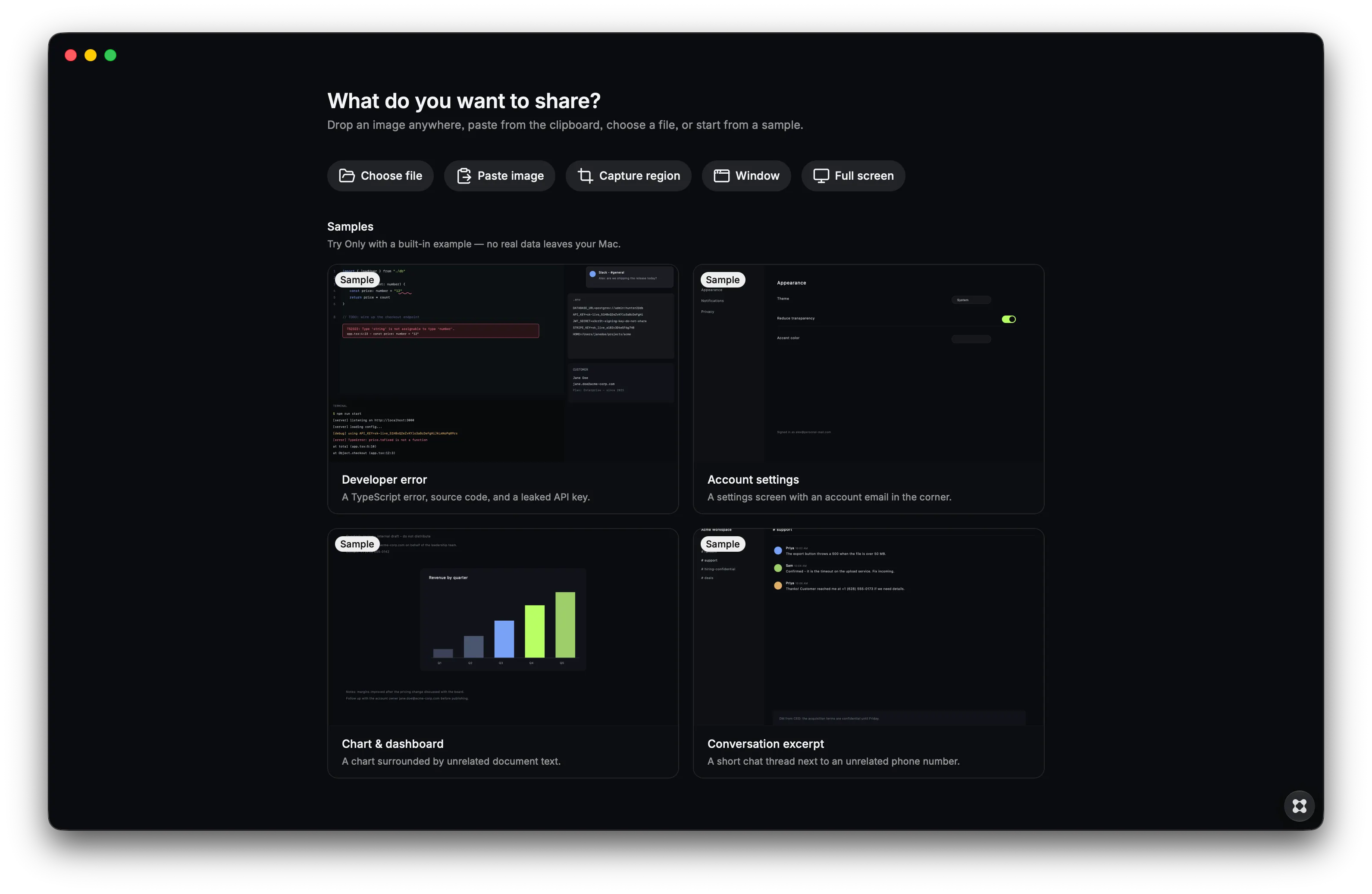
Most screenshot tools ask what you want to hide. Only starts with everything hidden and asks what the other person actually needs to see. Capture a region, window or full screen, or import an existing image. Describe the evidence you want to share in plain language, such as “show the TypeScript error and the relevant code” or “show the text Signoz.” Only reveals the relevant content, keeps unrelated context frosted, and independently removes sensitive information even when it appears inside the evidence you intended to share. Review every decision yourself with Reveal, Hide and Remove tools, then export a newly flattened PNG with metadata stripped. Each export includes a disclosure receipt showing what was shared, removed and kept hidden. Only can detect common API keys, access tokens, JWTs, .env values, private-key material, emails, phone numbers, IP addresses, wallet addresses, card-like numbers, home-directory paths, QR codes and supported barcodes. Everything runs locally on your Mac. Screenshots, OCR results and detected information are not uploaded. Only uses no cloud AI, analytics or user account. Automatic findings are suggestions, not a guarantee. You remain in control of what leaves your screen. Share the point, not your screen.