Portal Fetch
Download Landscape 6k+ videos for free.

About Portal Fetch
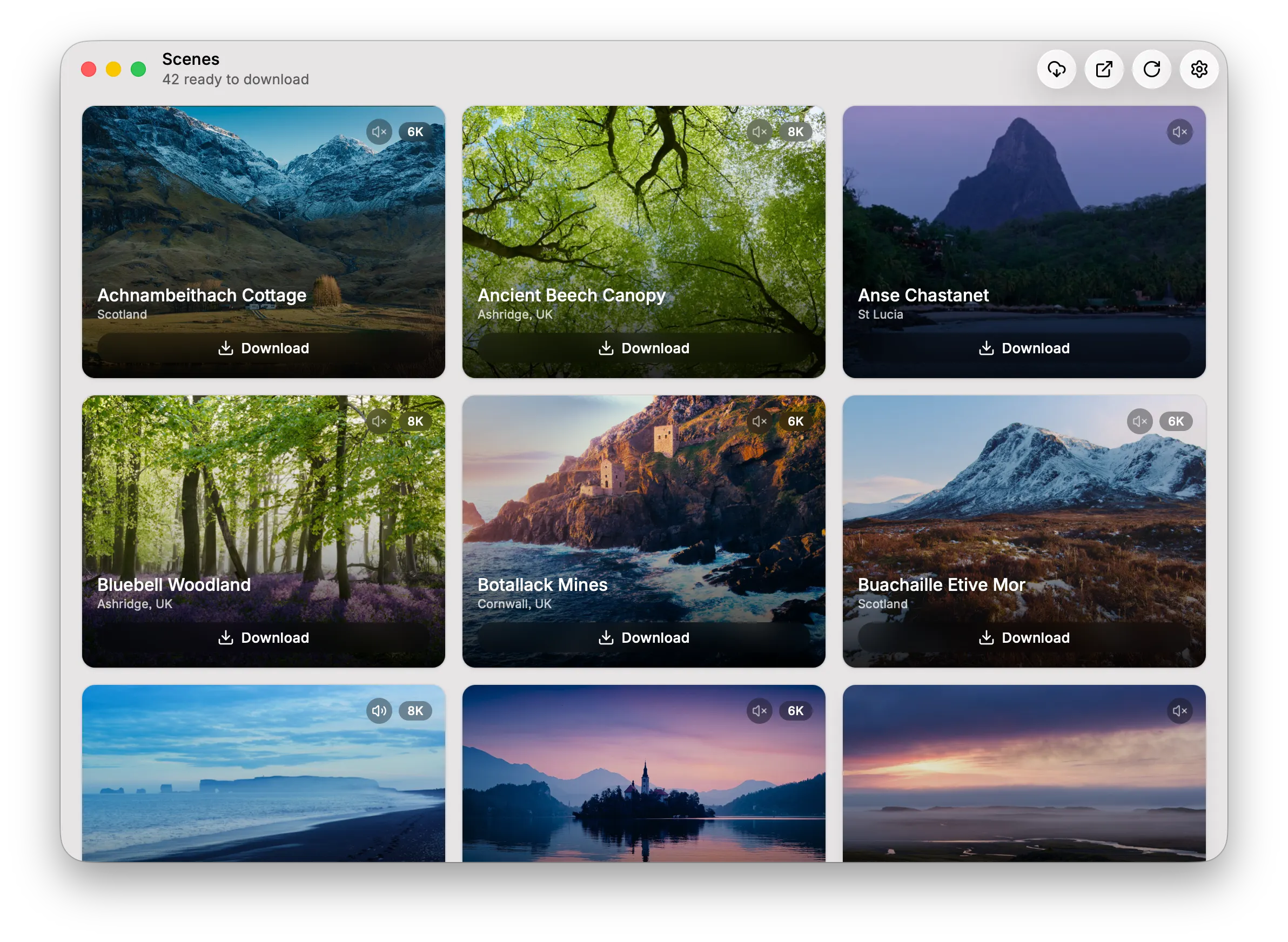
Fetches the original videos from Portal’s servers and downloads them. Audio is stored differently and is only avaliable for a small selection of videos. However, all other content is downloadable for free, but make sure to follow these steps: 1. Have the Portal app (available on the App Store) installed on your device. 2. Open it and go to the desired video. You can now close Portal again. 3. Now open the Portal Fetch app, and navigate to the desired video from before. 4. Just click download! There is a button on the top right to do the first two steps automatically, but it’s a hit or miss.