PrintDrop
Drag and drop files to print

About PrintDrop
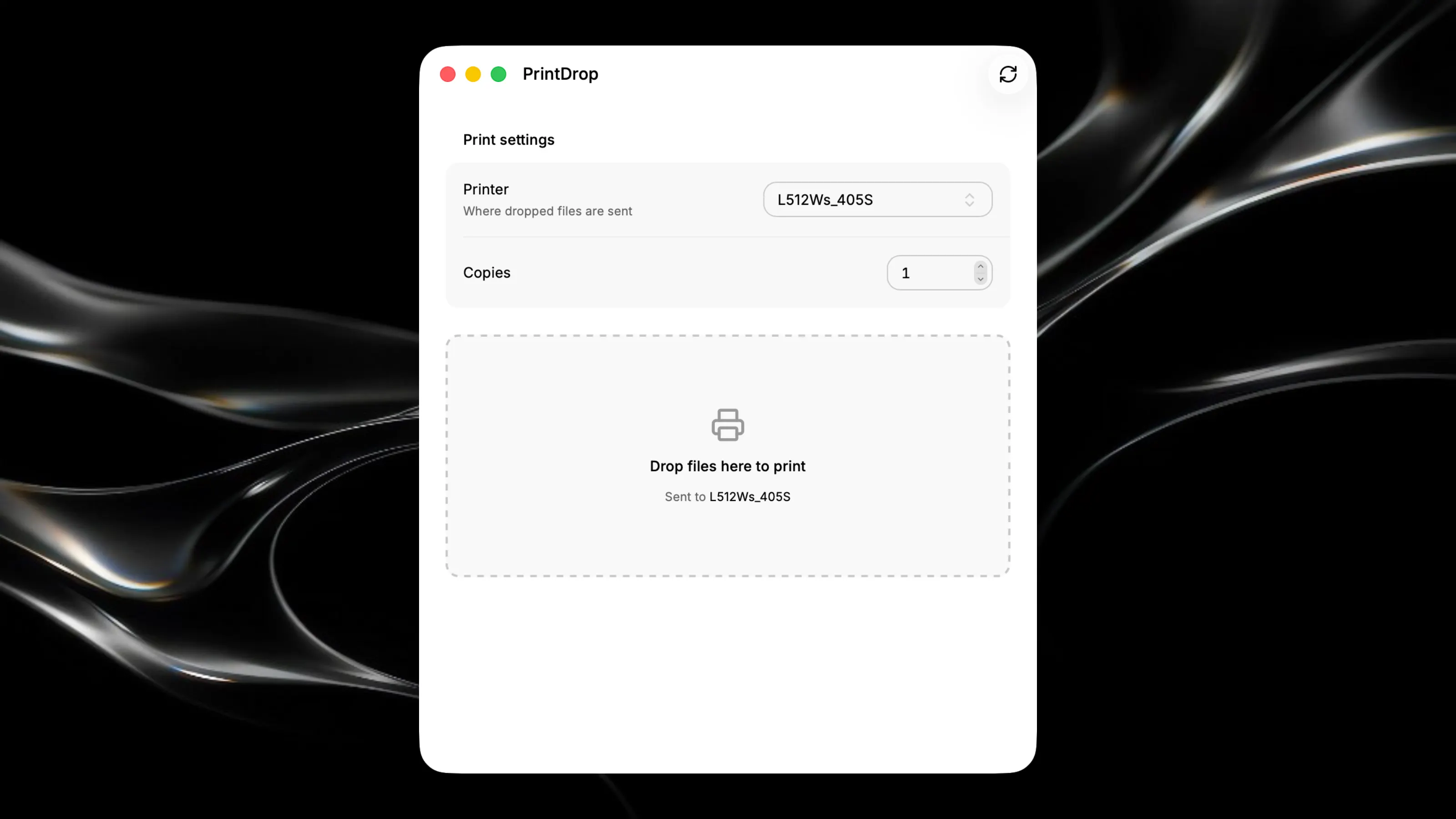
The fastest way to print files on your Mac. Simply drag and drop any document onto the app window, select your printer, set the number of copies, and send to print in seconds. Key Features: - Drag and drop files directly to print without opening other applications - Choose from all available printers and specify copy counts instantly - View printer status including idle, printing, or stopped states - Quick access to system default printer for one-click printing