Prism
Work smarter, without leaving your app.

About Prism
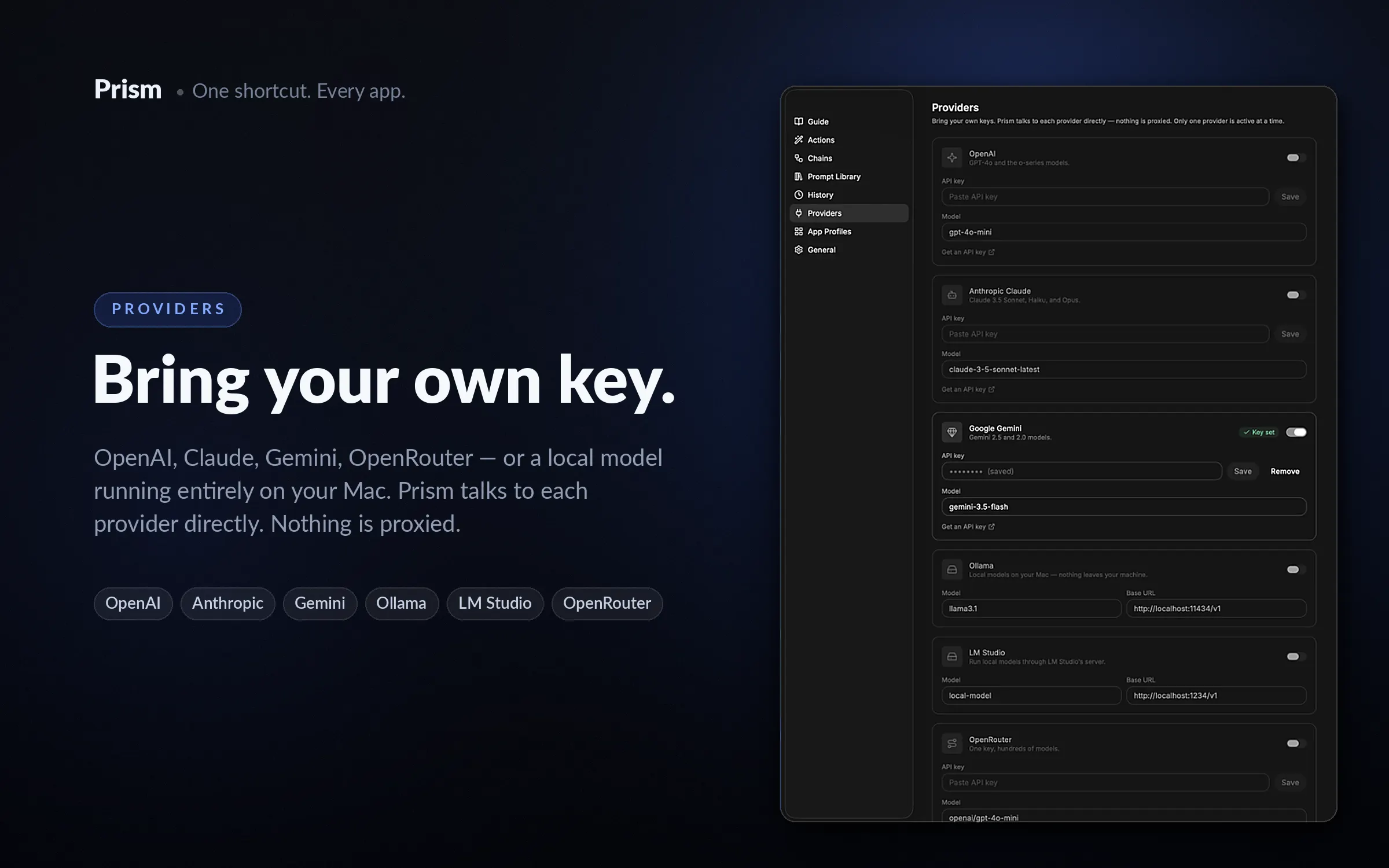
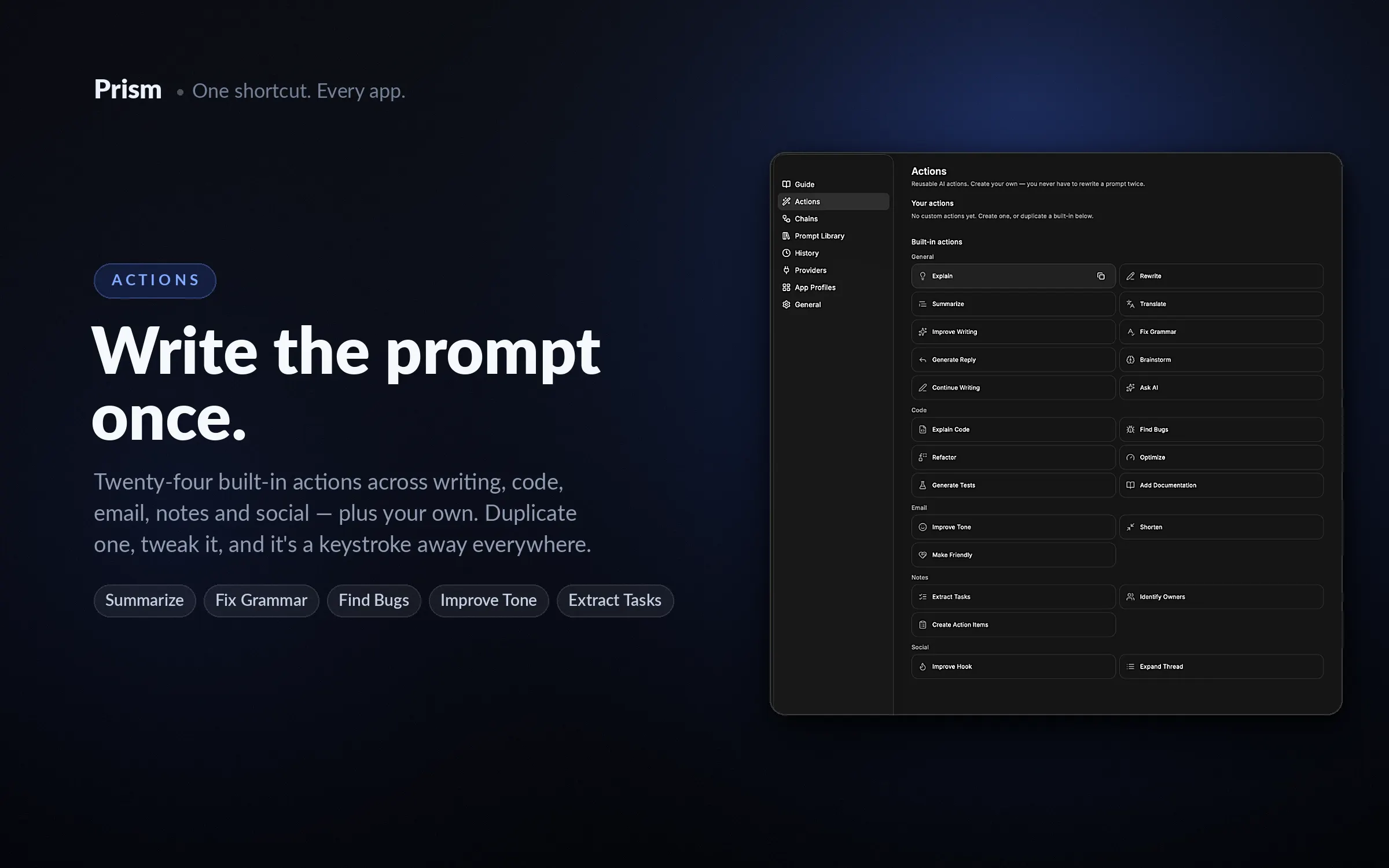
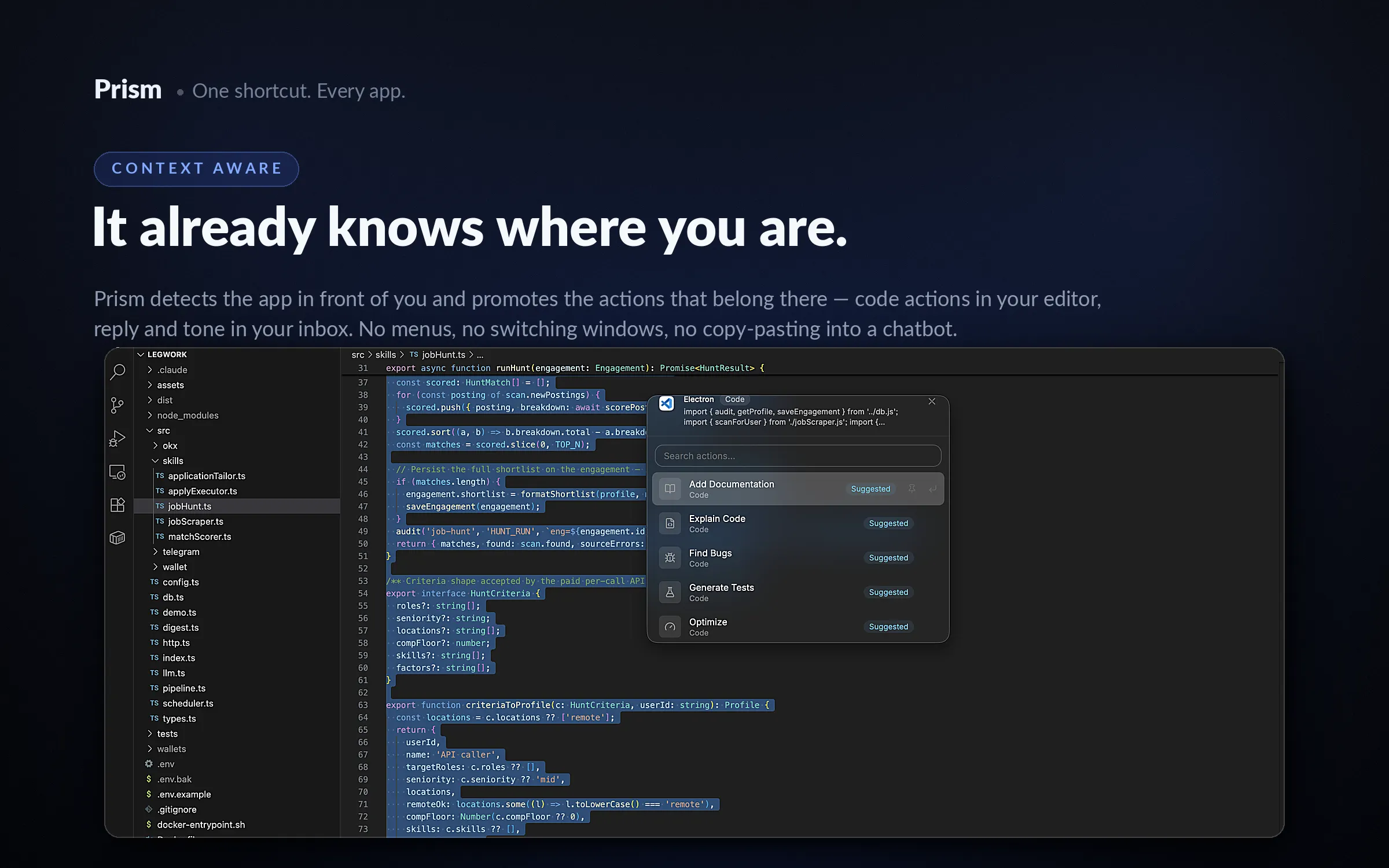
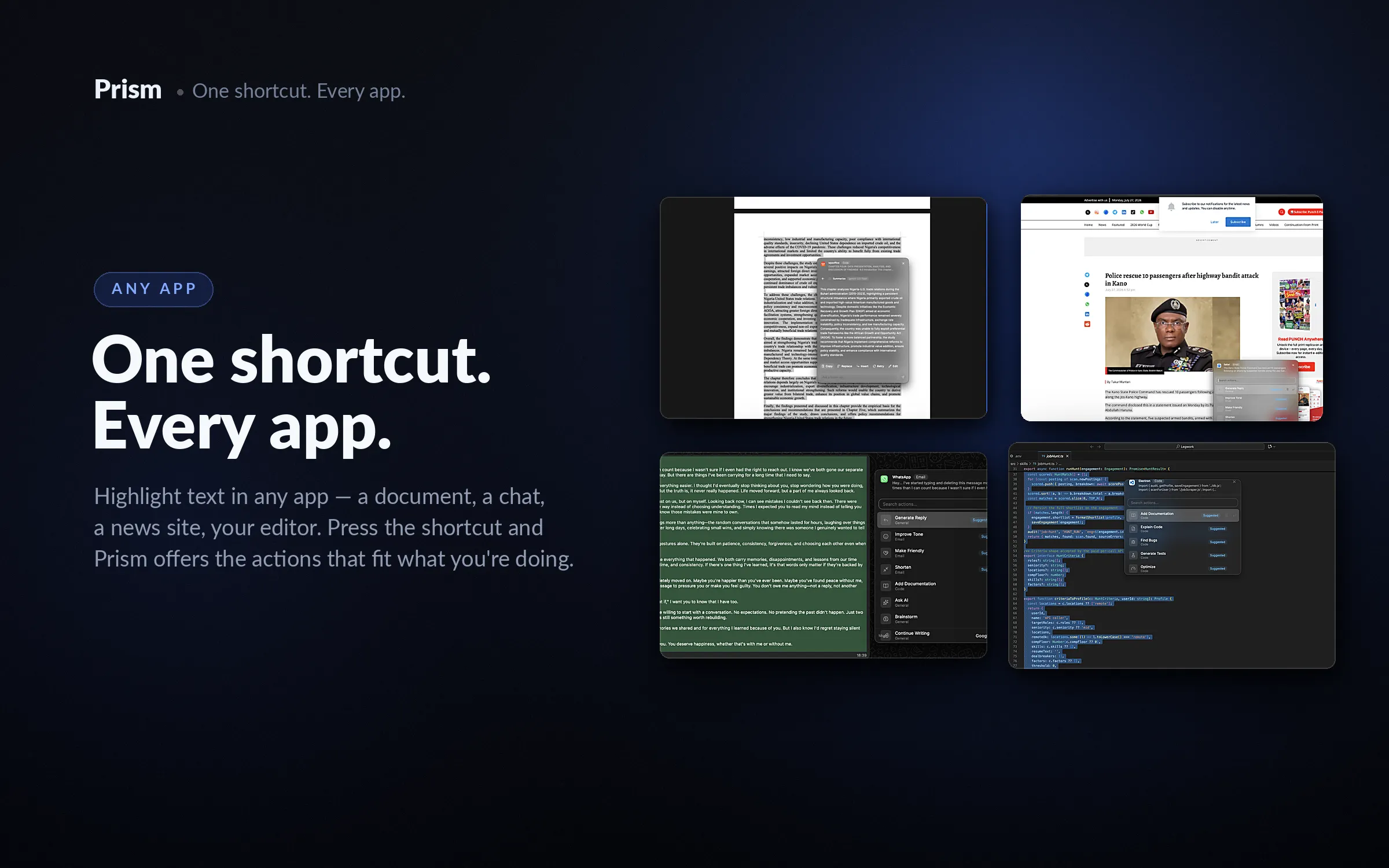
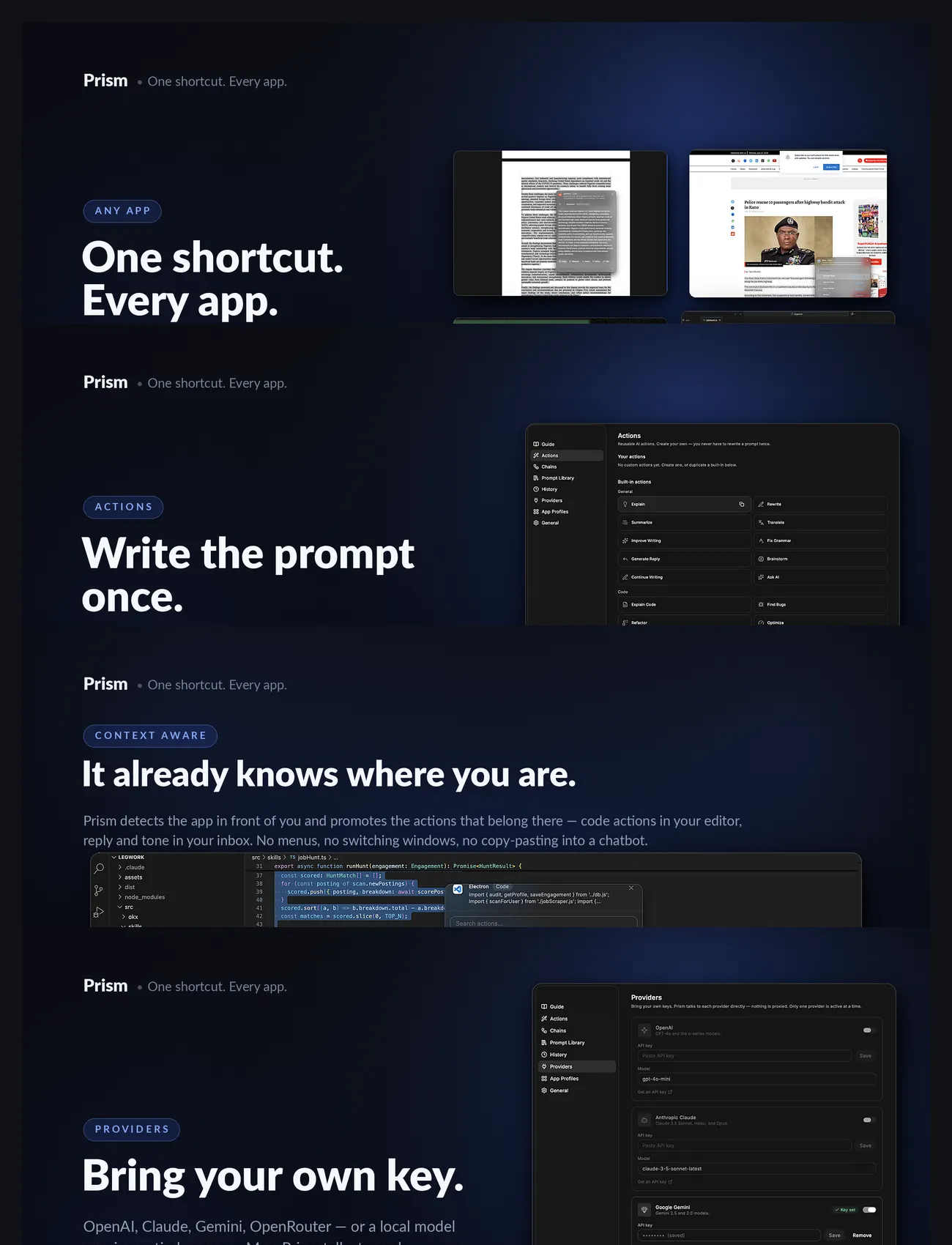
Prism is a native macOS AI command palette that works everywhere you do. Instead of constantly switching between ChatGPT or any AI assistant and your favourite apps, simply highlight any text, press a keyboard shortcut, and Prism appears instantly beside your cursor. Explain code, rewrite emails, summarise articles, translate documents, fix grammar, brainstorm ideas, or run your own custom AI workflows, all without leaving your current application. Whether you're writing, coding, studying, researching, or replying to emails, Prism keeps you in flow by bringing AI directly into your existing workflow. Built for macOS from the ground up, Prism feels like a native system feature rather than another browser tab. How It Works: Using Prism takes just a few seconds. 1) Highlight any text Select text in virtually any macOS application, including: • Safari • Mail • Messages • Notes • Slack • Discord • VS Code • Xcode • Notion • Obsidian • Terminal • And many more. 2) Press your shortcut Launch Prism instantly with: ⌘⇧Space A beautiful floating panel appears right beside your cursor, so you never lose your place. 3) Choose an action Prism includes built-in AI actions like: • Explain • Summarise • Rewrite • Translate • Improve Writing • Fix Grammar • Generate Reply • Continue Writing • Brainstorm • Ask AI Or choose one of your own custom actions. 4) Get your result instantly Review the AI response without leaving your current app. Then choose to: • Copy • Replace the selected text • Insert below • Continue the conversation Everything happens in place, keeping you focused on your work instead of switching between windows. Custom Actions Every workflow is different. That's why Prism lets you create your own reusable AI commands. Instead of typing the same prompt over and over, save it once and access it with a single click. Examples include: Code Review Review this code for bugs, edge cases, security issues, and performance improvements. Professional Email Rewrite this email in a concise and professional tone. Meeting Summary Extract key decisions, action items, owners, and deadlines. Translate Naturally Translate into fluent French while preserving tone and intent. Social Post Rewrite this content into an engaging X post with a strong opening hook. Once saved, your custom actions are always available whenever Prism appears. Built for Every Workflow Whether you're a developer, student, designer, marketer, researcher, or writer, Prism adapts to the way you work. Developers can explain unfamiliar code, review pull requests, or generate documentation. Writers can rewrite paragraphs, improve clarity, and brainstorm ideas. Students can simplify difficult concepts, create study notes, and summarise research papers. Professionals can draft emails, extract meeting actions, and polish presentations in seconds. Local First Your prompts, settings, preferences, and history stay on your Mac. Use your favourite AI provider—including OpenAI, Anthropic, Gemini, Ollama, or LM Studio—and choose whether your workflows run in the cloud or entirely on-device. Prism gives you complete control over your data and your models. Why Prism? Because AI should fit into your workflow, not interrupt it. No browser tabs. No endless copy and paste. No breaking your concentration. Just highlight, transform, and continue working.