Recommand
Quick app switching with Right Command

About Recommand
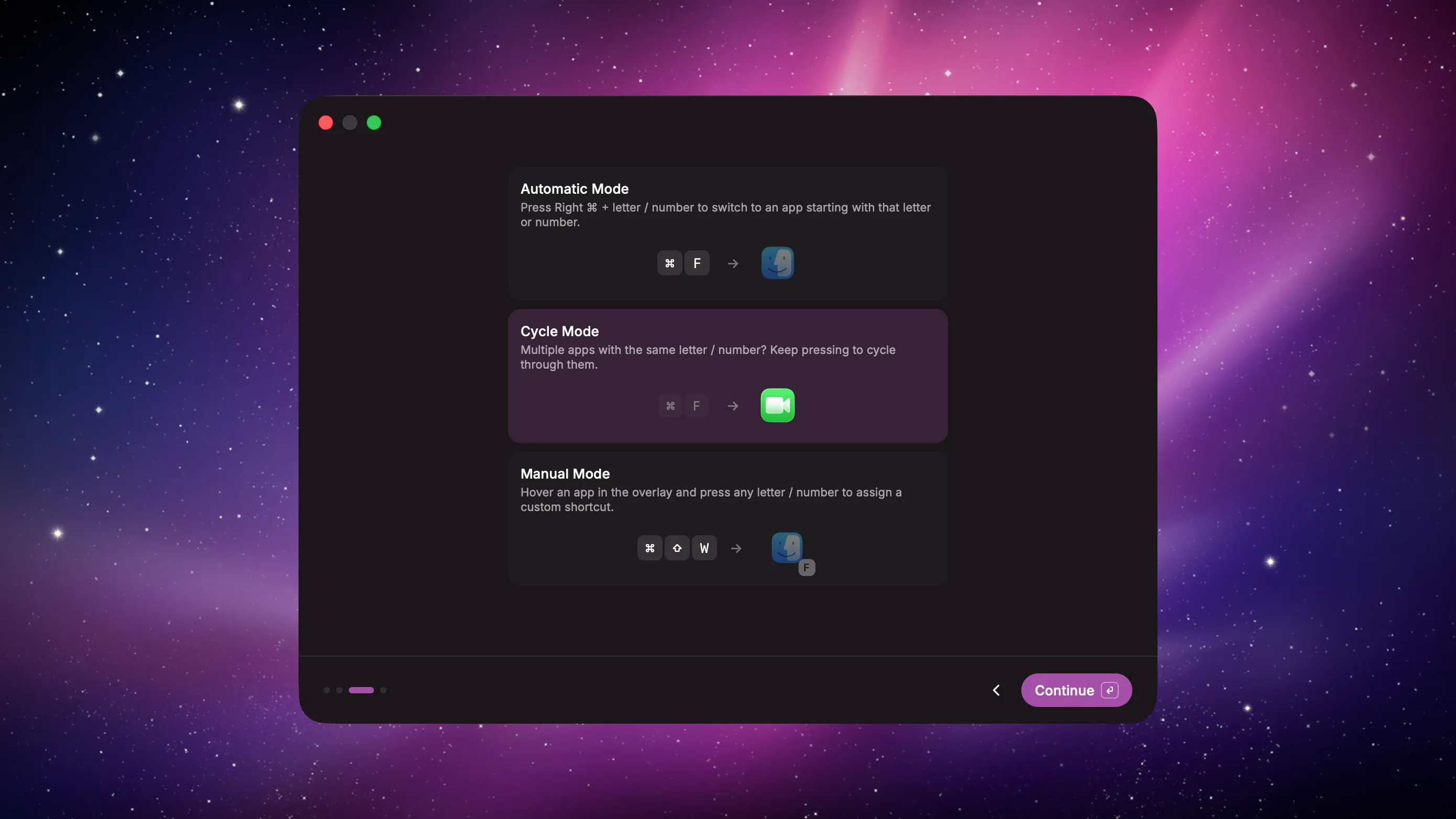
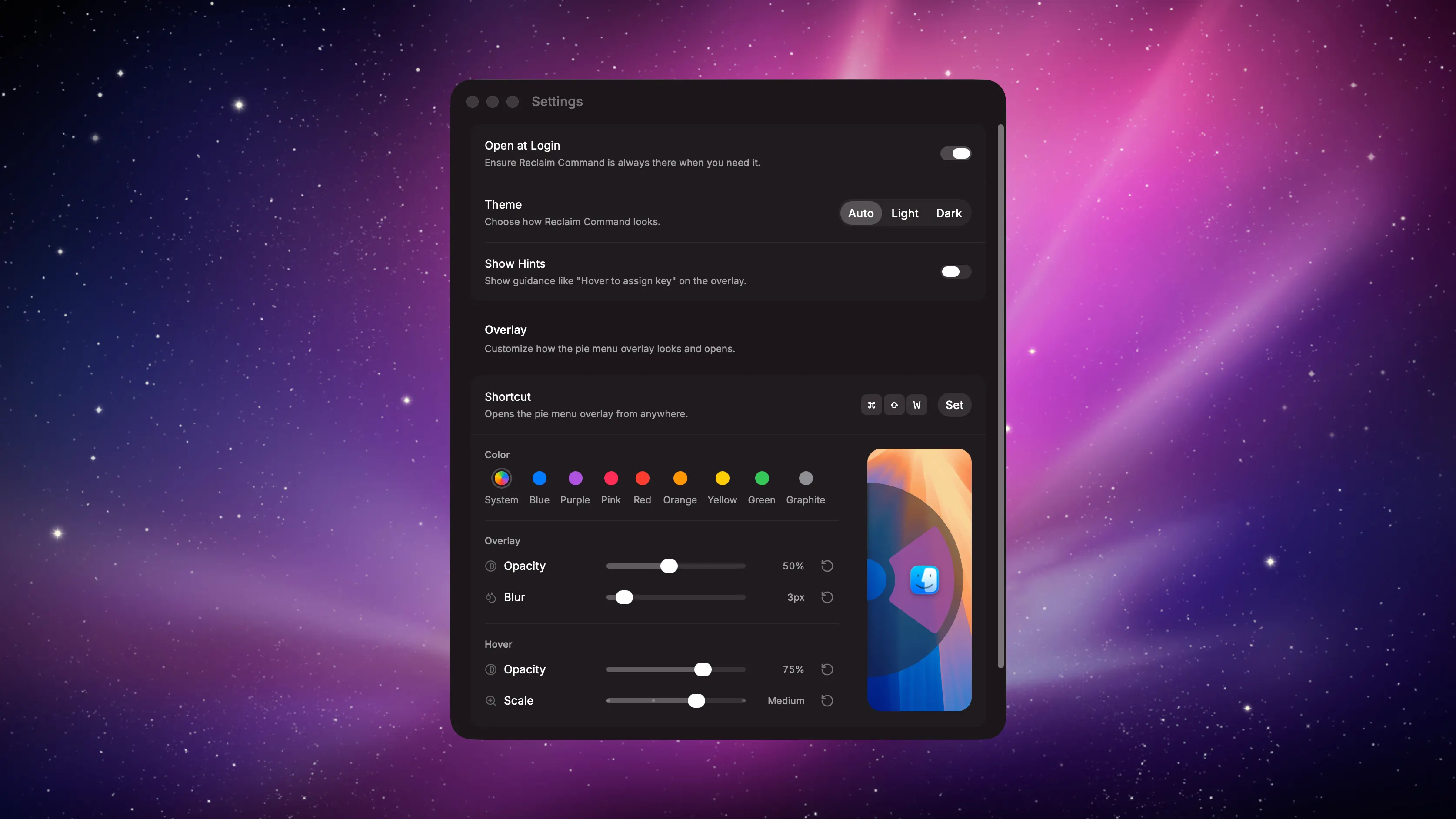
An app that turns your Right Command key into a faster way to open and switch between apps. Web demo: https://ecklf.com/glaze Automatic mode: Hold Right ⌘ and press the first letter of an app’s name to jump to it instantly. E.g. Right ⌘ + F switches to Finder. Cycle mode: Have multiple apps open with the same initial? Press the shortcut repeatedly to cycle through them. E.g. Right ⌘ + F can cycle between Finder and FaceTime. Manual mode: You can open the overlay with a global hotkey to switch to an app by clicking on it. Hover an app and press any character to assign it. If a manually assigned app isn’t running, Reclaim Command launches it automatically.