Replay
A private memory companion for your Mac

About Replay
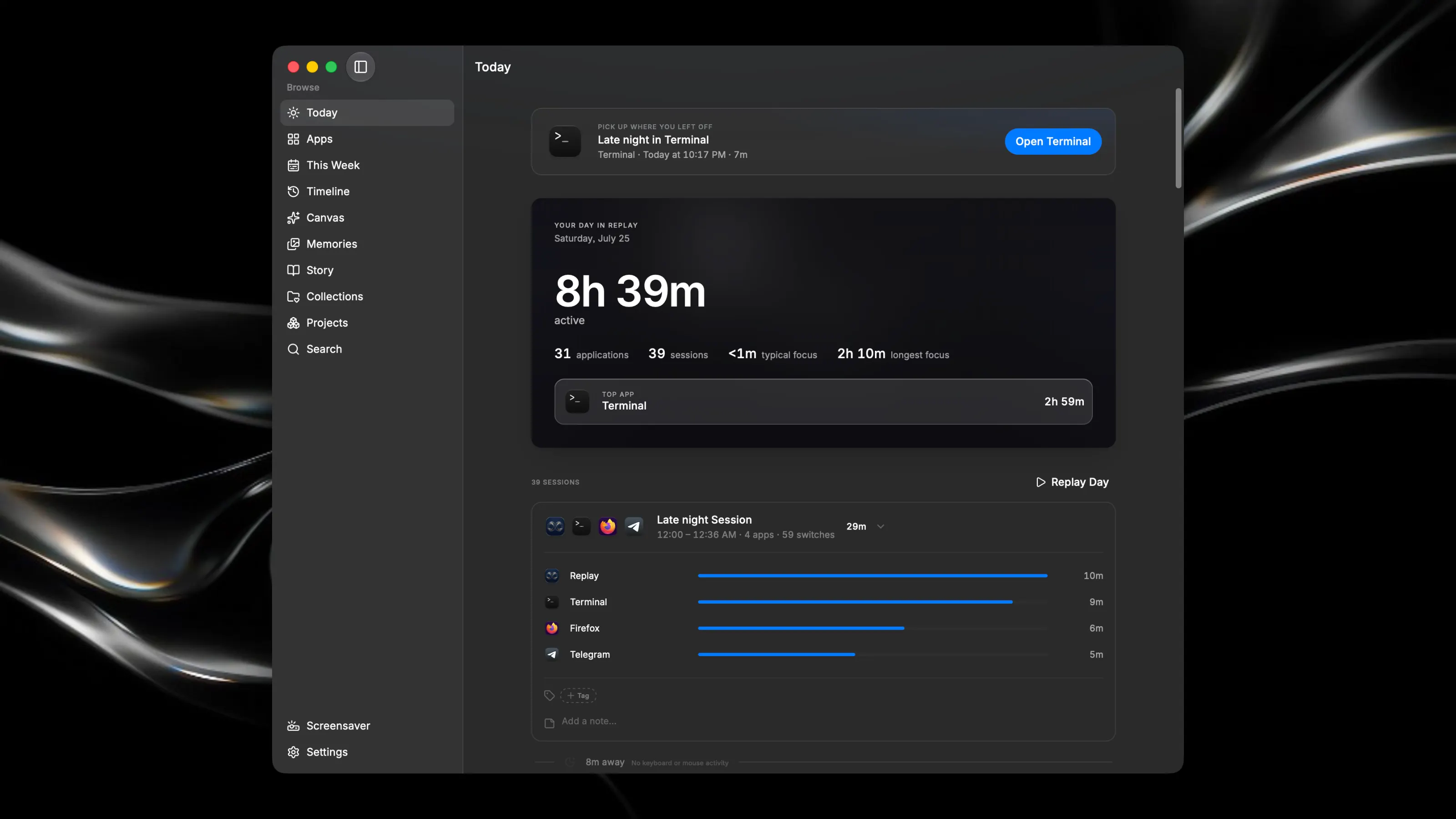
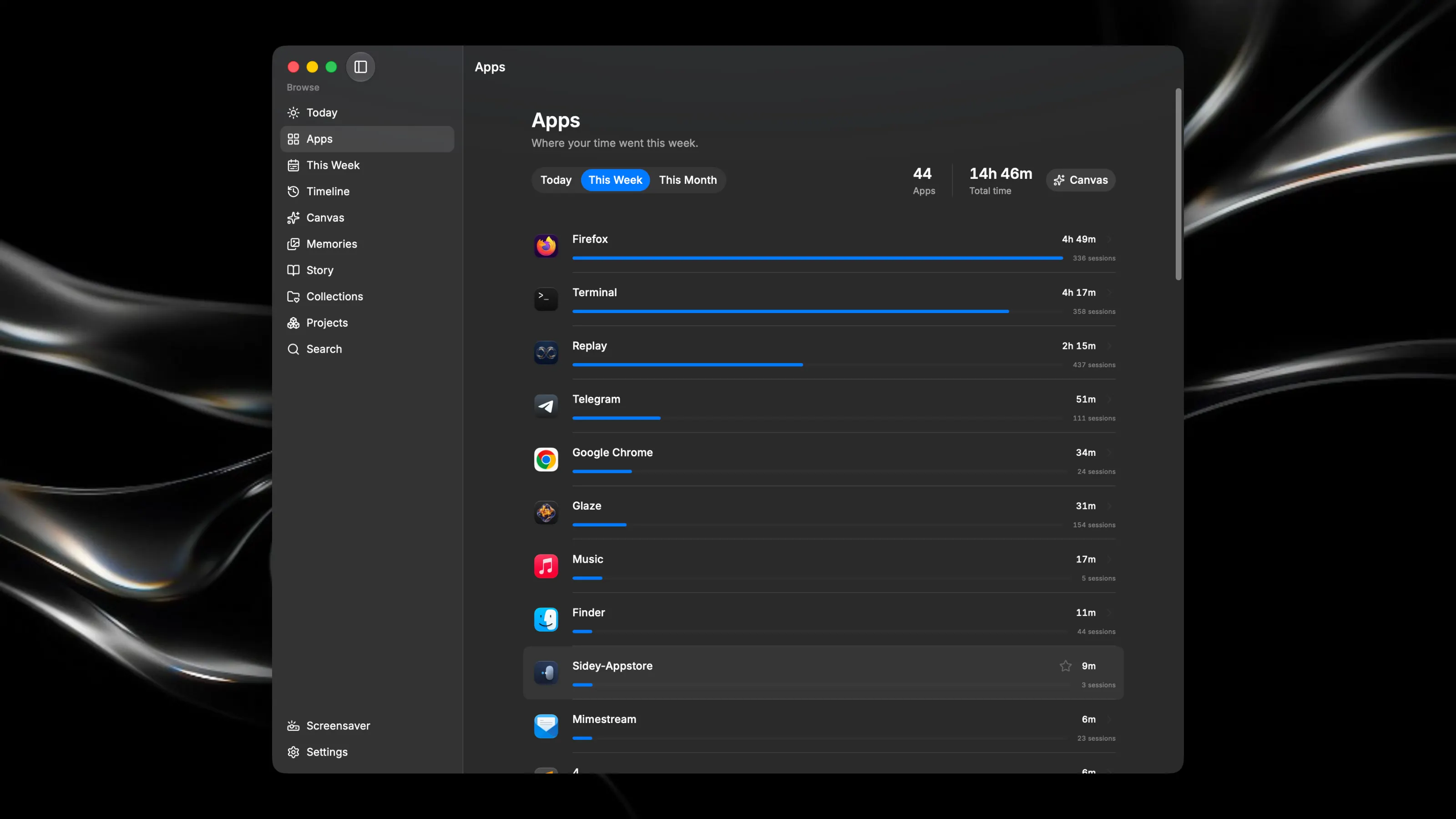
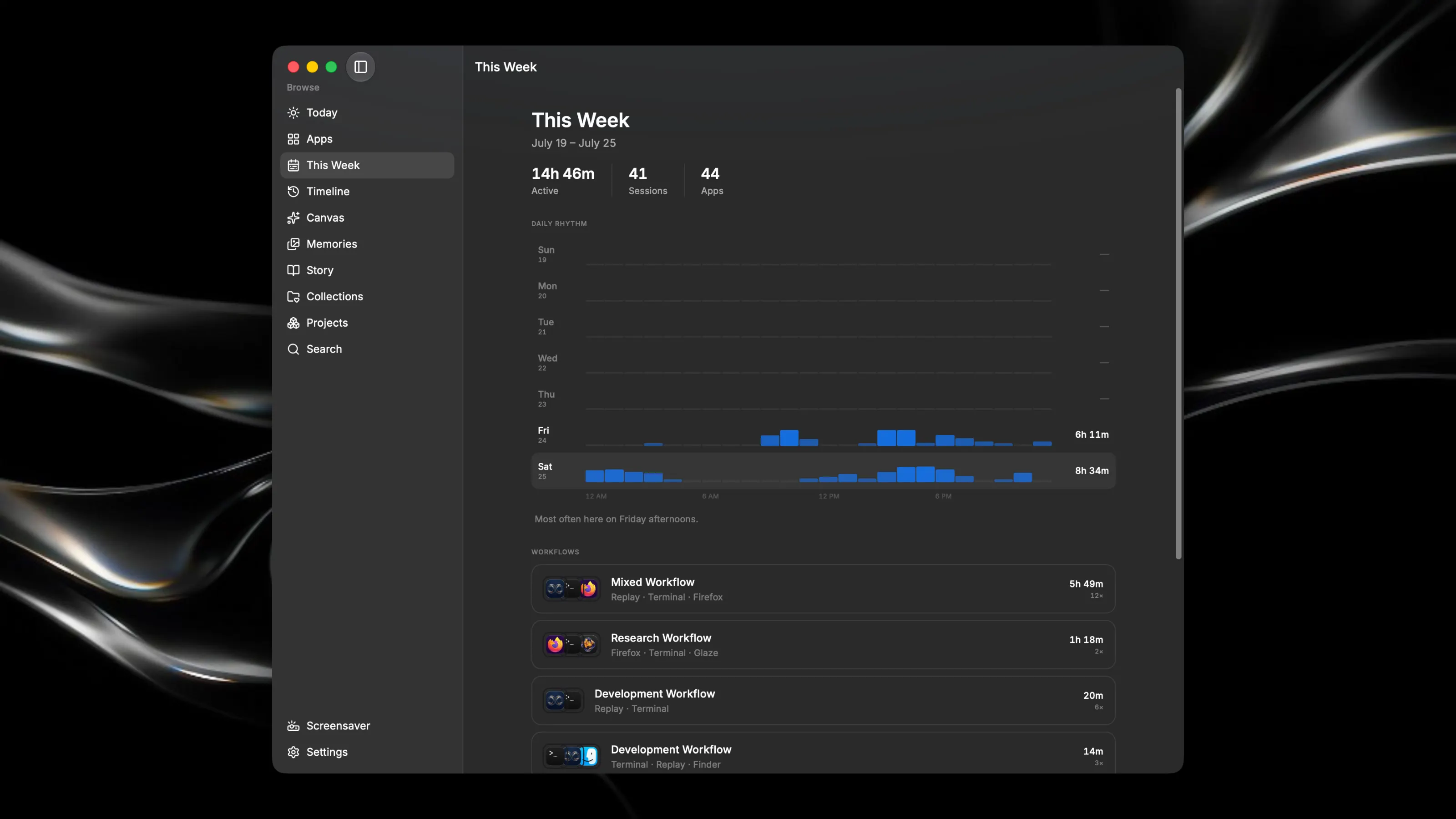
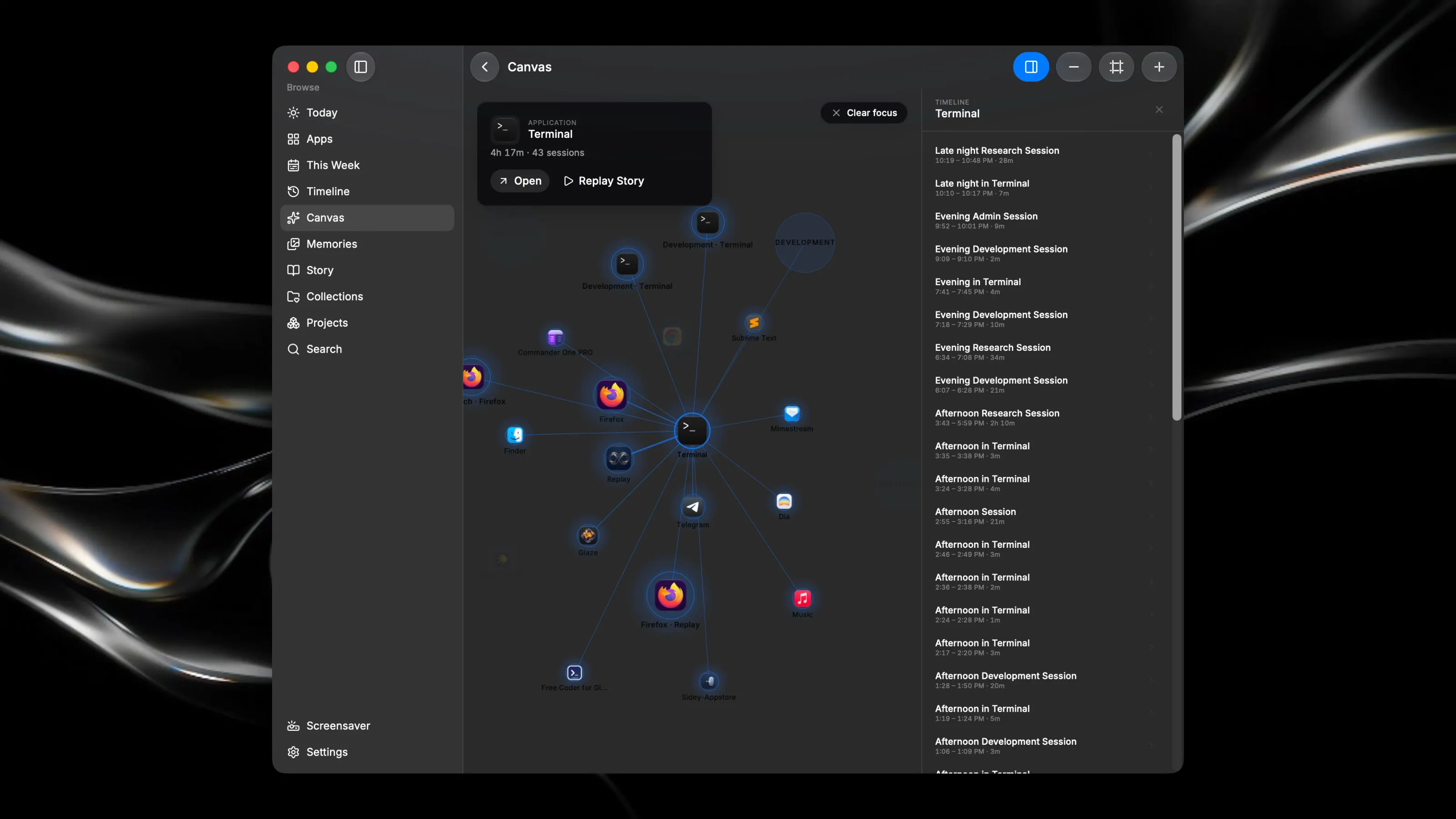
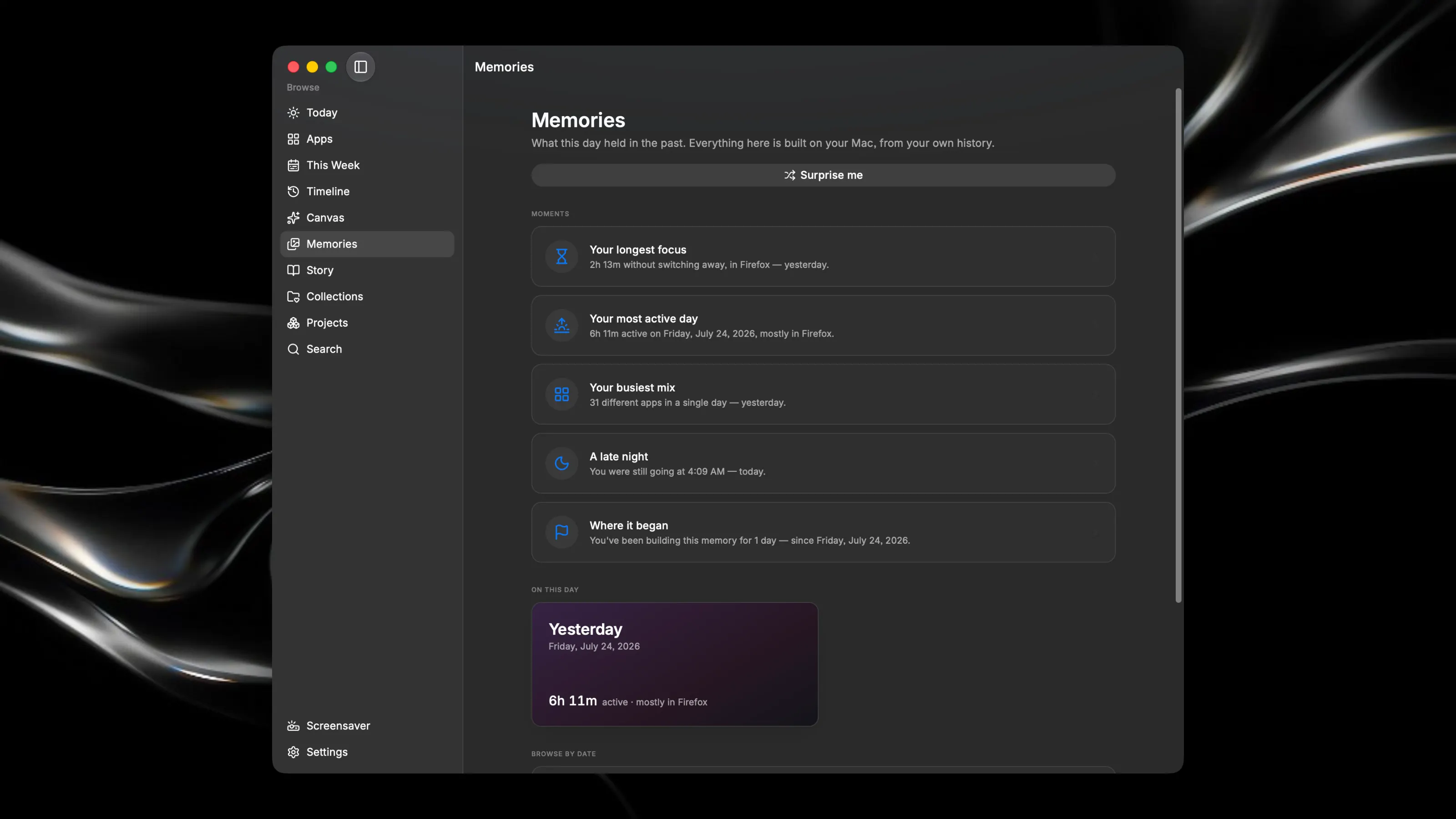
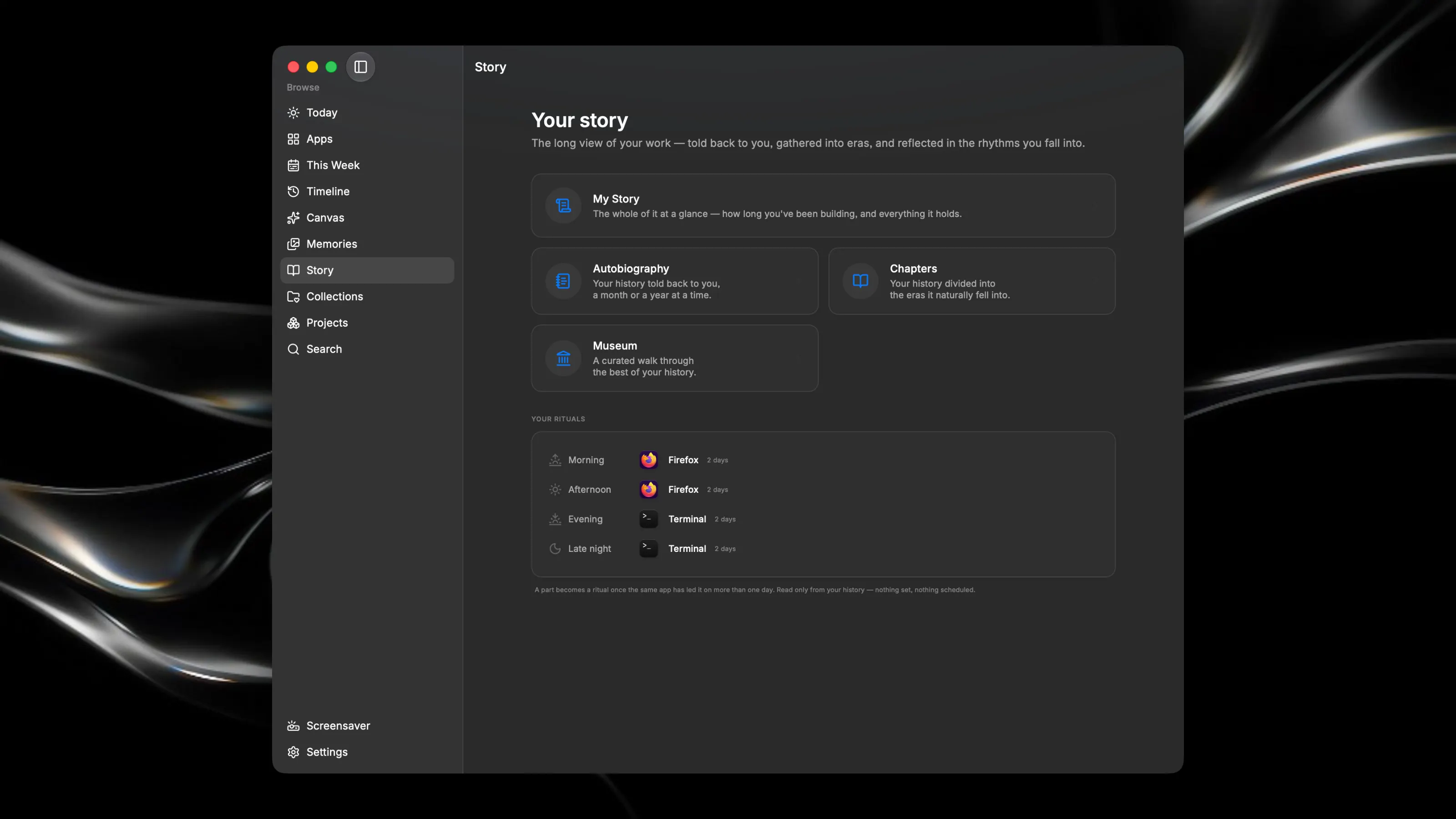
Replay is a private memory companion for your Mac. It quietly notices which applications you use and turns your days into something you can look back on — a calm, personal record of your digital life. Everything stays on this Mac: no cloud, no account, no AI, nothing to sign in to. It never reads your keystrokes or looks inside your windows — only which app is in front, and for how long. - Over time, Replay becomes less like software and more like a memory. - Today — a living home screen that greets you with the one memory worth seeing right now, a gentle look back at yesterday in the morning, and the shape of the day so far. - Contextual memories — Replay surfaces a memory only when it becomes relevant: the last time you opened an app after a while away, an anniversary, a bookmark you left unopened. It stays silent when nothing is worth saying. - Replay Canvas — an infinite memory space. Your projects, apps, collections, chapters and moments laid out as a landscape you can pan and zoom, tied by the connections already in your history. Focus a memory to see its network, or let the camera tour it. - Timeline — your history read at any depth, with layers you toggle on their own: sessions, projects, bookmarks, notes, reflections, moments, and more. - Story & Chapters — your days narrated back in plain sentences, your history divided into the eras it naturally fell into, and an autobiography told a week, a month, or a year at a time — every sentence drawn only from what you actually did. - Museum, Collections & Projects — the best of your history, gathered; the kinds of work you do; and the app combinations that keep recurring, yours to name. - Reflections — jot what you'd like to remember about a day, and it becomes part of your record. - Calm by design: soft materials, gentle motion, generous space, and native macOS throughout — keyboard shortcuts, context menus, and a menu-bar mode. Nothing is gamified, nothing is scored, and a quiet day is never a failure. - Private, always: your timeline lives in a single database file in your own user folder. Export it, back it up, or erase it entirely — the choice is only ever yours. Replay needs no special permissions to run, and your day never leaves this computer.