Quick Import
Insert SD, import, done.

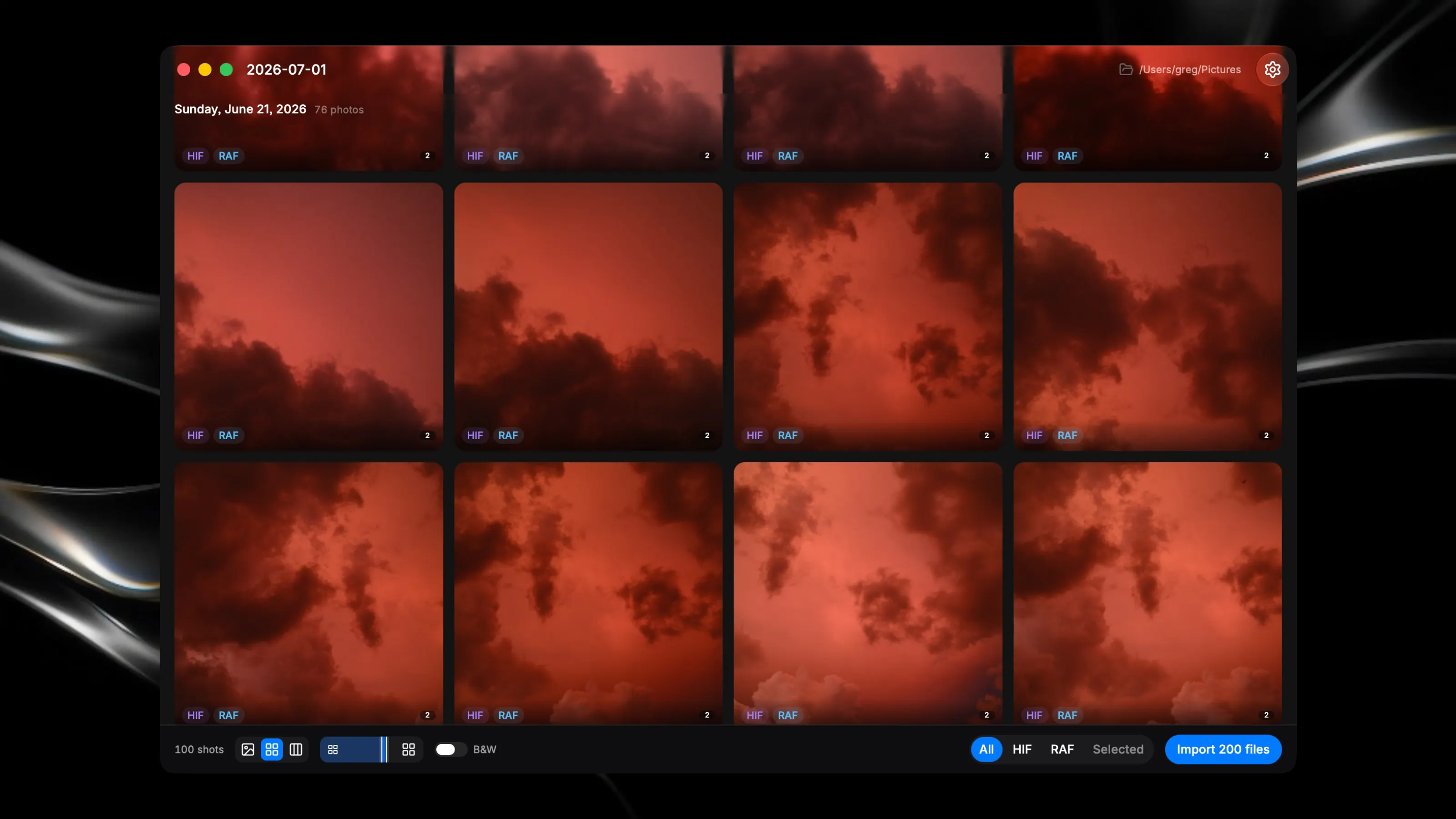
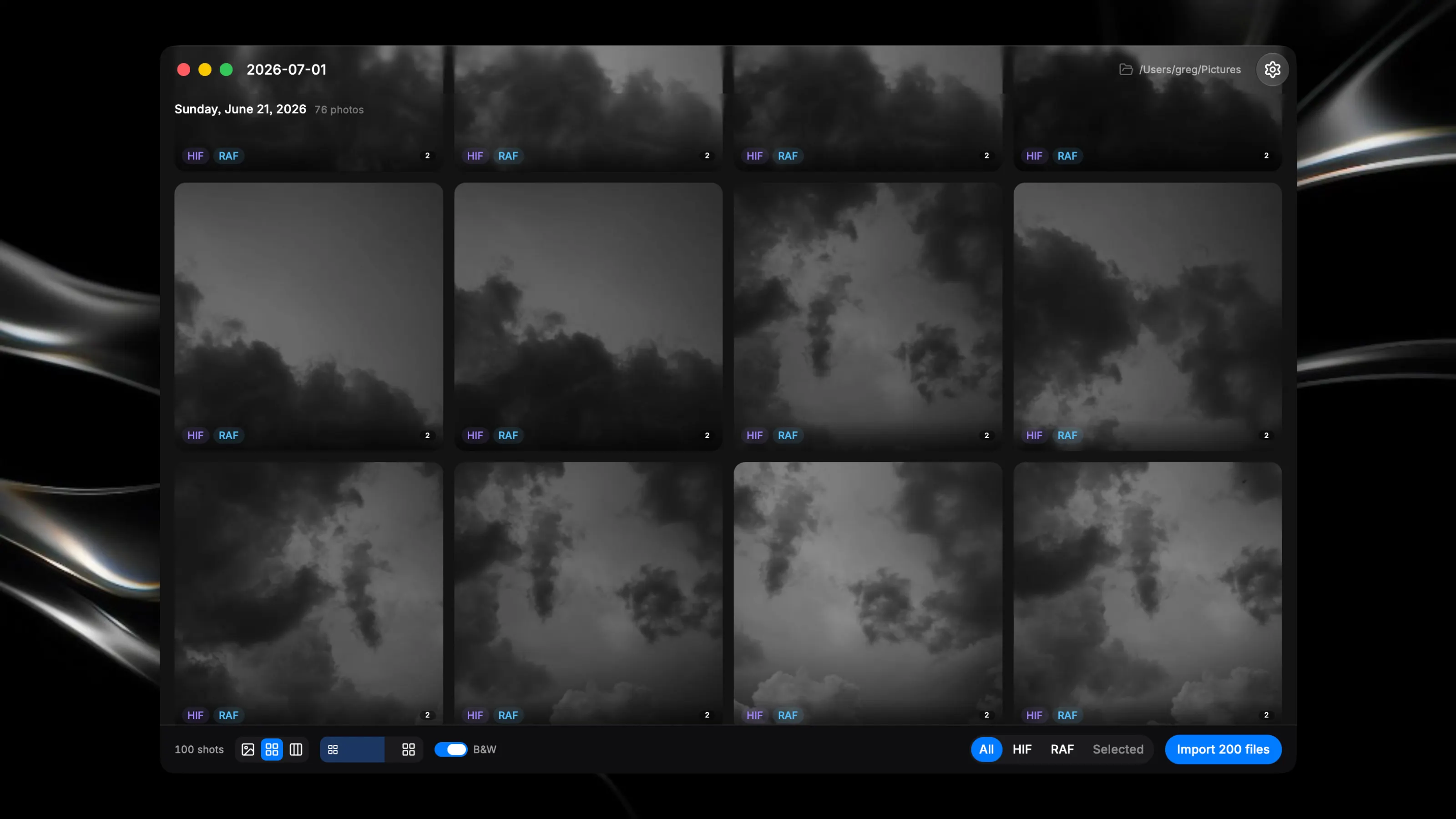
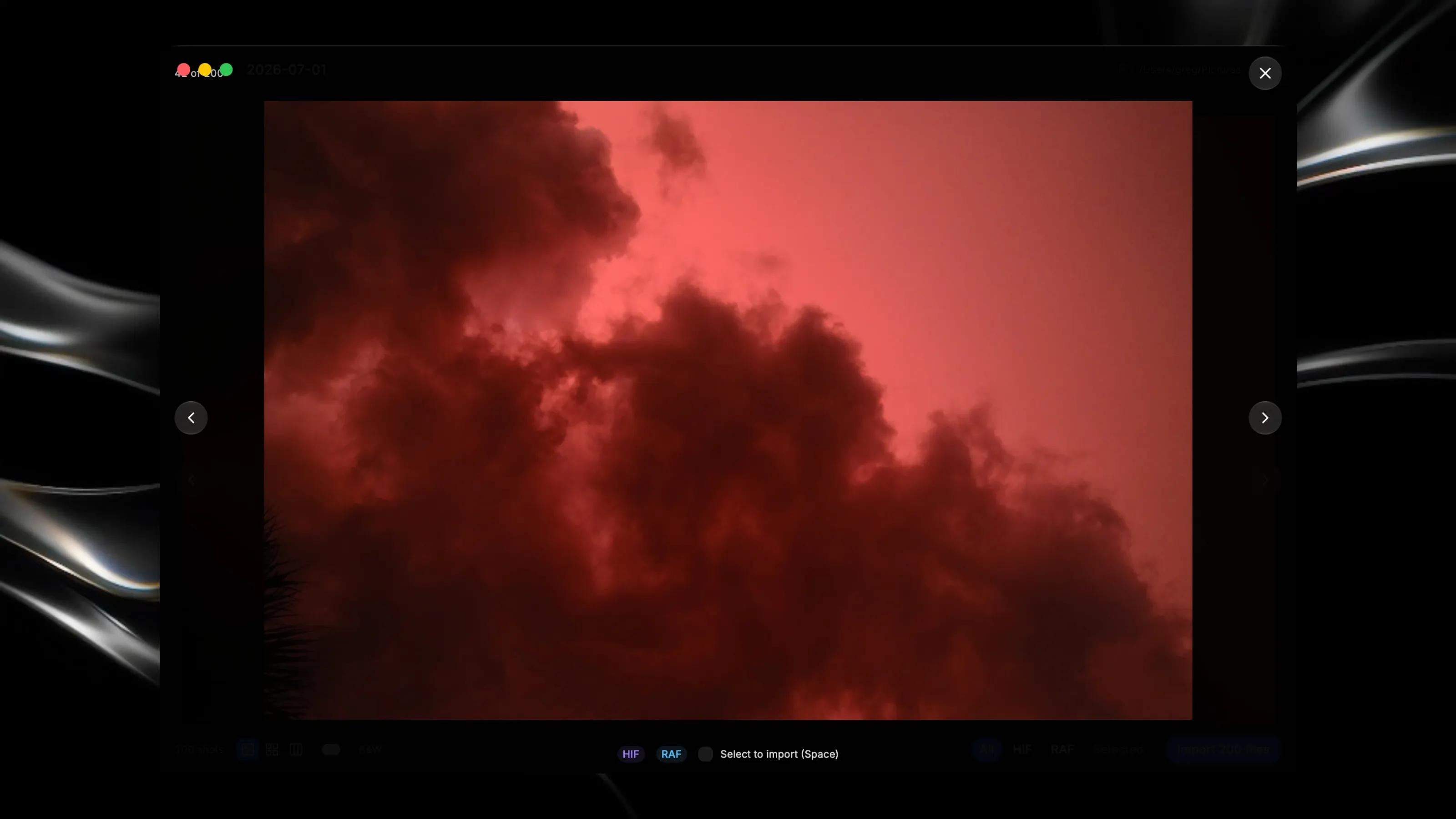
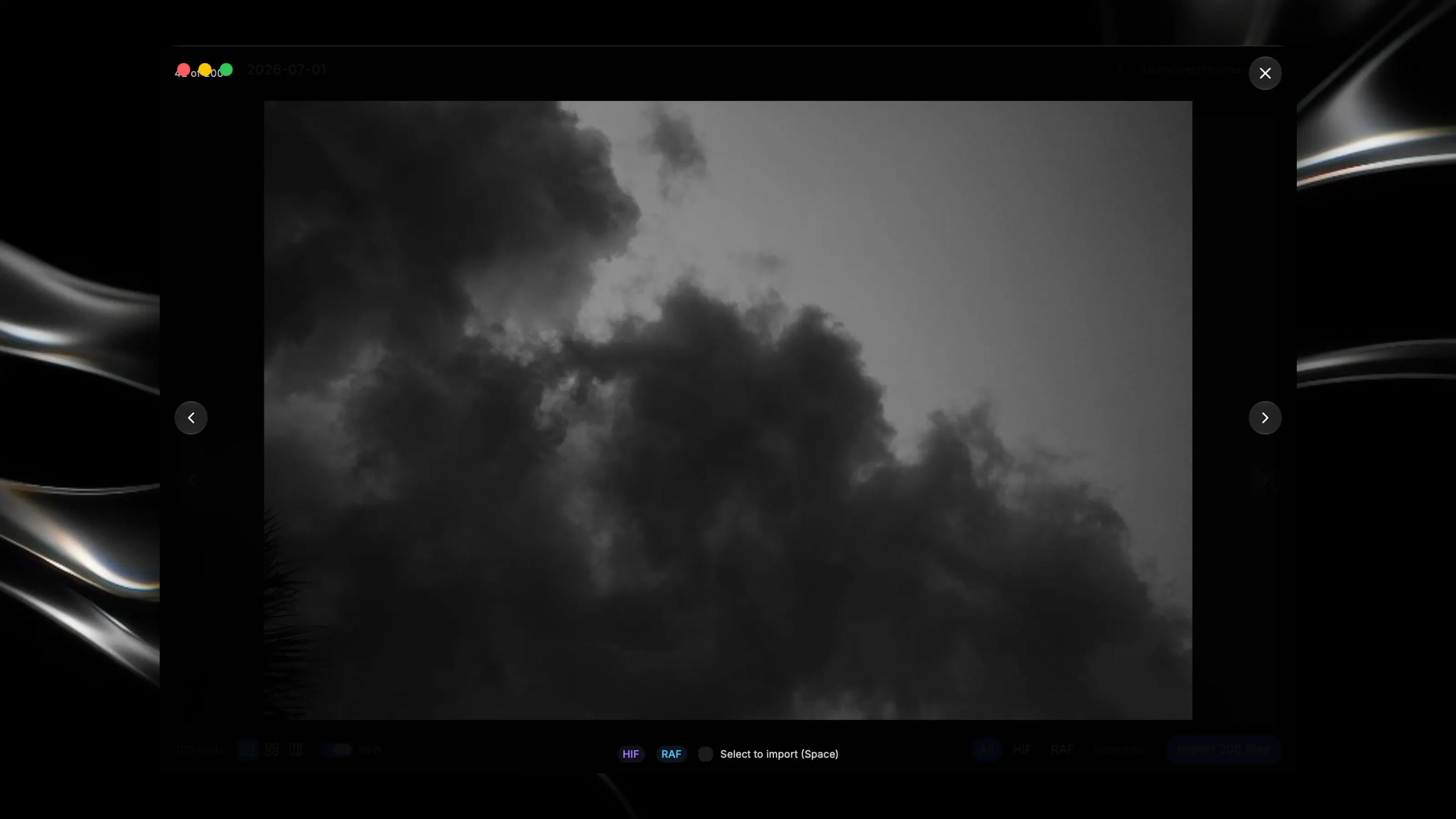
Insert your SD card, give the project a name at the top left, then select the photos you want to import in. Done! = FEATURES = - A built-in B&W preview toggle. - Photos stacked by date stamp and image format. - Single image, grid, and mosaic views, with a slider to adjust thumbnail sizes. = NOTES = - Checks for attached external storage with DCIM folders. - More to come! @gregbarbosa