Scritch
Jot down ideas before they slip away

About Scritch
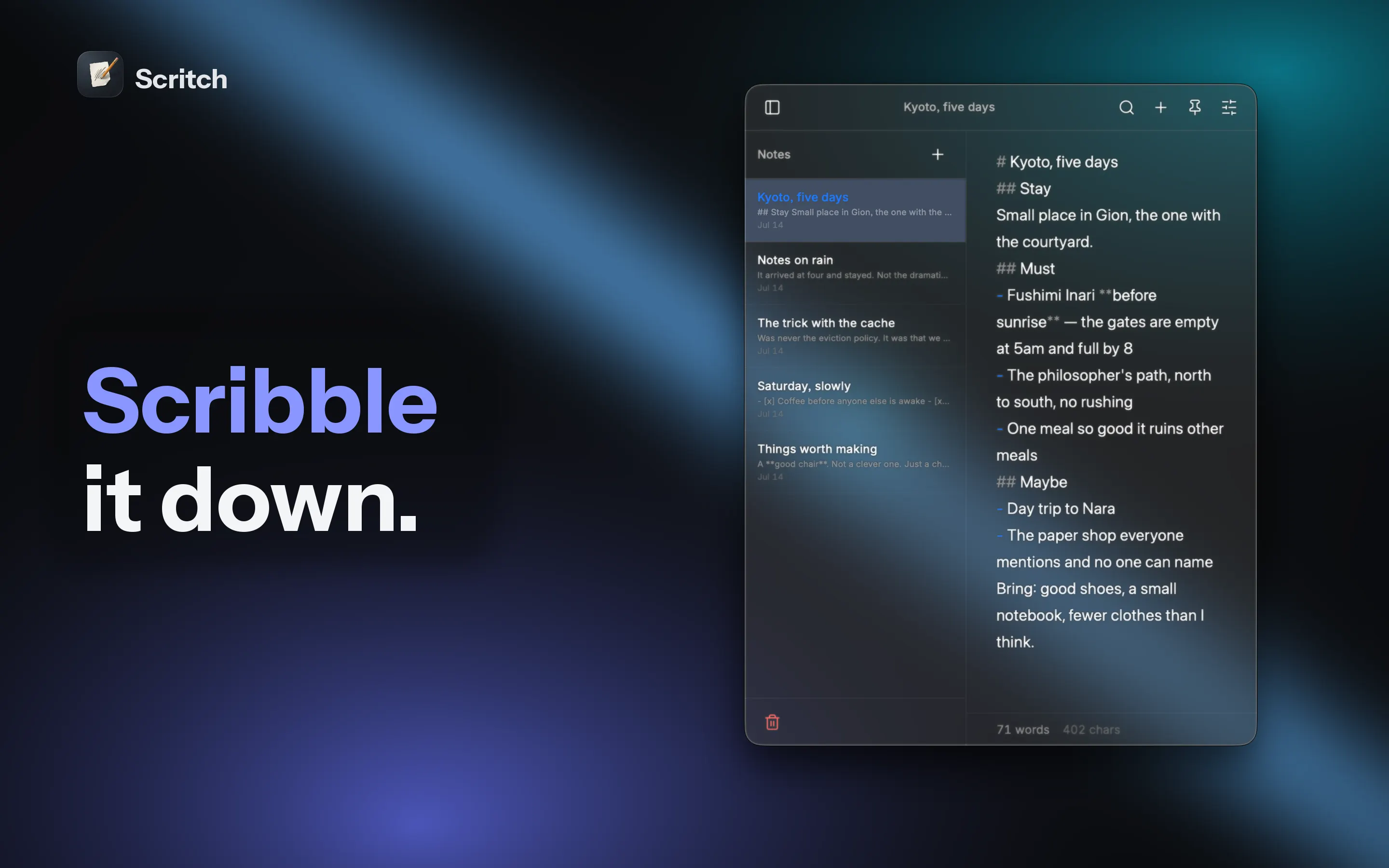
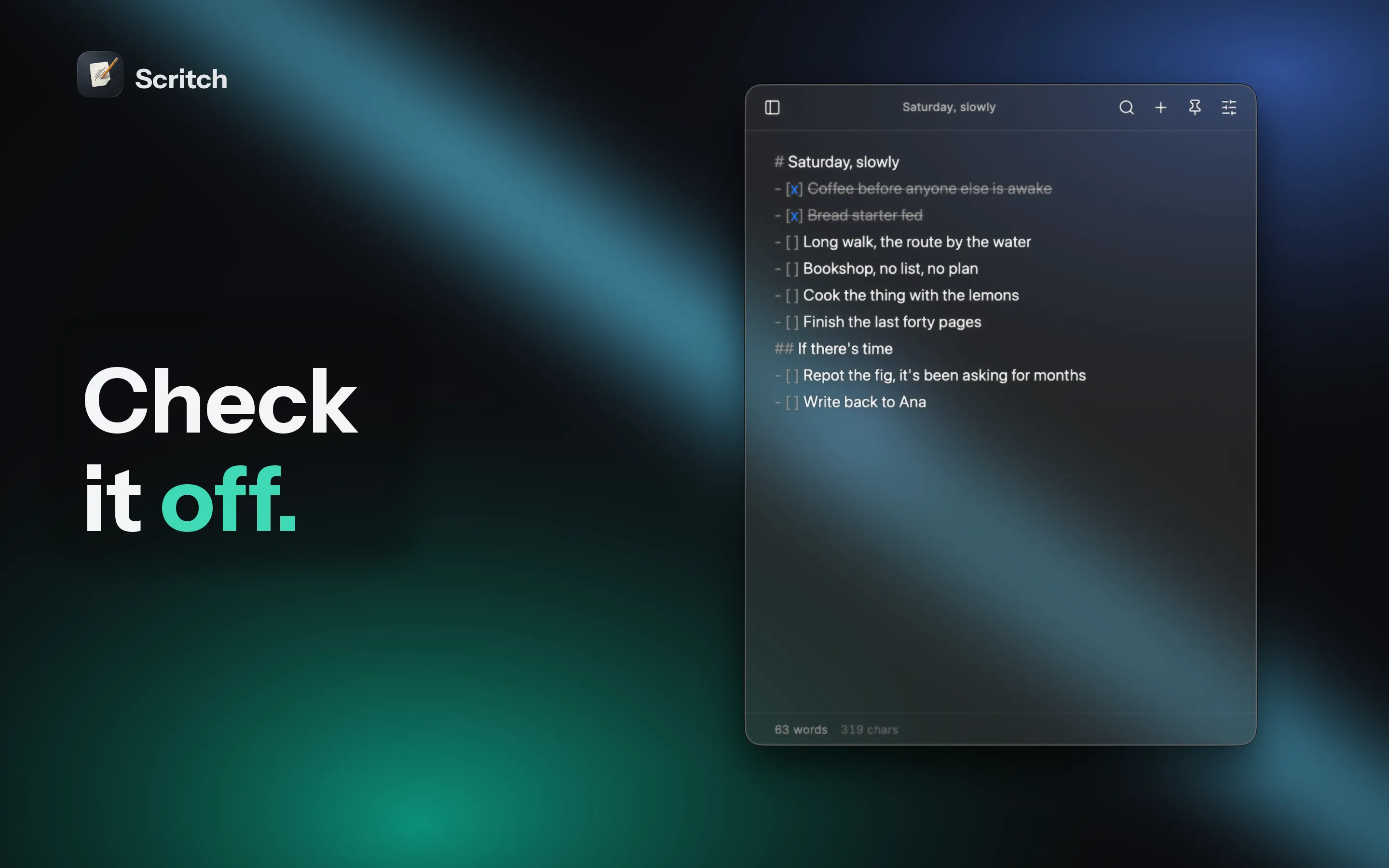
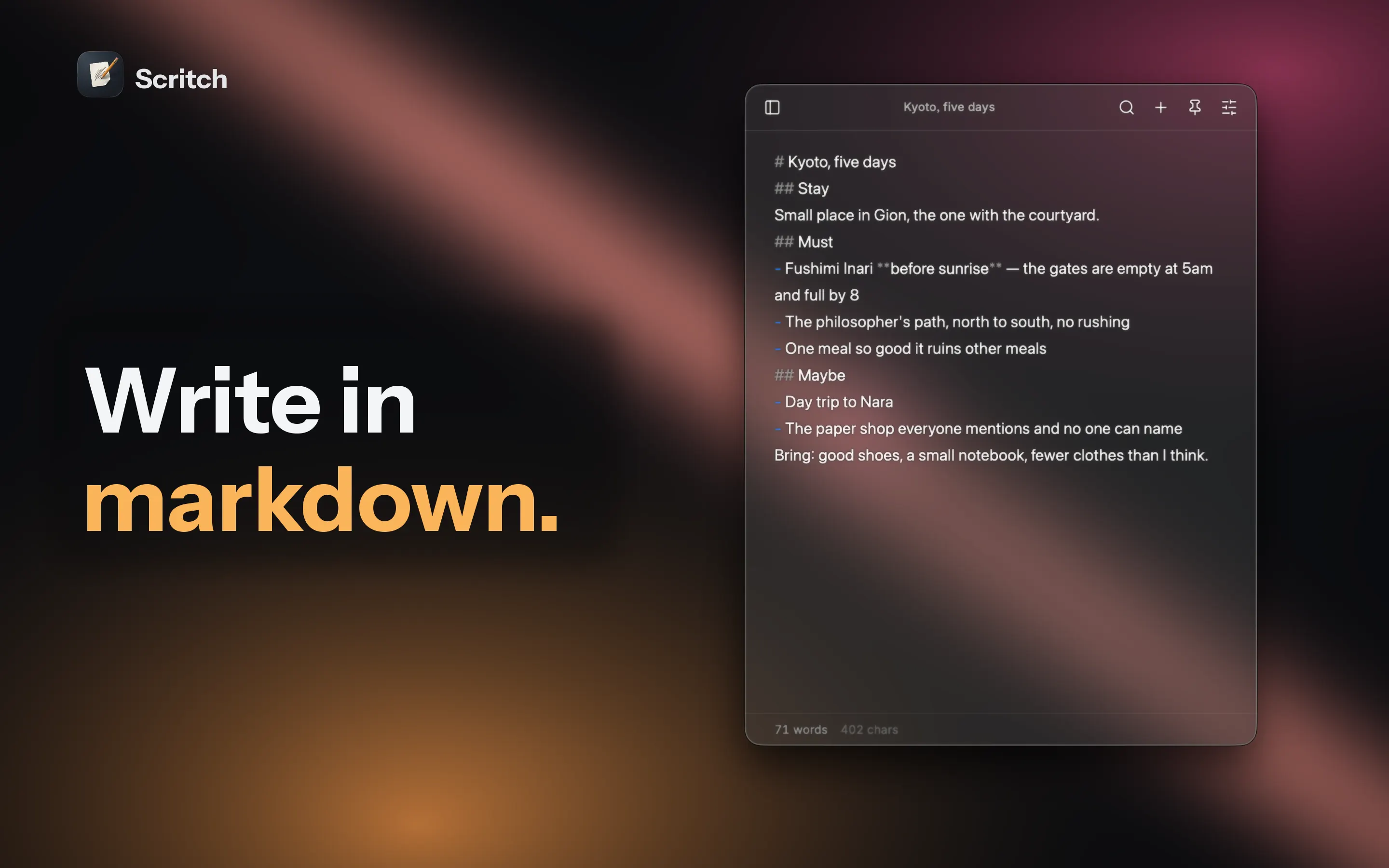
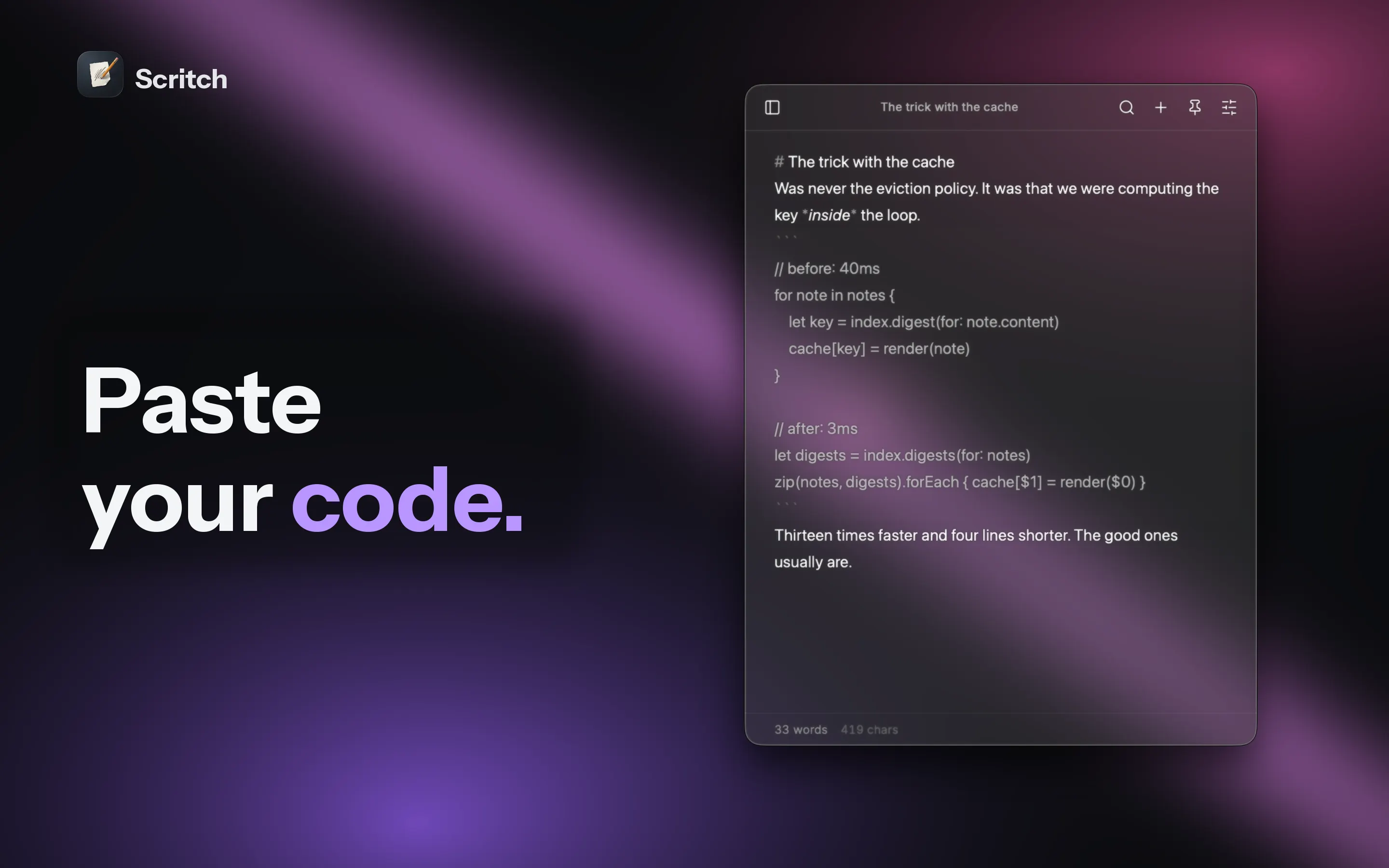
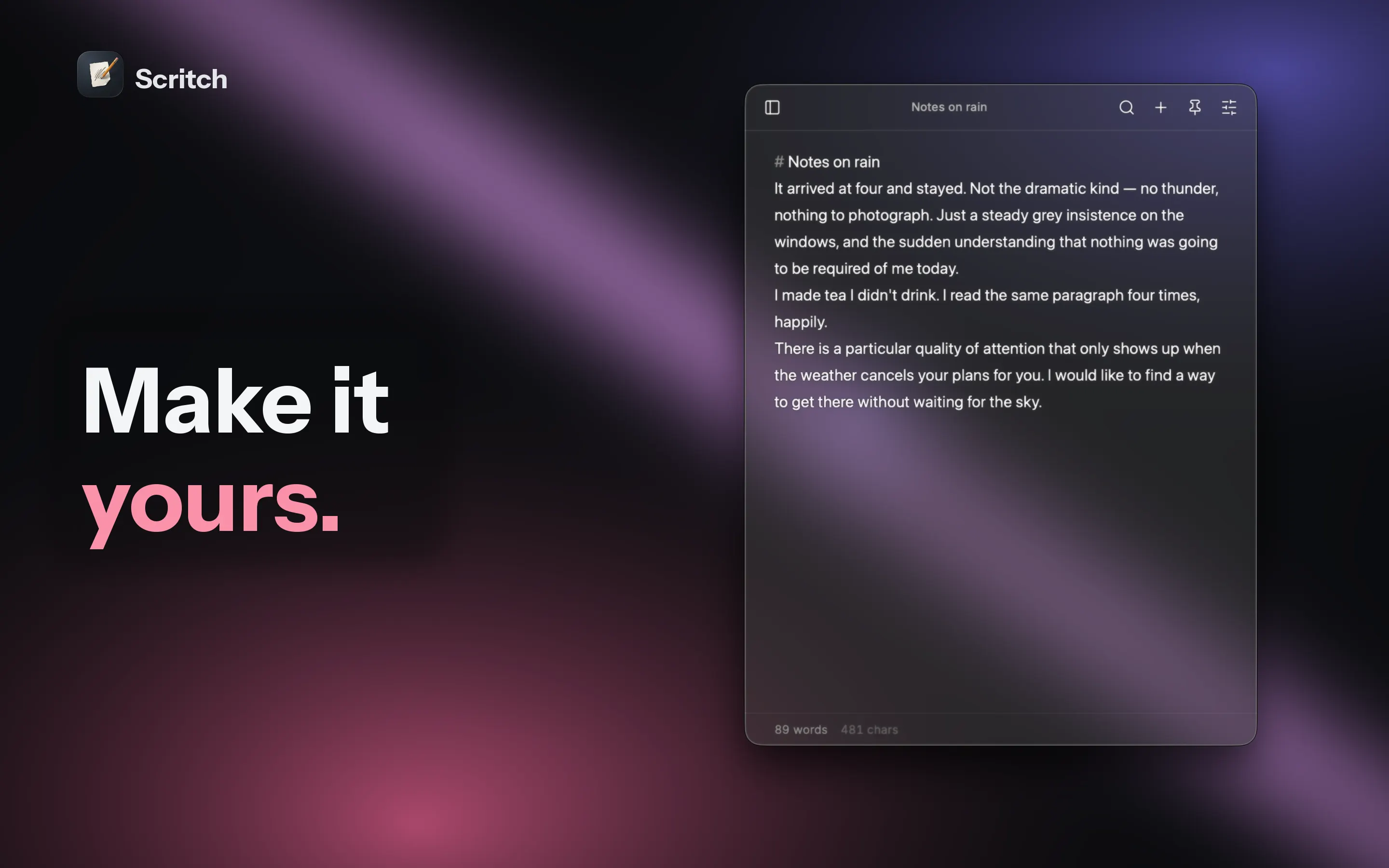
Scritch is a scratchpad that lives in your menu bar. Press one hotkey and it appears — over any app, even fullscreen ones — ready before your thought has time to escape. Press Escape and it's gone. No windows to find, no documents to name, no save button anywhere. It's for the wifi password. The half-formed idea. The thing someone said in a meeting that you'll need in an hour. The code snippet that doesn't belong anywhere yet. Notes too small and too fast for a "real" notes app — which somehow end up being the notes that matter most. SCRIBBLE IT DOWN One global hotkey, from anywhere on your Mac. The window appears instantly and your cursor is already in the right place — the exact note, scroll position, and cursor position you left. Pin the window to keep it floating above your work, or let it slip away the moment you click elsewhere. WRITE IN MARKDOWN Type the syntax, see it styled — headings, bold, lists, quotes, and dividers render live as you write. Dashes become bullets. Brackets become checkboxes you can actually click. Underneath it all, your notes are plain markdown: copy anything out of Scritch and you get clean, portable text. No lock-in, no proprietary format, no ceremony. PASTE YOUR CODE Fenced code blocks and inline snippets are styled properly, right in the middle of a thought. Scratch notes and scratch code belong in the same place. FIND IT AGAIN Unlimited notes, a fuzzy quick switcher, and full search across everything you've written. Type a few characters and jump. If the note doesn't exist yet, create it from the same keystroke. MAKE IT YOURS Themes with light and dark variants. Your choice of font, text size, line height, and line width. Show the Dock icon or hide it. Show the word count or don't. Launch at login so Scritch is simply always there. QUIET BY DESIGN Everything autosaves continuously. Local daily backups happen on their own. Your notes are stored on your Mac and can be exported as plain markdown files at any time. No account, no subscription to think about, nothing between you and the text. Scritch does one thing: it catches what you're about to forget, faster than anything else on your Mac.